> ## Documentation Index
> Fetch the complete documentation index at: https://usepike.com/docs/llms.txt
> Use this file to discover all available pages before exploring further.

# Introduction

> Complete guide to Pike

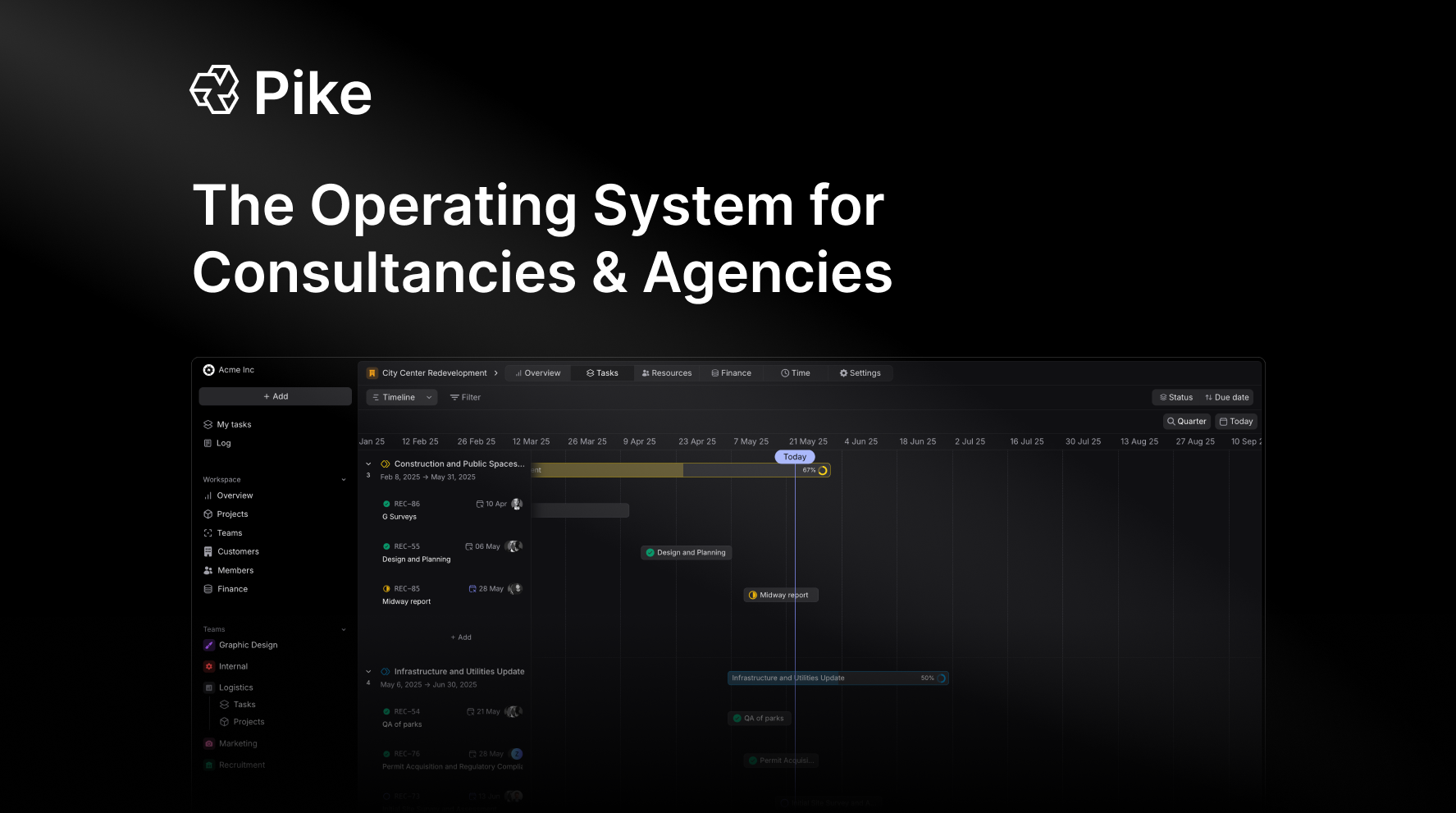
<img className="rounded-xl" src="https://mintcdn.com/adjera/dywmJsK8gYHZeHxn/images/introduction/open-graph.png?fit=max&auto=format&n=dywmJsK8gYHZeHxn&q=85&s=e138f3f64b1c1c0eaeeea4078aa04a51" alt="Login screen for Pike in light mode with timeline preview on the right" width={1000} height={500} loading="lazy" quality={80} data-path="images/introduction/open-graph.png" />

## Getting Started

Welcome to your Pike platform. This documentation will guide you through all aspects of managing your professional services organization.

<CardGroup cols={2}>
  <Card title="Quick Start Guide" icon="rectangle-vertical-history" iconType="solid" href="/quickstart">
    Get up and running with basic setup and configuration
  </Card>

  <Card title="Core Concepts" icon="book-open" iconType="solid" href="/concepts">
    Learn the fundamental concepts and terminology
  </Card>
</CardGroup>

<iframe src="https://www.youtube.com/embed/xptUQex-jhQ?vq=hd1080&rel=0&modestbranding=1" title="Pike - The Operating System for Modern Consultancies and Agencies" allow="accelerometer; autoplay; clipboard-write; encrypted-media; gyroscope; picture-in-picture" allowfullscreen />

## Key Features

Explore the main components of Pike.

<CardGroup cols={3}>
  <Card title="Project Management" icon="cube" iconType="solid" href="/project/overview">
    Create and manage projects, tasks, and phases
  </Card>

  <Card title="Resource Management" icon="users" iconType="solid" href="/members/overview">
    Manage team allocation and roles
  </Card>

  <Card title="Task Management" icon="list-check" iconType="solid" href="/tasks/create-tasks">
    Create and track tasks effectively
  </Card>

  <Card title="Financial Management" icon="coins" iconType="solid" href="/finance/overview">
    Track finances and manage invoices
  </Card>

  <Card title="Customer Management" icon="user-tie" iconType="solid" href="/customers/customer">
    Manage customer relationships and deals
  </Card>

  <Card title="Account Settings" icon="gear" iconType="solid" href="/workspace/overview">
    Configure your workspace settings
  </Card>
</CardGroup>