
Preventing resource over-allocation: a practical guide
11 Oct 26
Share
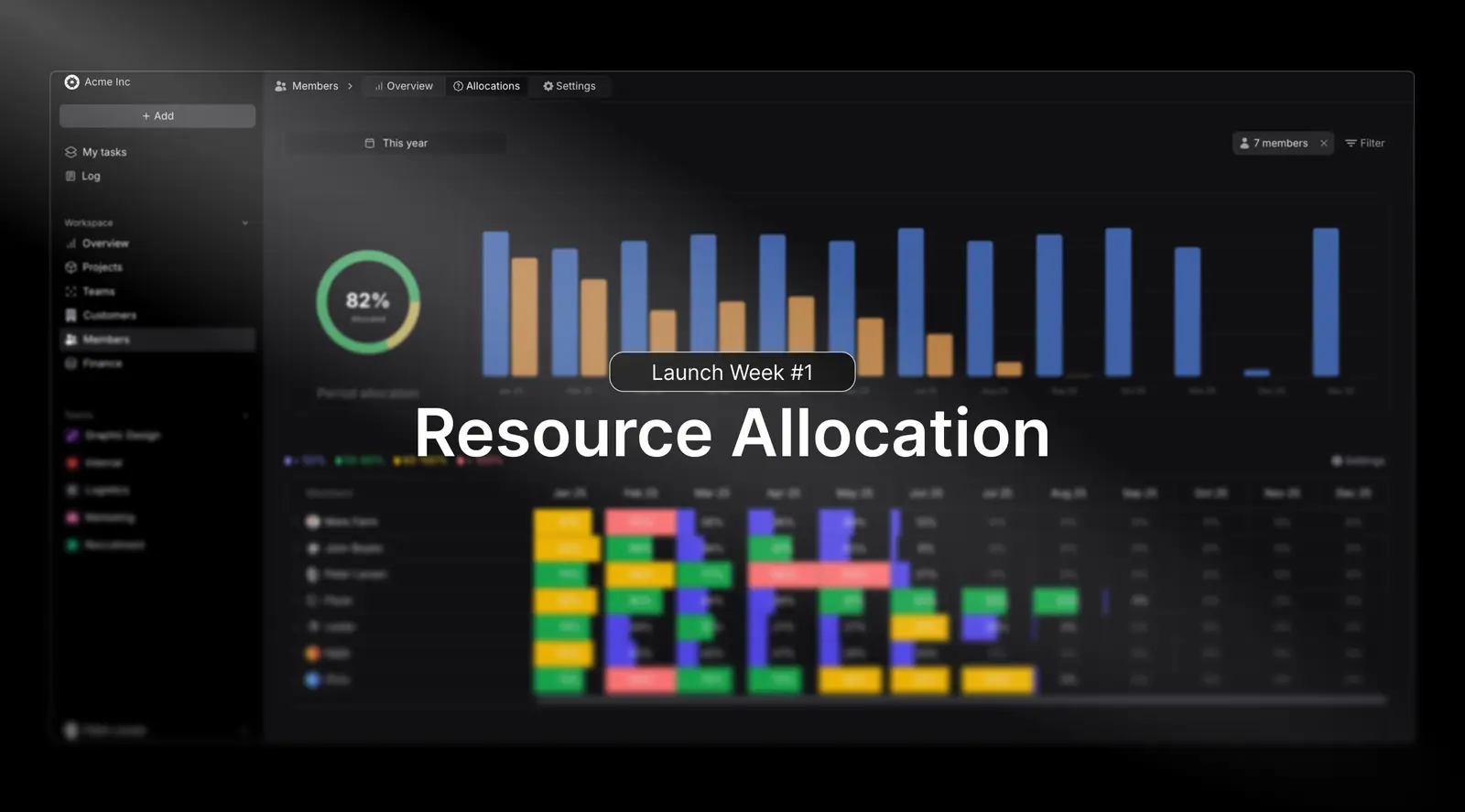
The newly launched Resource allocation and tracking module in Pike makes it easier and faster to properly allocate your resources on the right projects and tasks for increased efficiency.
A resource allocation is now an item in Pike that allows to allocate and assign hours to a member of a project, on a specific task.
In service based firms such as consultancies or agencies, it's important to know who you got available to work on projects at all times, and make sure your firms utilisation of resources equals to the possible work (a sum of all your resources available working hours).
Visualising this is possible to do in the workspace capacity overview in Pike:
This ensures you stay profitable whilst preventing overwork or underuse, and provides clear visibility into capacity, in order to plan for future work.
Resource planning and allocation now happens on a project level, under the resource tab:
First, it's important to add the resources that need work on the project, before allocating them hours. This can be done by pressing on + Add resource in the sidebar.
A new allocation is added by pressing on the + from outside resource, then in the modal, pick a task you want to assign the allocation to, a start and due date (i.e when should the resource spend time working on this task), before finally choosing how many hours daily should be spent working on the task.
Once created, all existing allocation can be viewed and edited on the timeline by expanding a resource from the > button next to the resources name.
Created allocations will automatically be calculated up against a resources capacity, and it's used capacity shown in percentages or hours.
In order to facilitate cross project planning, the used capacity shown in any given project, accounts for that resource's total allocations in the entire workspace across all projects and tasks.
The workspace resource allocation can be found under Members -> Resource Allocation and serves as a holistic dashboard showing allocations across all members, projects and tasks.
Here it's quick and easy to see how much time has been planned and how much time can still be allocated to members in any given period.
Share
 ISO 27001
 GDPR
GDPR SOC 2 Type II
Built to keep sensitive client data secure and private.