


Marketing agency profitability: how to measure it and where it leaks
 Daniel Reyes
By Maya Lindqvist
Content Writer at Pike
Share

"Looking for project cost tracking software that shows us exactly how much each project is costing versus what we budgeted." Agencies searching for this are usually already burned once: a project that looked fine on the timeline turned out to be losing money, and nobody caught it until the invoice was long gone. Project cost tracking software is built to close that specific gap. It keeps a project's actual cost next to its budget while the work is still running, broken down finely enough that you can see which task or which week pushed a project over, not just that it happened.
This guide compares the nine tools agencies and consultancies shortlist most often for this job in 2026. For each one: how it tracks cost specifically, where it falls short, and what it costs to run.
See where each project's budget actually stands. Book a 15-minute walkthrough.
Project cost tracking software keeps a running total of what a project has actually cost, next to what it was budgeted to cost, while delivery is still happening. It pulls labour cost from logged time, adds expenses and any third-party spend, and compares the total against the budget line by line, usually broken down by task, phase, or team member so you can see exactly where the money went.
The problem it solves is timing and granularity. Most agencies can tell you a project's total budget at kickoff and its total cost after it closes. What they cannot usually answer mid-project is which specific piece of work is currently eating the margin. A project can look fine in aggregate while one workstream quietly runs three times over estimate, and by the time that shows up in a month-end report, the work is already done and the money already spent. Cost tracking software exists to surface that variance while there is still a decision to make. For how this connects to the wider profitability picture, see our guide to tracking project profitability for agencies.
Live budget versus actual. The number should move as work happens, not refresh on a weekly export. If a project manager has to ask finance for a current cost figure, the tool is not doing its job.
Cost broken down below the project total. A single project-level cost figure hides where the problem is. Look for cost by task, by phase, or by person, so a variance points at a specific decision rather than the whole project.
Real cost rates, not a rough average. Cost should be calculated from each person's actual cost rate, not a single blended average applied to every hour. A blended rate can mask a project that is over budget specifically because senior people worked more of it than planned. See our guide to project budget tracking for agencies for how this plays out in practice.
Alerts before the overrun, not after. A useful tool flags a project approaching its budget threshold while there is still time to adjust scope or staffing, rather than reporting the overrun once it has already happened.
Accounting agreement. The cost figure the team sees should match the figure finance sees. Check whether the tool syncs with QuickBooks, Xero, or whatever system runs your books, so two teams are not quietly working from two different numbers.
Starting prices are the vendors' public list prices as of 2026. Where a vendor does not publish pricing, we show contact sales.
| Tool | Best for | Starting price | Core cost-tracking feature |
|---|---|---|---|
| Pike | Agencies tracking budget live | From $29/user/month | Live cost by task and person, updated as time is logged |
| BigTime | Billing-first firms under 50 | $20/person/month | Cost built from real employee rates on every time entry |
| Kantata | Large, multi-phase programs | Contact sales | Cost breakdown by task and role across complex programs |
| Scoro | Boutique consultancies | $19.90/user/month | Actual cost tracked line by line against the quote |
| Productive | Agencies under 100 people | $10/user/month | Simple budget-versus-actual view per task |
| Rocketlane | Enterprise implementation teams | $69/user/month | AI builds a cost baseline from the SOW and flags variance |
| Accelo | Client-services firms | Contact sales | AI flags budget risk before it becomes an overrun |
| Teamwork | Client-facing collaboration | $10.99/user/month | Task and time cost roll-up, shallow on budget-line detail |
| Asana | General workload visibility | $10.99/person/month annually | No native cost tracking |
Best for: agencies and consultancies that need a project's actual cost checked against its budget in real time, not at month-end.
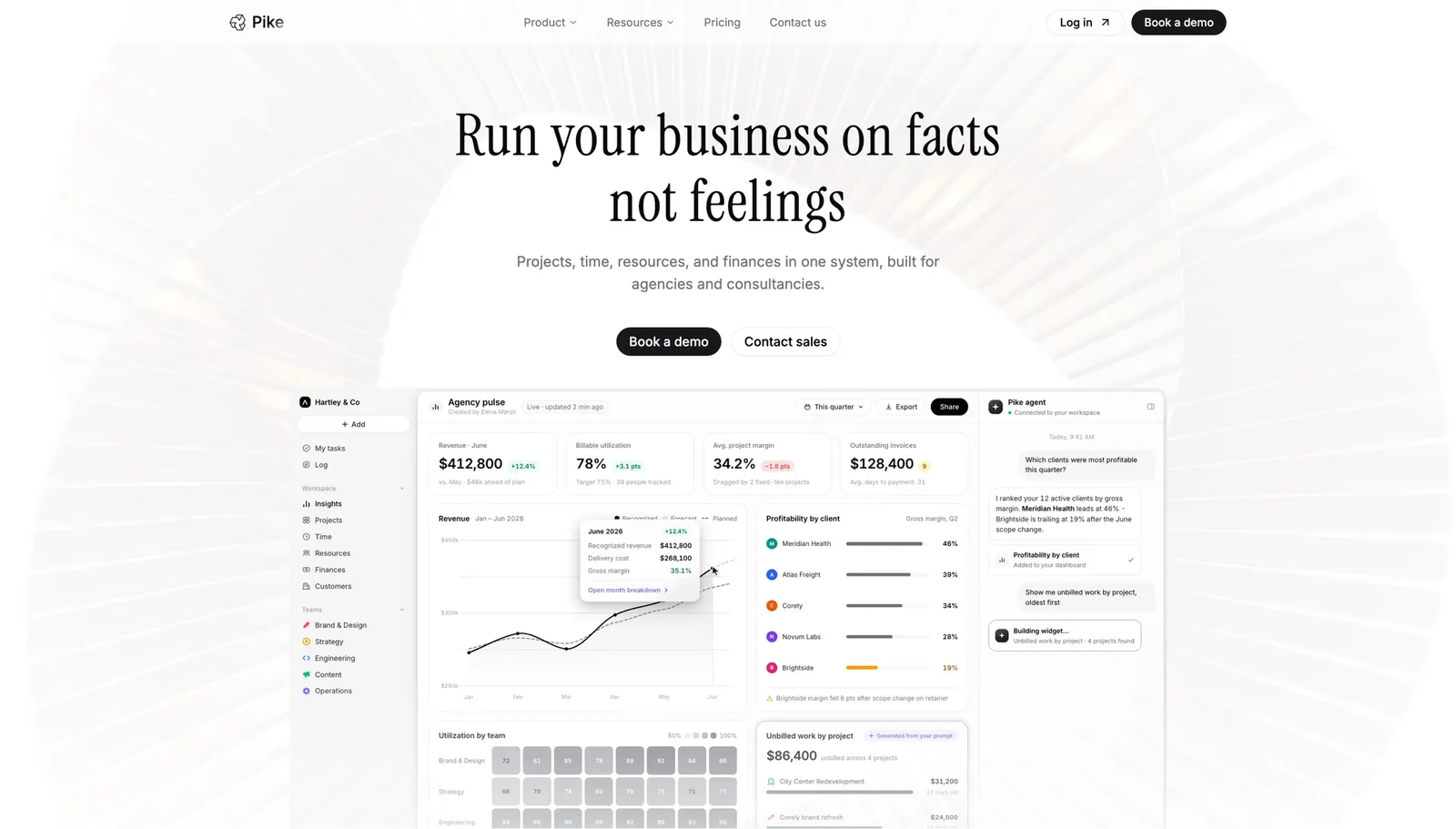
Pike updates a project's cost the moment time is logged against it. Cost is not one number for the whole project either: it breaks down by task, by phase, and by person, so if one part of the work is running hot you can see which one before it drags the rest of the budget down with it.
Because cost, billing, and budget live in the same system, the number a project manager sees is the same number finance sees. Pike ties cost to 4 native accounting integrations (QuickBooks, Xero, Business Central, and E-conomic), so a project's cost figure agrees with the company's books instead of requiring a separate reconciliation. It supports 4 billing models (fixed-price, time-and-materials, capped T&M, and retainer), which matters for cost tracking specifically because a fixed-price project and a T&M project need budget overrun flagged very differently. It is in production at teams including Outerkind, McElroy Architecture, e&enterprise, WPP, and Veolia.
Pros
Cons
Pricing: Pike publishes plans starting at $29 per user per month (Core, billed annually; $35 monthly), with Growth at $49 and Scale at $99 per user per month, plus a custom Enterprise tier. See pricing or book a walkthrough.
Best for: billing-first firms under 50 people that want cost built from real employee rates rather than an estimate.
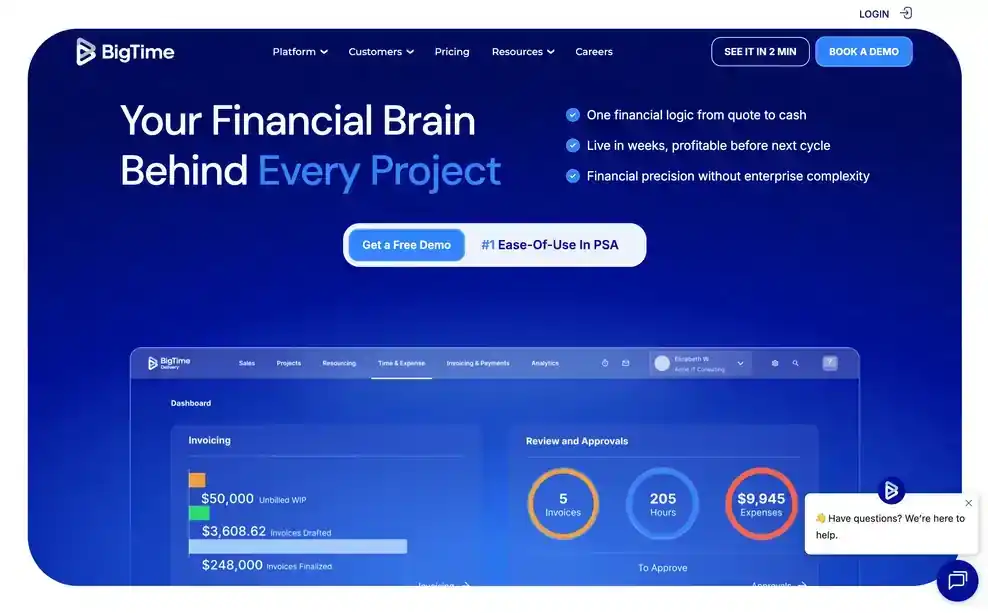
BigTime's cost tracking starts from the time entry, not the project total. As work is logged, BigTime applies each person's actual cost rate, so the project's running cost reflects who did the work, not a single average rate spread across the team. That matters most for firms where a handful of senior people cost meaningfully more than everyone else on the roster.
Pros
Cons
Pricing: from $20 per person per month.
Best for: large professional services firms running complex, multi-phase programs with many cost centres.
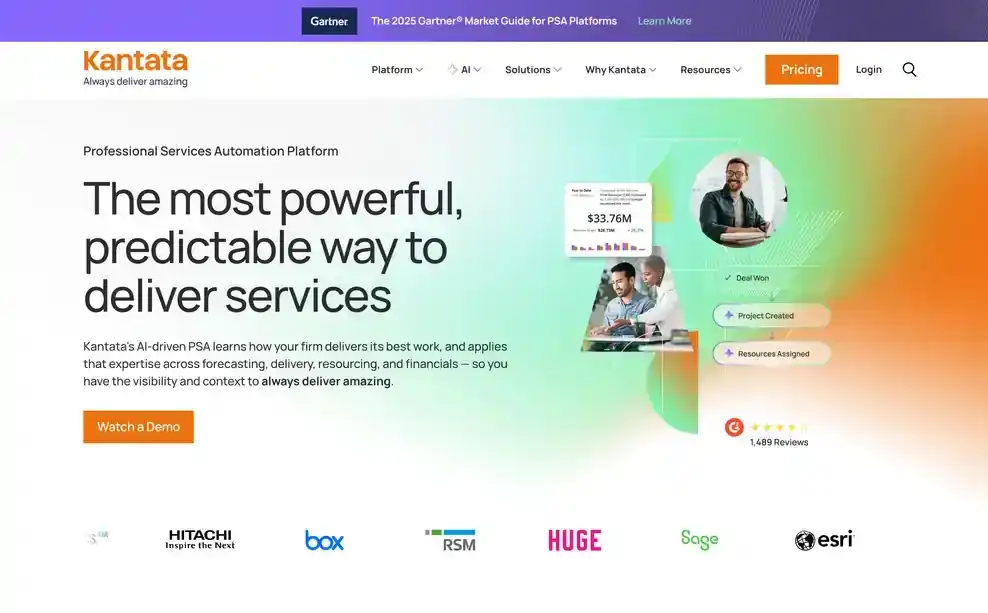
Kantata's cost tracking works at the level a large program actually needs: task and role, not just phase. For a firm running a multi-year engagement with dozens of workstreams, that granularity is what lets a program lead find the specific piece of work that pushed the budget, rather than being told the program overall is running hot.
Pros
Cons
Pricing: Kantata does not publish standard pricing. Contact its sales team for a quote. See Kantata vs Pike.
Best for: boutique consultancies that want cost tracked against the original quote, line by line.
Scoro ties cost tracking back to the estimate a project was quoted against. As labour and expenses accrue, Scoro compares them to the original quoted line items, so a variance shows up against the specific cost category, labour, materials, or expenses, that drifted from the plan rather than as one lump-sum difference.
Pros
Cons
Pricing: from $19.90 per user per month. See Scoro vs Pike.
Best for: agencies under 100 people that want a simple budget-versus-actual view without a heavy rollout.
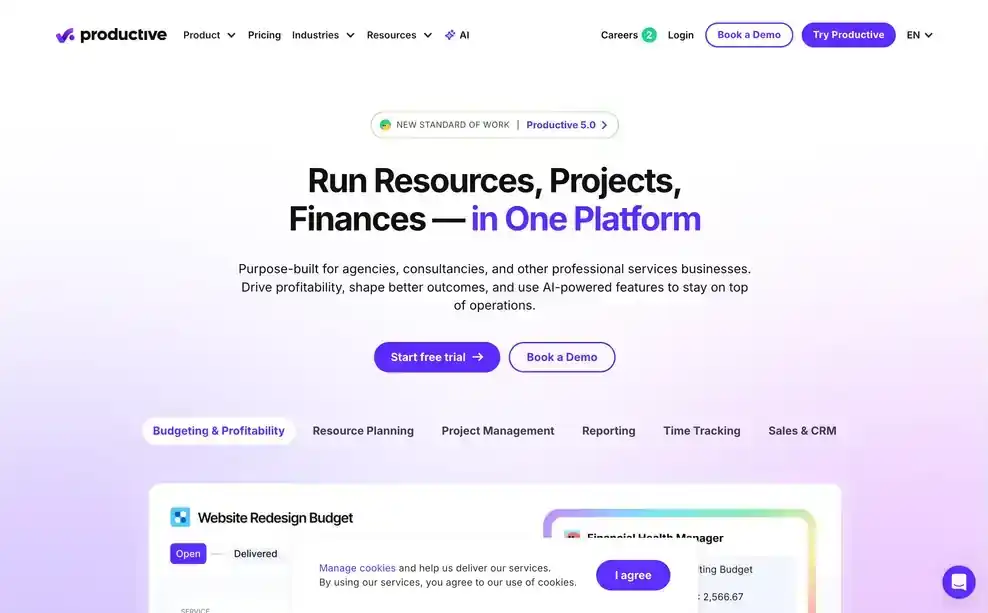
Productive keeps its cost view straightforward: budget against actual, broken down per task, in a fast interface that does not require weeks of setup before it is useful. For a 30-person design or content agency, that is usually enough granularity to catch a task running over before the whole project does.
Pros
Cons
Pricing: from $10 per user per month. See Productive vs Pike.
Best for: enterprise implementation teams that want AI catching cost overruns rather than a person checking a dashboard.

Rocketlane's AI builds a cost baseline directly from a signed statement of work, then monitors actual cost against it as the project runs, flagging variance as it appears instead of waiting for someone to notice. For a large implementation team running many concurrent projects, that removes a step someone would otherwise do manually, project by project.
Pros
Cons
Pricing: from $69 per user per month.
Best for: client-services firms that want budget risk flagged before it turns into an overrun.

Accelo's predictive tools look at a project's trajectory, not just its current total, and flag when a project is heading toward going over budget while there is still time to act. That is a different job than reporting cost after the fact: it is closer to an early-warning system than a ledger.
Pros
Cons
Pricing: Accelo does not publish pricing. Contact its sales team for a quote. See Accelo vs Pike.
Best for: agencies where client collaboration matters more than granular cost detail.
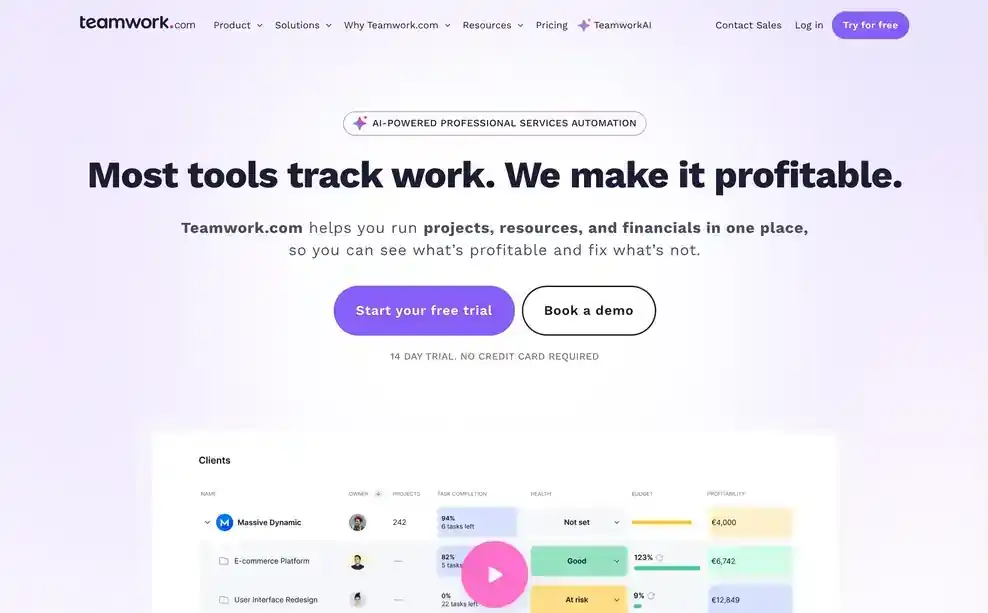
Teamwork rolls task and time data up into a project cost figure, but it stays shallow on the detail underneath. You can see that a project's cost is climbing; seeing exactly which task or team member drove it usually means exporting the data and building the breakdown somewhere else.
Pros
Cons
Pricing: from $10.99 per user per month. See Teamwork vs Pike.
Best for: teams that need task and workload visibility more than dedicated cost tracking.
Asana does not track project cost natively. Custom fields can hold an hourly estimate or a budget number, but nothing calculates actual cost against it automatically, so firms using Asana for this usually pair it with a separate time tracking or billing tool and build the cost comparison by hand.
Pros
Cons
Pricing: plans with basic reporting start at $10.99 per person per month billed annually. See Asana vs Pike.
Agencies choose Pike because a project's cost is never more than a few minutes stale. As time is logged, cost updates against budget, broken down by task and by person, so a manager can see exactly where a project is drifting while there is still room to adjust scope, staffing, or pace. Pike keeps finance data connected to resourcing, so the cost impact of a staffing decision shows up before you commit to it, not after the invoice goes out. For the metrics this connects to, see our project profitability guide.
See where each project's budget actually stands. Book a 15-minute walkthrough.
We assessed each platform against the five areas above: live budget versus actual, cost broken down below the project total, real cost rates versus blended averages, alerts before an overrun happens, and accounting agreement, along with fit for agencies and professional services firms specifically.
Public vendor pages supplied feature and pricing details. Where a vendor does not publish pricing, we marked it contact sales. Each tool's write-up names one real limitation, not just its strengths.
Share
 ISO 27001
 GDPR
GDPR SOC 2 Type II
Built to keep sensitive client data secure and private.