


Agency invoice review: catch billing errors before sending
 Andre Thompson
By Maya Lindqvist
Content Writer at Pike
Share

"We're switching from manual billing and need software that handles client invoicing, tracks project costs, and shows profitability by project." That is the search agencies run once they are done rebuilding invoices from a spreadsheet every month. Agency billing software takes logged time and expenses and turns them into an invoice automatically, tied to the project the work actually happened on, instead of someone reassembling that connection by hand before it goes out the door.
This guide compares the nine tools agencies and consultancies shortlist most often for automated client invoicing in 2026. For each one: how billing actually gets generated, which billing models it covers natively, and what it costs.
See automated billing tied to real project margins. Book a 15-minute walkthrough.
Agency billing software converts the hours and expenses logged against a project into a client invoice without anyone re-keying the numbers. It applies the right rate card or billing model to each time entry, rolls that up against the agreed scope or retainer, and produces an invoice that matches what the project management system says actually happened.
The problem it replaces is the manual handoff between delivery and finance. Someone tracks time in one place, checks it against the contract, builds the invoice in a second tool or a spreadsheet, and hopes nothing got missed or double-billed along the way. Agency billing software removes that handoff by keeping time, the billing model, and the invoice in the same system, so the invoice is a direct output of the work rather than a reconstruction of it. For how billing connects to the wider financial picture, see our guide to project financial management software.
Billing tied directly to logged time. An invoice should build itself from time entries and expenses already in the system, not from a second data-entry pass. If someone has to re-enter hours to generate a bill, the tool is not actually automating billing, it is just storing the numbers you still have to act on.
Support for more than one billing model. Agencies rarely run a single model. Fixed-fee, time-and-materials, capped T&M, and retainer work often coexist on the same client roster, sometimes on the same account. A tool built around one model forces the others into workarounds.
Retainer handling that does not require a workaround. Retainers need a different invoicing rhythm than project work: usage against an included allowance, overage billing, and a clear signal when usage is running ahead of the fee. Our guide to agency billing models covers how each model shifts risk between agency and client.
Accounting sync that actually reconciles. The invoice total in your billing tool and the revenue figure in your books should agree without a manual adjustment. Check specifically for QuickBooks and Xero, since those are what most agencies already run.
Client-facing clarity. An invoice a client has to call and ask about costs you time. Look for line items that map to real deliverables or time periods, not a single lump total that reads as a black box.
A billing rate that reflects how the team is actually staffed. If a project mixes senior and junior time, invoicing off a single average rate can hide who actually did the work. See our guide to blended rate for how agencies calculate that average and when it works against them. For the time-capture side of the equation, our guide to time tracking software for agencies covers what feeds the billing engine in the first place.
Starting prices are the vendors' public list prices as of 2026. Where a vendor does not publish pricing, we show contact sales.
| Tool | Best for | Starting price | Core billing feature |
|---|---|---|---|
| Pike | Agencies running mixed billing | From $29/user/month | Invoices generated across 4 billing models, tied to time |
| BigTime | Billing-first firms under 50 | $20/person/month | Invoicing built on real cost rates, tight QuickBooks/Xero sync |
| Accelo | Retainer-heavy service firms | Contact sales | Quote-to-cash billing with native retainer invoicing |
| Scoro | Boutique consultancies | $19.90/user/month | Invoices generated line by line against the original quote |
| Kantata | Large, multi-entity firms | Contact sales | Complex billing structures, consolidated invoicing |
| Productive | Agencies under 100 people | $10/user/month | Time entries convert to an invoice with minimal setup |
| Rocketlane | Enterprise implementation teams | $69/user/month | AI drafts an invoice baseline directly from the signed SOW |
| Teamwork | Client-facing collaboration | $10.99/user/month | Billable time tracked; invoice generation is shallow |
| Asana | General task and workload work | $10.99/person/month annually | No native invoicing |
Best for: agencies and consultancies billing clients under more than one model who need invoices to build themselves from logged time.
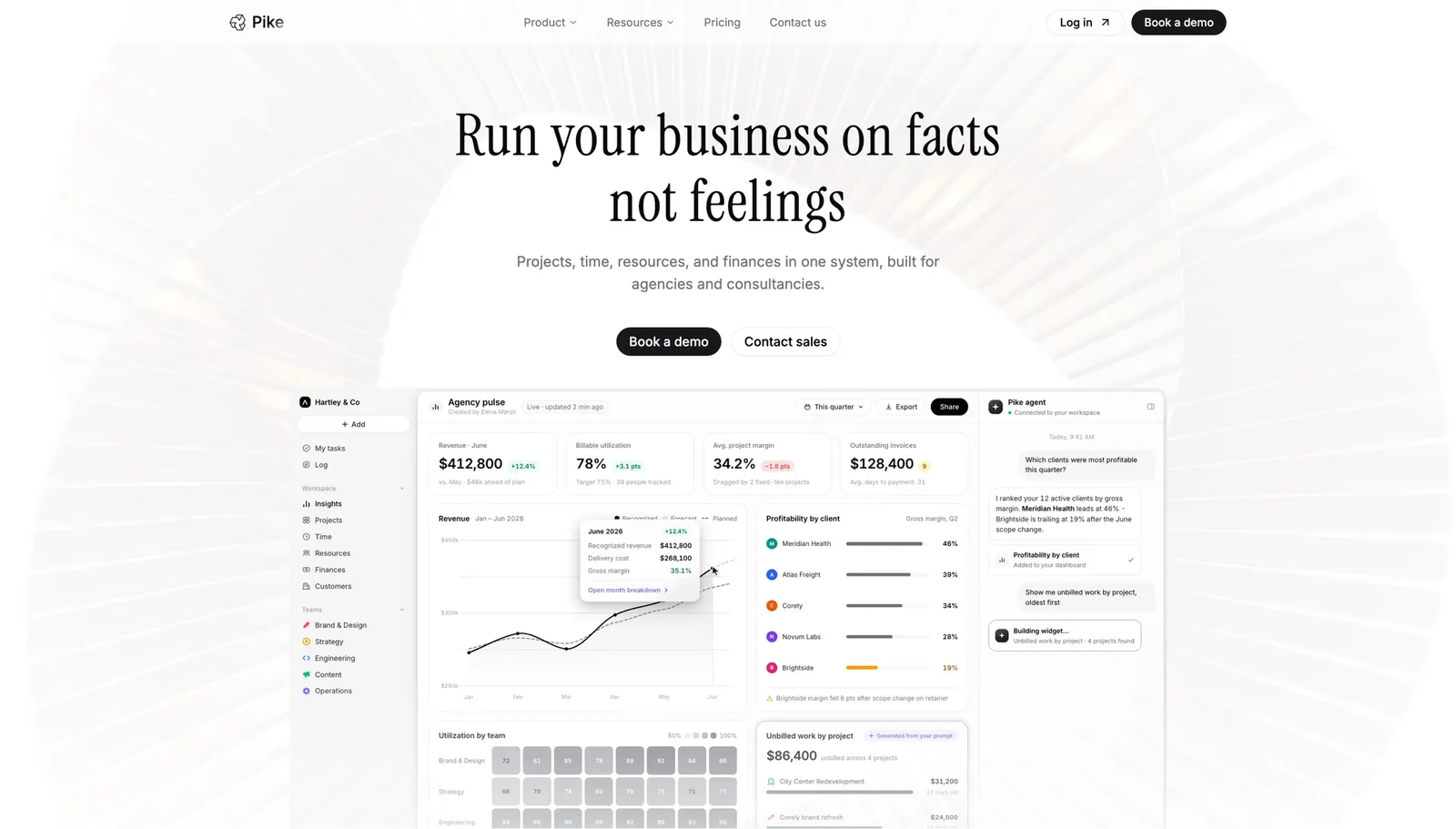
Pike generates an invoice directly from the time and expenses already logged against a project, so the numbers on the bill are the same numbers the team was working from all along. It runs 4 billing models natively, fixed-price, time-and-materials, capped T&M, and retainer, which matters here specifically because a fixed-fee client and a retainer client need a genuinely different invoice shape, not the same template with a different total. Pike syncs with 4 accounting systems (QuickBooks, Xero, Business Central, and E-conomic), so the invoice total and the company's books agree without a manual adjustment. It is in production at teams including Outerkind, McElroy Architecture, e&enterprise, WPP, and Veolia.
Pros
Cons
Pricing: Pike publishes plans starting at $29 per user per month (Core, billed annually; $35 monthly), with Growth at $49 and Scale at $99 per user per month, plus a custom Enterprise tier. See pricing or book a walkthrough.
Best for: billing-first firms under 50 people that want invoicing built around real cost rates and a tight QuickBooks or Xero connection.

BigTime has run billing as its core focus for over two decades, and the invoicing workflow shows it. Each time entry carries the person's real rate, so the invoice reflects who actually did the work rather than a flat rate applied across the team, and the QuickBooks and Xero sync is deep enough that finance rarely has to touch the numbers before they hit the books.
Pros
Cons
Pricing: from $20 per person per month.
Best for: retainer-heavy service firms that want quote-to-cash billing without a separate recurring-billing workaround.

Accelo runs the full cycle from quote to invoice in one workflow, and its retainer support is the standout: usage against an included allowance, automatic overage billing, and renewal invoicing all happen inside the platform rather than through a bolt-on. For an agency where retainers are the majority of revenue, that native handling is the difference between billing being routine and billing being a monthly scramble.
Pros
Cons
Pricing: Accelo does not publish pricing. Contact its sales team for a quote. See Accelo vs Pike.
Best for: boutique consultancies that want every invoice to trace back to the original quoted line items.
Scoro ties invoicing to the quote a project was sold against. As work happens, Scoro checks logged time and expenses against those original line items, so the invoice a client receives maps directly to what they agreed to, rather than an aggregate number they have to trust.
Pros
Cons
Pricing: from $19.90 per user per month. See Scoro vs Pike.
Best for: large professional services firms billing across multiple entities or regions that need consolidated invoicing.
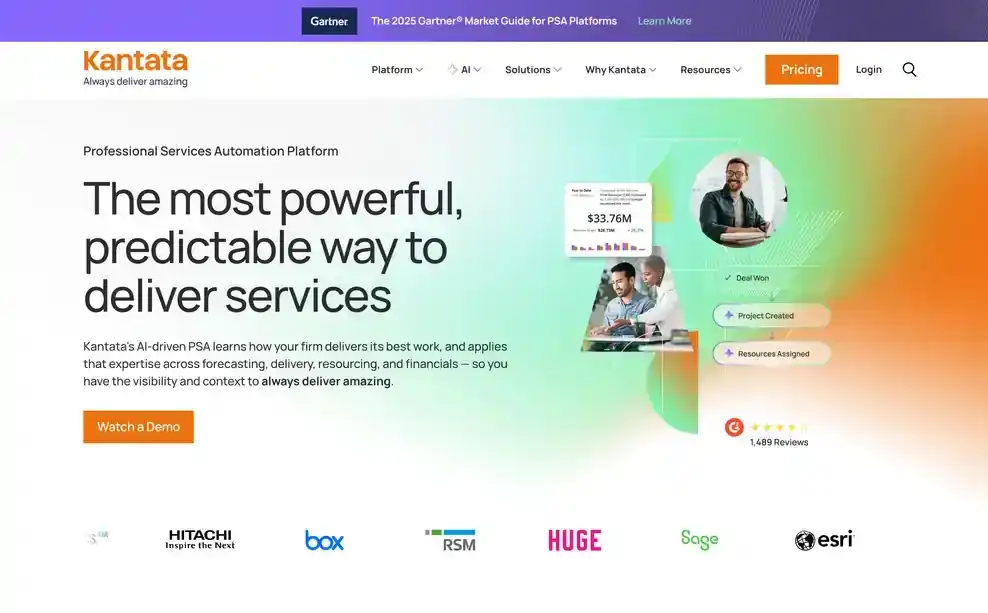
Kantata is built for billing complexity that most agencies never encounter: consolidated invoicing across subsidiaries, complex contract structures with multiple billing schedules on one engagement, and revenue recognition that has to satisfy more than one set of books. For a firm actually running at that scale, this depth is the reason to choose it over a lighter tool.
Pros
Cons
Pricing: Kantata does not publish standard pricing. Contact its sales team for a quote. See Kantata vs Pike.
Best for: agencies under 100 people that want time entries to become an invoice without a heavy rollout.
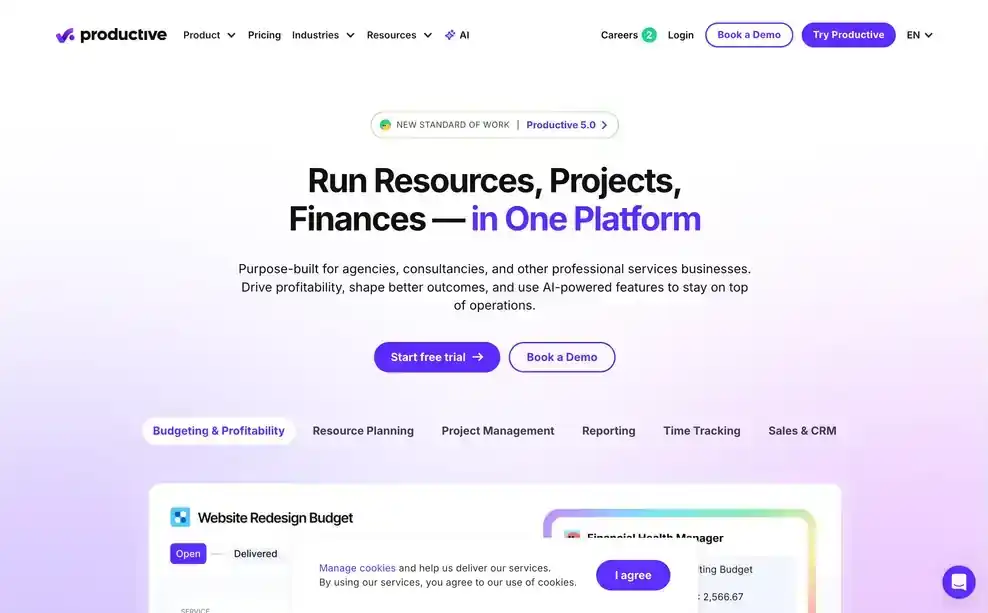
Productive keeps the path from logged time to invoice short: time entries roll up against the project, and generating the invoice is a fast, low-friction step rather than a separate billing project. For a 30-person creative or content agency, that speed matters more than depth most vendors add for firms twice the size.
Pros
Cons
Pricing: from $10 per user per month. See Productive vs Pike.
Best for: enterprise implementation teams that want AI setting up the invoice baseline rather than a person building it from the contract.

Rocketlane's AI reads a signed statement of work and builds the billing schedule and invoice baseline from it directly, then flags variance as delivery moves away from what was signed. For a large implementation team running many concurrent engagements, that removes a manual setup step per project rather than per invoice.
Pros
Cons
Pricing: from $69 per user per month.
Best for: agencies where the client portal and collaboration features matter more than invoice generation itself.

Teamwork tracks billable time cleanly and marks it against a project, but turning that into an actual client invoice is where it stays shallow. Firms using Teamwork for billing commonly export the billable hours and build the invoice in a separate accounting tool rather than generating it inside Teamwork itself.
Pros
Cons
Pricing: from $10.99 per user per month. See Teamwork vs Pike.
Best for: teams that need task and workload visibility and will run billing through a separate tool entirely.
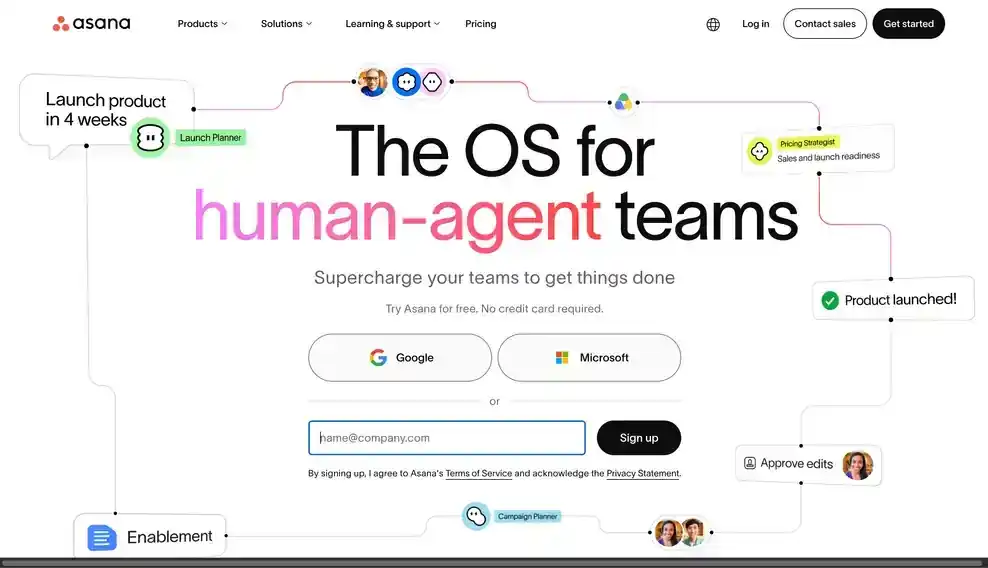
Asana has no native billing or invoicing. Custom fields can hold a rate or a budget number, but nothing in Asana turns logged work into a client invoice, so firms using it pair it with a dedicated time tracking or billing tool and connect the two by hand.
Pros
Cons
Pricing: plans with basic reporting start at $10.99 per person per month billed annually. See Asana vs Pike.
Agencies choose Pike because the invoice is built from the same time entries the team logged all along, not rebuilt from them. Pike handles fixed-price, time-and-materials, capped T&M, and retainer billing in one place, so a client roster that mixes billing models does not mean maintaining four separate processes. Because finance and time tracking sit in the same system, an invoice reflects the current state of the project budget rather than a snapshot someone has to reconcile after the fact.
See automated billing tied to real project margins. Book a 15-minute walkthrough.
We assessed each platform against the five areas above: billing tied directly to logged time, support for more than one billing model, retainer handling, accounting sync, and client-facing invoice clarity, along with fit for agencies and professional services firms specifically.
Public vendor pages supplied feature and pricing details. Where a vendor does not publish pricing, we marked it contact sales. Each tool's write-up names one real limitation, not just its strengths.
Share
 ISO 27001
 GDPR
GDPR SOC 2 Type II
Built to keep sensitive client data secure and private.