
Best PSA software for digital agencies in 2026, compared
12 Oct 26
Share

"I manage a digital agency and need software that tracks how much each project actually costs versus what we're billing clients." That is close to word for word what agencies type when they start this search. Project financial management software is the category built to answer it: it tracks project costs against budget, connects billing to the work actually delivered, and shows margin by project and by client while the work is still running, not after the invoice has gone out.
This guide compares the nine tools agencies and consultancies shortlist most often for this job in 2026. For each one, what it does well on the financial side, where it falls short, and what it costs.
See which of your projects are actually profitable. Book a 15-minute walkthrough.
Project financial management software tracks what a project costs against what it earns, while the project is still in progress. It pulls together labour cost, billing rates, expenses, and invoiced revenue, then shows margin by project, by client, and often by team, instead of leaving that calculation to a spreadsheet someone rebuilds every month.
The gap it closes is timing. A project manager can see the timeline. An accountant can see the invoice once it is sent. Neither typically has a live number for whether a specific project is making money right now. Project financial management software puts cost, budget, and billing data in one place so that number exists continuously, not just at month-end close. For the underlying metrics this depends on, see our guide to project profitability for agencies.
Real-time cost tracking. Labour cost should update as time is logged, not as a weekly export. If costs lag a week behind delivery, the margin figure you are looking at is already out of date.
Budget versus actual, live. You need to see a project's budget next to what has actually been spent or billed against it, updated automatically. A tool that only shows budget as a static number set at kickoff will not catch overruns until they have already happened. See our guide to project budget tracking for agencies for the mechanics.
Billing tied to delivered work. Time and expenses should flow into an invoice without a manual rebuild. This matters most if you run more than one billing model: fixed-fee, time-and-materials, or retainer, often at the same time. Weak billing integration is the most common reason firms keep a parallel spreadsheet even after buying a tool for this.
Profitability by project and by client. Look for margin broken out at both levels, not just a company-wide total. A firm can be profitable overall while individual clients or projects quietly lose money, and that is usually where the leak sits. Our guide on revenue leakage in agencies covers where this shows up most.
Accounting integration. Financial management software should connect to your general ledger, not replace it. Check whether it syncs with QuickBooks, Xero, or whatever system your finance team already runs, so project data and company books stay in agreement.
Starting prices are the vendors' public list prices as of 2026. Where a vendor does not publish pricing, we show contact sales.
| Tool | Best for | Starting price | Core financial feature |
|---|---|---|---|
| Pike | Agencies tracking margin live | From $29/user/month | Live cost, billing, and profitability in one system |
| Kantata | Large enterprise services firms | Contact sales | Multi-entity financial management |
| Scoro | Boutique consultancies | $19.90/user/month | Quoting and financials in one platform |
| Productive | Creative agencies under 100 | $10/user/month | Project margin tracking with a simple interface |
| Accelo | Retainer-heavy service firms | Contact sales | Quote-to-cash billing with retainer support |
| Teamwork | Client-facing collaboration | $10.99/user/month | Task and client visibility, limited financial depth |
| Rocketlane | Enterprise, agentic AI | $69/user/month | AI-assisted billing and cost tracking |
| Asana | General workload visibility | $10.99/person/month annually | Task and workload views, no native cost tracking |
| BigTime | Billing-first firms under 50 | $20/person/month | Billing accuracy tied to QuickBooks and Xero |
Best for: agencies and consultancies that need project cost, billing, and profitability connected in one live system.
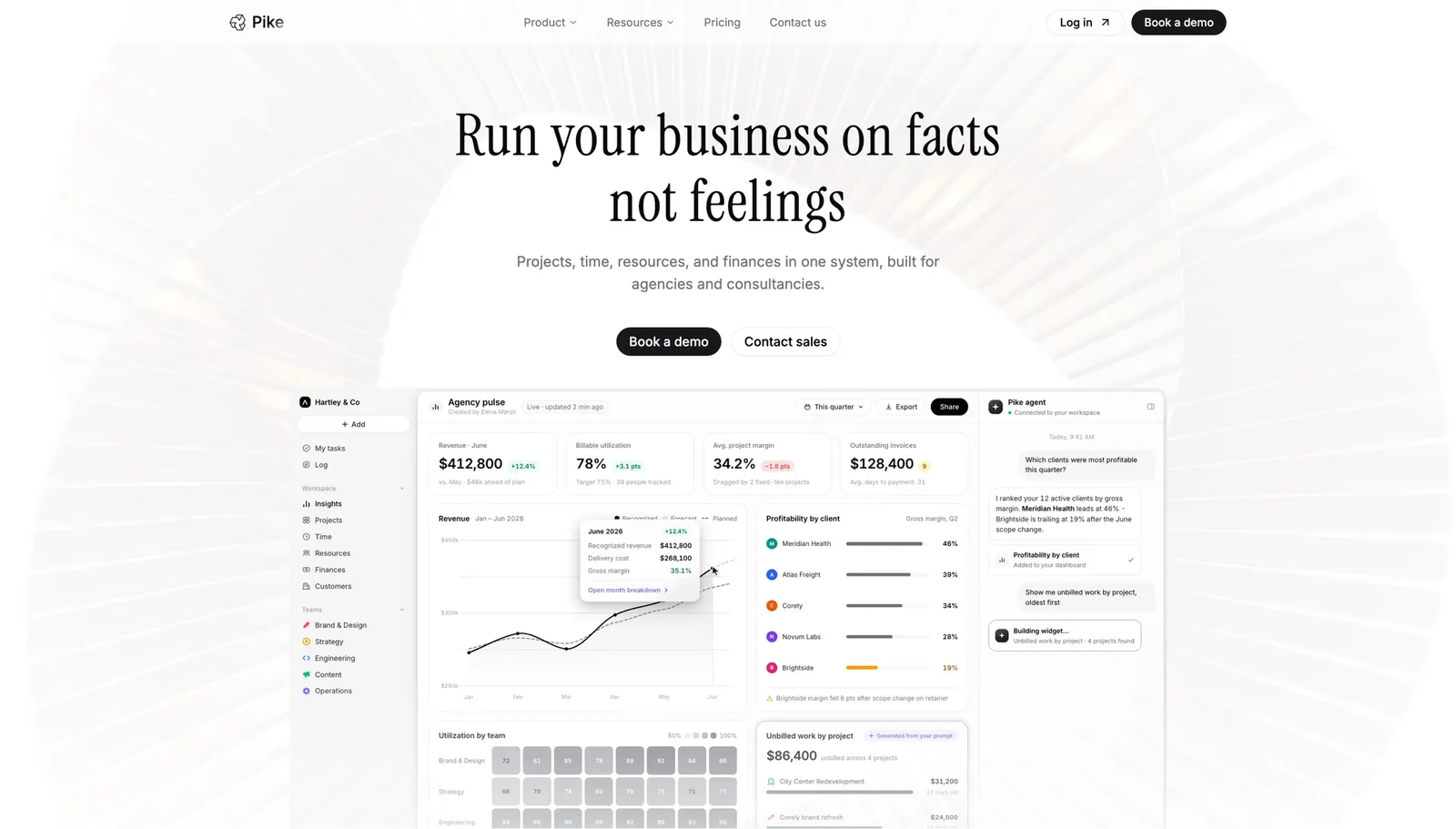
Pike keeps delivery and financial data in the same system by design. As time is logged against a project, cost updates automatically, budget tracks against actual spend, and margin recalculates, so you see whether a project is on track without waiting for month-end reporting.
Pike runs 4 billing models (fixed-price, time-and-materials, capped T&M, and retainer) and syncs with 4 accounting systems (QuickBooks, Xero, Business Central, and E-conomic), so project financials and the company's books stay in agreement instead of requiring a manual reconciliation. It is in production at teams including Outerkind, McElroy Architecture, e&enterprise, WPP, and Veolia.
Pros
Cons
Pricing: Pike publishes plans starting at $29 per user per month (Core, billed annually; $35 monthly), with Growth at $49 and Scale at $99 per user per month, plus a custom Enterprise tier. See pricing or book a walkthrough.
Best for: large enterprise professional services organisations that need multi-entity financial management.
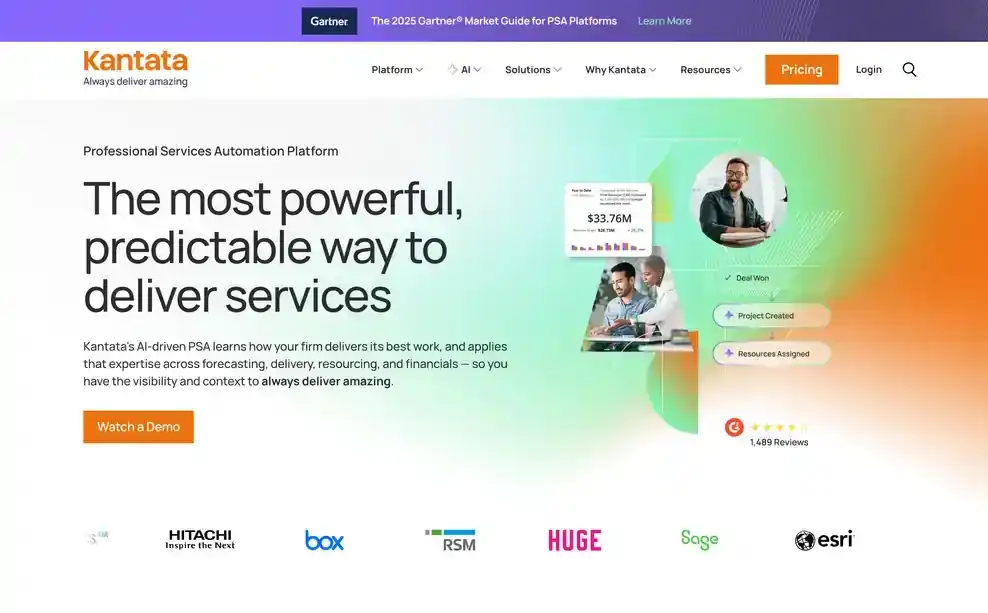
Kantata handles complex billing structures and consolidated revenue recognition across subsidiaries, which matters for firms with more than one legal entity or region reporting up to one set of books. It integrates with Salesforce, which reduces duplicate data entry for firms already running on that CRM.
Pros
Cons
Pricing: Kantata does not publish standard pricing. Contact its sales team for a quote. See Kantata vs Pike.
Best for: boutique consultancies that want quoting, project financials, and reporting in one platform.
Scoro is strong at quoting and estimation before a project starts, which sets the budget baseline that later financial tracking gets measured against. It also handles retainer billing and recurring revenue reasonably well for firms running a mix of project and retained client work.
Pros
Cons
Pricing: from $19.90 per user per month. See Scoro vs Pike.
Best for: creative agencies under 100 people that want project margin visibility without a heavy implementation.
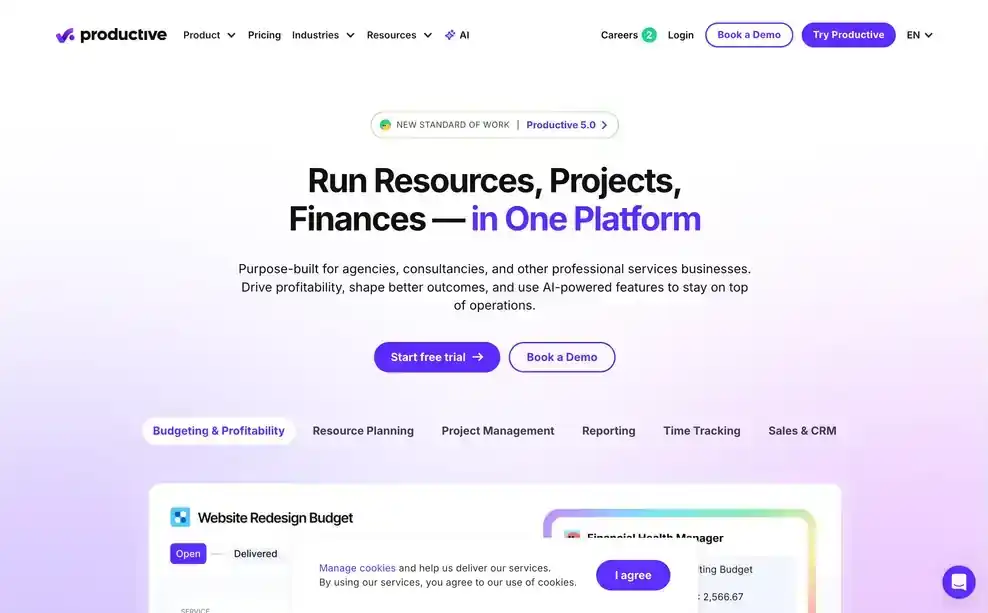
Productive tracks project profitability, time, and billing in a single, simple interface. For a 30-person design or content agency, that combination gives reliable margin visibility without a long rollout.
Pros
Cons
Pricing: from $10 per user per month. See Productive vs Pike.
Best for: service firms running retainers that want quote-to-cash billing in one platform.

Accelo covers the full cycle from quote to invoice, and its retainer management is a genuine strength: subscription and recurring service billing is a gap in most PSA-style tools, and Accelo closes it directly.
Pros
Cons
Pricing: Accelo does not publish pricing. Contact its sales team for a quote. See Accelo vs Pike.
Best for: agencies where client communication matters more than deep financial reporting.
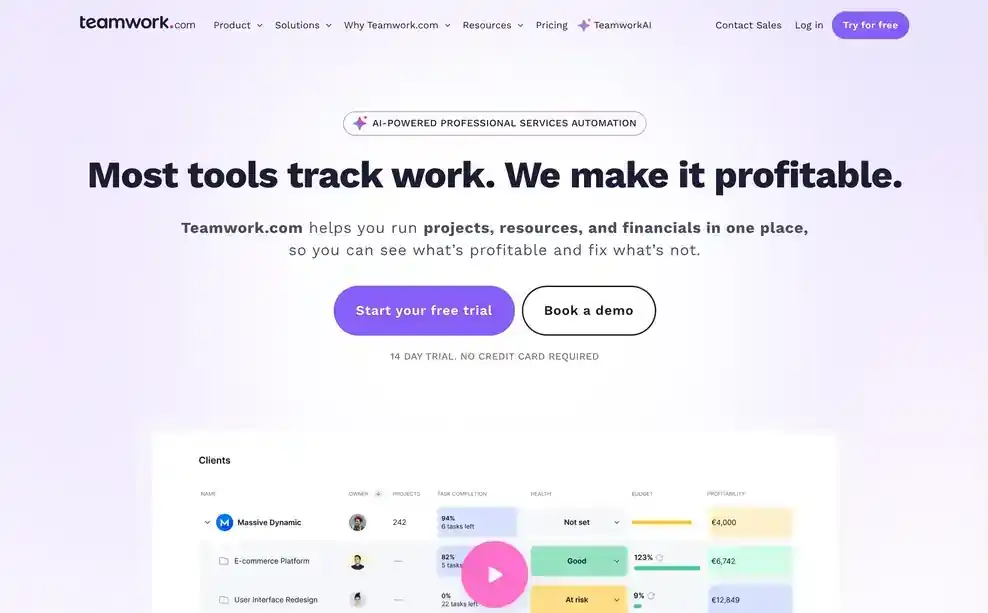
Teamwork's strength is client-facing collaboration: guest access, portals, and shared project visibility. Financially, it stays shallow. It tracks tasks and time, but project profitability and connected billing are not built to the depth agencies eventually need, and firms that start here for the collaboration features often end up running a separate tool for financial reporting.
Pros
Cons
Pricing: from $10.99 per user per month. See Teamwork vs Pike.
Best for: enterprise professional services firms of 50 to 500+ people that want agentic AI handling billing and cost tracking.

Rocketlane's agentic AI acts on cost and billing data instead of only reporting it. It can convert a signed statement of work straight into a live project budget without someone rebuilding it by hand, which is a meaningful jump for firms with the scale to use it.
Pros
Cons
Pricing: from $69 per user per month.
Best for: teams that need workload visibility more than dedicated project financial tracking.
Asana shows what people are working on and when. It does not natively track project cost, budget, or margin, so firms using it for financial visibility usually pair it with a separate time tracking or billing tool and reconcile the two by hand.
Pros
Cons
Pricing: plans with basic reporting start at $10.99 per person per month billed annually. See Asana vs Pike.
Best for: billing-first firms under 50 people that want accurate invoicing tied to QuickBooks or Xero.

BigTime has been in this market for over 20 years, and it shows in how solidly billing works: strong QuickBooks and Xero integration, accurate invoice generation, and time tracking built specifically to feed billing rather than general task management.
Pros
Cons
Pricing: from $20 per person per month.
Agencies choose Pike because cost, billing, and profitability sit in one place instead of three. When time is logged, project cost updates. When a milestone is hit, billing reflects it. When you check margin, you are looking at the current number, not a figure someone rebuilt from three exports last Friday. Pike keeps financial data connected to delivery and resourcing, so a staffing or scope decision shows its cost impact before you commit to it, not after the invoice goes out.
See which of your projects are actually profitable. Book a 15-minute walkthrough.
We assessed each platform against the five areas above: real-time cost tracking, budget versus actual, billing tied to delivered work, profitability by project and client, and accounting integration, along with fit for agencies and professional services firms specifically.
Public vendor pages supplied feature and pricing details. Where a vendor does not publish pricing, we marked it contact sales. Each tool's write-up names one real limitation, not just its strengths.
Share
 ISO 27001
 GDPR
GDPR SOC 2 Type II
Built to keep sensitive client data secure and private.