
Best PSA software for digital agencies in 2026, compared
12 Oct 26
Share

"I'm running a 30-person marketing agency and using spreadsheets to track projects and resource allocation. We need software that shows project profitability in real time and helps us forecast capacity." That's the point most marketing agencies reach once campaigns, content rounds, and retainer clients outgrow what a spreadsheet and a shared calendar can hold together. Project management software for marketing agencies needs to do more than track tasks: it has to run campaign calendars against real deadlines, keep content moving through approval rounds without losing a version, and show which retainer clients are profitable once the work is billed.
This guide compares the nine tools marketing agencies shortlist most often in 2026. For each one: how it structures campaign and content work, what it does for retainer and client-facing reporting, and what it costs.
See your campaigns, capacity, and client margin in one place. Book a 15-minute walkthrough.
Marketing agency project management software has to hold three things together that a generic task tool treats as separate: the campaign calendar, the content approval process, and the client billing relationship. A campaign is not one task, it's a sequence of deliverables (briefs, drafts, approval rounds, launch, reporting) running against a fixed date and a client who expects to see progress without asking for it.
The gap shows up first in content approval. A generic board tool tracks a task as done or not done, but a content deliverable moves through drafting, internal review, client feedback, and revision, often more than once, and losing track of which round is current is how a launch date slips. The second gap is retainer billing: most marketing agencies run a mix of retainer and project-fee clients, and the software needs to show whether a retainer client's monthly hours are running ahead of the fee before the month closes, not after. For how that billing side works across models, see our guide to agency billing models.
A calendar view built around campaigns, not just tasks. Look for a timeline or calendar that shows deliverables across multiple concurrent campaigns and clients on one screen, so a scheduling conflict between two client launches is visible before it happens, not after.
Content and approval tracking that survives more than one revision round. A deliverable should carry its review status and history in the tool itself. If feedback lives in email threads or a separate file-sharing tool, the "current version" question becomes a daily interruption.
Retainer billing that shows usage against the fee, not just hours logged. Retainer clients need a different view than project clients: usage against an included allowance, and a clear signal before the agency has delivered more than the retainer covers. Our guide to retainer management for agencies covers how to run that relationship without the client or the agency losing track of it.
Resource visibility across accounts, not per project. A designer or strategist working three client accounts needs their full workload visible in one place. A tool that only shows allocation project by project hides the over-booking until someone is already behind.
Client-facing reporting without a manual rebuild. Account managers spend real hours each week assembling a status update from three different tools. Software that already holds the project, time, and budget data should produce a client-ready view without that rebuild.
Starting prices are the vendors' public list prices as of 2026. Where a vendor does not publish pricing, we show contact sales.
| Tool | Best for | Starting price | Core PM feature for marketing agencies |
|---|---|---|---|
| Pike | Agencies running mixed retainer and project work | From $29/user/month | Campaigns structured as projects, tied to retainer usage and margin |
| Asana | Cross-functional campaign teams | $10.99/person/month annually | Shared campaign calendar and timeline across teams |
| Teamwork | Client-facing agencies | $10.99/user/month | Client project portal plus 150+ integrations |
| Productive | Agencies under 100 people | $10/user/month | Campaign plan converts to an invoice with minimal setup |
| Scoro | Quote-scoped campaign work | $19.90/user/month | Campaign cost tracked line by line against the original quote |
| Accelo | Retainer-heavy service firms | Contact sales | Quote-to-cash workflow with native retainer invoicing |
| Kantata | Large, multi-entity agencies | Contact sales | Role and skill-based staffing tied to project accounting |
| BigTime | Finance-first firms | $20/person/month | Campaign staffing tied to billable-hour heatmaps |
| Rocketlane | Onboarding-heavy implementation teams | $69/user/month | AI drafts a campaign kickoff plan from the signed SOW |
Best for: marketing agencies running a mix of retainer and project-fee clients who need campaign work and client margin visible in the same place.
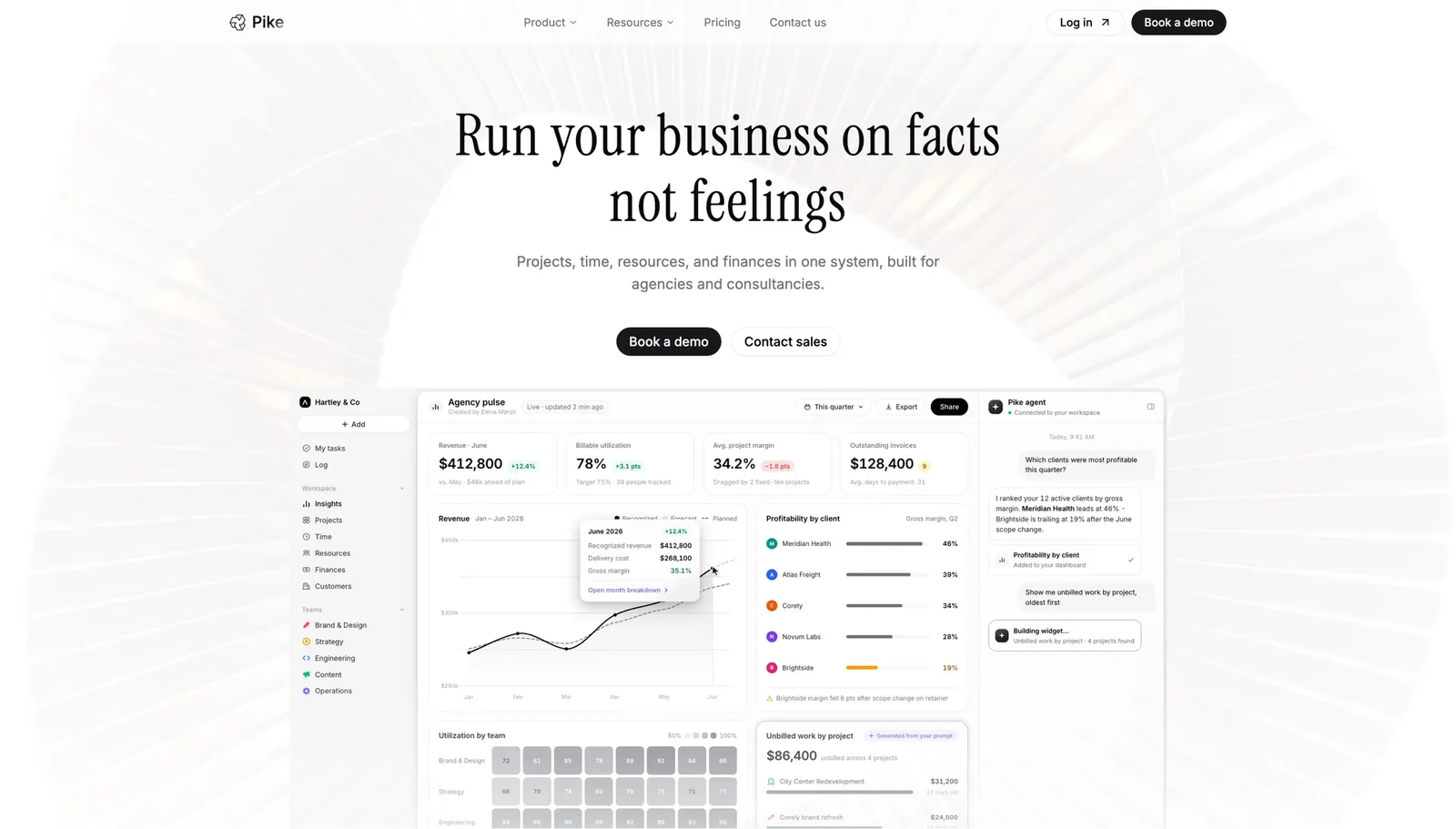
Pike structures a campaign the way a marketing team runs one: a project with milestones and phases for briefing, drafting, approval, and launch, viewable as a board, list, or timeline depending on who's looking. Comments and mentions stay attached to the task, so client feedback on a specific deliverable doesn't end up buried in a separate email thread. Because time logged against a campaign flows straight into the retainer or project budget, an account manager can see whether a retainer client's monthly hours are running ahead of the fee before the invoice goes out, not after. Pike runs 4 billing models (fixed-price, time-and-materials, capped T&M, and retainer) natively, which matters for a client roster that mixes all of them. It's in production at teams including Outerkind, McElroy Architecture, e&enterprise, WPP, and Veolia.
Pros
Cons
Pricing: Pike publishes plans starting at $29 per user per month (Core, billed annually; $35 monthly), with Growth at $49 and Scale at $99 per user per month, plus a custom Enterprise tier. See pricing or book a walkthrough.
Best for: marketing agencies whose campaigns cross creative, media, and ops teams and need one shared calendar everyone already knows how to use.
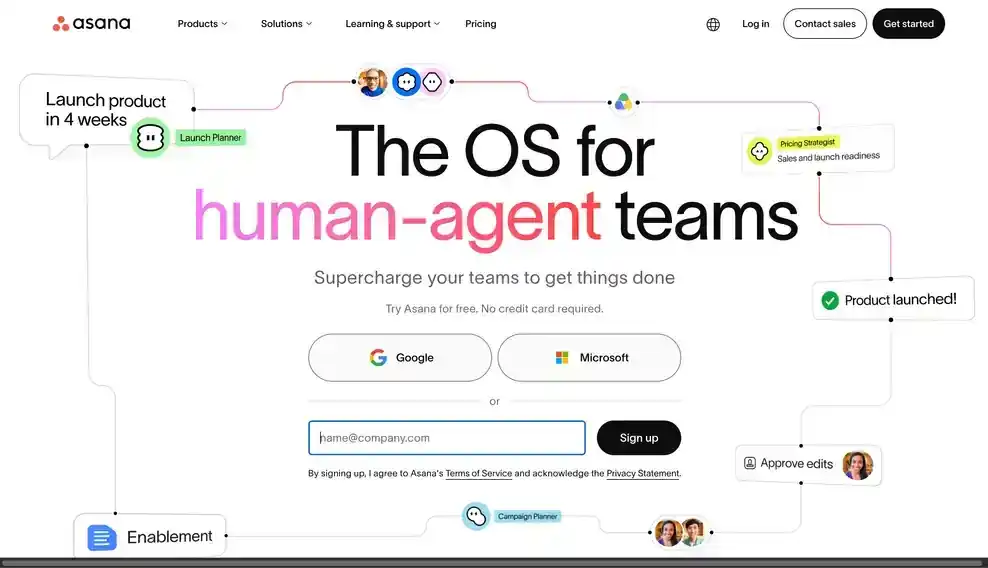
Asana's timeline and calendar views are the reason so many marketing teams land here first: a campaign's deliverables sit on one shared timeline that creative, media buying, and account teams can all see without learning a project-specific tool. Custom fields can carry a campaign's status or approval stage, which helps a busy team spot where a deliverable sits in the process.
Pros
Cons
Pricing: Plans with basic reporting start at $10.99 per person per month billed annually. See Asana vs Pike.
Best for: marketing agencies that want clients to see campaign status directly, without a separate reporting step.
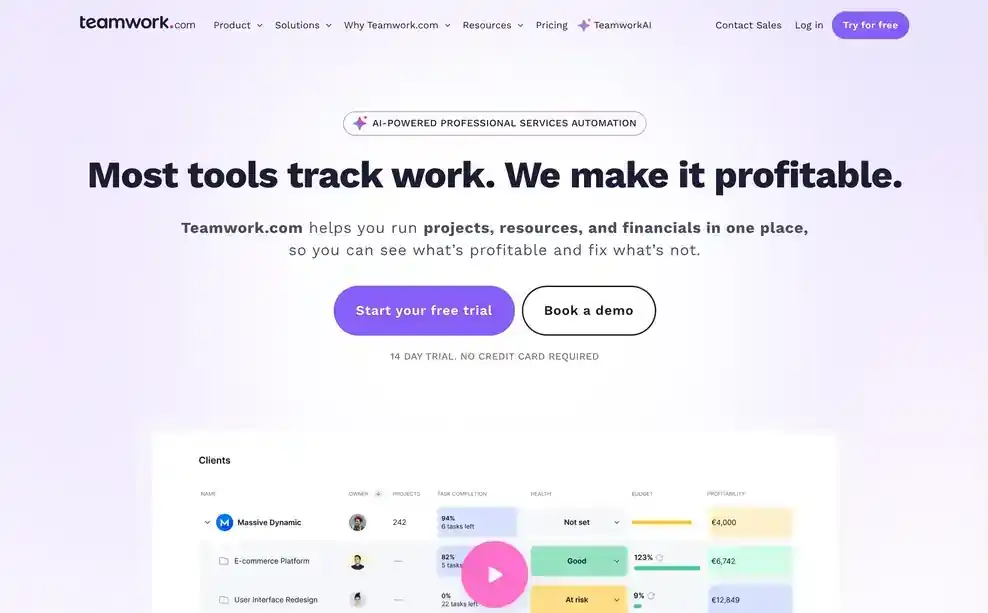
Teamwork's client-facing project portal is built for exactly the account-management problem marketing agencies run into: a client asking for a status update the account manager has to assemble by hand. With the portal, a client can see campaign progress directly, and more than 150 integrations connect Teamwork to the rest of an agency's stack (reporting, communication, finance) without a manual export.
Pros
Cons
Pricing: Contact Teamwork for pricing that includes the client portal features. See Teamwork vs Pike.
Best for: agencies under 100 people that want a campaign plan to become an invoice without a heavy rollout.
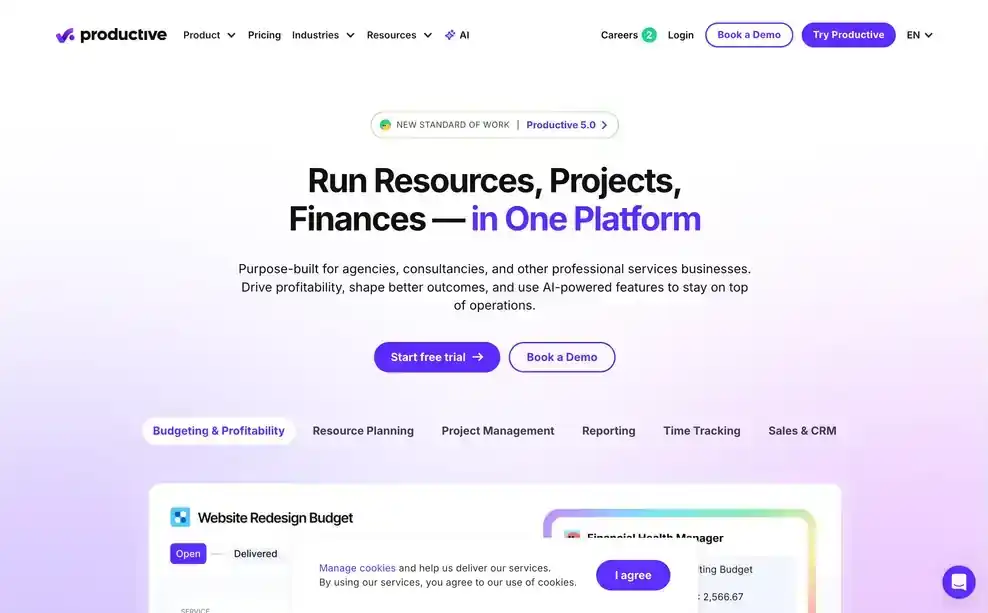
Productive keeps the path from a logged campaign hour to an invoice short, which matters for a 30-person agency where the account manager, not a dedicated finance team, is often the one sending the bill. Scheduling accounts for booked time off automatically, so a campaign plan doesn't silently assume someone is available when they're on leave.
Pros
Cons
Pricing: from $10 per user per month. See Productive vs Pike.
Best for: marketing agencies that scope a campaign against a fixed quote and want every cost traced back to it.
Scoro ties a campaign to the quote it was sold against, then checks logged time and expenses against those original line items as the work happens. For an agency that scopes campaigns as fixed packages (a quarterly content retainer at a set fee, for example), that traceability means the client invoice maps directly to what was agreed, not an aggregate number.
Pros
Cons
Pricing: from $19.90 per user per month. See Scoro vs Pike.
Best for: retainer-heavy marketing agencies that want quote-to-cash billing without a separate recurring-billing workaround.

Accelo runs the full cycle from proposal to invoice in one workflow, and its retainer handling stands out for a marketing agency specifically: usage against an included monthly allowance, automatic overage billing, and renewal invoicing all happen inside the platform. For an agency where retainer clients are the majority of revenue, that removes a monthly billing scramble.
Pros
Cons
Pricing: Accelo does not publish pricing. Contact its sales team for a quote. See Accelo vs Pike.
Best for: large, multi-entity marketing organizations that need to staff campaigns by role and skill, not just by name.
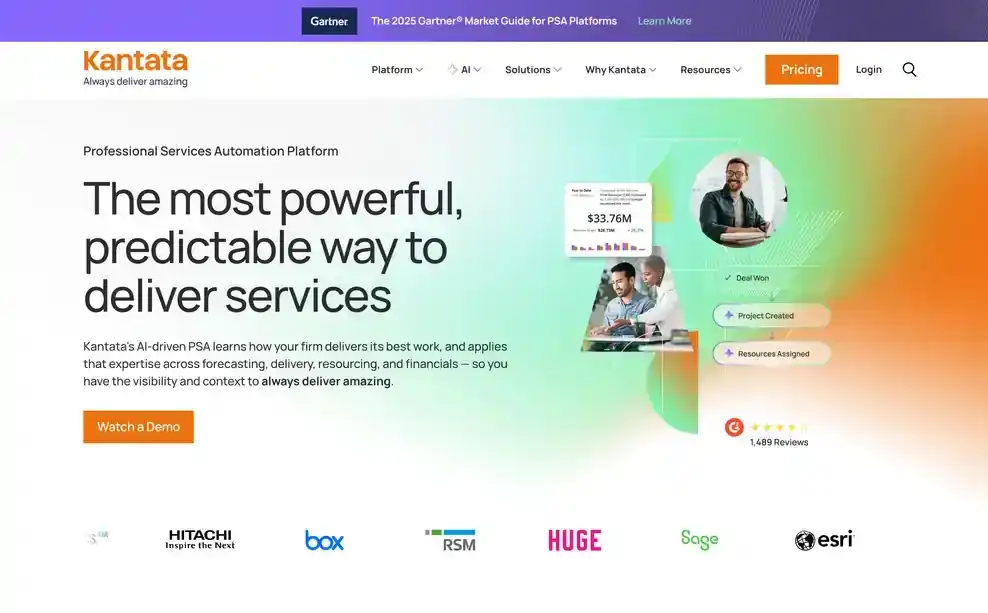
Kantata matches people to campaign work using role and skill data, then ties the resulting schedule to project accounting so a staffing decision shows its budget impact immediately. That depth fits an agency running campaigns across multiple offices or brands, where name-based staffing has already stopped working.
Pros
Cons
Pricing: Kantata does not publish standard pricing. Contact its sales team for a custom quote. See Kantata vs Pike.
Best for: finance-first marketing agencies that want campaign staffing tied directly to billable-hour data.
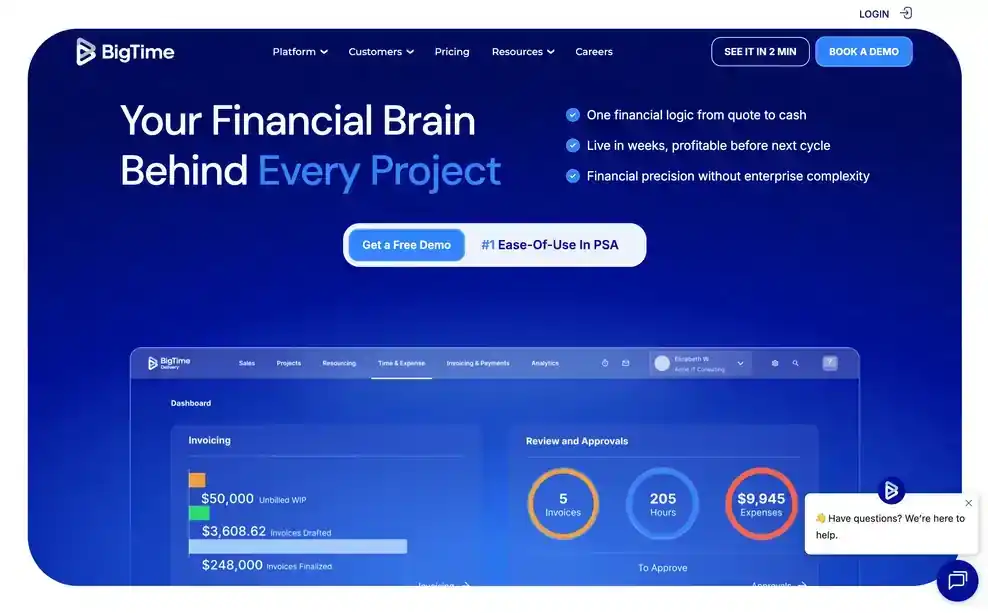
BigTime's colour-coded heatmaps show scheduled and booked campaign hours side by side, so an overbooked week is visible at a glance and tied directly to what those hours will bill. Each time entry carries the person's real cost rate, which matters when a campaign mixes senior strategist and junior production time.
Pros
Cons
Pricing: BigTime starts at $20 per person per month. Confirm which tier includes scenario planning and heatmaps.
Best for: agencies running large, repeatable onboarding or implementation-style campaigns for enterprise clients.

Rocketlane's AI reads a signed statement of work and builds a campaign kickoff plan and billing baseline directly from it, which suits an agency running the same enterprise onboarding motion repeatedly and wanting it set up the same way every time. It's a narrower fit for ongoing content or brand campaigns without a formal SOW driving each one.
Pros
Cons
Pricing: from $69 per user per month.
Marketing agencies choose Pike because a campaign, a retainer, and a client's margin sit in the same system instead of three. A campaign runs as a project with whichever view a team wants (board, list, or timeline), and because time tracking and finance sit in that same system, an account manager can see whether a retainer client's hours are running ahead of the fee while the month is still open. For the broader agency-software category this sits inside, see our PSA software guide.
See your campaigns, capacity, and client margin in one place. Book a 15-minute walkthrough.
We assessed each platform against the five areas above: campaign calendar structure, content and approval tracking, retainer billing, cross-account resource visibility, and client-facing reporting, along with fit for marketing agencies and creative teams specifically.
Public vendor pages supplied feature and pricing details. Where a vendor does not publish pricing, we marked it contact sales. Each tool's write-up names one real limitation, not just its strengths.
Share
 ISO 27001
 GDPR
GDPR SOC 2 Type II
Built to keep sensitive client data secure and private.