
Best PSA software for digital agencies in 2026, compared
12 Oct 26
Share

"Our agency loses money on projects because we don't know where our team's time is actually going." That is the search an agency runs after the second or third project quietly goes over budget without anyone noticing until the invoice stage. Time tracking software for agencies exists to close that gap: it captures billable and non-billable hours and, in the tools that do this well, ties those hours directly to the project budget instead of leaving them in a timesheet nobody reads until month-end.
This guide compares the nine tools agencies and consultancies shortlist most often for time tracking in 2026. For each one: how time actually gets captured, whether it connects to budgets and billing, and what it costs.
See billable hours and utilisation update in real time. Book a 15-minute walkthrough.
Time tracking software for agencies records how people spend billable and non-billable hours, then reports that against project budgets, rates, and utilisation. That last part is what separates it from a generic timesheet tool: a timesheet answers how many hours were worked, while agency time tracking answers how many of those hours were billable, against which budget, and whether the project is still on track.
The gap most agencies feel is not the logging itself. It is the distance between the moment someone logs an hour and the moment that hour shows up in a budget report. When time sits in a separate tool from project budgets, someone has to export it, match it against the plan, and rebuild the profitability picture by hand, usually weeks after the hours were actually worked. By then a losing project has already lost the money. For the fuller picture of how time capture connects through to billing and profitability, see our time tracking and billing guide; for the tools that automate invoicing specifically, see agency billing software.
Time connected to the budget, not just recorded. When someone logs three hours, the project budget should reflect it immediately. If that update requires an export or a manual sync, the budget number you are looking at is always stale by however long that sync takes.
Clean billable versus non-billable capture. The ratio between the two is your utilisation rate, one of the most important numbers in the business. Good software marks that split at the point of entry rather than requiring a separate reconciliation pass. See utilisation rate if the term is new.
Rate cards by role and by client. A senior consultant and a junior analyst rarely bill at the same rate, and the same person can bill differently across clients. Time tracking that ignores this treats every hour as equally valuable, which flattens exactly the number you need to see clearly.
Low-friction logging. The most accurate time data comes from tools people actually use without resenting it. Timers, quick entry, and mobile logging matter because every added step between doing the work and recording it is a chance for the entry to be wrong or skipped entirely.
Approval and locking before billing. Once timesheets feed invoices, someone needs to review and lock them first. Without that step, an invoice can go out based on time that turns out, after the fact, to be wrong.
Starting prices are the vendors' public list prices as of 2026. Where a vendor does not publish pricing, we show contact sales.
| Tool | Best for | Starting price | Core time tracking feature |
|---|---|---|---|
| Pike | Agencies wanting time tied to budget | From $29/user/month | Time entry updates the project budget and utilisation instantly |
| Kantata | Large, process-driven services firms | Contact sales | Structured time capture inside formal delivery workflows |
| Scoro | Boutique consultancies that plan ahead | $19.90/user/month | Time logged directly against the pre-built project plan |
| Productive | Agencies with budgets already in Productive | $10/user/month | Time connects to budgets, across a few more screens to log it |
| Accelo | Client-services firms wanting AI capture | Contact sales | AI-assisted time capture inside the wider service-delivery flow |
| Teamwork | Teams that want a dedicated, simple timer | $10.99/user/month | Straightforward built-in timer, kept apart from project views |
| Asana | Teams already living in Asana for tasks | $10.99/person/month annually | Native time tracking, secondary to the task-board workflow |
| BigTime | Finance-first firms | $20/person/month | Every entry carries the person's real cost rate from the start |
| Rocketlane | Onboarding and implementation teams | $69/user/month | Time capture folded into onboarding and implementation workflows |
Best for: agencies and consultancies that want a logged hour to update the project budget and utilisation the moment it is entered, not after an export.
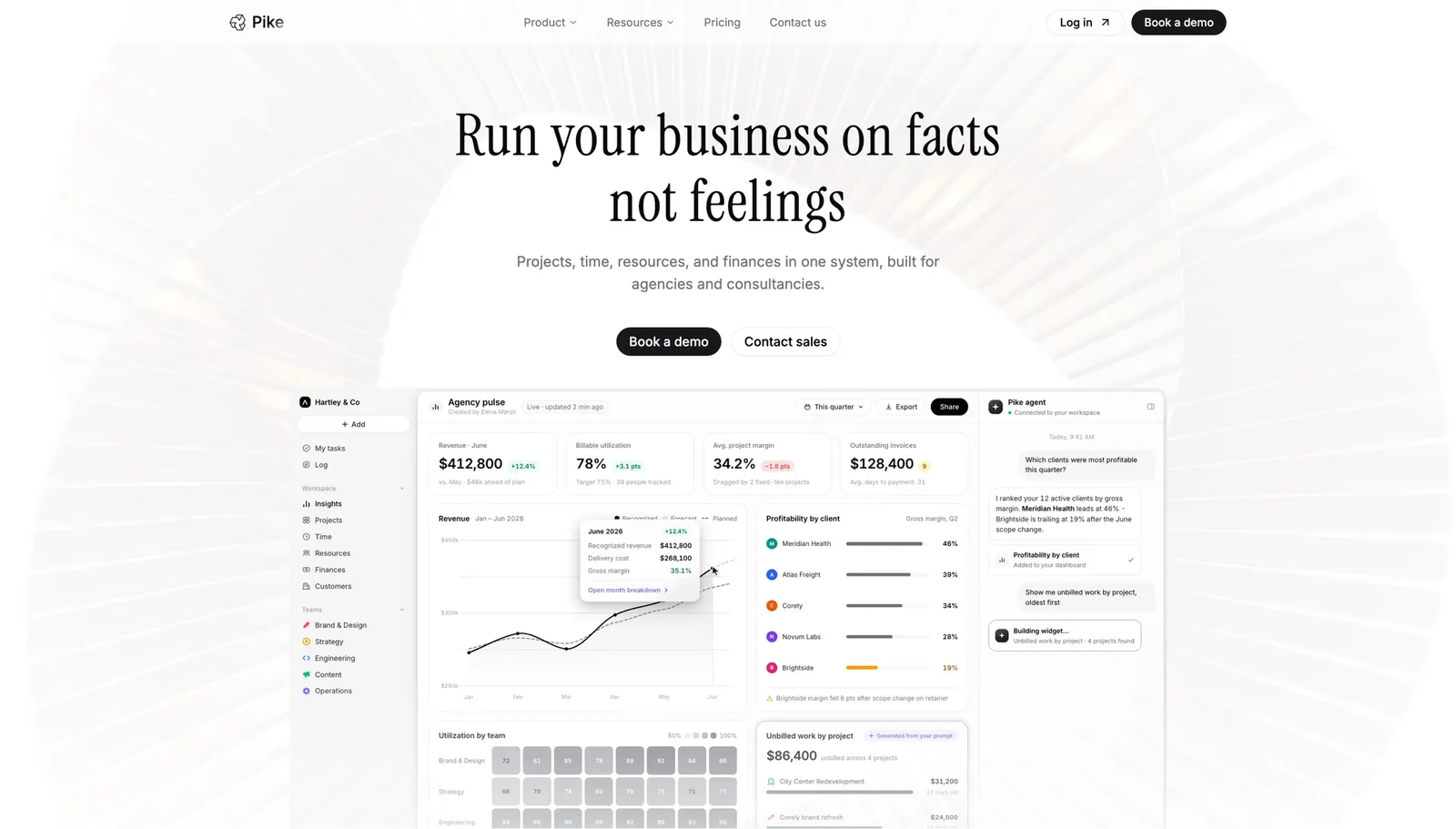
Pike builds time tracking directly into the project workspace rather than bolting it on as a separate module. Logging an hour against a task updates that project's budget and the person's utilisation in the same action, so the numbers a manager sees on a Tuesday reflect Tuesday's work, not last month's export. Time carries role- and client-specific rates, splits billable from non-billable automatically, and rolls straight into invoicing across 4 billing models (fixed-price, time-and-materials, capped T&M, and retainer) without anyone re-entering it. It is in production at teams including Outerkind, McElroy Architecture, e&enterprise, WPP, and Veolia.
Pros
Cons
Pricing: Pike publishes plans starting at $29 per user per month (Core, billed annually; $35 monthly), with Growth at $49 and Scale at $99 per user per month, plus a custom Enterprise tier. See pricing or book a walkthrough.
Best for: large professional services firms that already run time tracking inside a structured, staged delivery process.
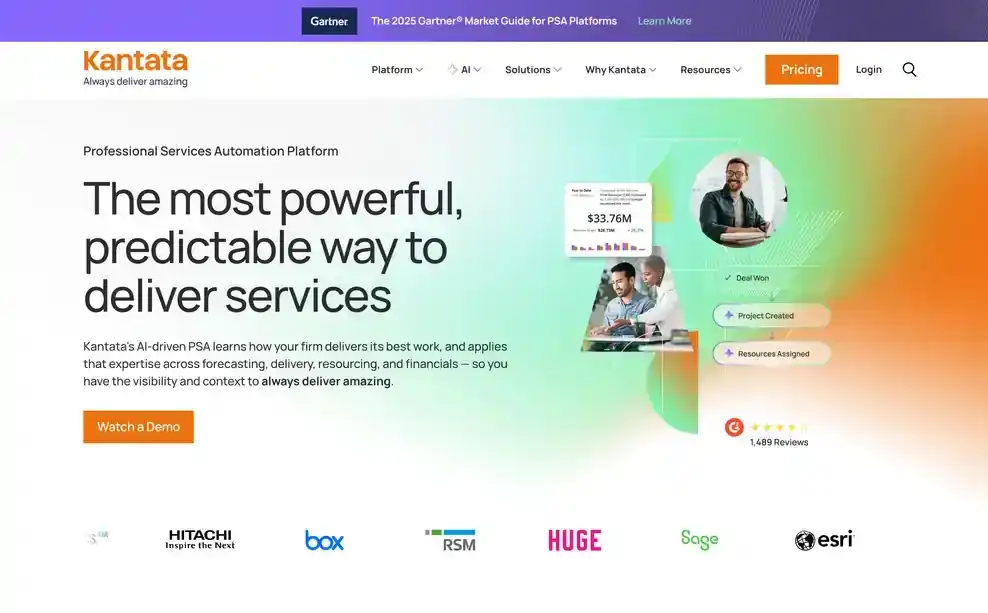
Kantata's time tracking is genuinely strong, but it lives inside a heavier, process-driven system built for firms that formalize delivery stages before work starts. That fit is a strength for a firm already running that way, and friction for one that is not: logging time well in Kantata usually means the project has already been set up with the structure the tool expects.
Pros
Cons
Pricing: Kantata does not publish standard pricing. Contact its sales team for a custom quote. See Kantata vs Pike.
Best for: boutique consultancies that plan work in detail before it starts and want time logged straight against that plan.

Scoro ties time entry to its planning module, so a consultant logs hours against tasks that were already scoped and scheduled. That works well when the plan is built out ahead of time, since the time entry has somewhere specific to land. It asks more of the team when work is looser or the plan changes mid-project, because the structure that makes logging fast also makes it less forgiving of an unplanned task.
Pros
Cons
Pricing: from $19.90 per user per month. See Scoro vs Pike.
Best for: agencies already running budgets in Productive who can absorb a few extra clicks to log time.
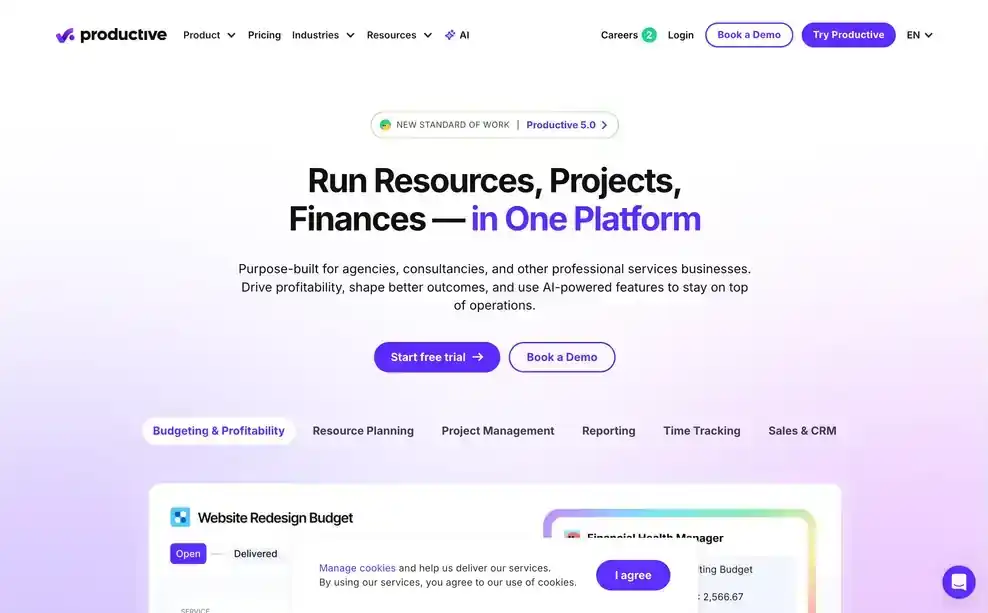
Productive connects time entries to project budgets, which is the right idea. Where it costs you is the path to get there: logging and updating time typically means moving across more than one view, rather than one quick entry point. For a team that is already deep in Productive for budgeting and reporting, that is a manageable extra step. For a team whose main pain is getting people to log time at all, the added friction works against adoption.
Pros
Cons
Pricing: from $10 per user per month. See Productive vs Pike.
Best for: client-services firms that want AI-assisted time capture as part of a broader service-delivery platform.

Accelo layers AI-assisted time capture into a wider platform that also handles quoting, delivery, and billing. The AI assistance reduces some of the manual entry burden, but it sits inside a much broader system, so a firm adopting Accelo mainly for time tracking is taking on more platform than that one job needs.
Pros
Cons
Pricing: Accelo does not publish pricing. Contact its sales team for a quote. See Accelo vs Pike.
Best for: teams that want a straightforward, dedicated timer and are fine with time living apart from the project view.
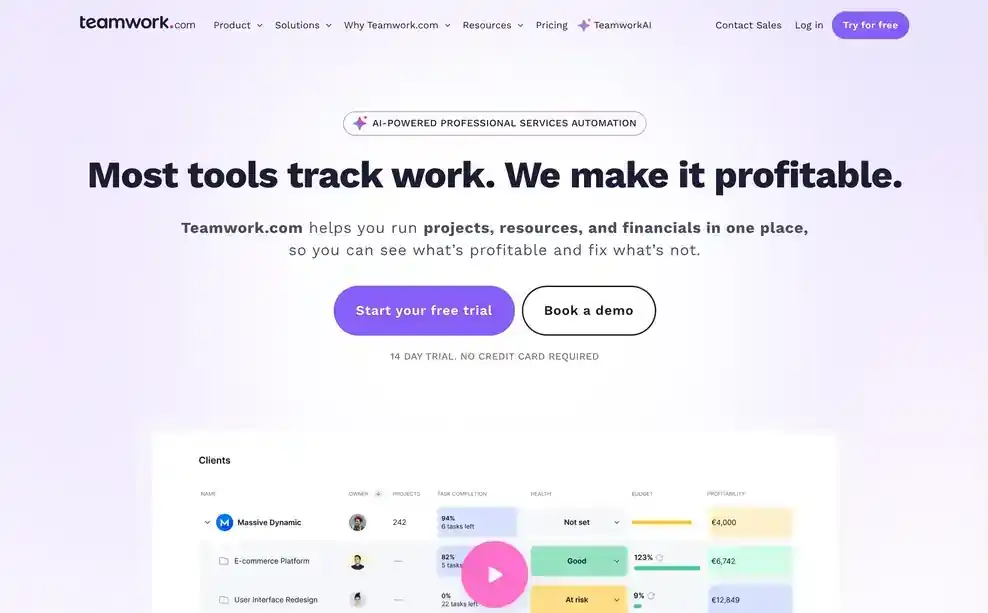
Teamwork's built-in timer is intuitive on its own terms: starting, stopping, and reviewing logged hours is simple. The tradeoff is that time tracking stays a separate feature from the core project workflow rather than something woven into it, so seeing time next to the work it was spent on takes an extra step.
Pros
Cons
Pricing: from $10.99 per user per month. See Teamwork vs Pike.
Best for: teams already living in Asana for tasks that need basic hours capture without adopting a second tool.
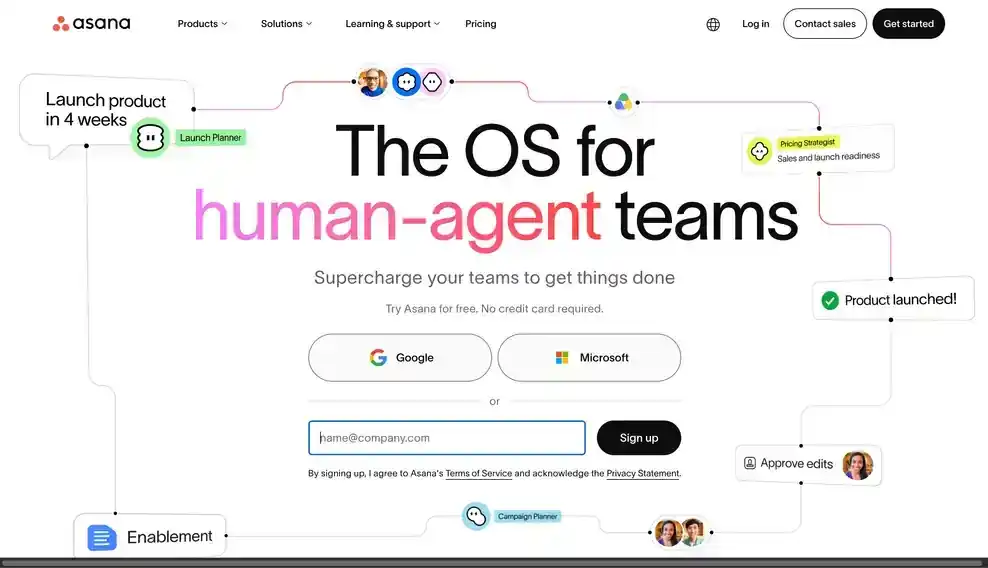
Asana's time tracking is native, but it plays a supporting role to the task-board workflow the platform is actually built around. Custom fields can record time against a task, which covers teams whose main need is a rough hours record. It is a less natural fit once utilisation and billing accuracy become the actual requirement, since that is not the feature Asana was designed around.
Pros
Cons
Pricing: plans with basic reporting start at $10.99 per person per month billed annually. See Asana vs Pike.
Best for: finance-first firms that want every time entry to carry an accurate, real per-person cost rate from the moment it is logged.
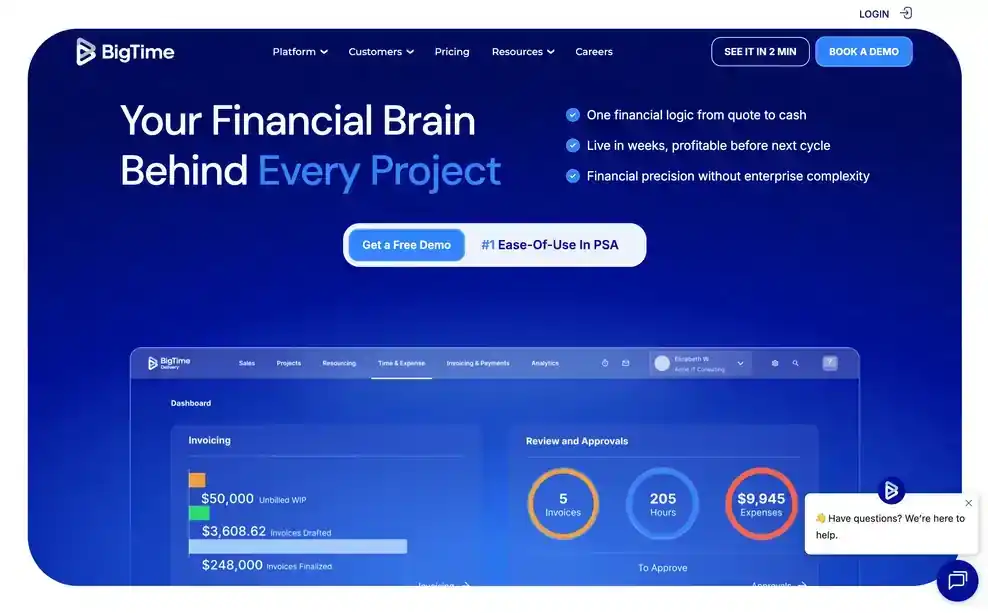
BigTime has built its product around billing accuracy for more than two decades, and that shows in how it handles time. Each entry carries the person's actual cost rate rather than a flat team average, so the time data is already accurate for costing and billing the moment it is captured, not after someone corrects it downstream.
Pros
Cons
Pricing: from $20 per person per month.
Best for: implementation and onboarding teams that want time capture folded into the onboarding workflow itself, not tracked separately.

Rocketlane holds a 4.7 out of 5 rating on G2. Its time tracking sits inside the onboarding and implementation workflow rather than as a standalone module, so hours get captured as part of the same steps a team is already working through with a client, with AI reducing some of the manual admin around it.
Pros
Cons
Pricing: from $69 per user per month.
Agencies choose Pike because time tracking is not a separate module bolted onto the project. A logged hour updates the project's budget and resourcing view in the same action, so utilisation and margin reflect what actually happened today, not a reconstruction pulled together at month-end. That connection is also what makes billing straightforward: the hours behind an invoice are the same hours the team was already working from, across whichever billing models the client roster uses.
See billable hours and utilisation update in real time. Book a 15-minute walkthrough.
We assessed each product against the five areas above (budget connection, billable/non-billable capture, rate cards, logging friction, and approval workflows), along with its fit for agencies and professional services firms specifically.
Public vendor pages supplied feature and pricing details. Where a vendor does not publish pricing, we marked it contact sales. Each entry names one real limitation, not just its strengths.
If your agency is logging time in one tool and reconstructing profitability in another, it is worth seeing what happens when the two are the same system.
See billable hours and utilisation update in real time. Book a 15-minute walkthrough and we will show you how time flows straight through to budgets and margin in Pike.
Share
 ISO 27001
 GDPR
GDPR SOC 2 Type II
Built to keep sensitive client data secure and private.