
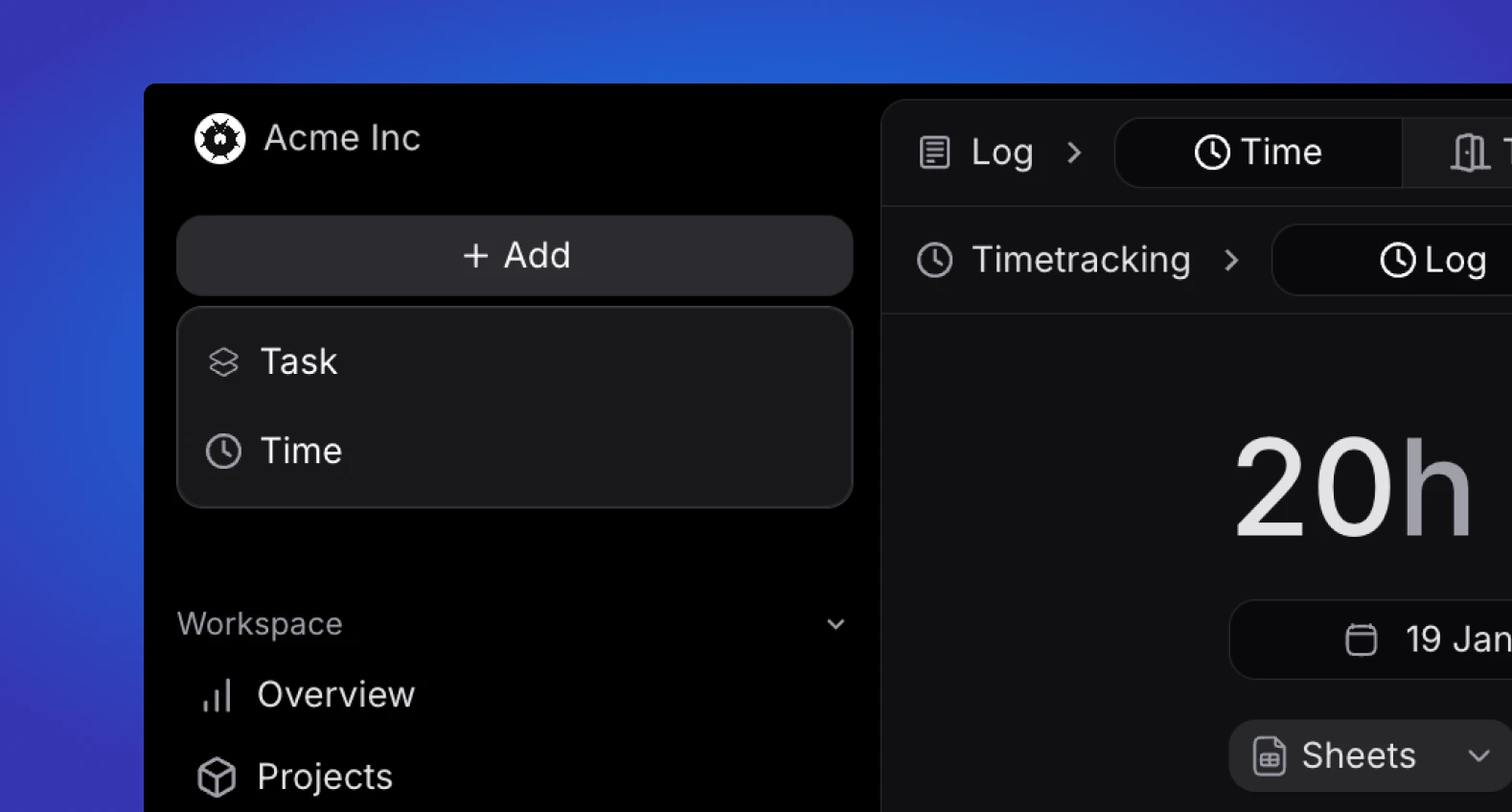
Task creation
Create a task from anywhere. If you are in a project view, the task created from here will be autofilled with relevant data for that particular project.Time entry
Quickly add a time entry from anywhere.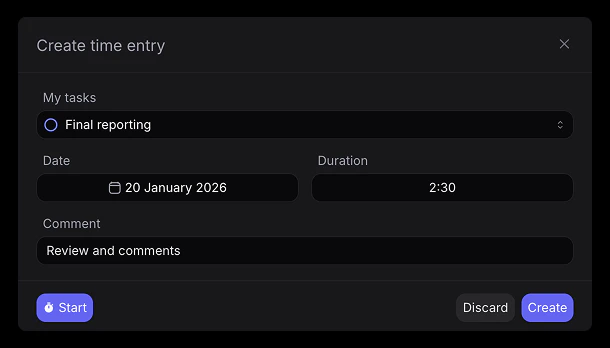
- Select your task (sorted by status)
- Select when you want the time entry to be dated (default to todays date)
- Select manually how long you want to register or choose “Start” to start a time tracker for the selected task.