
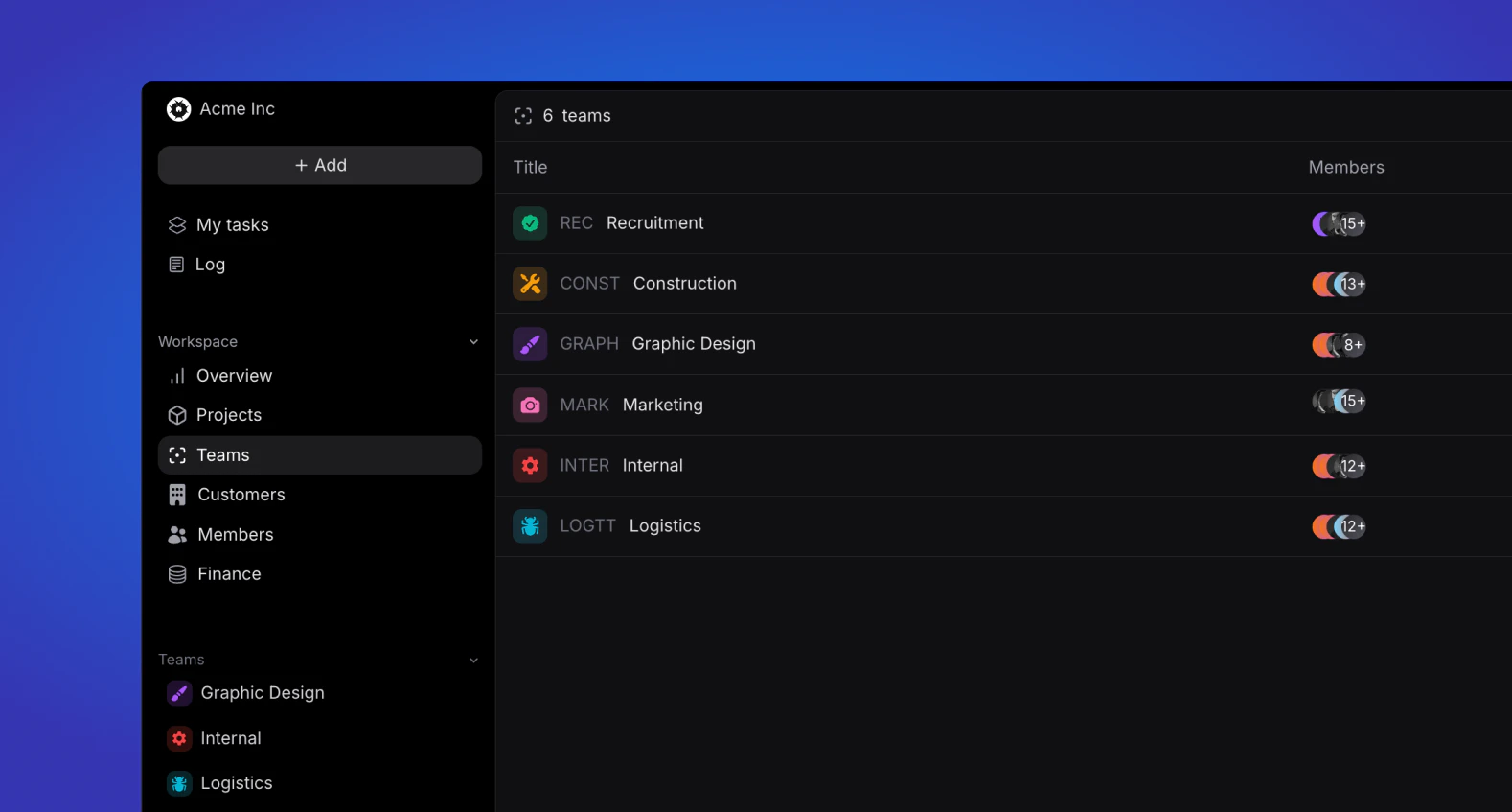
Overview
Depending on your user role, the team(s) you are part of will appear in your sidebar in either of two ways: as a list view or a dropdown.List view
Every user role except for Basic and Guest will have access to view the teams they are a part of and if you are an Admin, Manager or HR user, you will be able to view and edit all teams in your workspace.Dropdown
All roles have access to the dropdown view. This view is always at the bottom of your sidebar, and only shows the teams you are part of. Expanding a team gives you quick links to:- Home — team overview, description, members, and labels
- Tasks — all tasks for the team
- Projects — projects linked to the team
Teams
Learn more about team home, labels, and team-scoped allocations.