
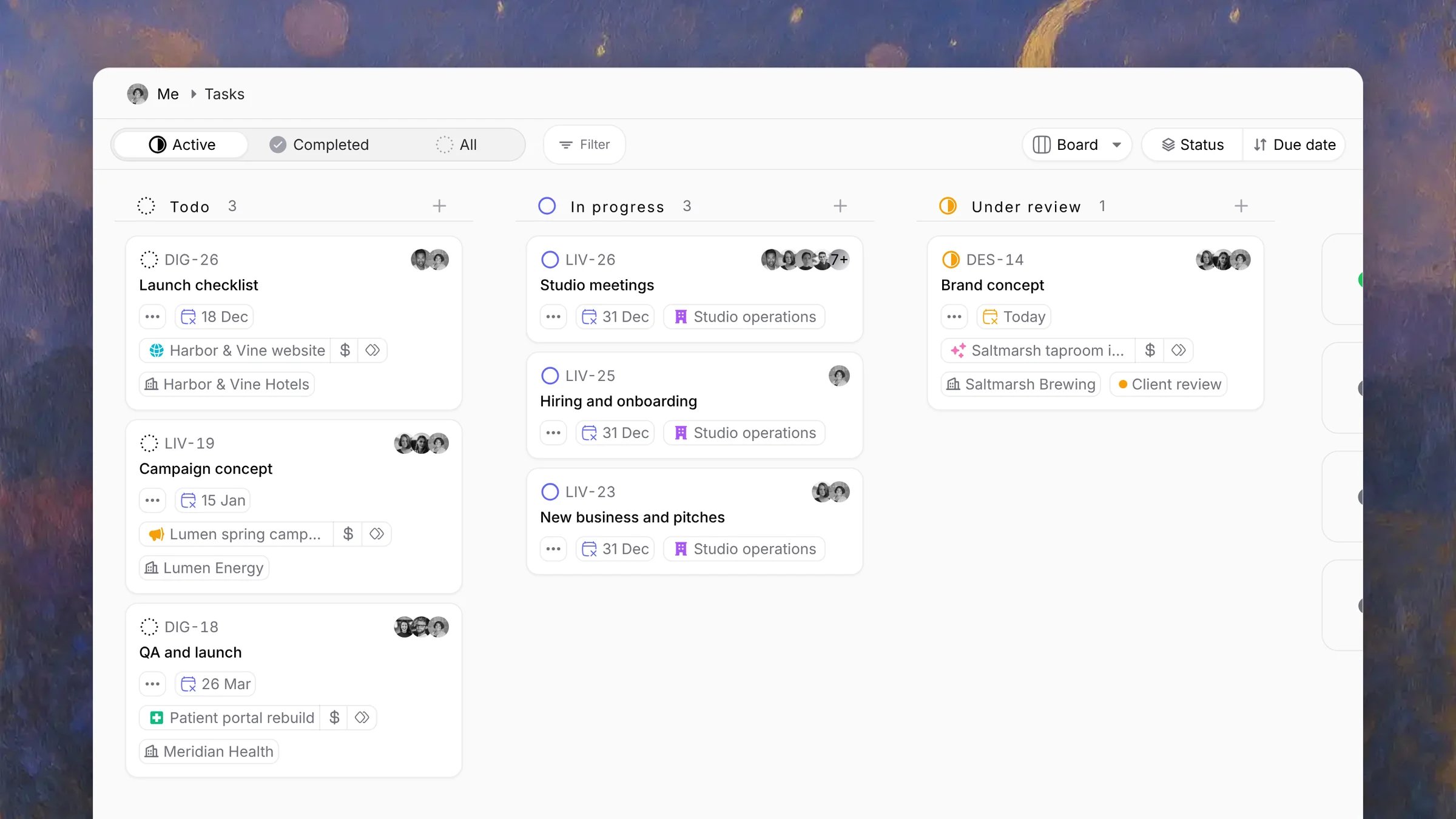
Views, filters and order
- Active, Completed and All at the top left set which tasks show. Active covers Backlog, Todo, In progress and Under review. Completed covers Done, Cancelled and Duplicate.
- Filter narrows the tasks further.
- The view menu at the top right switches between Overview, Board, List and Timeline. Overview is a task dashboard with what is overdue, due soon and blocked. See Workspace overview.
- Status and Due date next to it set the grouping and the order.
Create tasks
Add a task from anywhere.
Edit tasks
Comments, time, allocations and checklists on a task.