
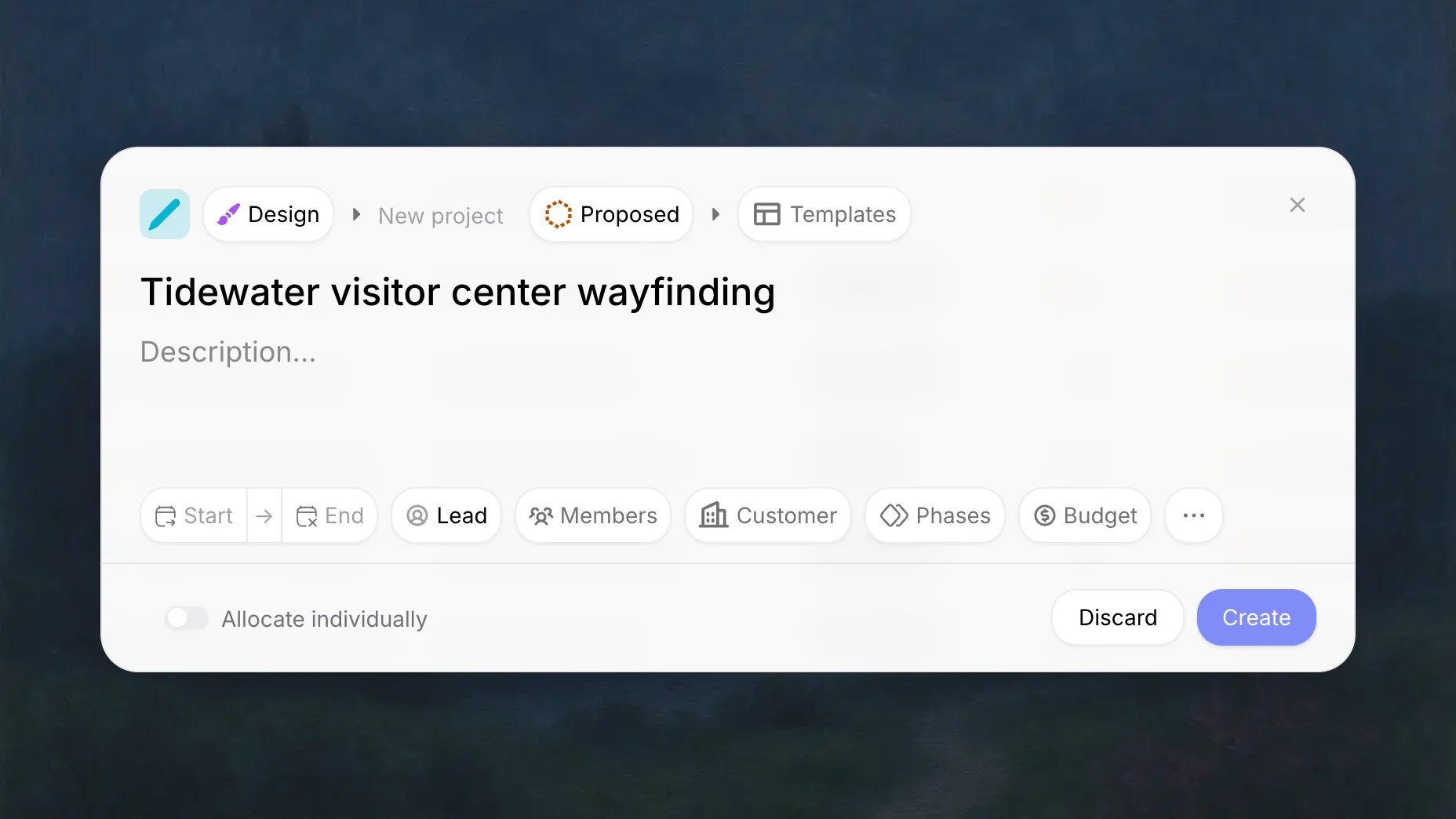
Admins and managers create projects from Projects in the sidebar with Create project. Only the name is required, and you can change every field later. When the work comes from a quote, create the project from the deal instead. Create project on the deal copies the quote’s budget lines, creates tasks from its lines and books each person’s planned hours, so the project starts with its budget, team and plan in place. See Create a project. New project dialog: Design team, Proposed status, Templates, name Tidewater visitor center wayfinding, and the dates, Lead, Members, Customer, Phases and Budget buttons, with Allocate individually, Discard and Create

Fields

Retainer and private projects

⋯ at the end of the toolbar opens more options. More options: Retainer, bills on a schedule with a budget that resets each period, and Private project, only admins and members of the project can see it
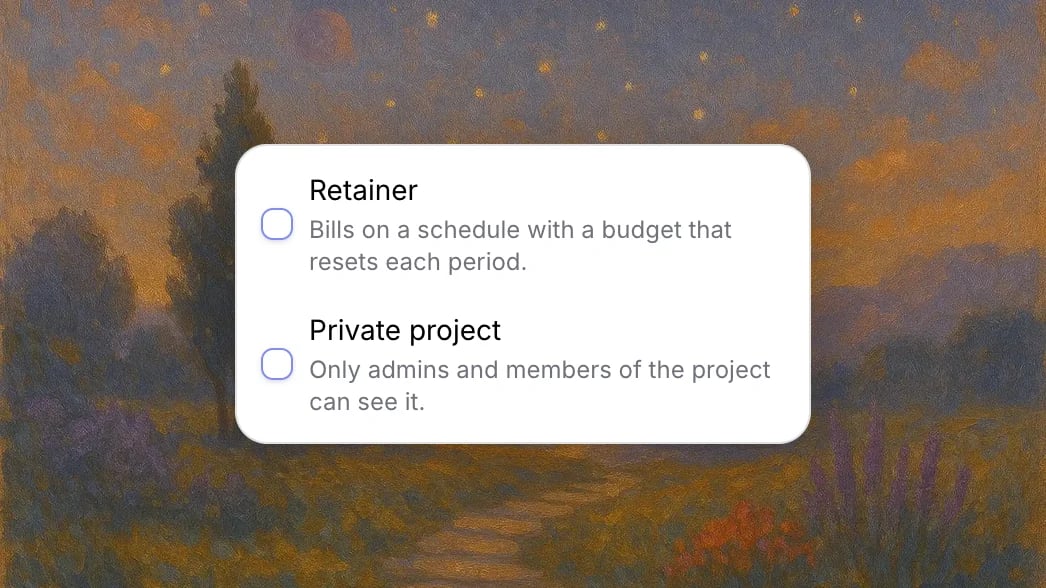
  • Retainer: bills on a schedule with a budget that resets each period. After Create, Set up retainer opens. See Retainers.
  • Private project: only admins and members of the project can see it. See Private projects.

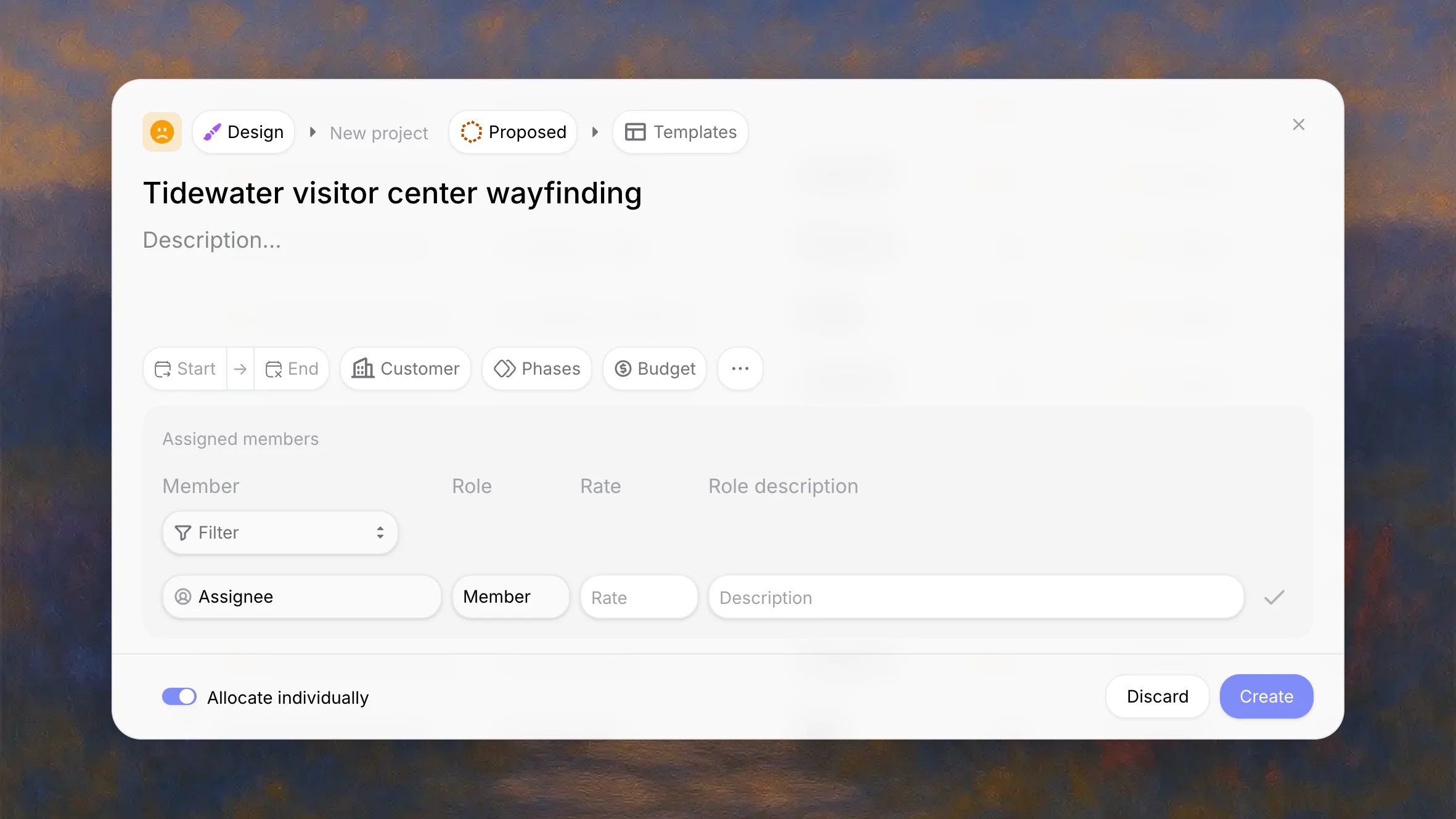
Allocate individually

Switch on Allocate individually at the bottom left to set each person’s role, rate and role description as you add them. New project with Allocate individually on: an Assigned members table with Member, Role, Rate and Role description, and a filter to find members Change the team later on the project’s Resources tab.
Budget

Budget opens a section under the toolbar. Admins, finance users and managers see the button. New project with the Budget section open: Fixed price billing, a Fixed price of 48,000 USD and a Time budget of 320 hours
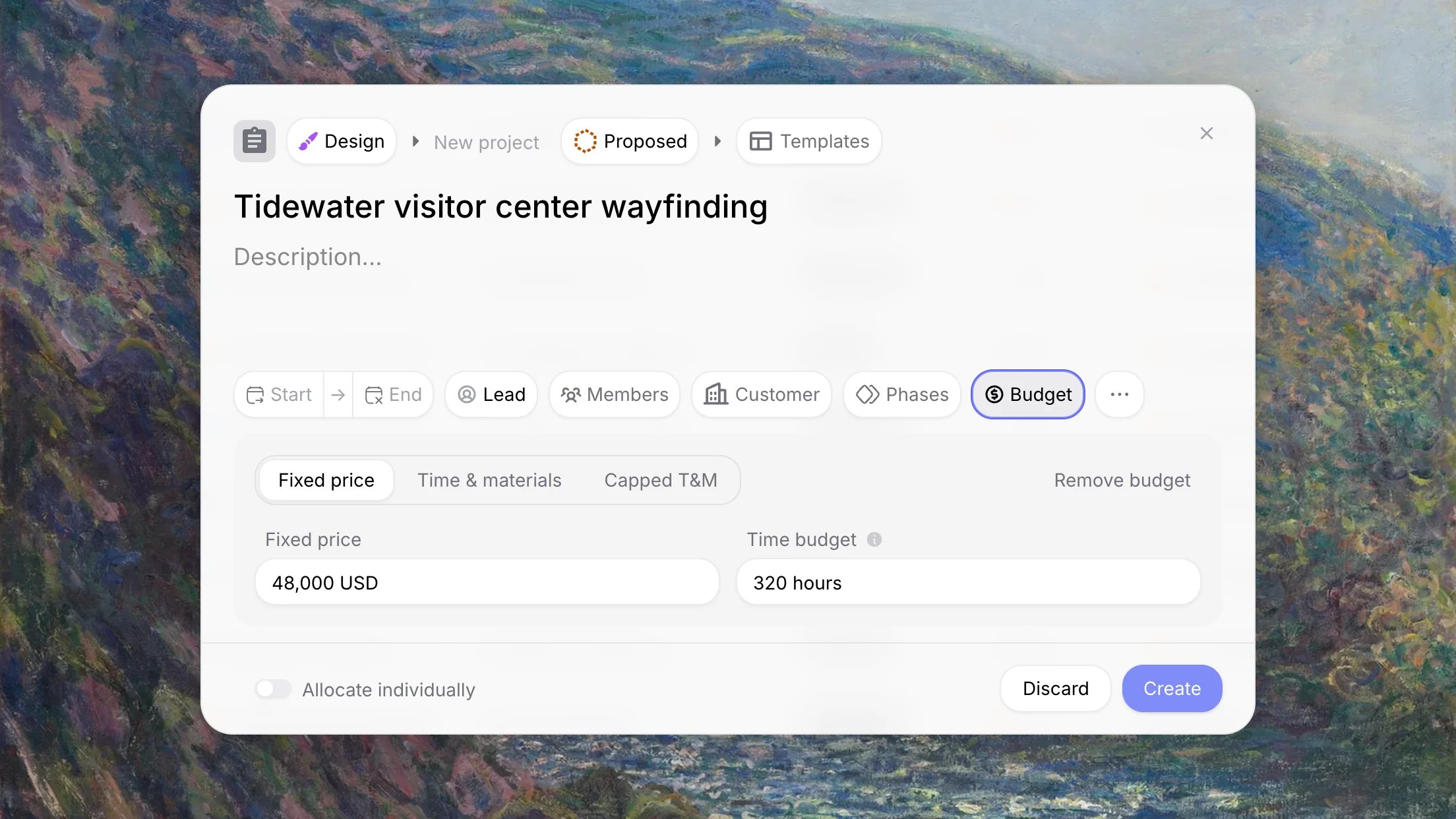
  1. Choose the billing: Fixed price, Time & materials or Capped T&M.
  2. Enter the amount. Its label follows the billing: Fixed price, Revenue budget or Ceiling.
  3. Enter a Time budget in hours.
Both fields are optional. Remove budget clears them and closes the section. The time budget starts as Unassigned. Split it by position or person in Time Budget. See Time budget and Project types. A project created without a budget starts as Time & materials. Set the revenue budget and the recognition method on Finance Settings after you create the project. Until you set a method, Pike recognizes revenue by time completion on Fixed Price projects and by worked revenue on the other types.

From a deal

Open the deal under Finance Deals and click Create project. The dialog takes the name, status, dates and team from the deal, and you choose whether to copy the quote’s budget, how to create tasks and whether to Book the plan. A project created while the deal is open starts as Proposed with tentative bookings, moves to Planned when you win the deal, and is cancelled when you lose it. To add the deal to a project that already runs, use Add to project, which adds it as a change order. See Deals. For how tasks pick up rates and role descriptions, see Member rate source.