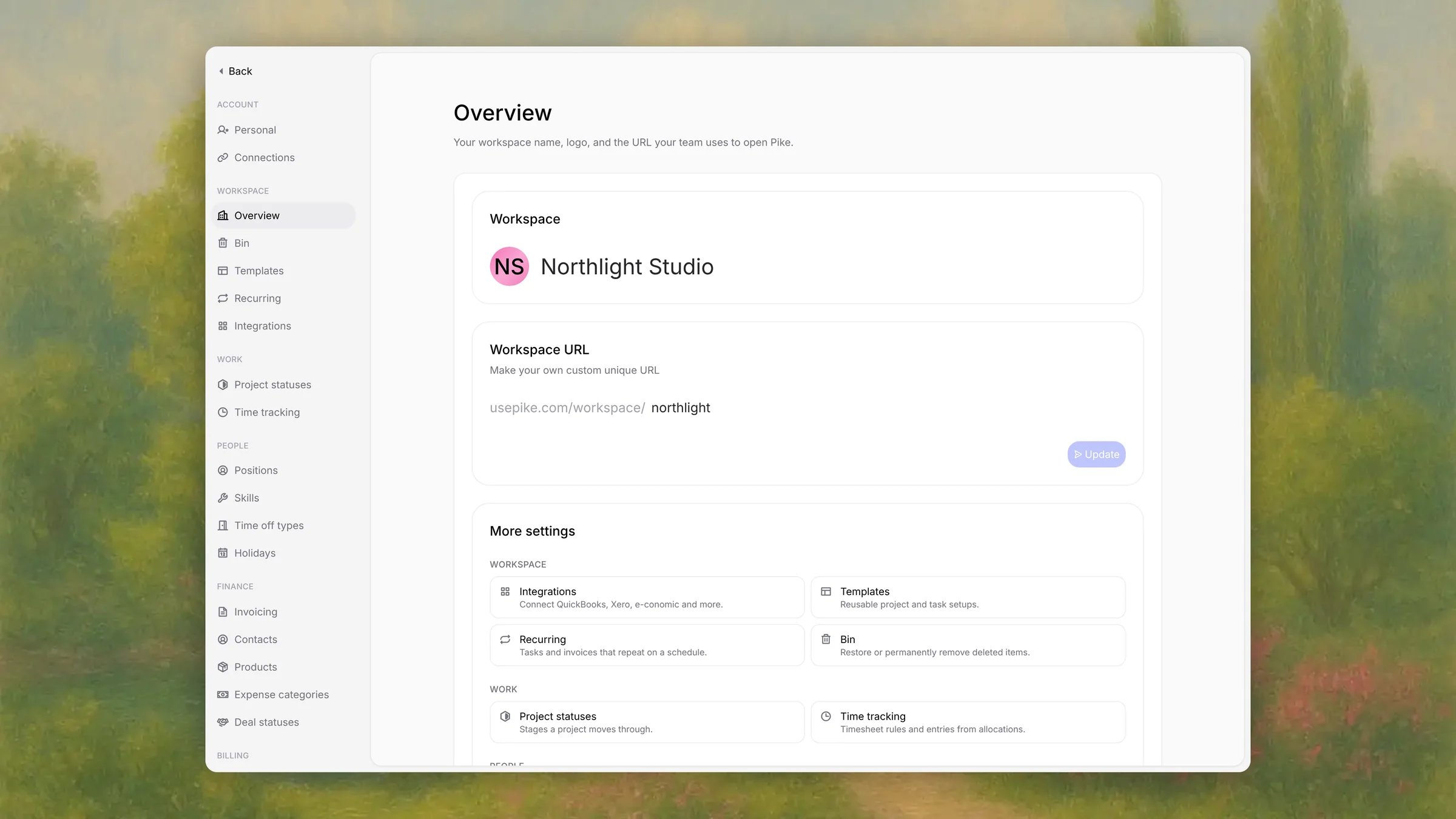
Workspace name, logo and URL
Overview sets the workspace name (at least 3 characters), its logo, and the Workspace URL, the address your team opens Pike at:usepike.com/workspace/ followed by your slug.
Type a new slug and click Update. Allowed:
northlight, northlight-studio. Not allowed: northlight studio, northlight_studio.
The workspace currency is set when you create the workspace and shows under Invoicing. See Finance settings.
All settings pages
Time off types
Time off types are what people pick when they request time off. Each has a title, a description, and how many days it accrues per period, if any. New workspaces start with Vacation, Sick leave and Unpaid leave. Admins and HR manage them.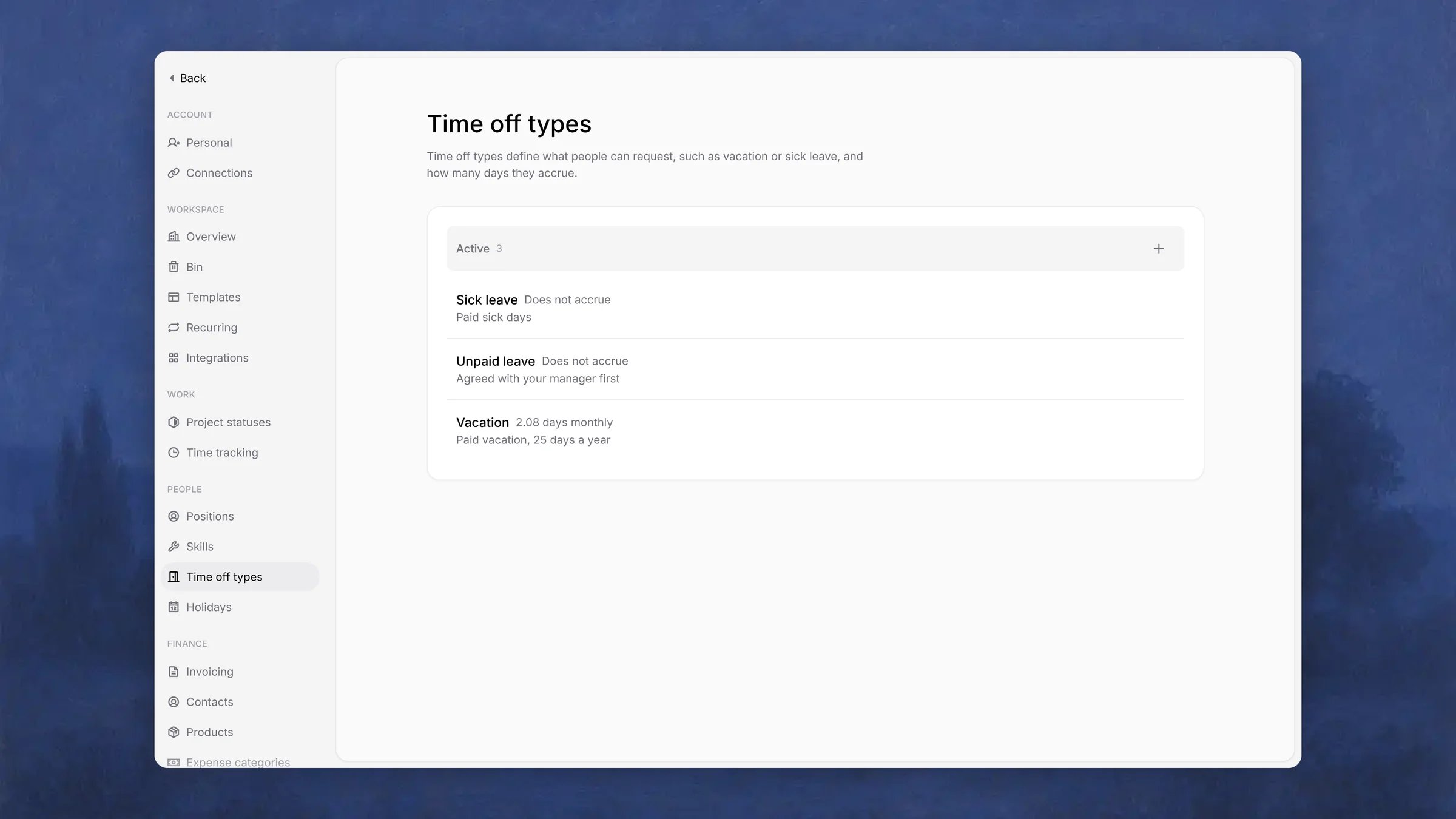
Holidays
Holidays lists the public holidays nobody is expected to work, each with a date and whether it is paid.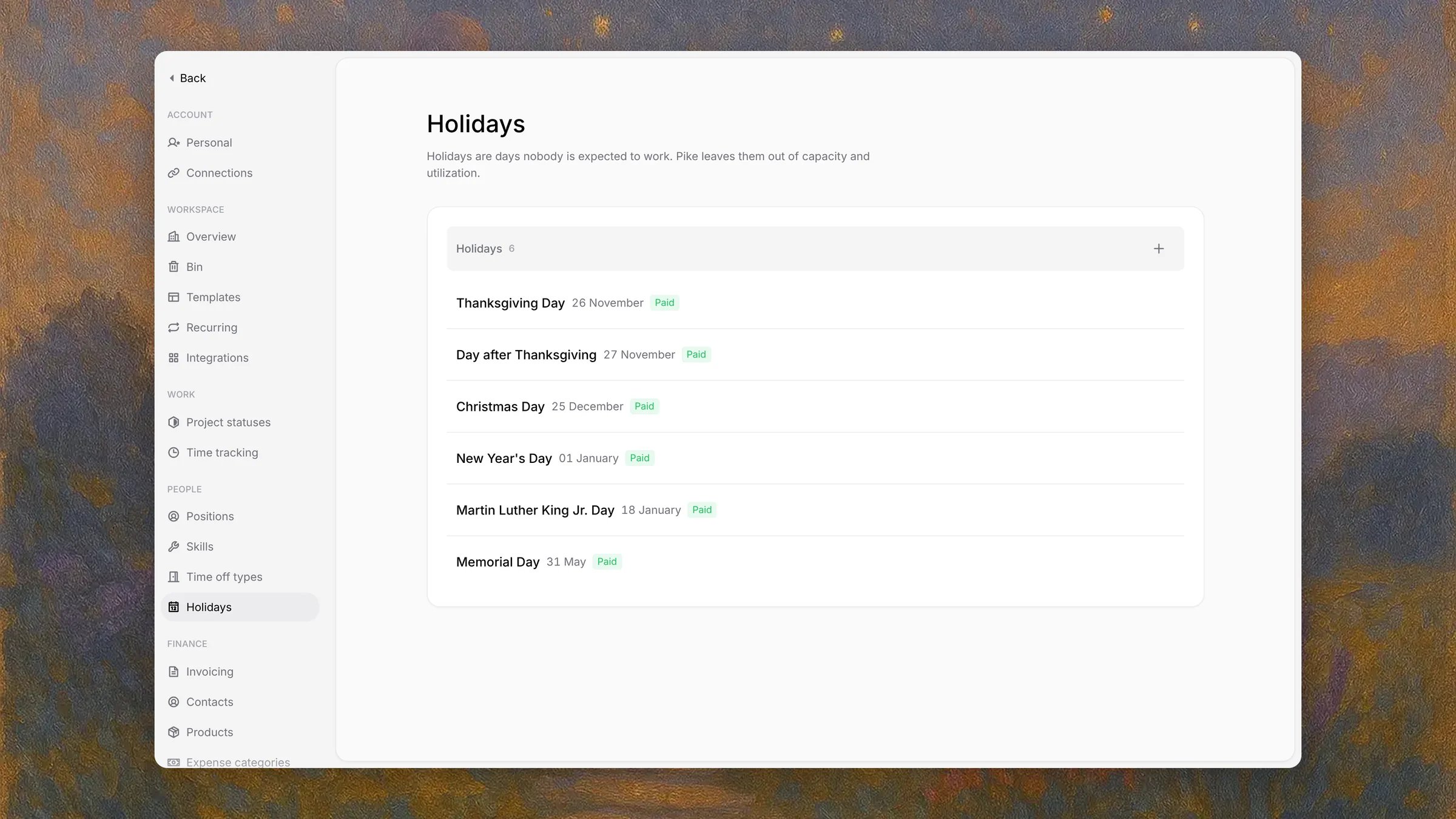
Billing
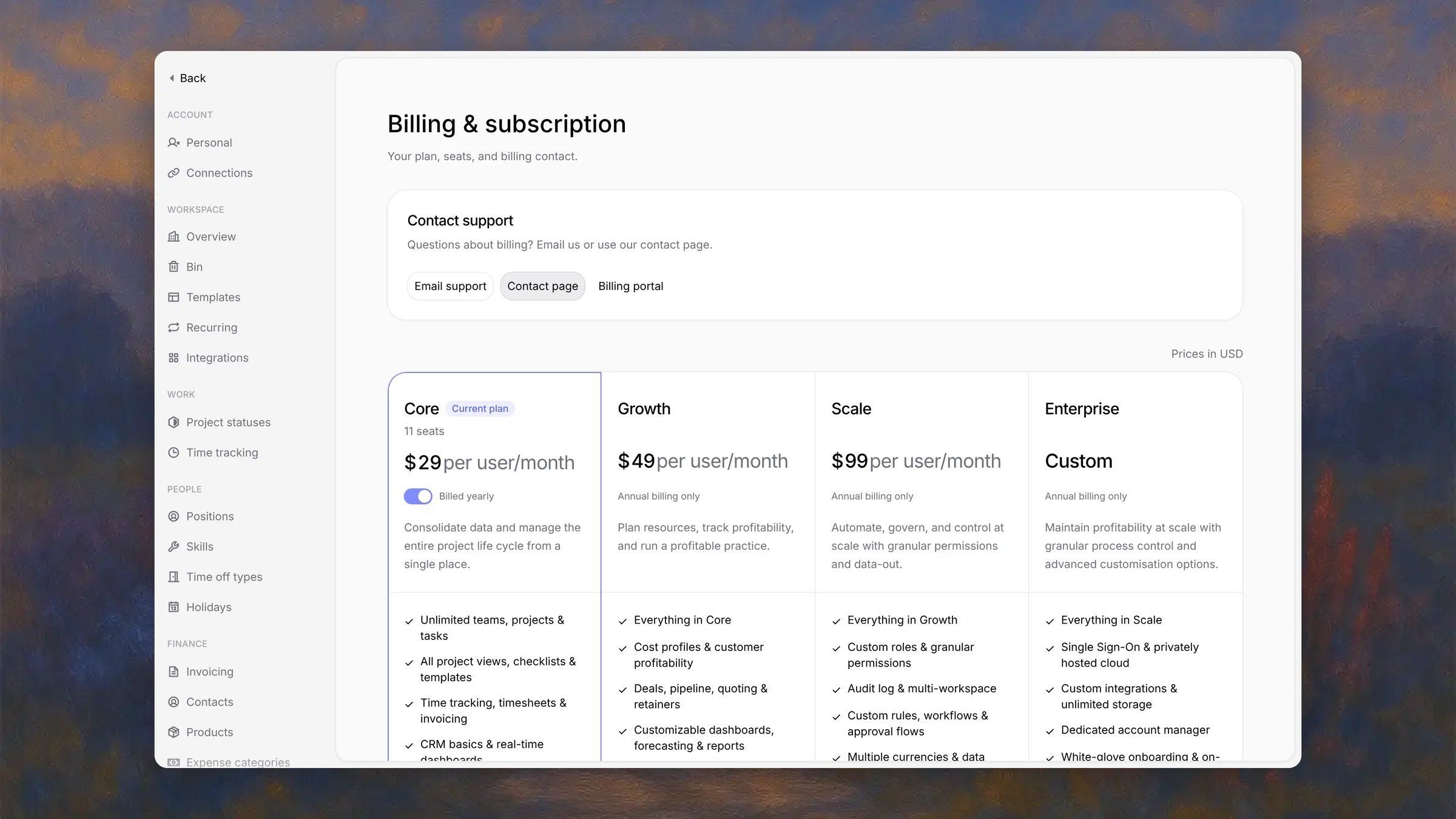
Billing shows your Pike plan, seats and the billing contact, with the plans side by side. Use Billing portal for invoices and payment details, or contact support to change plans.