
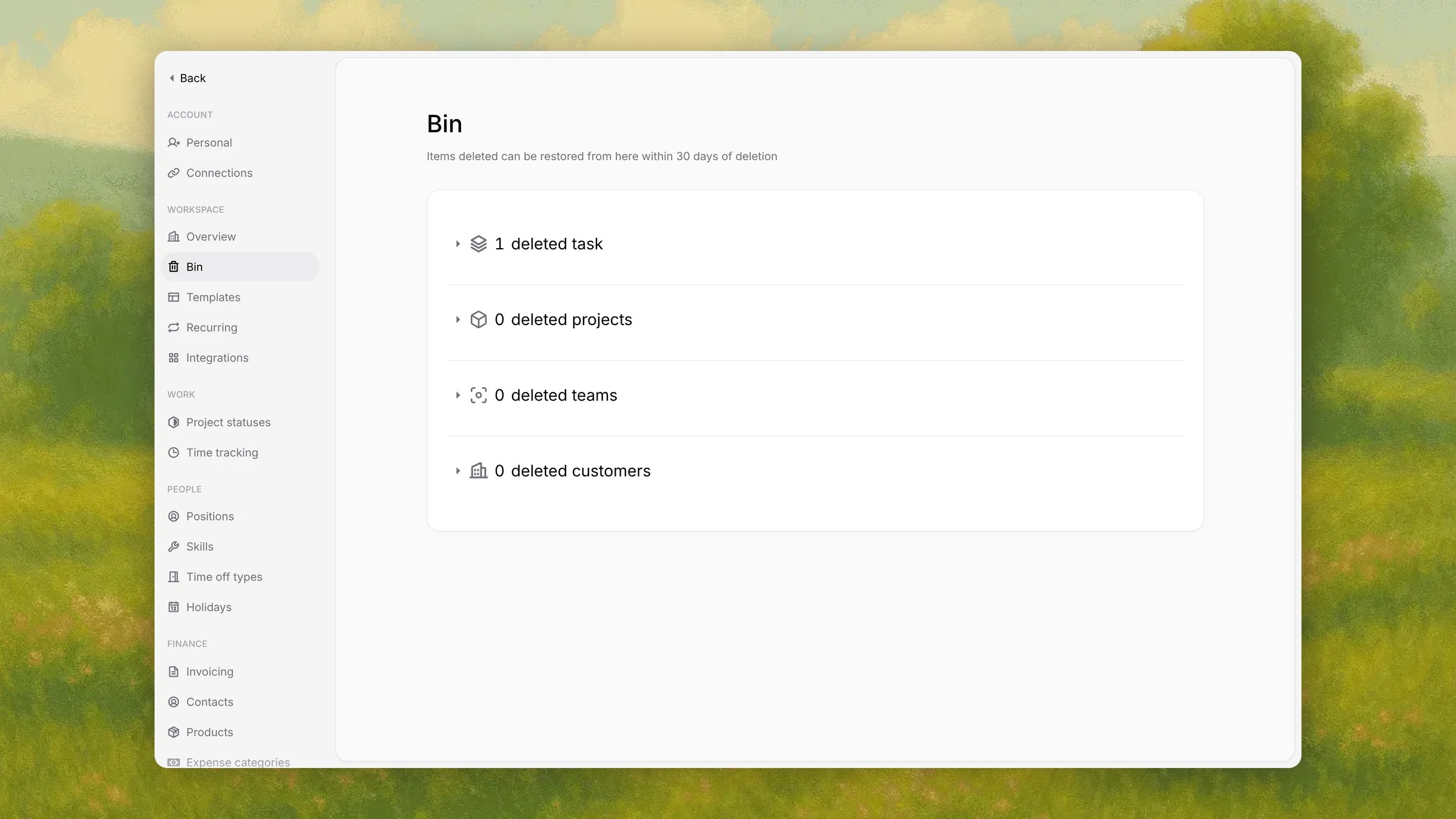
The Bin contains deleted tasks, projects, teams and customers for 30 days, so you can restore them. Admins and managers open it from the workspace menu or Workspace settings Bin. Bin: 1 deleted task, 0 deleted projects, 0 deleted teams and 0 deleted customers

Restore

Expand a section, such as 1 deleted task, and click restore on the item. “Restored from bin” confirms it. After 30 days items are removed for good. A task cannot be restored while its team is deleted: “Please recover the team first to recover the task.”

What deleting removes

Tasks

A deleted task takes its time entries, attachments and files with it.

Projects

Deleting a project removes its settings. Its tasks stay, unless you chose Delete with related data.

Teams

Leave the team instead of deleting it where possible.

Customers

Customers with invoices cannot be deleted.