
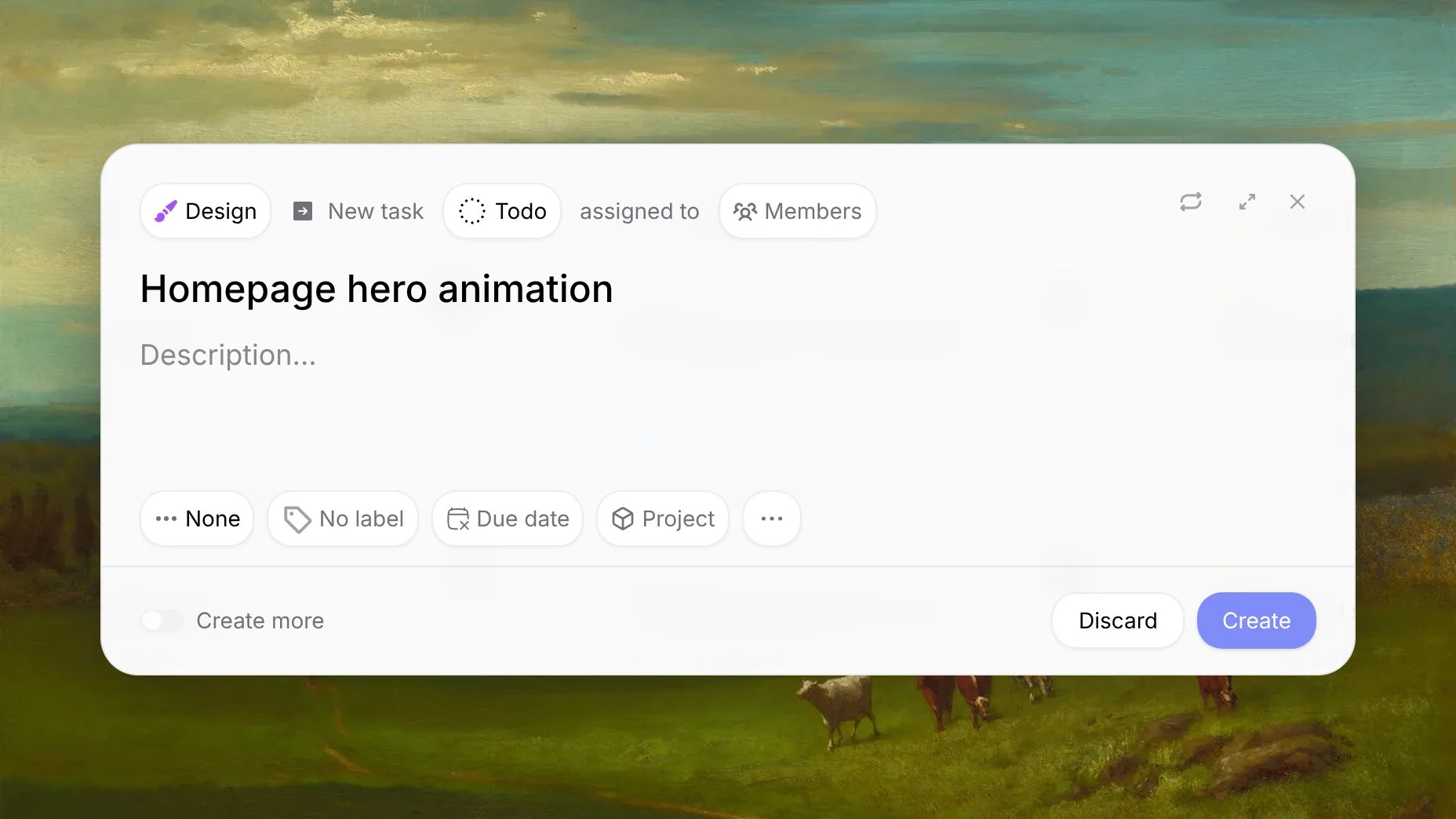
Create a task
Start from either place:- Add Task at the top of the sidebar.
- The + at the top of a status column or group in Board or List view.
Fill in the task
The top row of New task sets the Team, the Status and who the task is assigned to. Below it are the Title and the description, then a row for Priority, Labels, the start and due dates, and the Project and Phase. On a retainer project, pick the Period as well.Assign members or positions
In the task dialog, assign members or open positions. Use a position to plan work before you know who fills the role, then convert it to a member later (see Edit tasks).Member rate source
Click ⋯ in the task dialog and open Hourly rate source to choose where each assigned member’s rate and role description come from. The same choice applies to the role description.
A member with neither a project rate nor a position rate gets a task rate of 0 and an empty role description.