Delete tasks
- One task: open the task menu (⋯) and click Delete.
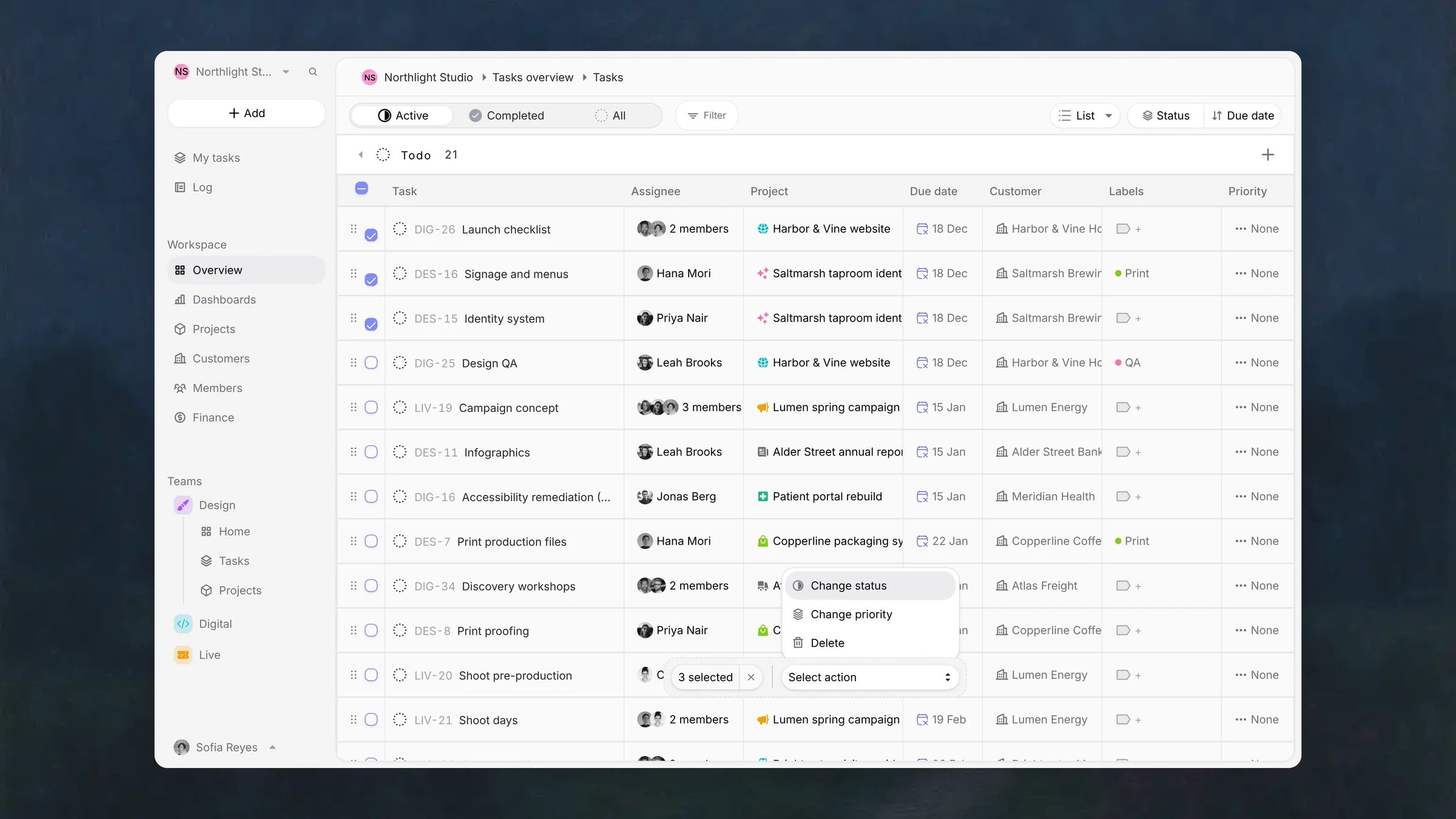
- Several tasks: in List view, tick them, open Select action and click Delete, then confirm.
Restore a task
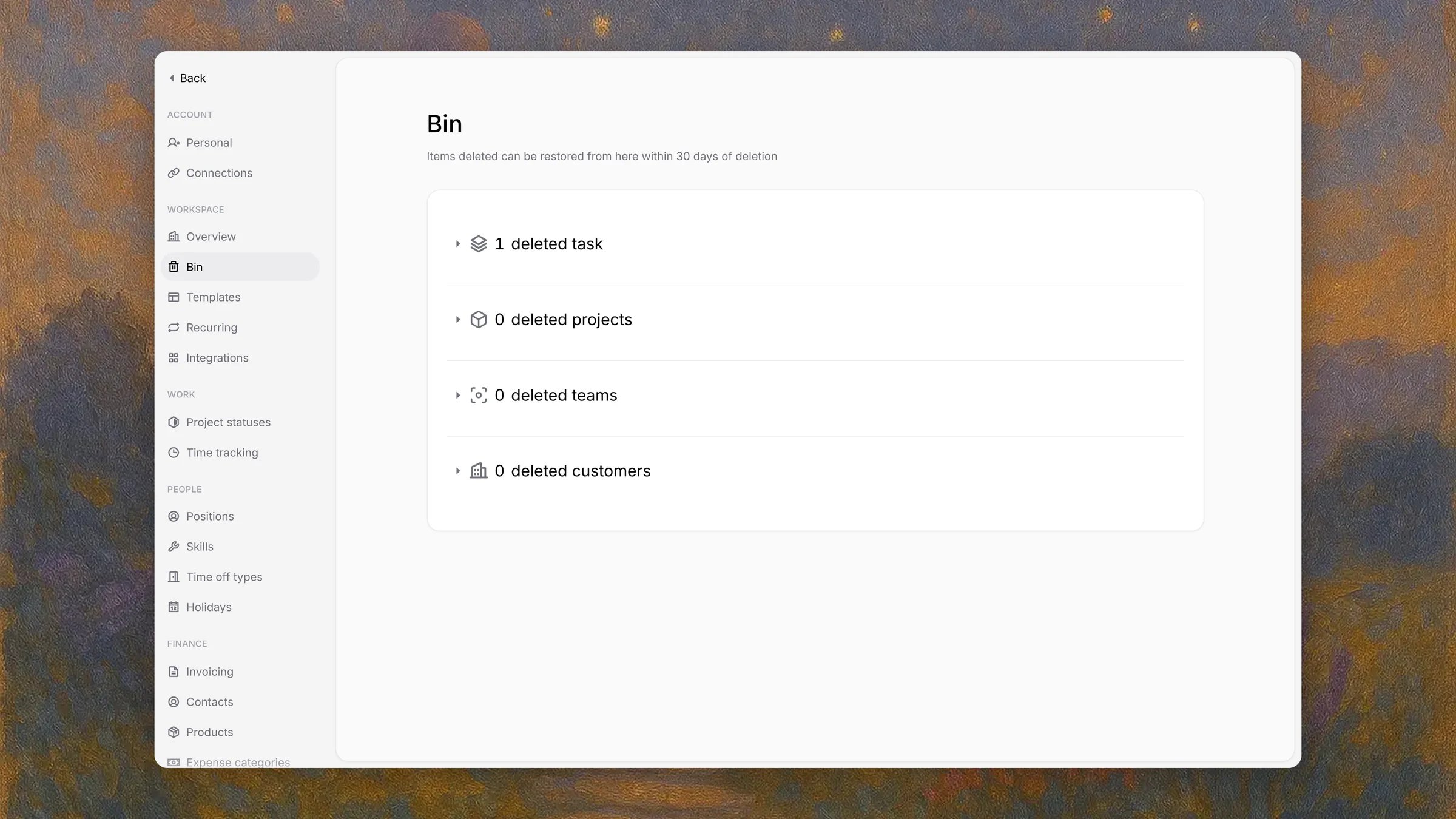
Admins and managers open the Bin from the workspace menu at the top of the sidebar, or from Workspace settings Bin. Deleted tasks are listed under deleted tasks with deleted projects, teams and customers.