
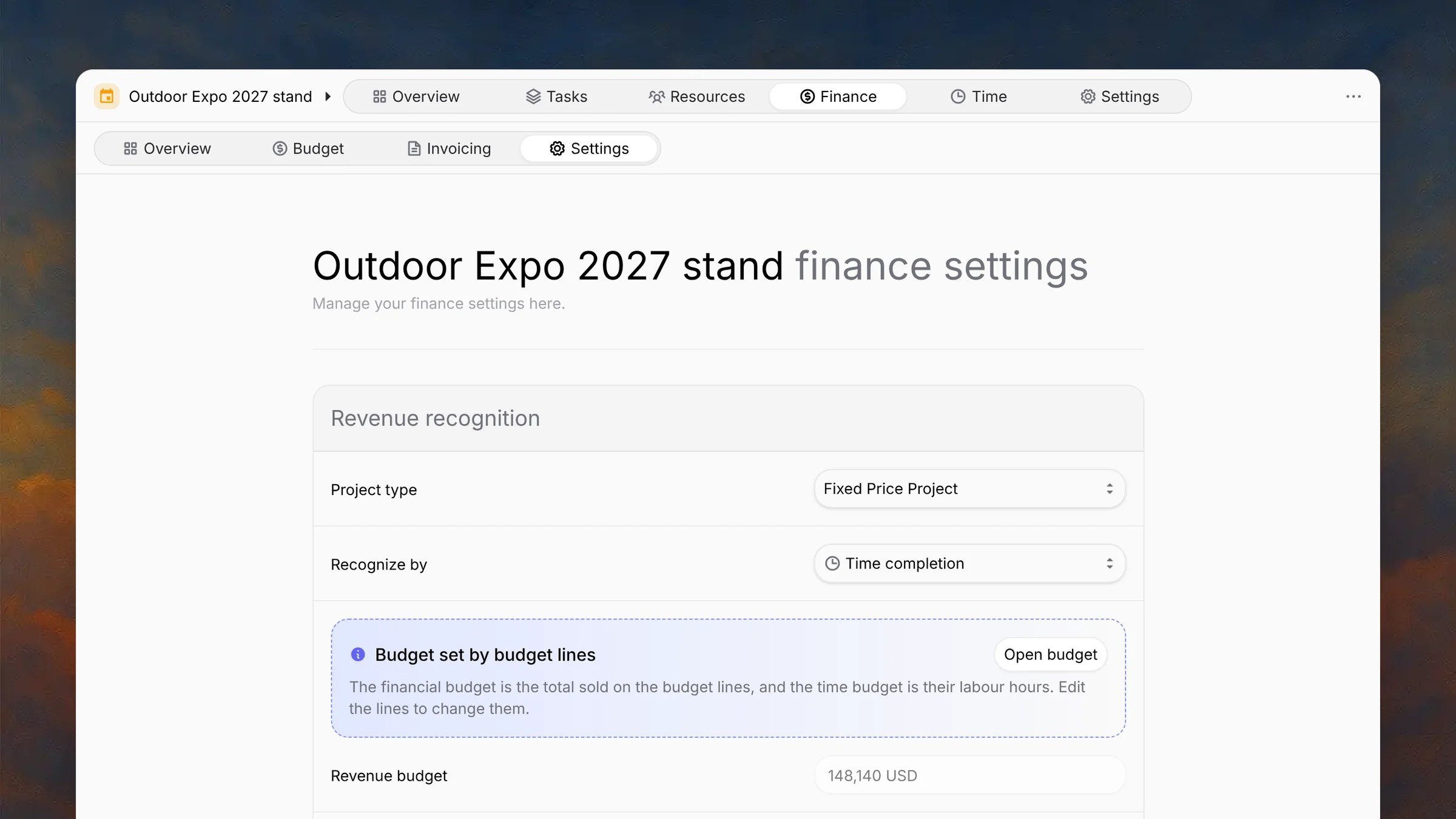
Fixed Price
The client knows the total cost before work starts, and your firm carries the risk of overruns. On invoices:- Pike blocks any invoice line that would take the total billed above the revenue budget, labeled Fixed Price.
- Extra scope becomes billable once its change order raises the budget.
- Pike recognizes revenue by time completion unless you pick another method.
Time and Materials
The client pays for the time consultants spend and the materials used. Clients get detailed timesheets and expense reports. On invoices:- Line items are added or changed often, so the invoice total moves with the work.
- Track time and expenses diligently to keep invoices accurate and the final amount predictable for the client.
Capped Time and Materials
The client pays T&M up to a maximum total. On invoices:- Line items stay flexible, but Pike blocks any line that would take the total billed above the cap, labeled Ceiling.
- Monitor progress against the cap throughout. Exceeding it creates disputes that land on the final invoice.