
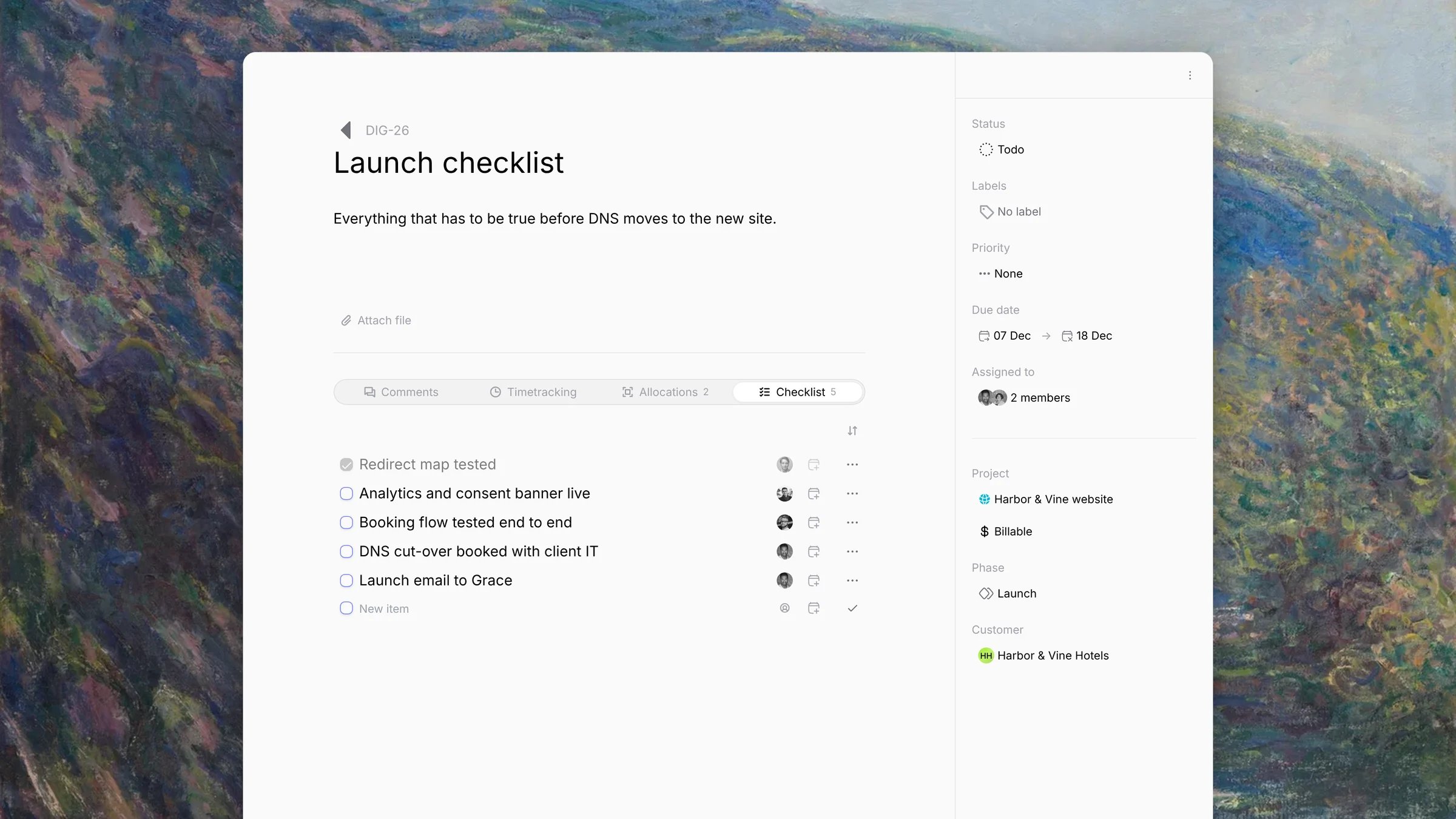
Add an item
Open the task and click the Checklist tab. Type in the New item row at the bottom, then set:
Click the check mark to save.
Manage items
- Tick the checkbox to mark an item done, or open the item’s ⋯ menu and click Mark as completed.
- Edit changes the item. Remove deletes it.
- The sort menu orders items by Due date, Last created, Last modified or Last completed.