Enable the portal
Only admins and finance members can turn the portal on.1
Open the customer
Go to the customer page and open the … options menu.
2
Enable portal
Click Enable portal. Pike creates a private link and copies it (“Portal
link copied”).
3
Share the link
Send the link to your client.
- Rotate password: the old link stops working. Share the new one.
- Disable portal: the link stops working. You can enable it again later.
Share a deliverable
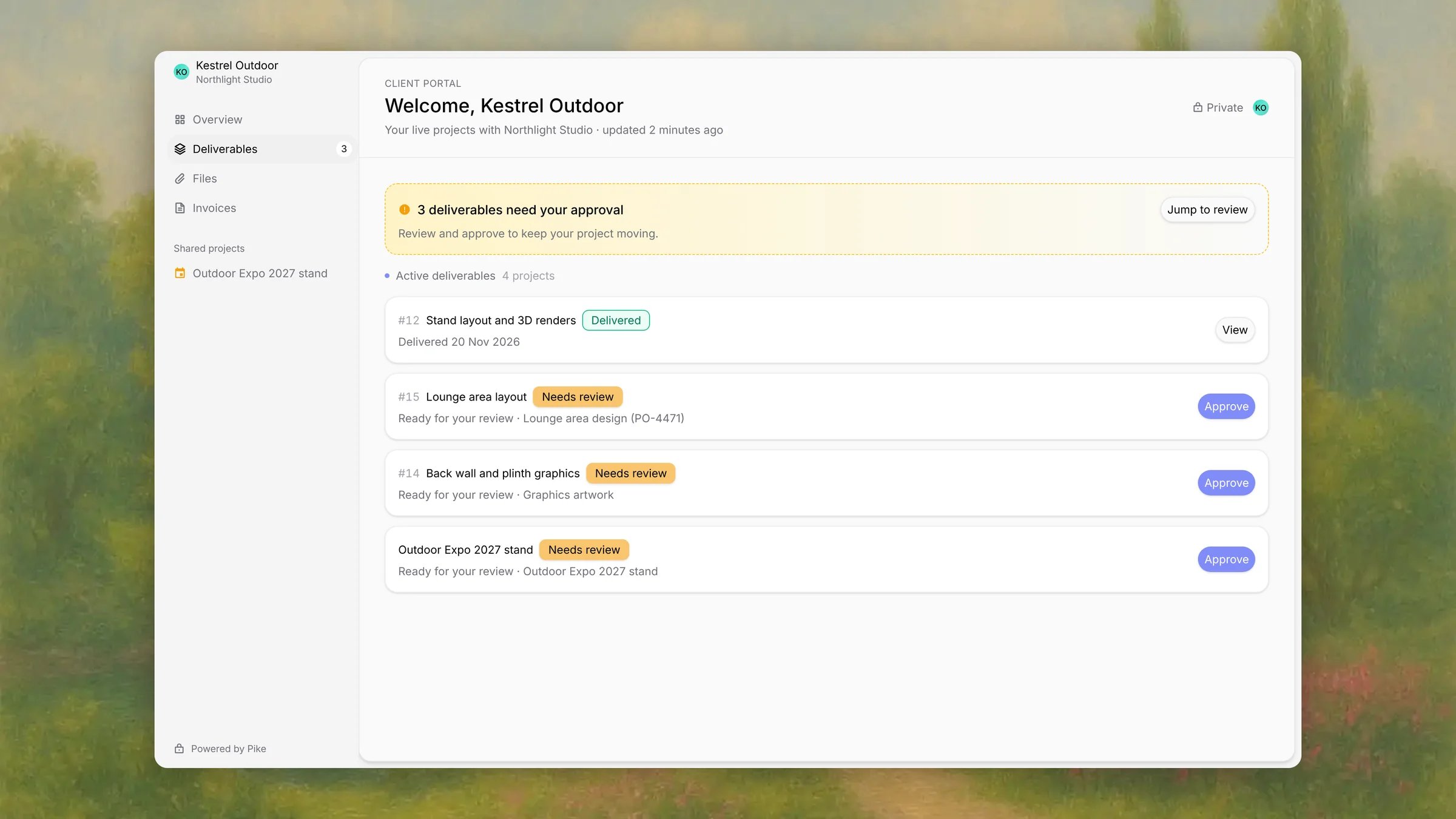
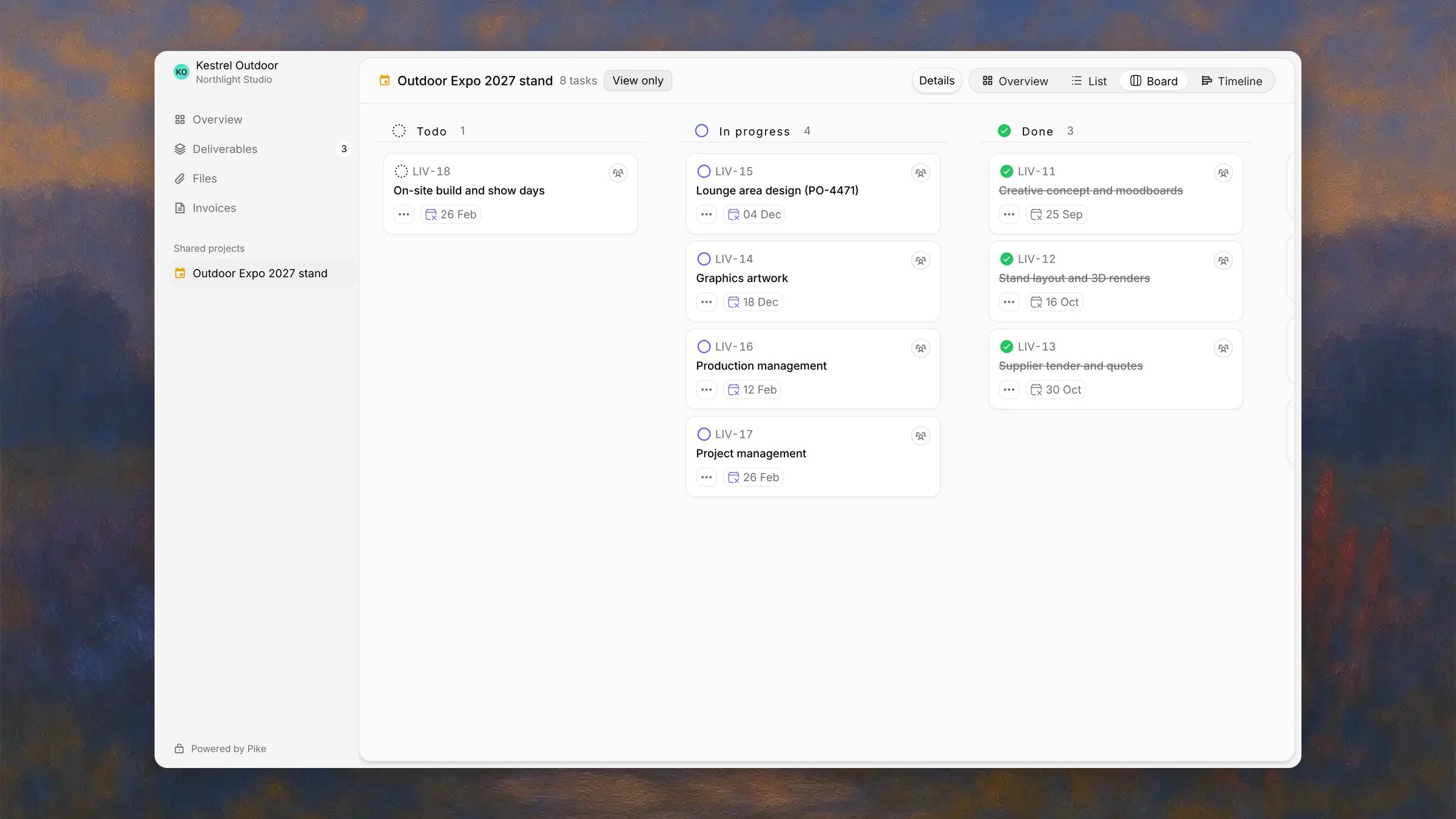
Admins, finance members, and managers can share work. The project must have a customer (“Link a customer before sharing with the portal”). Each project or task can be one deliverable.- On a project, open the options menu and click Share with customer.
- On a task, open the task menu and click Share with customer.
What the client sees
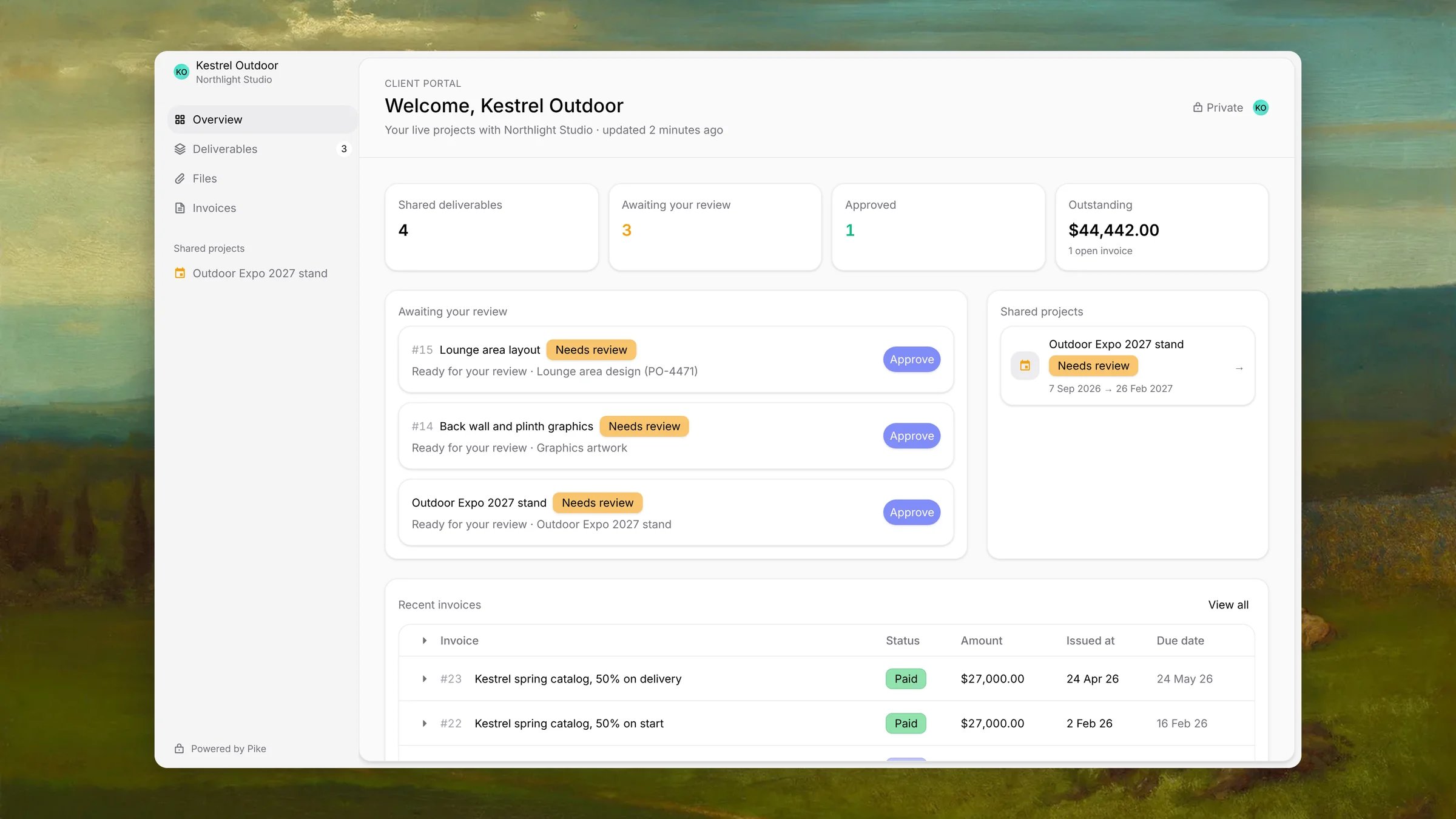
The portal greets the customer by name, for example Welcome, Kestrel Outdoor, and has a menu of Overview, Deliverables, Files and Invoices. Invoices shows only when the customer has invoices. Projects you share are listed under Shared projects in the portal’s sidebar.