
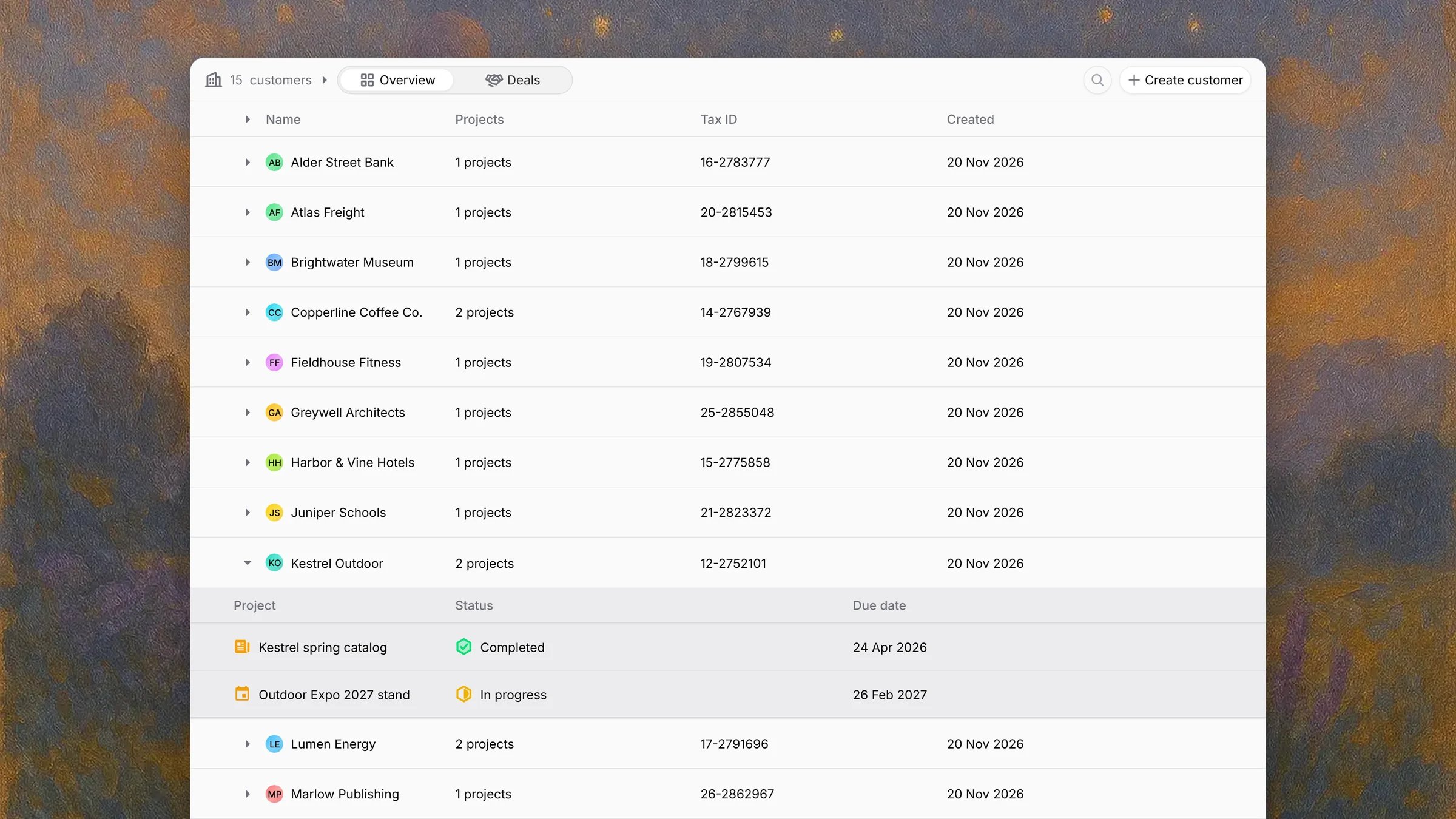
Customer table
Expand a customer with the arrow on the left to see its projects with their number, status and due date. Project finance columns are available there too. Search finds customers by name.
Filter the list
Filter customers by Status (Active, Past, or Prospect), by Lifetime value, and by Services sold. Filters combine, so you can list past clients who bought a service and have lifetime value over a set amount. See customer status.Saved lists
Save a set of filters as a saved list, for example past clients with lifetime value over $50,000. A saved list stays current as customers change status or value. Open it from the list menu to see the matching customers. With the Mailchimp integration connected, saved lists sync to your audience as segments and tags.Row actions
A row’s menu has Edit and Delete. Tick several customers to delete them together. Deleted customers go to the Bin.Create a customer
Click Create customer.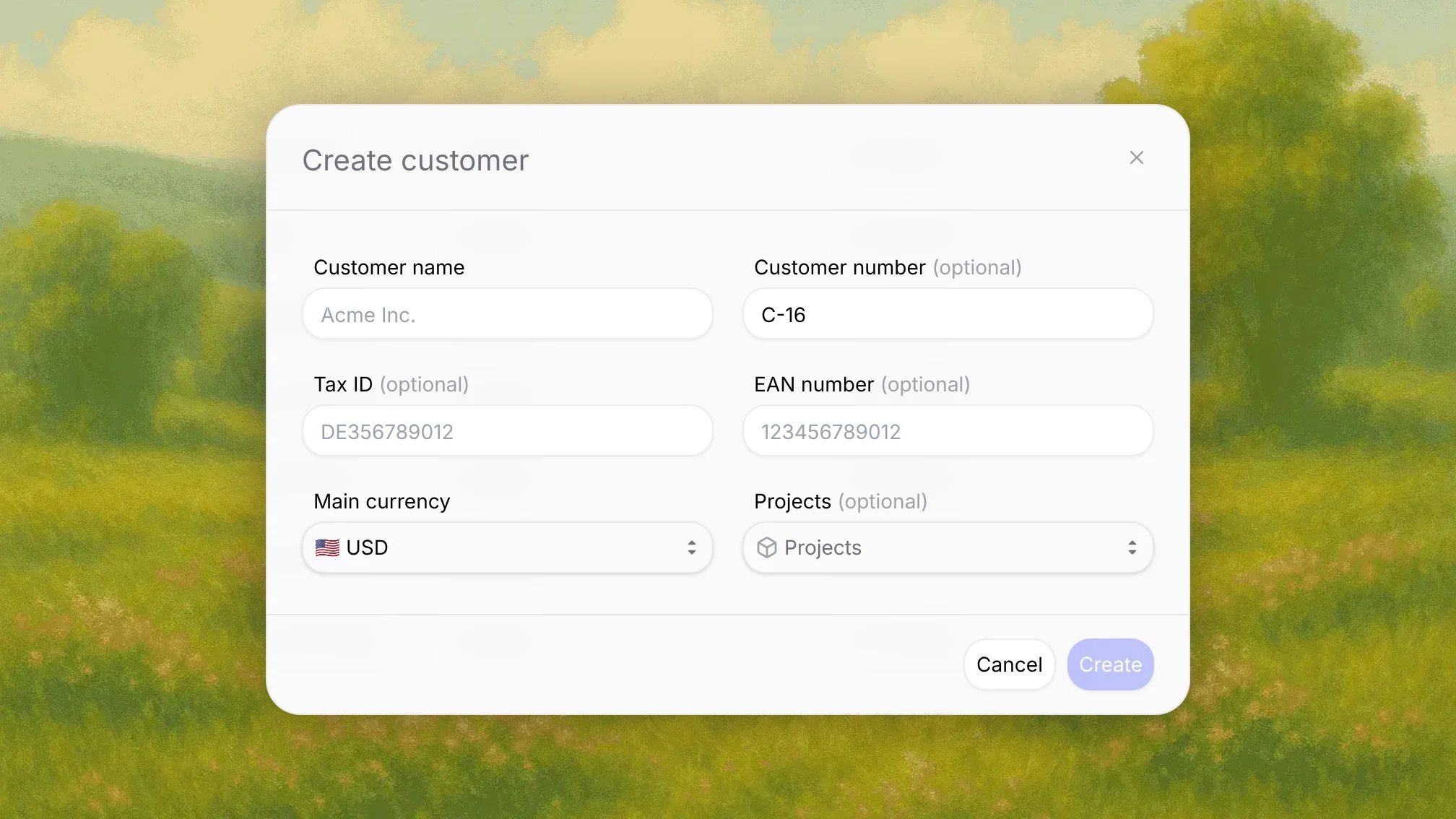
Click Create. See Customer page for what each customer shows.