
The finance part of Workspace settings contains what invoices, deals and expenses use: Invoicing, Contacts, Products and Expense categories. Admins and finance users manage them.

Invoicing

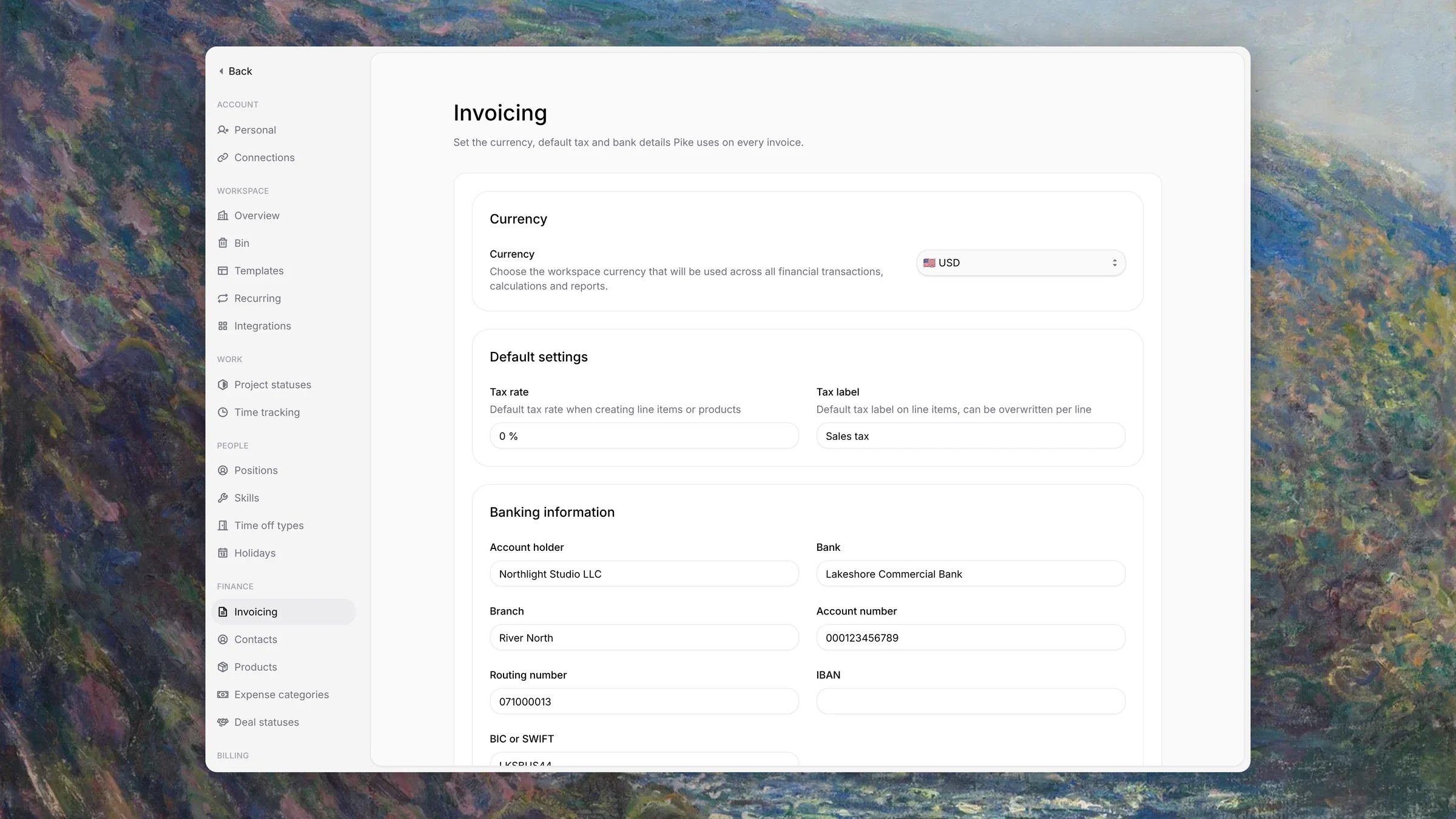
Invoicing sets the currency, default tax and bank details Pike uses on every invoice. Invoicing settings: currency USD, default tax rate 0% labeled Sales tax, and banking information for Lakeshore Commercial Bank
Contacts

Contacts are your company details that appear as the sender on invoices and quotes. The primary contact fills in From on deals and invoices.

Products

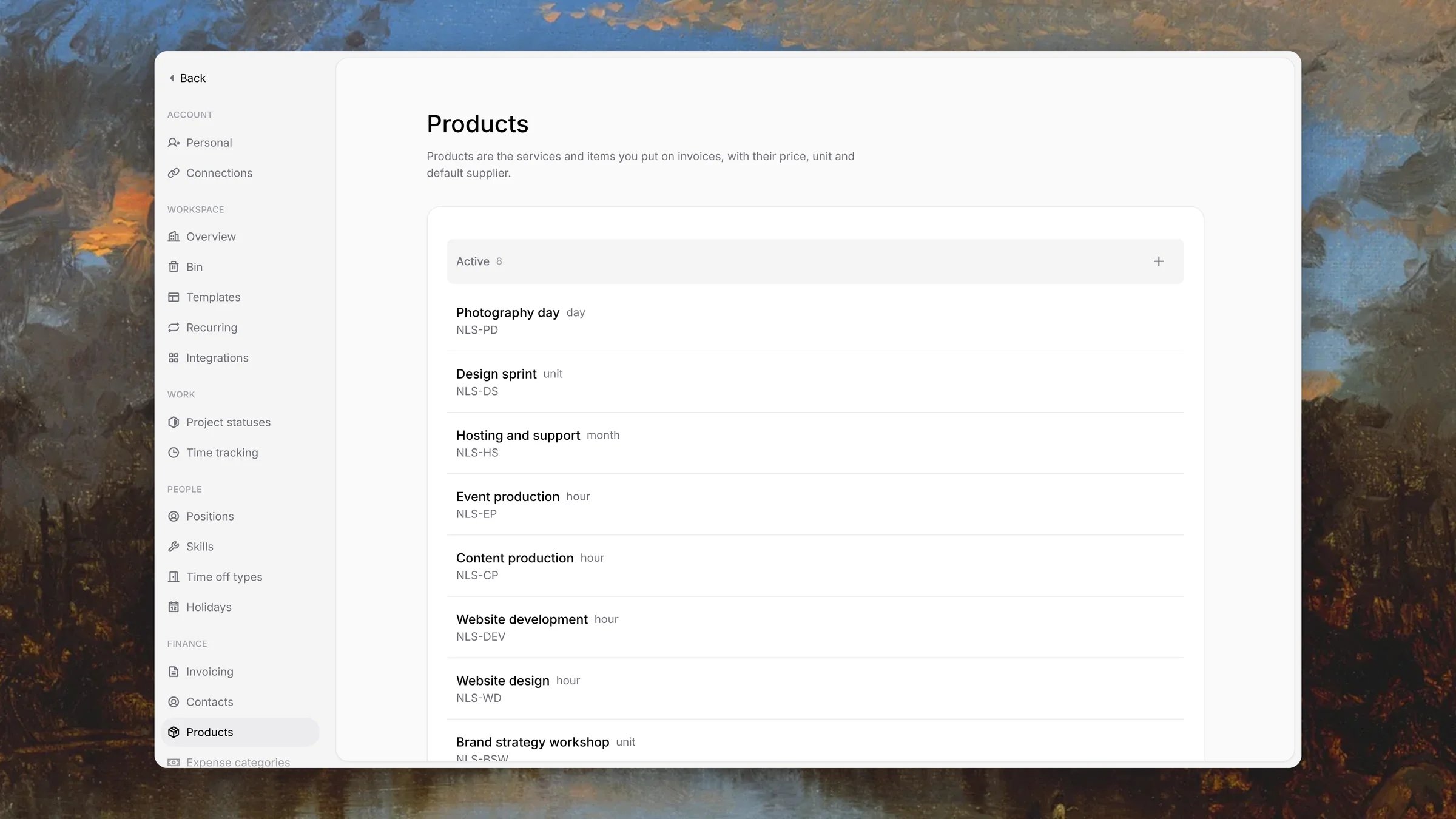
Products are the services and items you put on invoices and deals, with their unit and default supplier. Products: Photography day per day, Design sprint per unit, Hosting and support per month, and hourly products such as Event production and Website development, each with a SKU Each product has a Name, an optional Description, a SKU, a Unit of measure and an optional Default supplier. Products are Active or Inactive. Name products by what you sell, and give SKUs a pattern such as NLS-DEV. With QuickBooks or Xero connected, synced products appear here, tagged with the integration and read only.
Expense categories

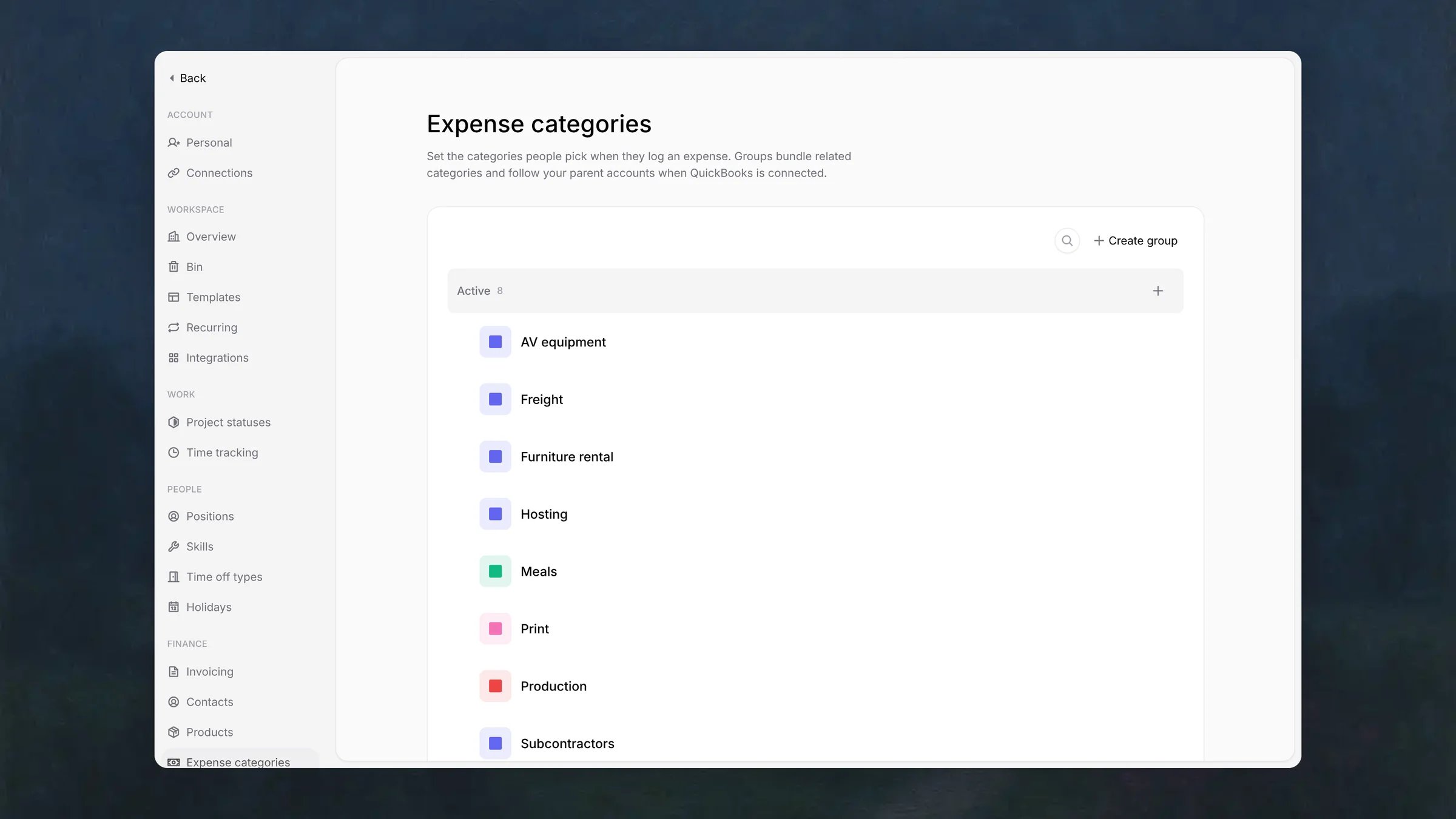
Expense categories are what people pick when they log an expense. Group them to bundle related ones, and they follow your accounts when QuickBooks is connected. The category also sets which budget group an expense counts on. Expense categories: AV equipment, Freight, Furniture rental, Hosting, Meals, Print, Production and Subcontractors
Overhead costs

Spread shared recurring expenses across members as hourly overhead that loads onto cost in profitability. Admins create, edit, and activate items. Admins and finance users view them.

Overhead costs

Allocation rules, line item fields, and how overhead loads onto labor cost.