
Best PSA software for digital agencies in 2026, compared
12 Oct 26
Share

"Our consulting firm uses spreadsheets to manage resource allocation and it has become impossible to scale." That is the sentence agencies bring to a capacity planning search, almost word for word. Resource capacity planning software replaces that spreadsheet with a live view of who can take on work, who already carries too much, and whether an upcoming project fits the hours you actually have.
This guide compares the nine tools most commonly shortlisted by agencies and consultancies in 2026. For each one we cover what it does well, where it breaks down, who it fits, and what it costs.
See your team's real-time capacity. Book a 15-minute walkthrough.
Resource capacity planning software shows who can take on work and who already carries too much. It also matches upcoming projects with people who have the required skills. Live schedules, workload views, and conflict alerts help you catch overlapping assignments before they become double bookings.
Spreadsheets lose accuracy as project dates, leave, and staffing needs change. Someone has to update every dependency manually, and separate copies can show conflicting plans. Dedicated software updates capacity as schedules change and flags allocation conflicts with overbooking alerts.
Capacity visibility directly affects revenue and margins in a billable-hours business. An underused employee creates payroll cost without matching billable revenue, while an overloaded employee can miss deadlines or record more hours than the project budget supports. Software that connects resource plans with time, rates, and budgets lets you evaluate staffing decisions through utilisation and cost. You can then move work, adjust scope, or hire before a capacity problem eats into project profit. For the underlying method, see our guide to resource capacity planning for agencies.
Visibility and forecasting. Look for live availability that updates when schedules change. A useful tool forecasts demand, exposes upcoming bottlenecks, and shows whether tentative projects fit within available capacity.
Allocation and utilisation. Choose software that flags overbooking before you confirm assignments. Utilisation views should separate billable work, internal work, and unused capacity so you can reassign work without relying on spreadsheet estimates. If the term is new, see utilisation rate.
Capacity planning. Check whether the tool can map work by role or skill and model future staffing changes. Scenario planning should show how a delayed project, new hire, or scope increase affects availability. Capacity and forecasting are related but distinct disciplines, covered in resource forecasting vs capacity planning.
Financial tracking. Resource plans should connect scheduled hours with labour costs, billing rates, project budgets, and expected margin. That connection helps you identify projects that look adequately staffed but lose money because the assigned people cost more than planned.
Adoption and scale. Confirm that the software connects with your project, time tracking, finance, and CRM tools. Test permissions, time zone support, and scheduling for hybrid or global staff. Finally, check whether reporting and performance stay practical as your headcount and project volume grow.
Starting prices are the vendors' public list prices as of 2026. Where a vendor does not publish pricing, we show contact sales.
| Tool | Best for | Starting price | Core capacity or scheduling feature |
|---|---|---|---|
| Pike | Agencies tracking margins | From $29/user/month | Live capacity and utilisation tied to project financials |
| Kantata | Large services firms | $69/user/month | Resource scheduling with project accounting |
| Scoro | Financially focused agencies | $10/user/month | Visual Planner and role-based capacity planning |
| Productive | Mid-sized agencies | $9/person/month annually | Availability forecasting against workload and budgets |
| Accelo | Client-services firms | Contact sales | Resource scheduling with AI-flagged project risks |
| Teamwork | Integration-heavy agencies | $10.99/user/month | Workload planning connected with 150+ apps |
| Rocketlane | Onboarding teams | Contact sales | AI-assisted delivery and resource planning |
| Asana | Cross-functional teams | $10.99/person/month annually | Workload views across multiple projects |
| BigTime | Finance-first firms | $20/person/month | Capacity heatmaps and scenario planning |
Best for: agencies and consultancies that need live capacity data connected to project profitability.
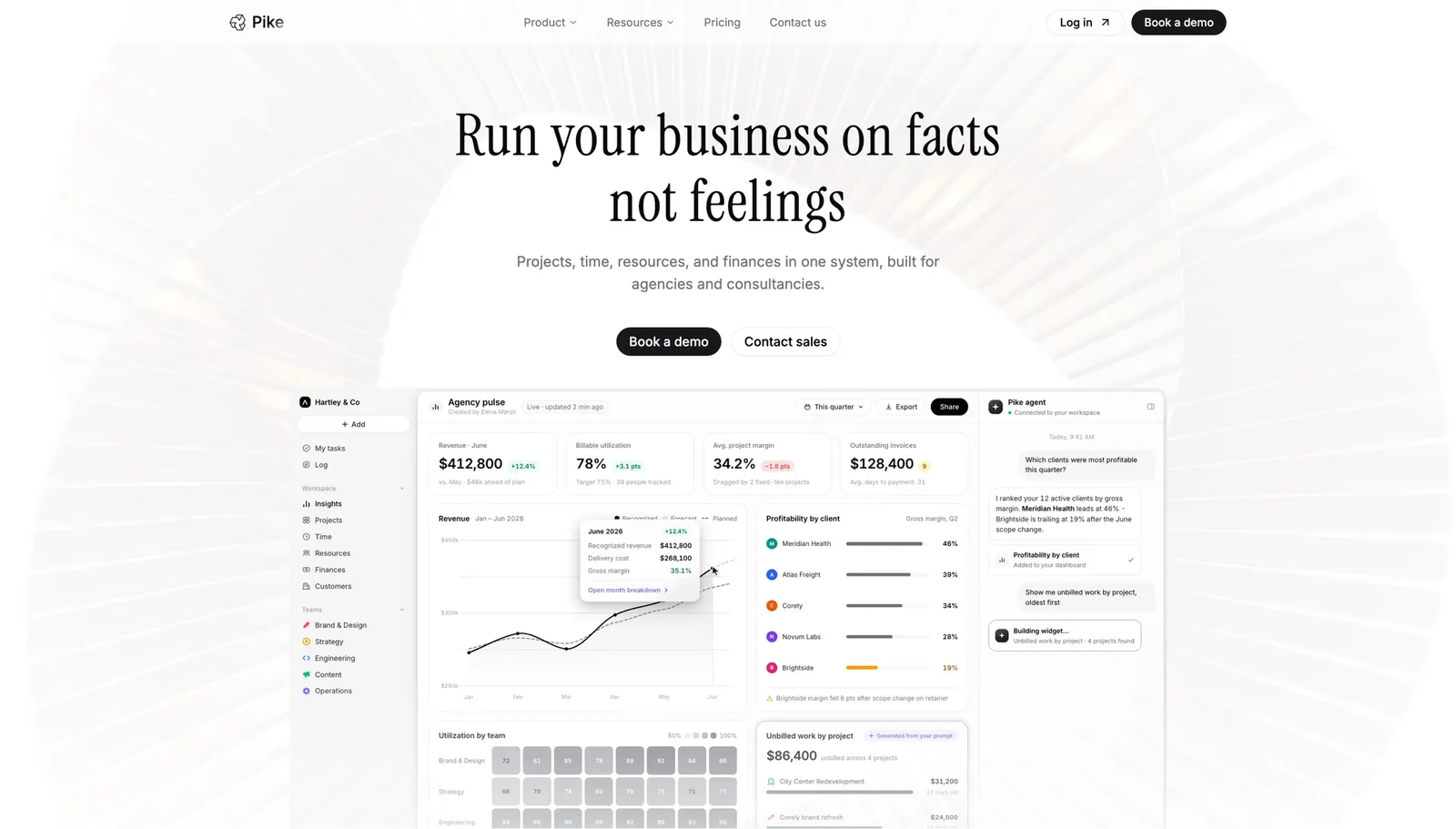
Real-time utilisation and capacity data make Pike the top pick for billable-hours businesses. Pike connects scheduled work and recorded time with live project margins, so you can see whether a staffing decision supports delivery and profitability before you commit the hours.
Pike keeps project delivery and resource planning in the same place as time and financial tracking. Shared data removes the manual reconciliation required when schedules, timesheets, and budgets live in separate tools. By the numbers, Pike runs 4 billing models (fixed-price, time-and-materials, capped T&M, and retainer) and 4 native accounting integrations (QuickBooks, Xero, Business Central, and E-conomic) inside one system, and it is in production at teams including Outerkind, McElroy Architecture, e&enterprise, WPP, and Veolia.
Its professional-services focus shapes how it handles capacity. Creative studios and consultancies plan billable work around client projects. Architecture, engineering, and IT firms apply the same model to specialised roles and longer engagements.
Pros
Cons
Pricing: Pike publishes plans starting at $29 per user per month (Core, billed annually; $35 monthly), with Growth at $49 and Scale at $99 per user per month, plus a custom Enterprise tier. See pricing or book a walkthrough.
Best for: large professional services firms that already use Salesforce.
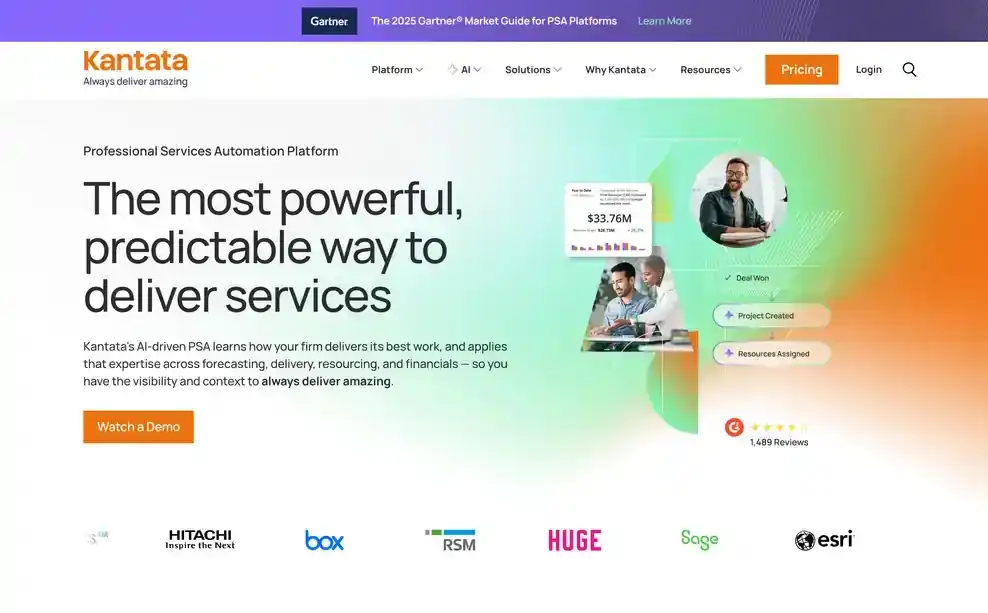
Kantata combines resource planning with project accounting for billable services businesses. Its scheduling tools help you assign people based on availability, while time tracking connects delivered work to invoicing. It also tracks budgets and profitability as projects progress, and integrates with Salesforce and Google Workspace, which can reduce duplicate data entry for firms already using those tools.
Pros
Cons
Pricing: Kantata does not publish standard pricing. Contact its sales team for a custom quote. See Kantata vs Pike.
Best for: agencies that want resource planning and project financials in one professional services automation platform.
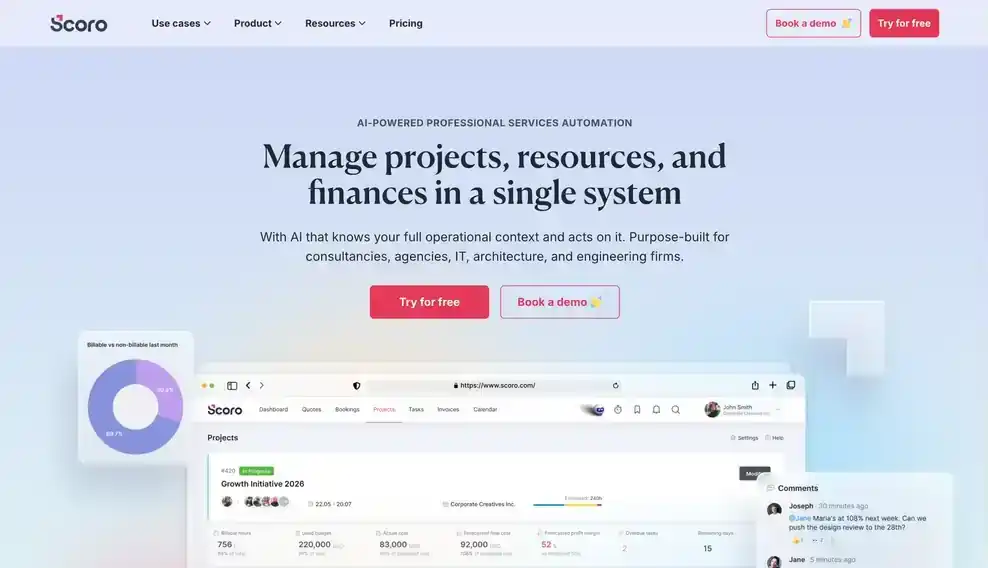
Scoro's Planner provides a visual, drag-and-drop view of schedules, workloads, and availability, so you can spot overbooked people before their assignments create delivery conflicts. Role-based planning lets you forecast demand by skill or job function before assigning a specific person. Scoro also connects scheduled hours with project budgets and cost estimates, and utilisation reports compare billable and non-billable time.
Pros
Cons
Pricing: Scoro does not publish a verified public starting price for the tier that includes these features. Contact Scoro for current pricing. See Scoro vs Pike.
Best for: mid-sized agencies of roughly 50 to 200 people that need availability forecasting and budget tracking in one platform.
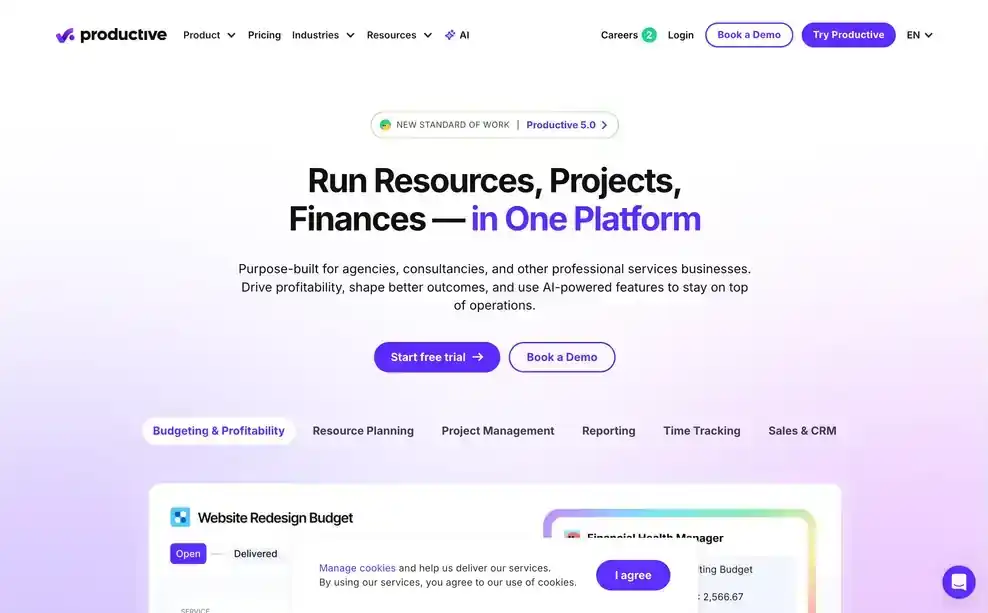
Productive forecasts availability using current workloads, project schedules, and time off. It also monitors billable versus non-billable utilisation and compares assigned hours with project budgets.
Pros
Cons
Pricing: Plans start at $9 per person per month billed annually. Basic capacity planning comes with the entry plan. See Productive vs Pike.
Best for: client-services firms that want AI-flagged project risk alongside resource scheduling.

Accelo connects resource schedules with project, time, and financial data. Its predictive tools assess project outcomes and flag delivery or budget risks early, which helps managers investigate likely problems before reallocating people or adjusting scope.
Pros
Cons
Pricing: Accelo does not publish pricing. Contact its sales team for a quote. See Accelo vs Pike.
Best for: agencies that need resource tracking connected to more than 150 app integrations.
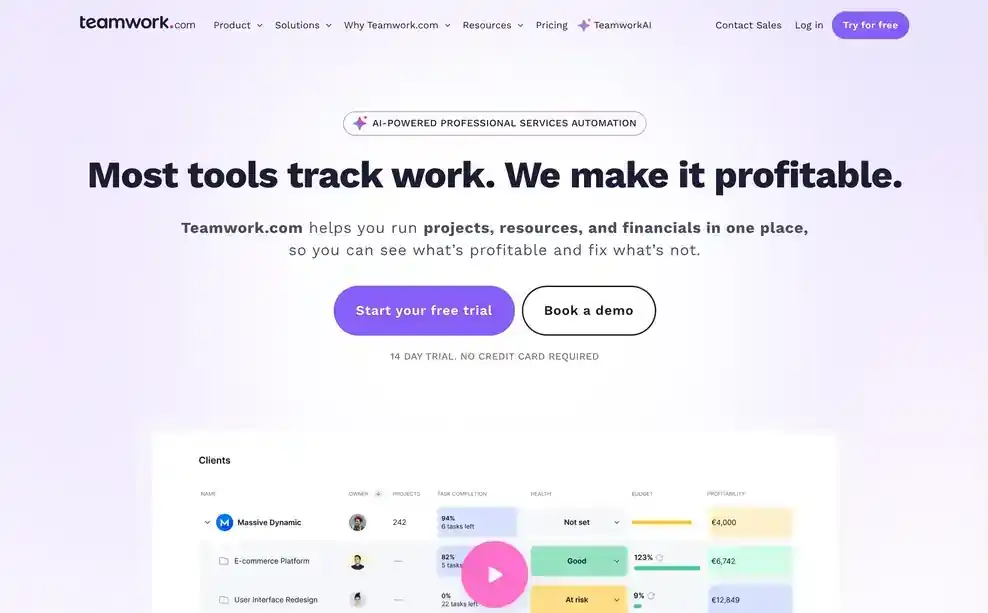
Teamwork approaches capacity planning through project profitability. It connects resource allocation, pricing, time data, and reporting so you can compare planned work with project performance. Its integration library supports more than 150 apps, which suits agencies that want capacity data to work with their existing finance, communication, and productivity tools.
Pros
Cons
Pricing: Contact Teamwork for pricing that includes the resource planning features. See Teamwork vs Pike.
Best for: client onboarding and implementation teams that want automated project delivery and resource planning.

Rocketlane holds a 4.7 out of 5 rating on G2. Its AI agents automate routine delivery work, while its professional services platform supports project coordination and resourcing.
Pros
Cons
Pricing: Rocketlane does not publish a verified starting price. Contact sales for current pricing.
Best for: cross-functional teams that need workload views more than dedicated financial and capacity planning.
Asana adds resource visibility to its broader work management platform. Workload views show each person's assigned tasks and timelines, and multiple-project views help you compare assignments across concurrent work.
Pros
Cons
Pricing: Plans with basic resource management start at $10.99 per person per month billed annually. See Asana vs Pike.
Best for: finance-first professional services firms that want capacity heatmaps connected to billable utilisation.
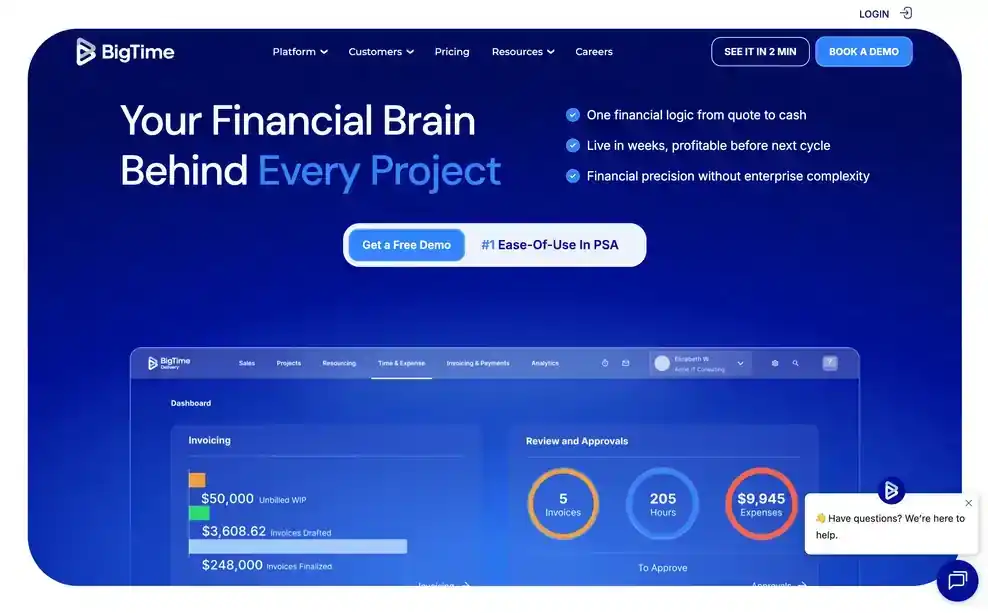
BigTime connects resource planning with project financials. Its scenario planning models how prospective work could affect capacity and timelines, colour-coded heatmaps expose overbooked and underused staff, and forecasting estimates future staffing needs using workload and pipeline data.
Pros
Cons
Pricing: BigTime starts at $20 per person per month. Confirm which tier includes scenario planning, heatmaps, and forecasting.
Agencies choose Pike because it connects current capacity and utilisation with project financials. When assignments or logged time change, Pike updates the data used to track availability, utilisation, and project margins, so you can see whether a staffing decision protects profitability before committing more hours. Pike keeps resource, time, and financial inputs together in one resourcing view, so capacity decisions reflect current project conditions rather than a manually reconciled snapshot.
See your team's real-time capacity, book a 15-minute walkthrough.
We assessed each product against the four areas above (visibility and forecasting, allocation and utilisation, capacity planning, and financial tracking), along with its fit for agencies and professional services firms. We compared tools by their practical capacity-planning capabilities rather than total feature counts.
Public vendor pages supplied feature and pricing details. When a vendor did not publish pricing, we marked it as contact sales. Each entry also names one limitation that could affect the buyer in its best-for label.
What is the best resource capacity planning software for a 30-person agency?
Resource capacity planning software shows current availability, future demand, and billable utilisation. Pike suits a 30-person agency that needs live capacity data connected to project margins and budgets. Productive is a strong option for agencies that prefer availability forecasting with budget tracking and are comfortable with a broader platform.
We are a 50-person agency switching from spreadsheets and need one tool for project management, resource allocation, and client billing. What should we use?
At 50 people the failing point is usually visibility: schedules, timesheets, and budgets live in separate places and disagree. Pike is built for this range and keeps resource allocation, time, and billing in one system, so capacity and margin move together. Kantata is the stronger choice if you run on Salesforce and need enterprise project accounting.
We are a 25-person creative agency and our spreadsheets for resource planning are falling apart. How do we prevent overallocating the team?
Overallocation happens when assigned work exceeds a person's available hours in a given period. Dedicated software updates capacity as plans and time change, and scheduling alerts and workload views expose conflicts before they reach delivery. Productive and Pike both give a 25-person agency live availability, so you can reassign work before overlapping bookings cause missed deadlines.
What is the difference between resource scheduling software and capacity planning software?
Resource scheduling software assigns people to specific work. Capacity planning software compares available time with current and expected demand. Some platforms, Pike among them, connect both views with utilisation and project financial data, so an assignment can be judged against both the calendar and the project's margin.
Can Asana replace dedicated resource utilisation software?
Asana provides workload views, and for agencies with simple scheduling needs that can be enough. Dedicated resource utilisation software goes further: it measures available and assigned capacity across people and projects and ties it to cost. Deeper capacity analysis and financial planning in Asana may require higher tiers or separate tools, so margin-focused firms usually outgrow it.
Share
 ISO 27001
 GDPR
GDPR SOC 2 Type II
Built to keep sensitive client data secure and private.