

01 · Views and layouts
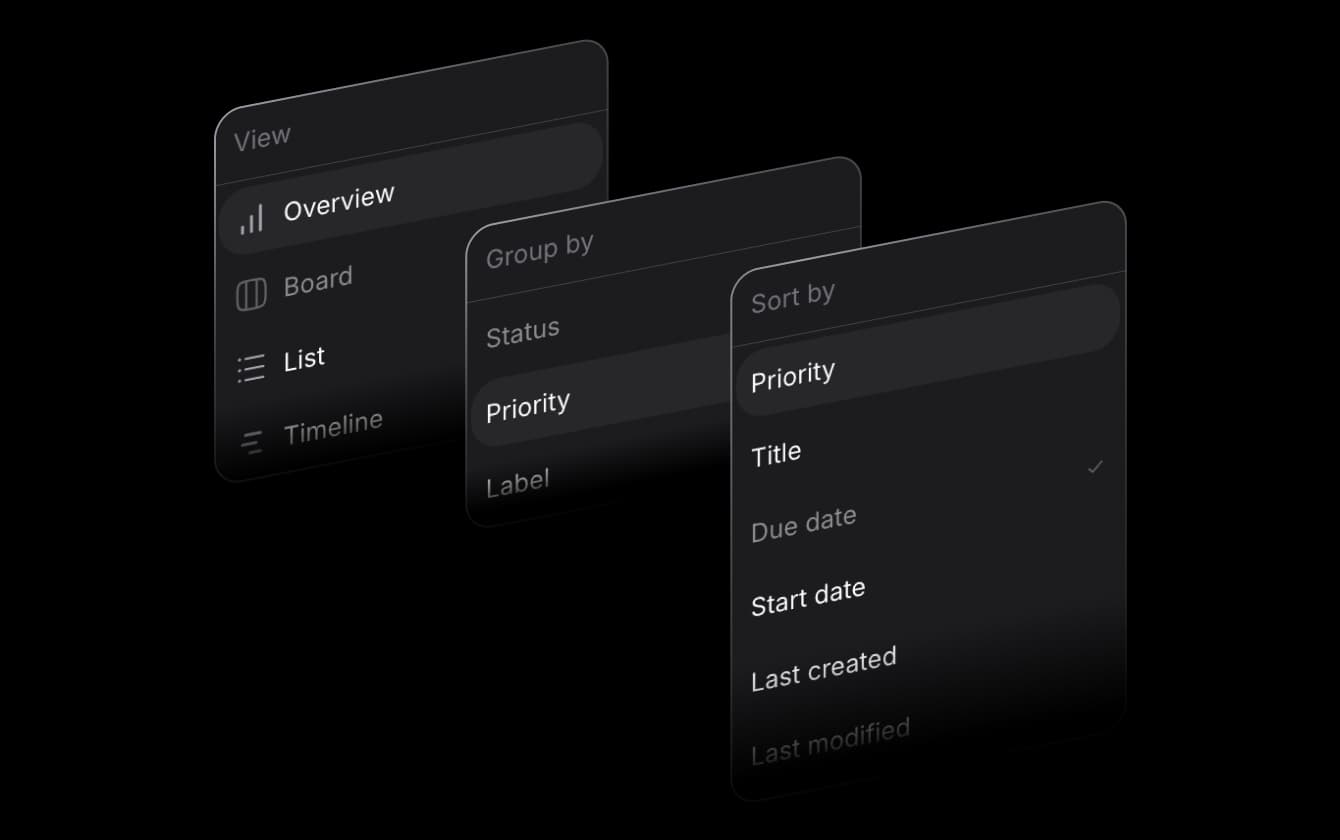
See the work the way your team thinks
Switch between board, list, and timeline without losing context. The same tasks stay connected to budgets, time, and customers no matter which view someone prefers.
Product · Projects
When everyone tracks differently, nothing adds up. Centralise tasks, updates, and deadlines in a UI teams actually use, so slips show up before your client does.
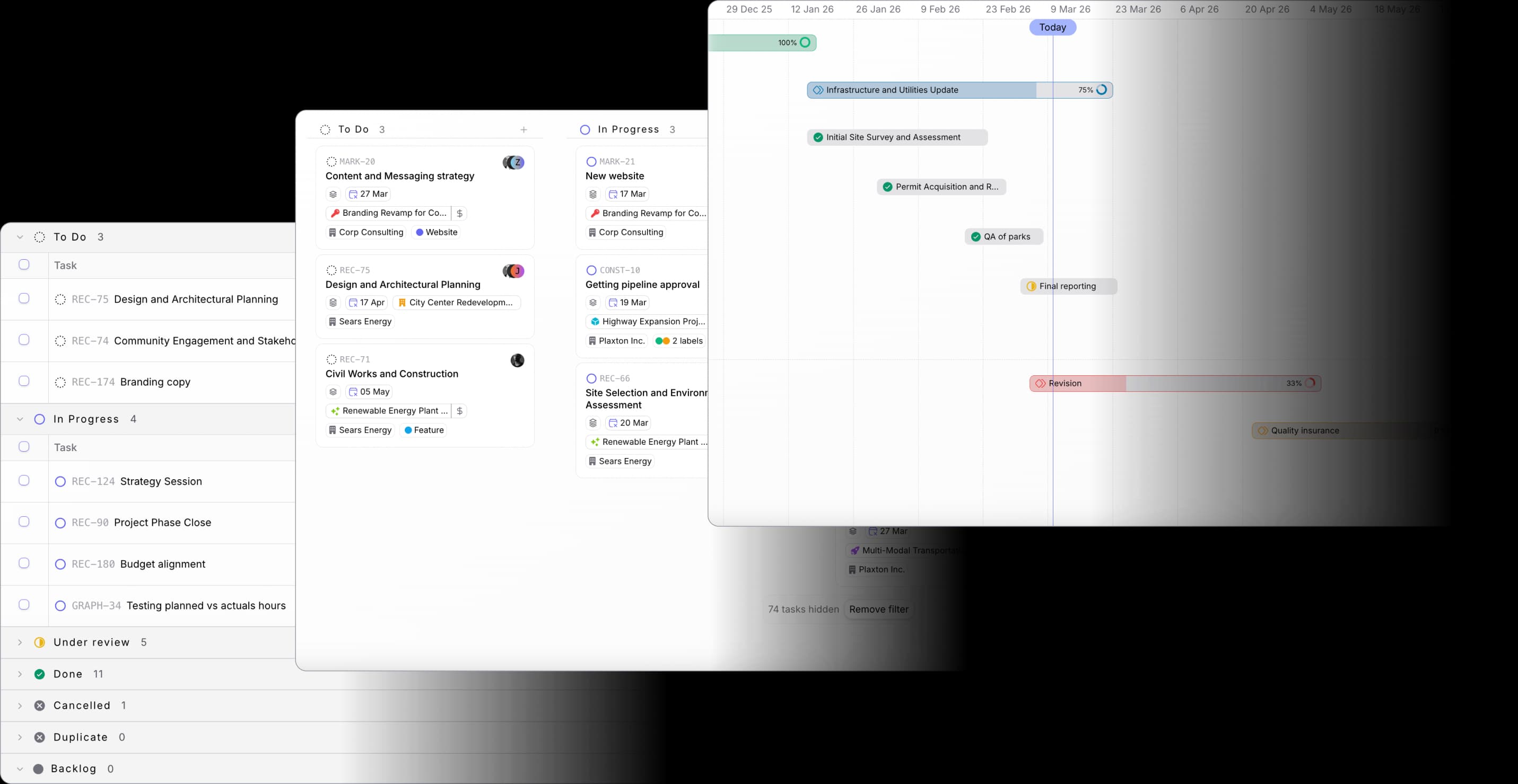
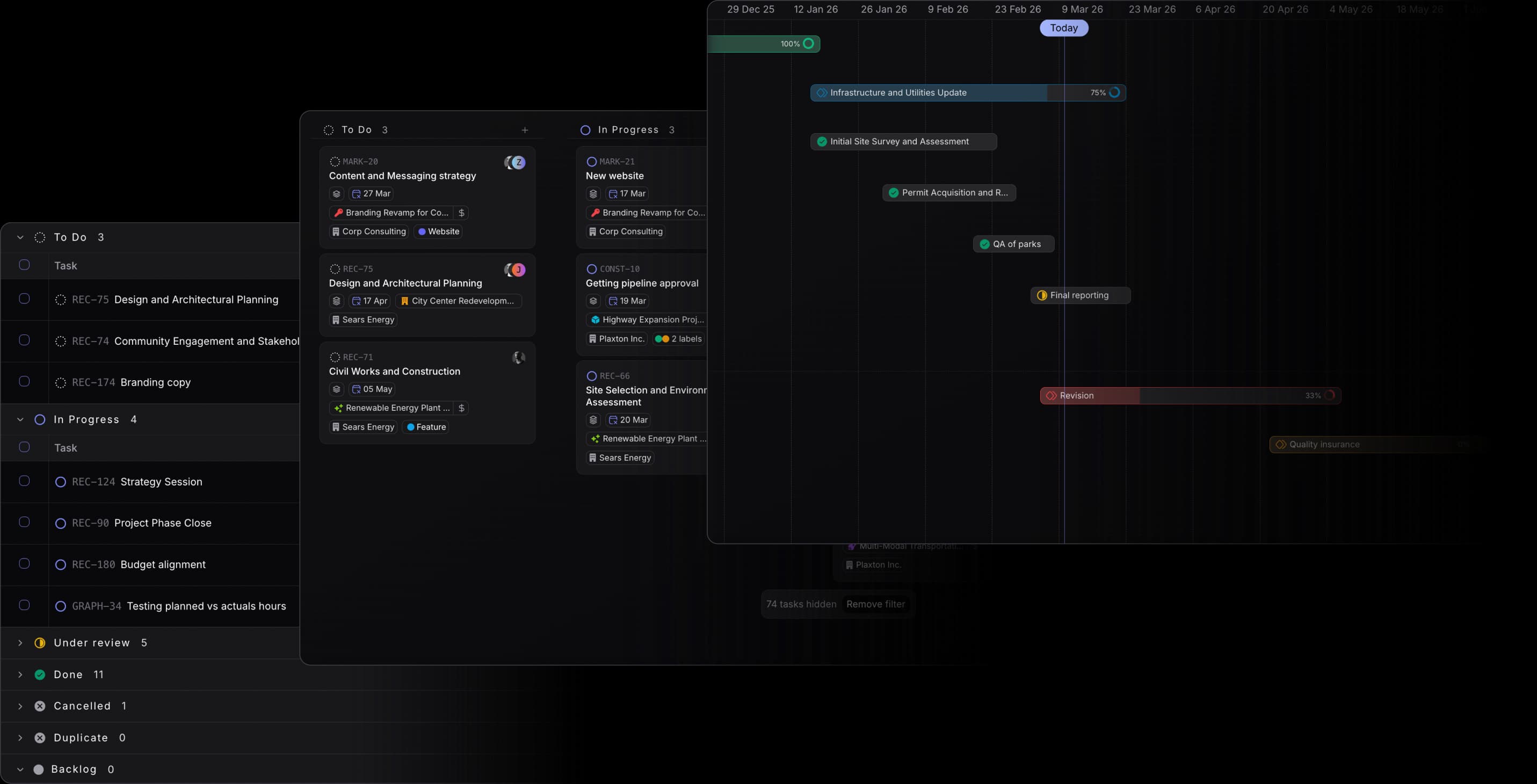
01 · Views and layouts
Switch between board, list, and timeline without losing context. The same tasks stay connected to budgets, time, and customers no matter which view someone prefers.
02 · Milestones and phases
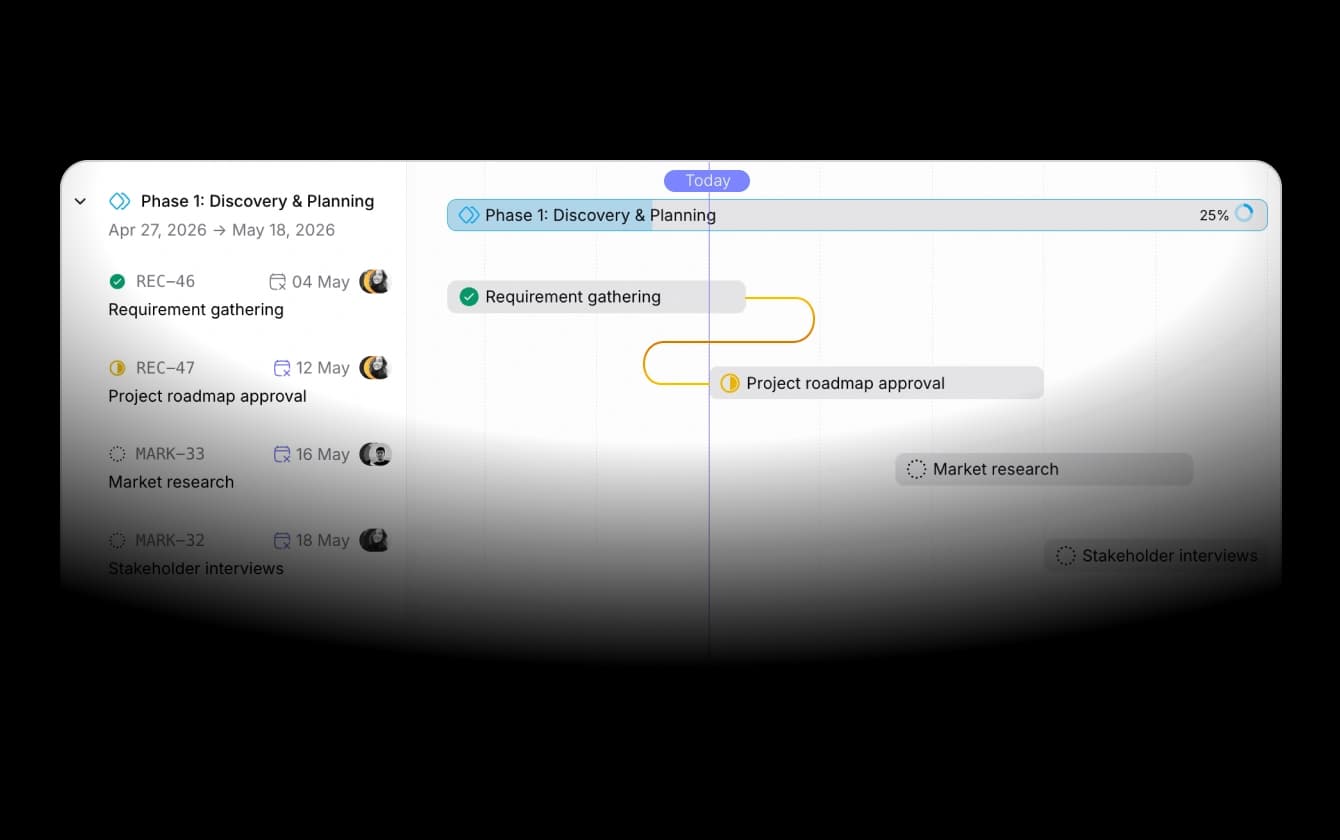
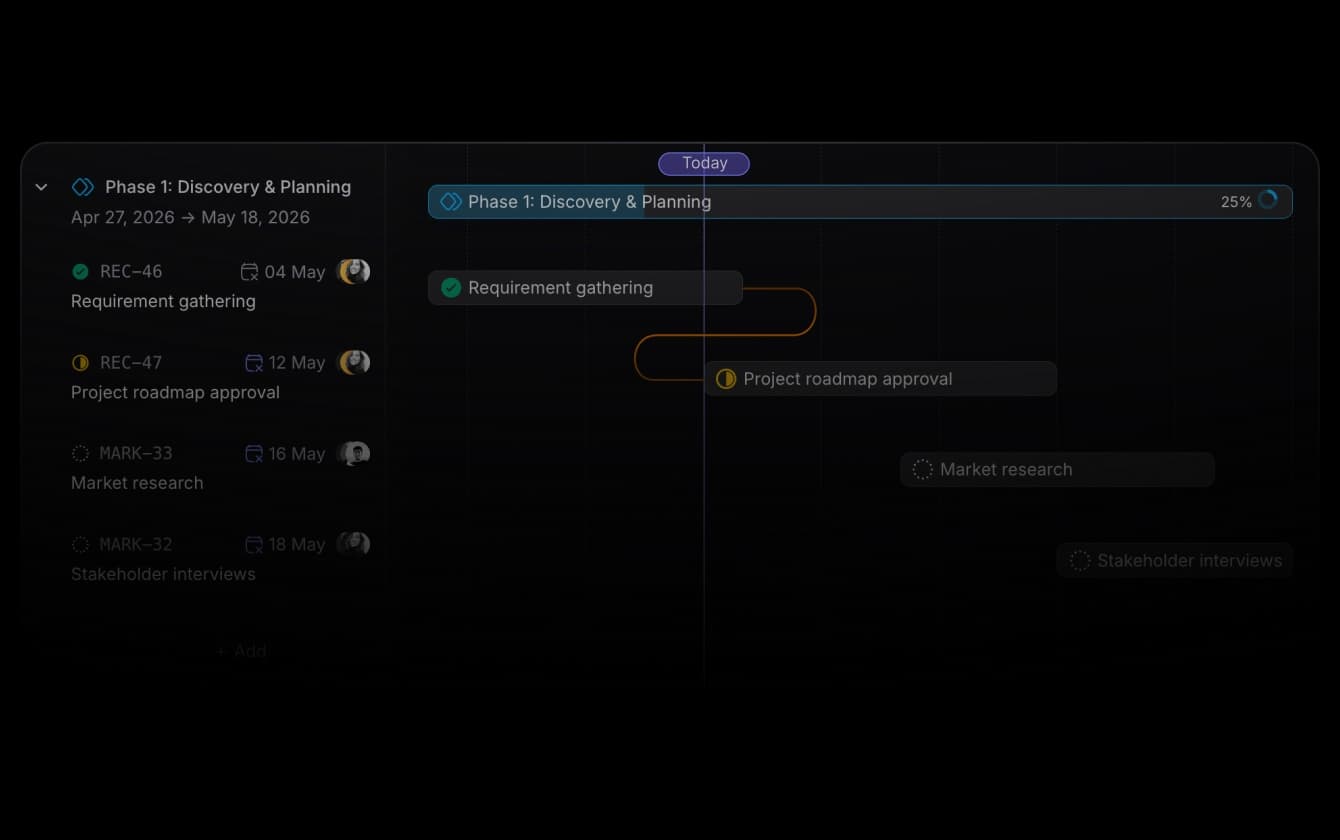
Use milestones, dependencies, and subtasks to mirror how deliverables actually land. Phases and workspace-level statuses keep progress honest from backlog to done.
03 · Comments and mentions
Project management UI - replace with supplied asset
670 × 420
Comments, tags, and mentions keep decisions where the tasks live. Less context lost in chat threads, fewer status meetings to learn what changed.
04 · Templates
Project management UI - replace with supplied asset
670 × 420
Project and task templates standardise how you kick off engagements. Less setup drift between teams, more predictable handoffs from sales to delivery.

Board, list, and timeline views with milestones, dependencies, and templates.

Live margin by client, project, and team, with invoices that flow to your bookkeeping.

Deals convert to projects, with pipeline, delivery, and profitability per customer.

Timers, one-click logging, and approvals, with every hour priced into project financials.
 ISO 27001
 GDPR
GDPR SOC 2 Type II
Built to keep sensitive client data secure and private.
