


Capture
Log time where you work
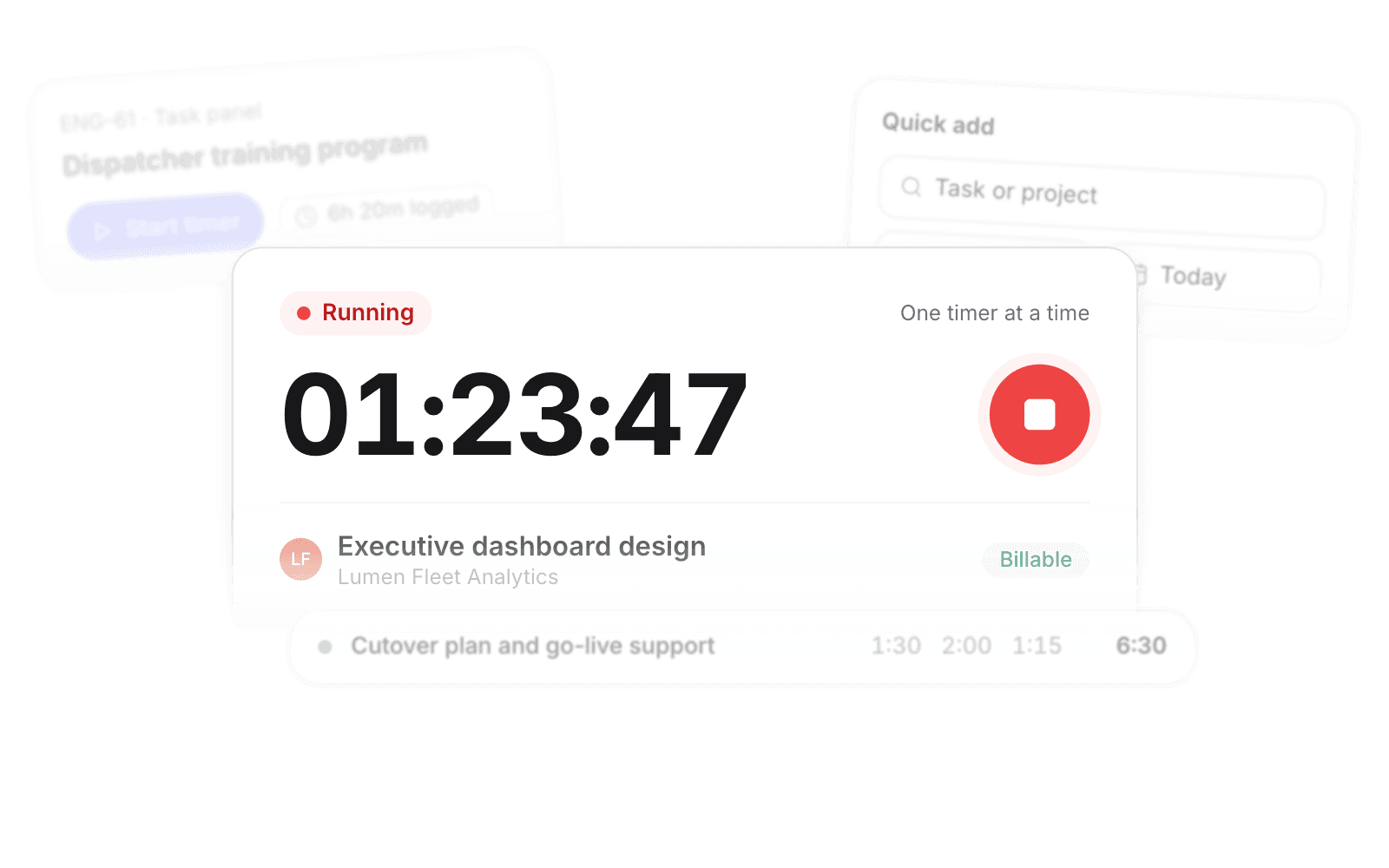
Timer, timesheet, task panel, or quick add. One timer runs at a time.
Start the timer and close Pike. It keeps running until you stop it.

Product · Time & absence
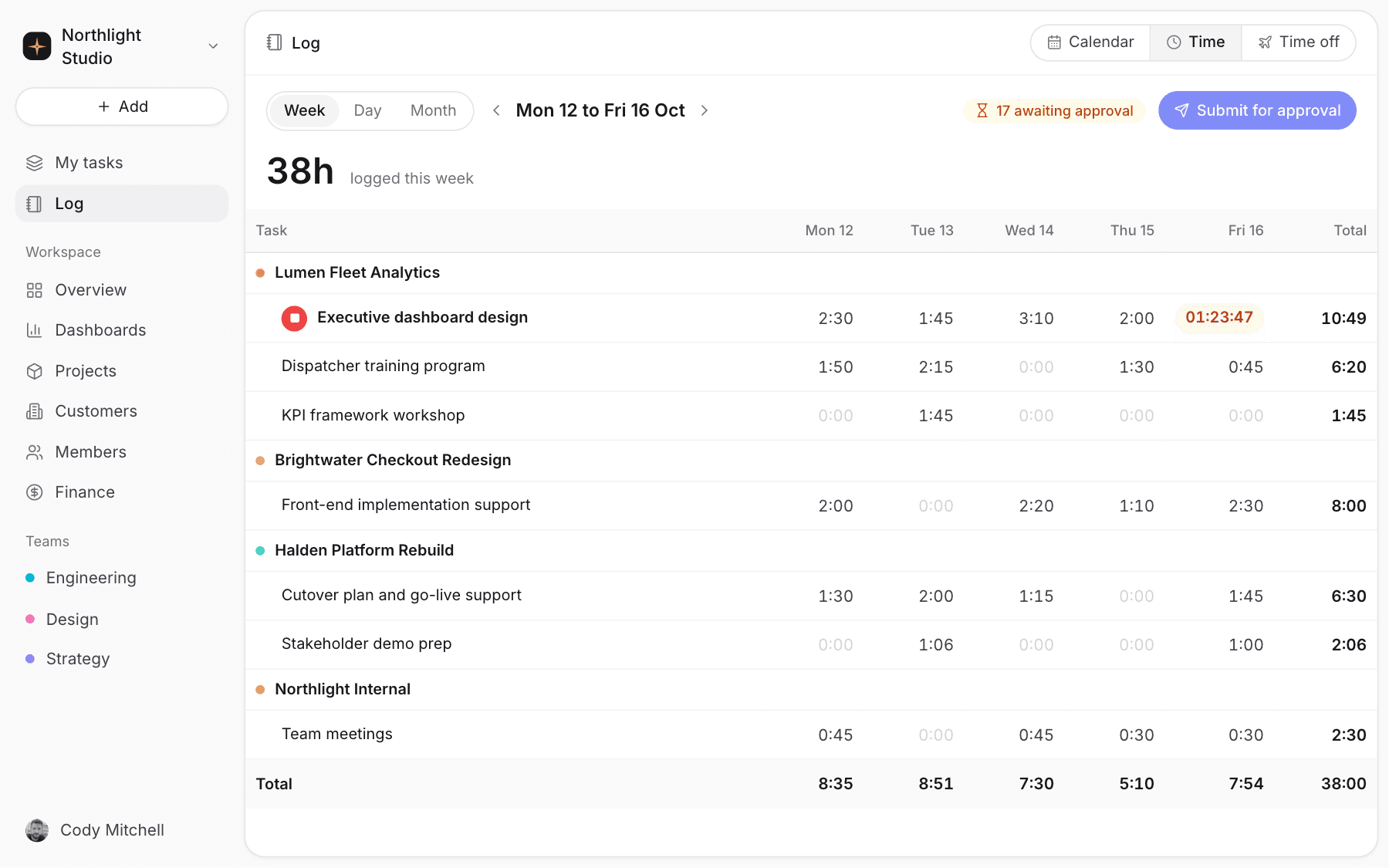
Start a timer, fill the weekly sheet, or add an entry from the task. Every hour carries its project and its rate.
Capture
Timer, timesheet, task panel, or quick add. One timer runs at a time.
Start the timer and close Pike. It keeps running until you stop it.
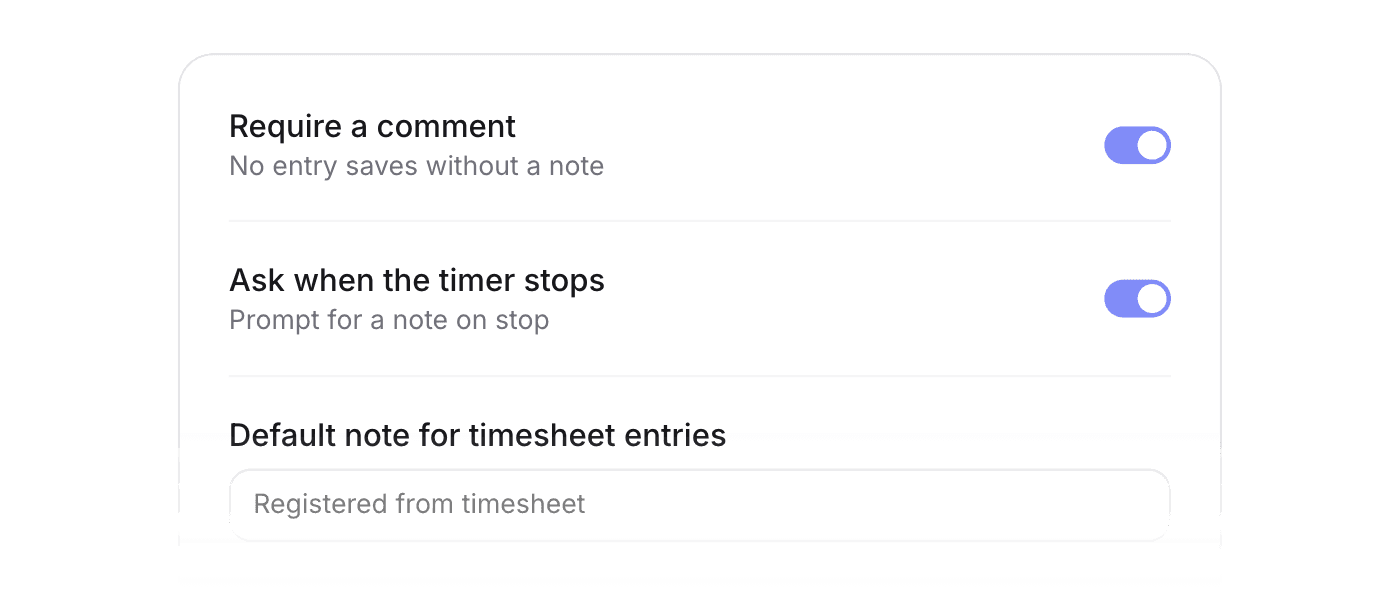
Require a comment before saving, prefill a default, or ask for one when the timer stops.
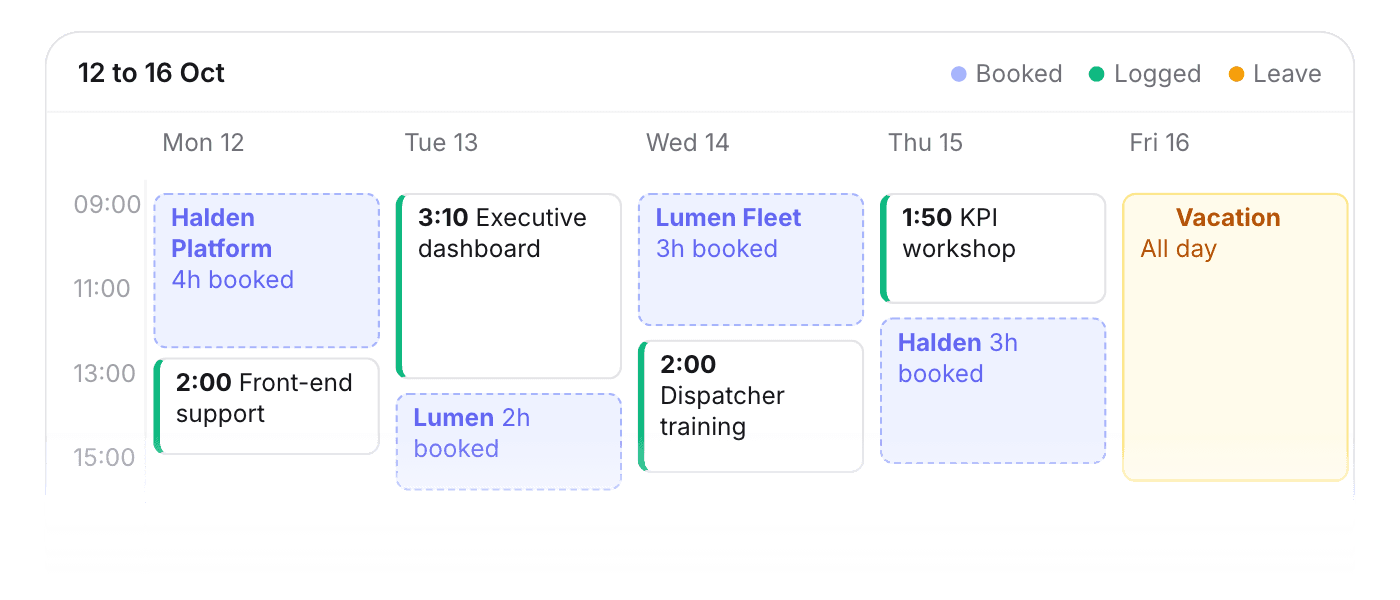
Bookings, logged hours, and leave layered on a day, week, or month view.
Approvals
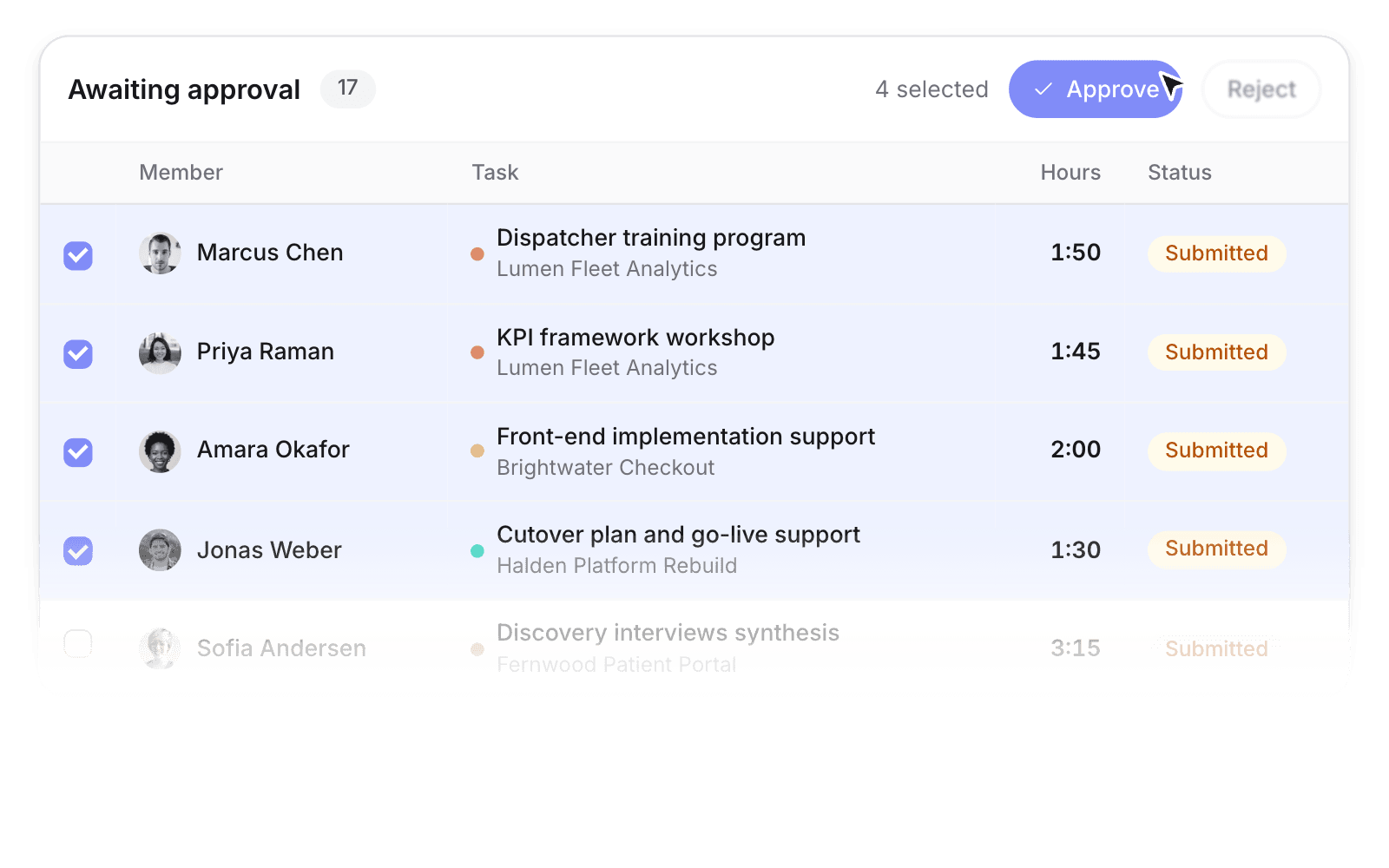
Submit a week, approve in batches, and approved hours lock for billing.
Managers see everything pending in one table. Approved hours stay locked.
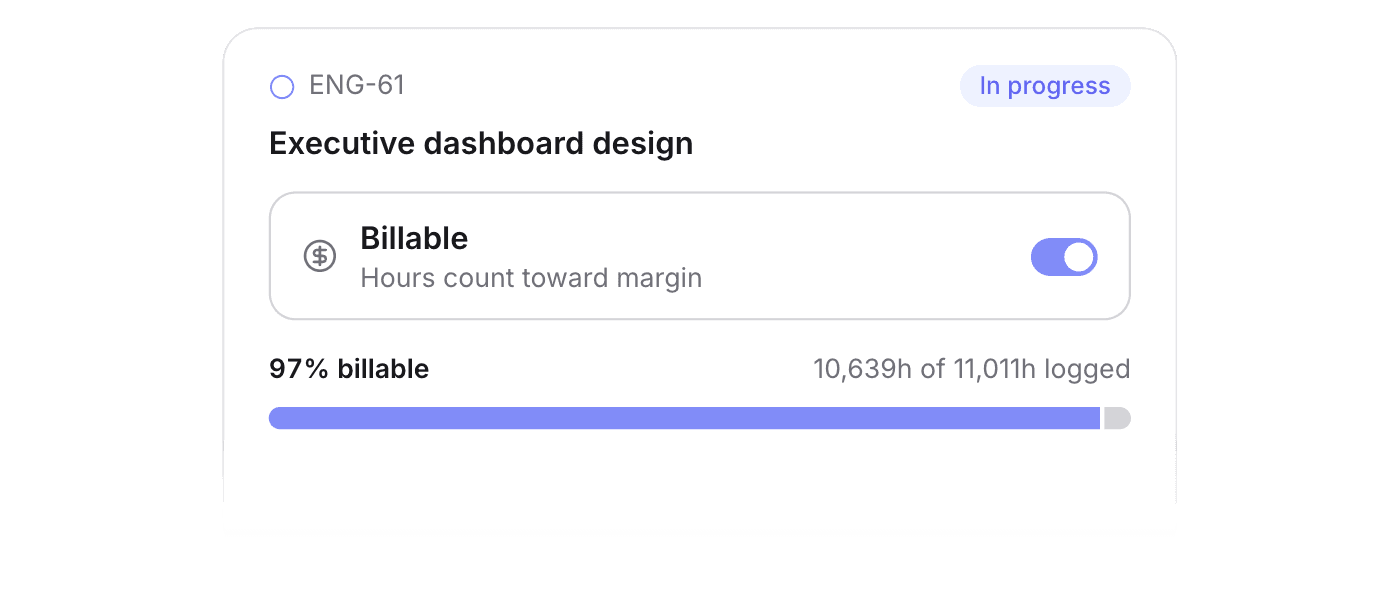
Mark a task billable and every hour on it counts toward utilisation and margin.
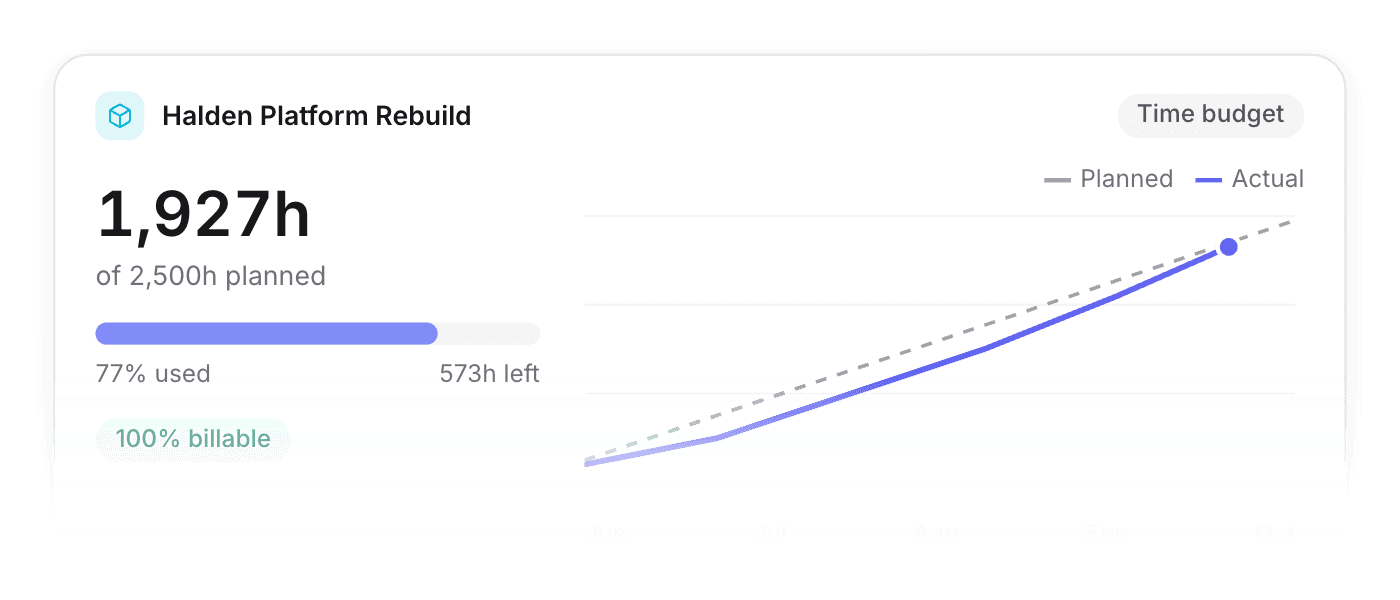
Set a time budget and compare planned against actual hours while the project runs.
Time off
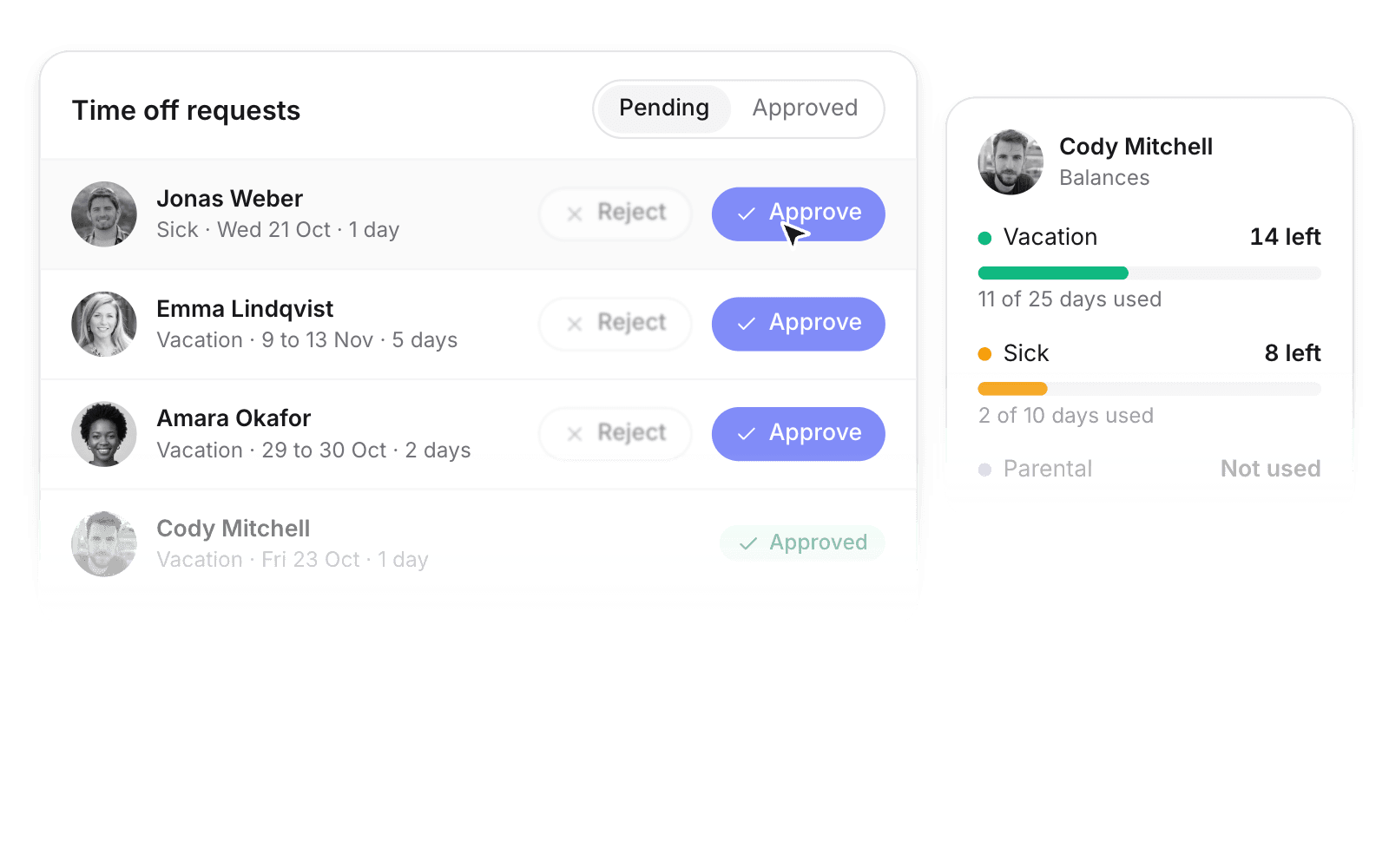
Requests move through approval, then sit on the same calendar as logged time.
Members request time off, managers approve or reject, and approved or pending leave shows up wherever it matters.
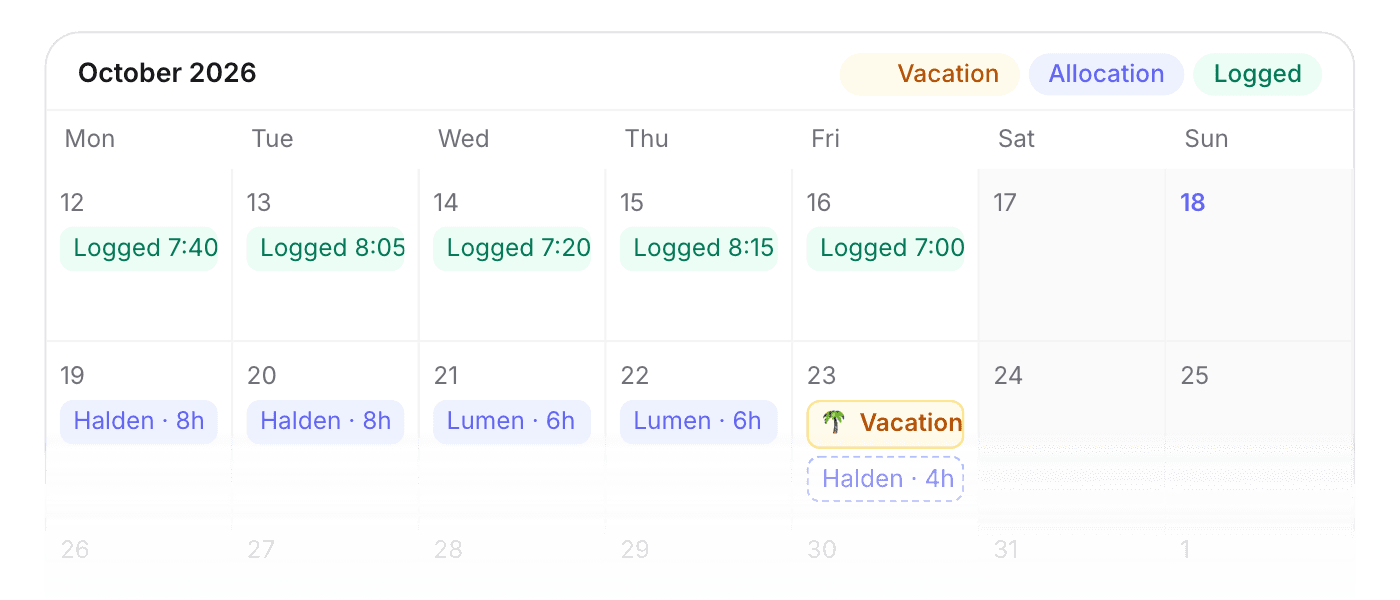
Allocations, logged hours, and time off share one day, week, or month view under Log.
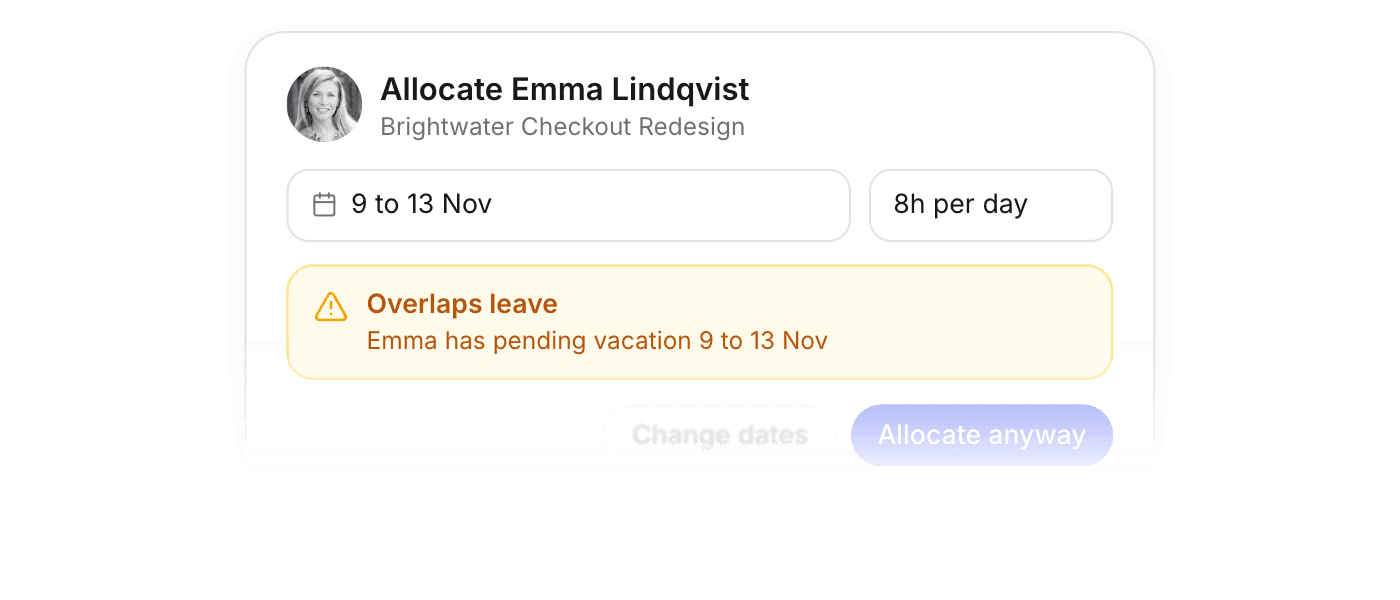
Allocate a member and Pike flags any approved or pending leave that overlaps the period.
Want the details? Read the full docs
 Finance & invoicing
Live margin by client, project, and team, with invoices that flow to your bookkeeping.
 Projects
Board, list, and timeline views with milestones, dependencies, and templates.
 Resourcing & capacity
See capacity at a glance, soft-book tentative work, and staff roles with placeholders.
 Dashboards
The state of your business on one screen, filtered any way you ask.
 Customers & sales
Deals convert to projects, with pipeline, delivery, and profitability per customer.
 Pike MCP
Ask Claude or ChatGPT about margin and status, and create projects from the chat.
 ISO 27001
 GDPR
GDPR SOC 2 Type II
Built to keep sensitive client data secure and private.