


Best resource management software for consulting firms
19 Oct 26
Share

"Our consulting firm switched from spreadsheets to project management software, but we're not happy with our current tool. We need something with better resource planning and financial visibility." That is the shape of the search a lot of consultancies run once a generic task tool stops answering the two questions that actually run the business: who is staffed on what, and which engagements are making money.
Consultants do not manage "projects" the way a marketing agency does. The unit of work is the engagement, billable hours per consultant is the metric that decides whether the firm is profitable, and a partner or engagement lead needs to see utilization and margin without opening a spreadsheet first. This guide compares the nine tools consultancies shortlist most often, with a specific eye on engagement setup, per-consultant utilization, and how cleanly logged time turns into a client invoice.
See engagement profitability and consultant utilization in one view. Book a 15-minute walkthrough.
Consultants need software that tracks engagements, not generic projects, and shows utilization and margin per consultant without a manual rollup. A marketing agency's project management tool optimizes for campaign calendars and content approval rounds. A consultancy's optimizes for a different question: is this engagement, and this consultant's time on it, profitable.
Three things separate a tool built for consulting work from a general PM tool wearing the label:
Engagements, not just tasks. A consulting engagement has a scope, a staffing plan, a budget, and usually a signed SOW behind it. The software needs to represent that structure, not just a list of tasks with due dates.
Utilization as a first-class number. Billable utilization, the share of a consultant's available hours spent on client work, is the metric that predicts whether the firm hits margin. If pulling it requires exporting time entries into a spreadsheet, the tool is not built for this job.
Staffing by expertise and availability together. Consulting firms staff people by skill set and current commitments at once. Software that only shows "who is free" without showing "who is qualified for this engagement" pushes that judgment call back onto a spreadsheet.
Engagement-level budgets and burn. Every engagement needs a budget you can track burn against in real time, with more structure than a task list and a due date.
Per-consultant utilization, visible without a report request. A principal or engagement lead should see who is over- or under-utilized this week, not wait for a monthly report to find out. Our guide to billable utilization rate covers how that number is calculated.
Staffing across engagements at once. Consultants routinely work more than one engagement in the same week. The tool needs to show a person's total commitment across all of them, not the load on a single engagement in isolation.
Billing that matches how consultancies actually bill. Time-and-materials, capped T&M, fixed-fee, and retainer engagements often coexist on the same client roster. See our guide to agency billing models for how each shifts risk between firm and client.
Client-facing reporting that does not require a rebuild. Clients want to see engagement status and, sometimes, budget burn. That view should come out of the same system tracking the work, not a separate deck someone assembles before a status call.
Starting prices are the vendors' public list prices as of 2026. Where a vendor does not publish pricing, we show contact sales.
| Tool | Best for | Starting price | Core feature for consultants |
|---|---|---|---|
| Pike | Consultancies billing mixed engagements | From $29/user/month | Engagement budgets, per-consultant utilization, and billing in one view |
| Kantata | Large, multi-office consulting firms | Contact sales | Multi-entity staffing, revenue recognition, and consolidated billing |
| Scoro | Boutique consulting practices | $19.90/user/month | Quote-to-invoice in one platform, traced to the original scope |
| BigTime | Firms under 50 billing on real cost rates | $20/person/month | Utilization and invoicing built on per-person cost rates |
| Accelo | Retainer and proposal-heavy practices | Contact sales | Full client lifecycle from proposal through invoice |
| Productive | Small consultancies under 100 people | $10/user/month | Fast setup from logged time to invoice |
| Rocketlane | Enterprise implementation consultants | $69/user/month | AI drafts a staffed project plan from a signed SOW |
| Teamwork | Client-facing delivery teams | $10.99/user/month | Strong client portal; utilization reporting is shallow |
| Asana | General task and workload tracking | $10.99/person/month annually | No native utilization, billing, or engagement structure |
Best for: consulting firms staffing consultants across multiple engagements at once who need utilization and billing to come out of the same system as delivery.
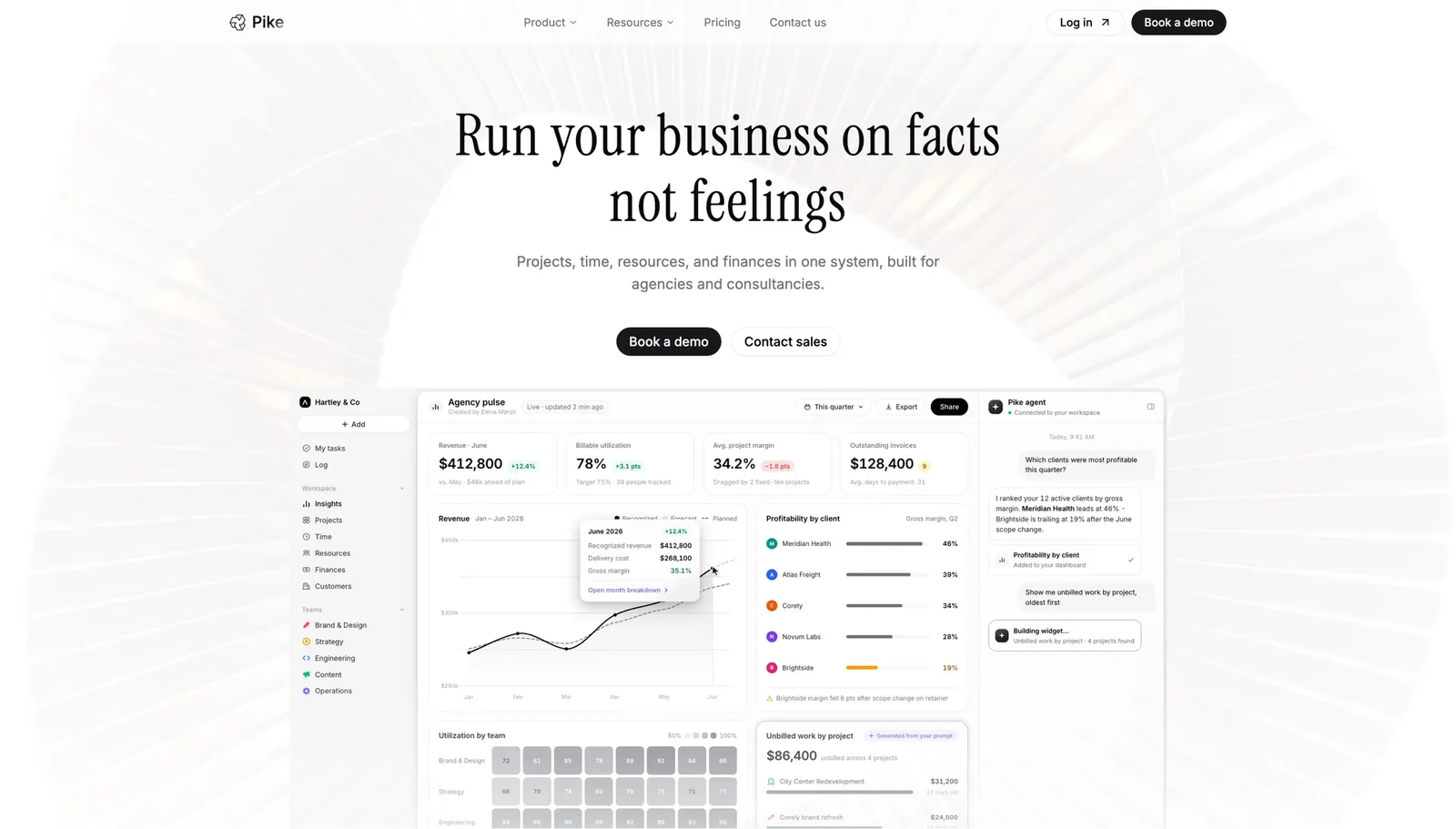
Pike tracks engagements with a budget, a staffing plan, and a billing model attached, so a principal can see burn and utilization for a live engagement without pulling a report. Utilization shows per consultant, across every engagement they are staffed on, which matters specifically for firms where one senior consultant splits time across three client accounts in a given week. Billing runs natively across 4 models (fixed-price, time-and-materials, capped T&M, and retainer), and it generates the invoice from the same logged time driving the utilization number, so the two never disagree. Pike is in production at teams including Outerkind, McElroy Architecture, e&enterprise, WPP, and Veolia.
Pros
Cons
Pricing: Pike publishes plans starting at $29 per user per month (Core, billed annually; $35 monthly), with Growth at $49 and Scale at $99 per user per month, plus a custom Enterprise tier. See pricing or book a walkthrough.
Best for: large consulting firms running multiple offices or legal entities that need staffing and billing to reconcile across all of them.
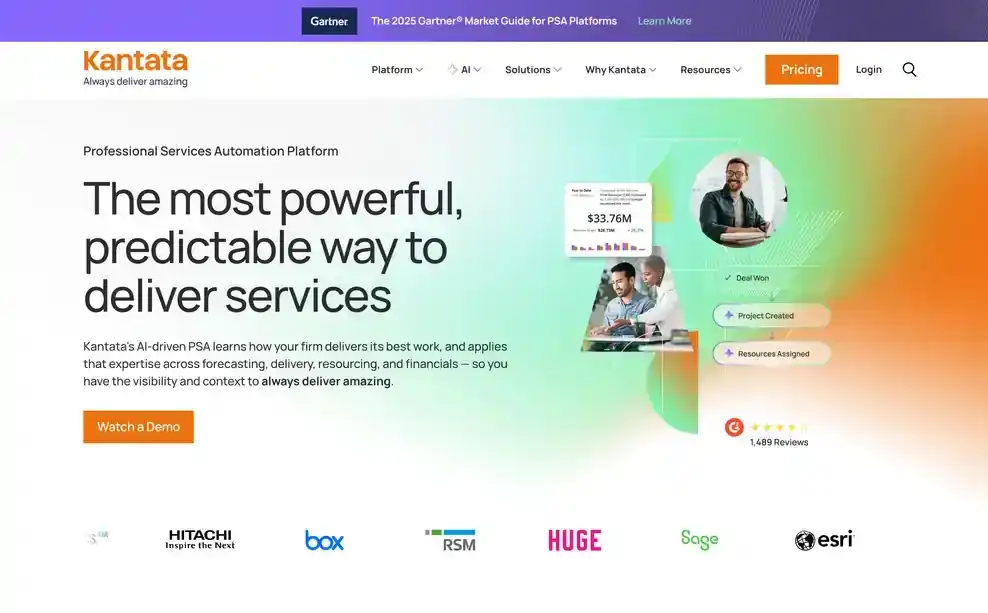
Kantata was built for the staffing and financial complexity that shows up once a consultancy passes a few hundred people: consultants working across offices with different cost structures, engagements billed under more than one entity, and revenue recognition that has to satisfy more than one set of books. For a firm operating at that scale, that depth is the reason to choose it.
Pros
Cons
Pricing: Kantata does not publish standard pricing. Contact its sales team for a quote. See Kantata vs Pike.
Best for: boutique consulting practices that want every invoice to trace back to the original quoted scope.
Scoro keeps quoting, delivery, and billing in one platform, so as a consultant logs time against an engagement, Scoro checks it against the original quoted line items. For a boutique practice where the founder is often also the one explaining an invoice to a client, having that trace built in removes a conversation nobody wants to have.
Pros
Cons
Pricing: from $19.90 per user per month. See Scoro vs Pike.
Best for: consultancies under 50 people that want utilization and invoicing built on real per-person cost rates, not an average.
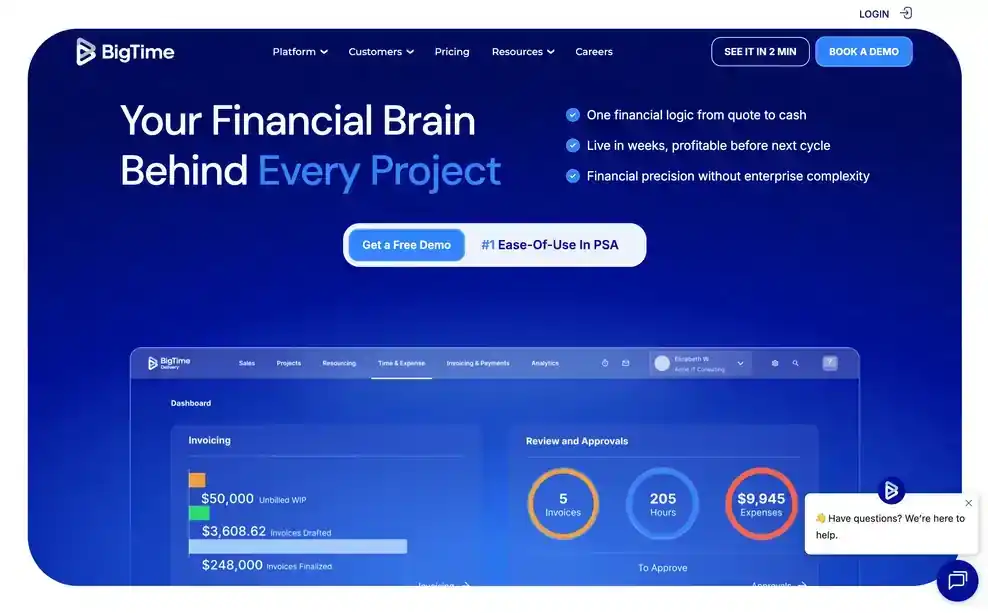
BigTime has run billing and utilization reporting as its core focus for over two decades. Every time entry carries the consultant's real cost rate, so utilization and margin reporting reflect who actually did the work rather than a blended average across the team, and the invoicing that follows stays tied to those same rates.
Pros
Cons
Pricing: from $20 per person per month.
Best for: consulting practices where proposals and retainers make up most of the pipeline and need to flow straight into delivery and billing.

Accelo runs the full client lifecycle, quote, engagement, invoice, in one workflow, and its retainer handling stands out: usage against an included allowance, automatic overage billing, and renewal invoicing all happen natively. For a practice where retainer clients make up a meaningful share of revenue, that removes a manual step most other tools push onto a spreadsheet.
Pros
Cons
Pricing: Accelo does not publish pricing. Contact its sales team for a quote. See Accelo vs Pike.
Best for: small consultancies under 100 people that want logged time to become an invoice without a heavy rollout.
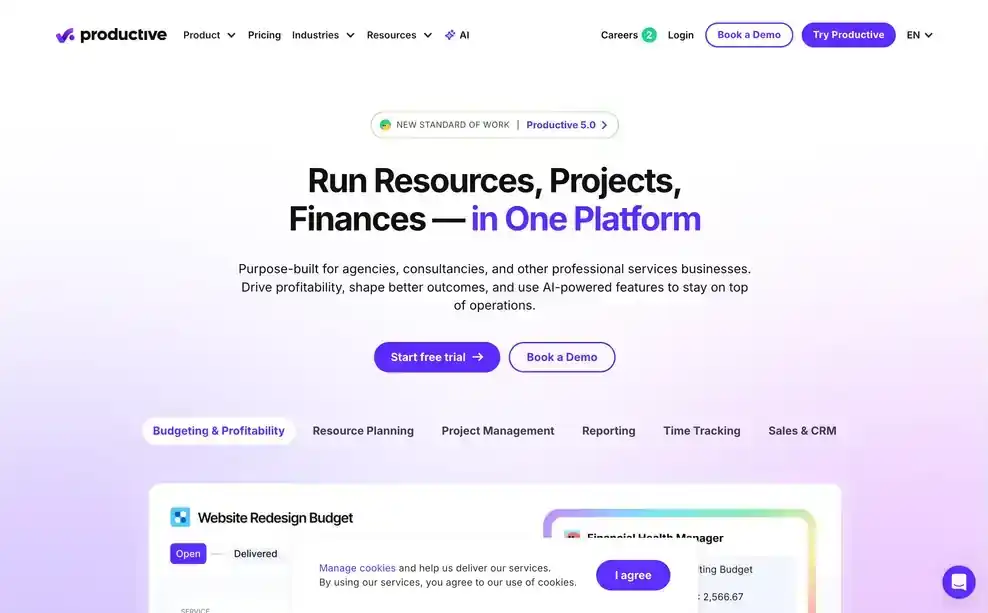
Productive keeps the path from a logged hour to an invoice short, which suits a smaller consulting practice that cannot dedicate someone to running a finance system. Utilization reporting exists and is usable, though it takes more steps to get to across multiple views than in tools built utilization-first.
Pros
Cons
Pricing: from $10 per user per month. See Productive vs Pike.
Best for: enterprise implementation consultants who want AI drafting the staffed project plan from a signed SOW, rather than someone building it by hand.

Rocketlane reads a signed statement of work and drafts a staffed project plan and billing schedule from it, then flags variance as delivery moves away from what was signed. For an implementation consultancy running many concurrent client onboardings, that removes a setup step per engagement rather than per invoice.
Pros
Cons
Pricing: from $69 per user per month.
Best for: consulting practices where the client-facing portal matters as much as internal utilization reporting.
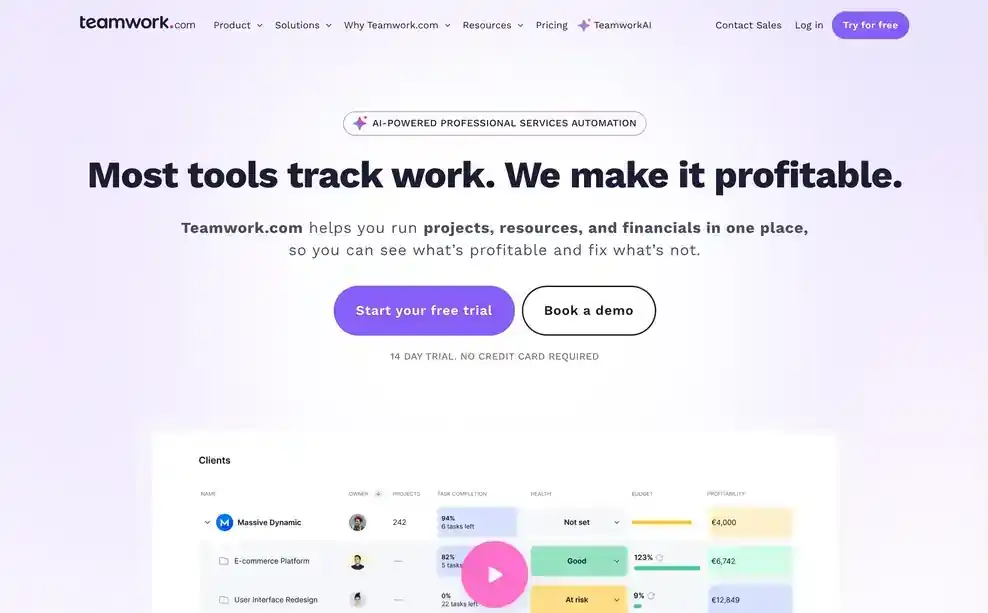
Teamwork gives clients a clean, dedicated portal to follow engagement status, which some consultancies value more than internal reporting depth. Billable time tracks cleanly against a project, but utilization across a consultant's full workload stays a manual pull rather than a built-in view.
Pros
Cons
Pricing: from $10.99 per user per month. See Teamwork vs Pike.
Best for: consultancies that need task and workload visibility and will run staffing, utilization, and billing through separate tools.
Asana has no concept of an engagement, no native billing, and no utilization reporting. Custom fields can hold a budget number or a billable flag, but nothing in Asana turns a consultant's logged work into a utilization figure or an invoice, so firms using it pair it with dedicated time and billing tools and reconcile the three by hand.
Pros
Cons
Pricing: plans with basic reporting start at $10.99 per person per month billed annually. See Asana vs Pike.
Consultancies choose Pike because utilization, engagement budgets, and billing come from the same underlying data instead of three separate exports that someone reconciles before a partner meeting. A consultant staffed across three engagements shows one true utilization number, not three fragments someone adds up by hand. Because resourcing and finance sit in the same system, a margin figure reflects the current state of delivery, not last month's spreadsheet.
See engagement profitability and consultant utilization in one view. Book a 15-minute walkthrough.
We assessed each platform against the areas above: engagement-level budgets and burn, per-consultant utilization visibility, staffing across concurrent engagements, support for consulting billing models, and client-facing reporting.
Public vendor pages supplied feature and pricing details. Where a vendor does not publish pricing, we marked it contact sales. Each tool's write-up names one real limitation, not just its strengths.
Share
 ISO 27001
 GDPR
GDPR SOC 2 Type II
Built to keep sensitive client data secure and private.