

Comparison
Productive.io vs Pike
Both tools run projects, time, resourcing and profitability for service businesses. They differ in pricing, in which plan each feature sits on, and in how much setup and support you get.
Quick decision snapshot
Choose Pike when you want projects, time, and finances in one system, profitability that updates as people log time, and a team that sets the workspace up with you. Choose Productive when a lower per-seat price matters most, or when you need its Scenario Builder or multi-subsidiary support on the Ultimate plan.
The quick overview
Pike and Productive are both designed for teams looking to replace multiple tools with a single platform.
Productive is a structured, all-in-one system that combines project management, budgeting, time tracking, and reporting. It works well for teams that prioritise process and are comfortable navigating multiple layers to understand performance. Pike takes a more unified approach. Projects, time, and finances are inherently connected in one system, meaning profitability and performance update in real time as work happens.
For service businesses that want fast adoption and hands-on setup, Pike is usually the better fit. For teams choosing mainly on price per seat, Productive starts lower.
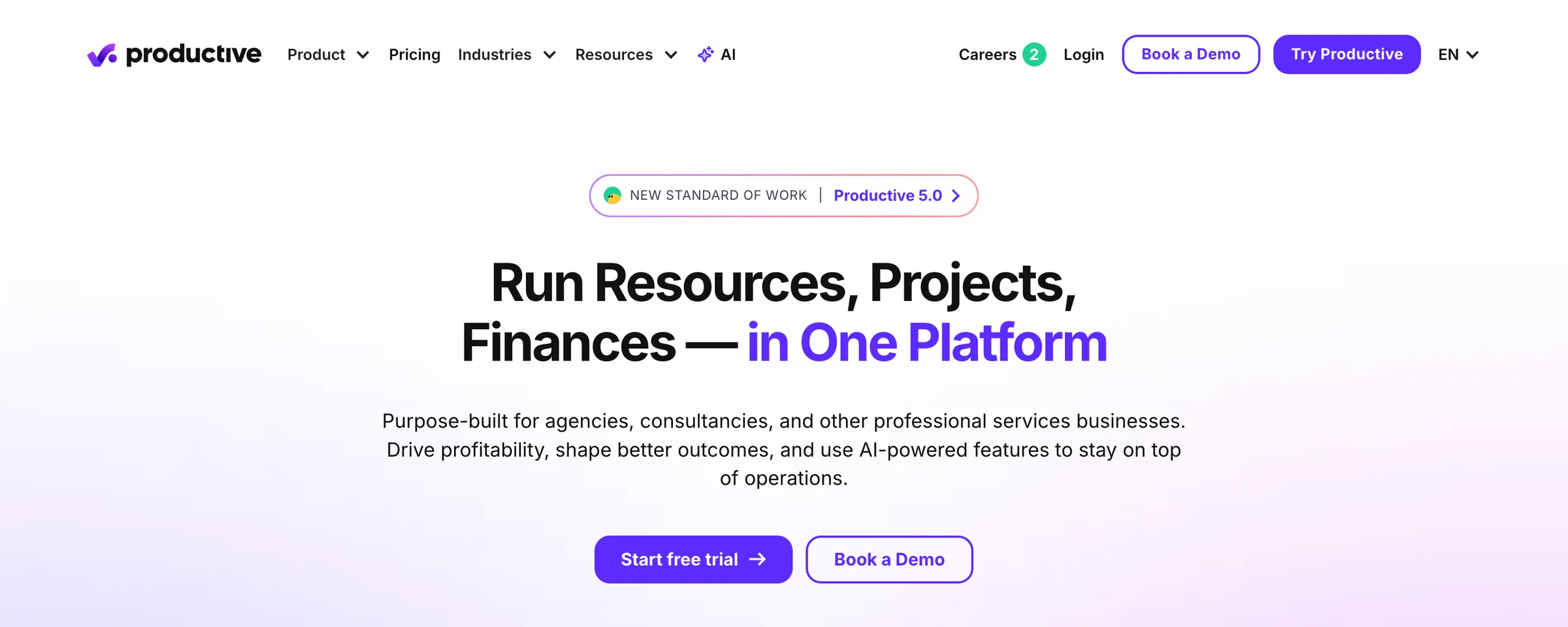
Key capability comparison
| Capability | Pike | Productive |
|---|---|---|
| Pricing (checked 1 November 2026) | Core $29 per user per month billed yearly ($35 monthly), Growth $49, Scale $99, Enterprise custom. Profitability, deals and full resource management start on Growth. | Three plans: Essential $10 and Professional $25 per user per month billed yearly ($12 and $29 monthly), Ultimate on request. 3-seat minimum. |
| Project and task management | List, board, and timeline views, connected directly to time, cost, and billing on each project. | List, board, table, timeline, Gantt, and workload layouts, with custom task workflows and docs. |
| Getting started | The Pike team maps your projects, billing models, and reports with you before go-live, then runs one live project as a pilot. | Self-serve 14-day free trial with no credit card required. |
| Time tracking | Time logged against tasks and projects, marked billable or non-billable, with timesheets that feed cost and profitability. | Web, desktop, and mobile apps, timers, AI time tracking from calendar events, approvals, and time locking. |
| Profitability visibility | Profitability across projects, customers, and teams that updates as time is logged, with overhead costs and revenue recognition built in. | Budgeting and profitability on every plan; revenue forecasting and overhead calculation on Ultimate. |
| Resource planning | One capacity grid for every project, with bookings by total hours, hours per day, or percentage of capacity, and placeholders for roles not yet filled. | Resource planning on every plan; skills-based planning on Professional. |
| Sales pipeline | Deals with quotes, line items, and margin, converted to projects when won. | Sales CRM with deal pipeline; HubSpot integration on Ultimate. |
| Client access | Customer portal with deliverables, files, and invoices on one private page. | Client portal for sharing project work with clients. |
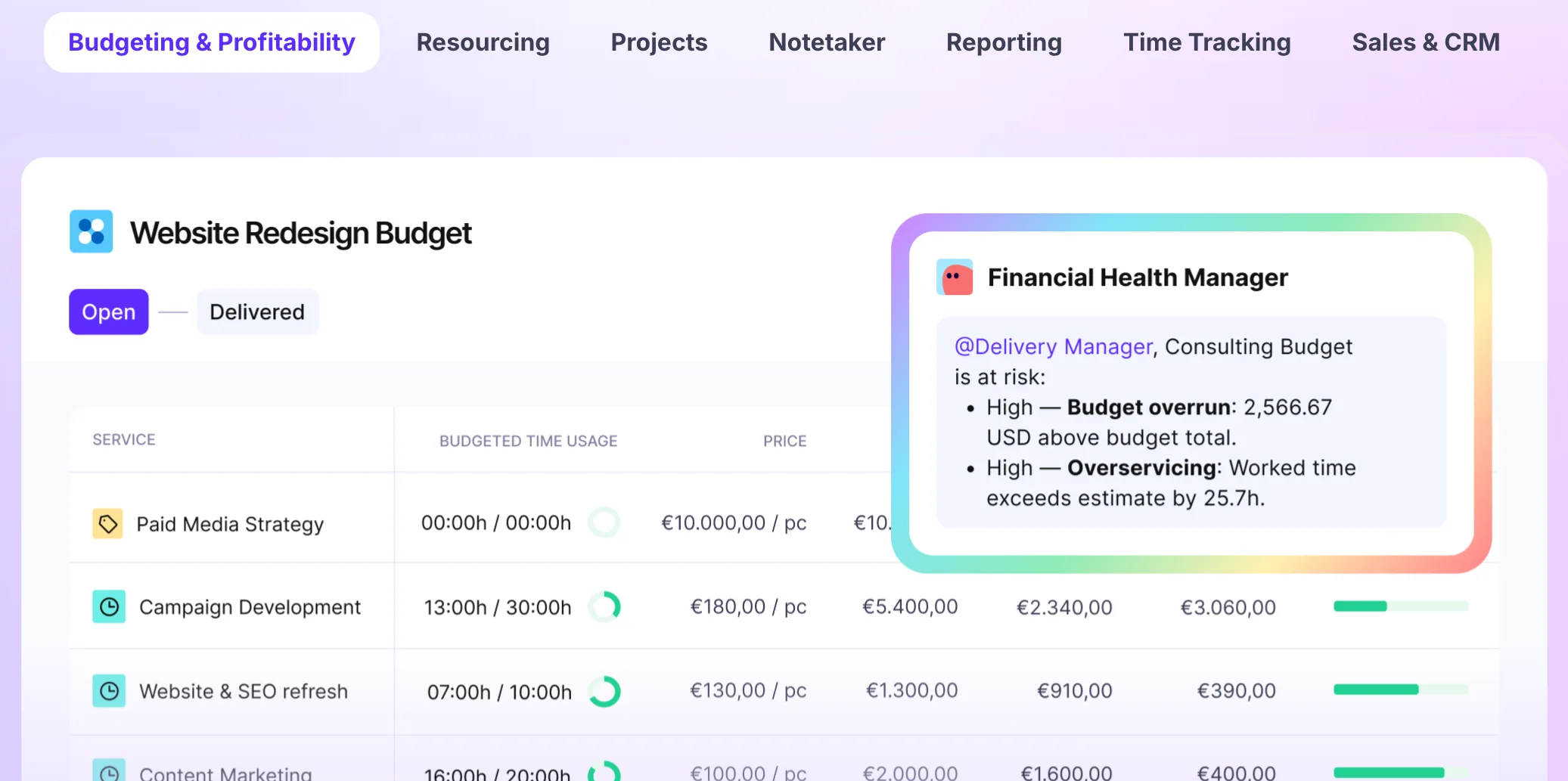
Cost of complexity over time
Choosing a system like Productive or Pike is not just about features. It is about how the system behaves after weeks and months of real use.
Structured platforms often provide a high level of control, but they can introduce operational overhead. More configuration, more navigation, and more steps to complete everyday actions can gradually slow teams down. Over time, this shows up in small ways: delayed time tracking, incomplete data, and increased reliance on reports to understand what is happening.
Pike is designed to reduce that overhead. By keeping projects, time, and finances in one system, it removes many of the steps required to connect and interpret data. Teams can update work quickly, and the system reflects the impact immediately.
The difference becomes clearer over time:
- How quickly teams can log and update work
- How reliably data reflects reality
- How often leaders need to “check reports” versus already knowing
- How much coordination is required to keep information accurate
For many agencies and consultancies, this is where the biggest impact comes from. Not from adding more features, but from reducing the effort required to use the system effectively every day.
Over time, that difference compounds.

Why teams are choosing Pike over Productive
Teams don’t usually choose Pike because Productive is missing features.
They switch because of its long-term impact.
Plan limits to check on Productive before you buy:
- Every plan needs at least 3 seats
- Rate cards, billable time approvals and invoicing integrations need the Professional plan
- Revenue forecasting, overhead calculation and the HubSpot integration need Ultimate, priced on request
- Enforcing SSO or 2FA also needs Ultimate
What Pike includes that teams compare on:
- Profitability per project, customer and team that updates as people log time
- Revenue recognition that separates earned revenue from invoiced revenue
- Overhead costs spread across people as an hourly amount in profitability
- Deals with quotes that convert to projects when won
- A customer portal for deliverables, files and invoices
Pike plans tier too: profitability, deals and full resource management start on the Growth plan. Compare the plan you would actually buy on each side, not the entry price.
FAQ
Next step
If you want one system for delivery and finances, with setup done alongside your team, talk to us about Pike. We’ll walk through your workflows and show how teams run day to day on Pike. Moving your data over? Read the Productive migration guide.

Your business runs better on Pike.
 ISO 27001
 GDPR
 SOC 2 Type II
Built to keep sensitive client data secure and private.