

Free tools
Free calculators for agencies and consultancies
Four free calculators for the numbers that decide margin in a services firm. Each shows the formula and a worked example, with no signup.
Last updated · Read as Markdown
The calculators
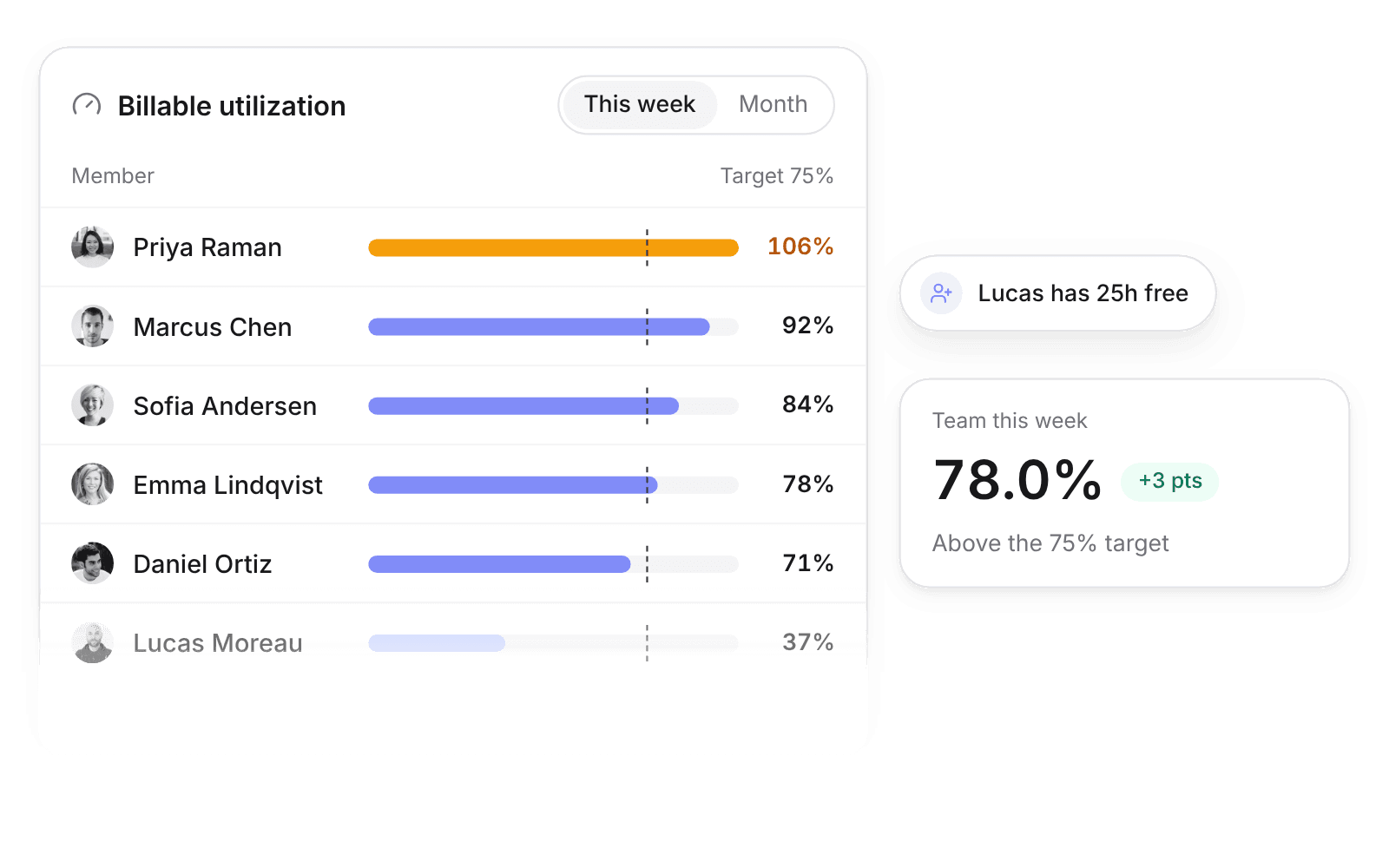
Utilization calculator
Billable utilization, the gap to target, and what it costs.
Learn more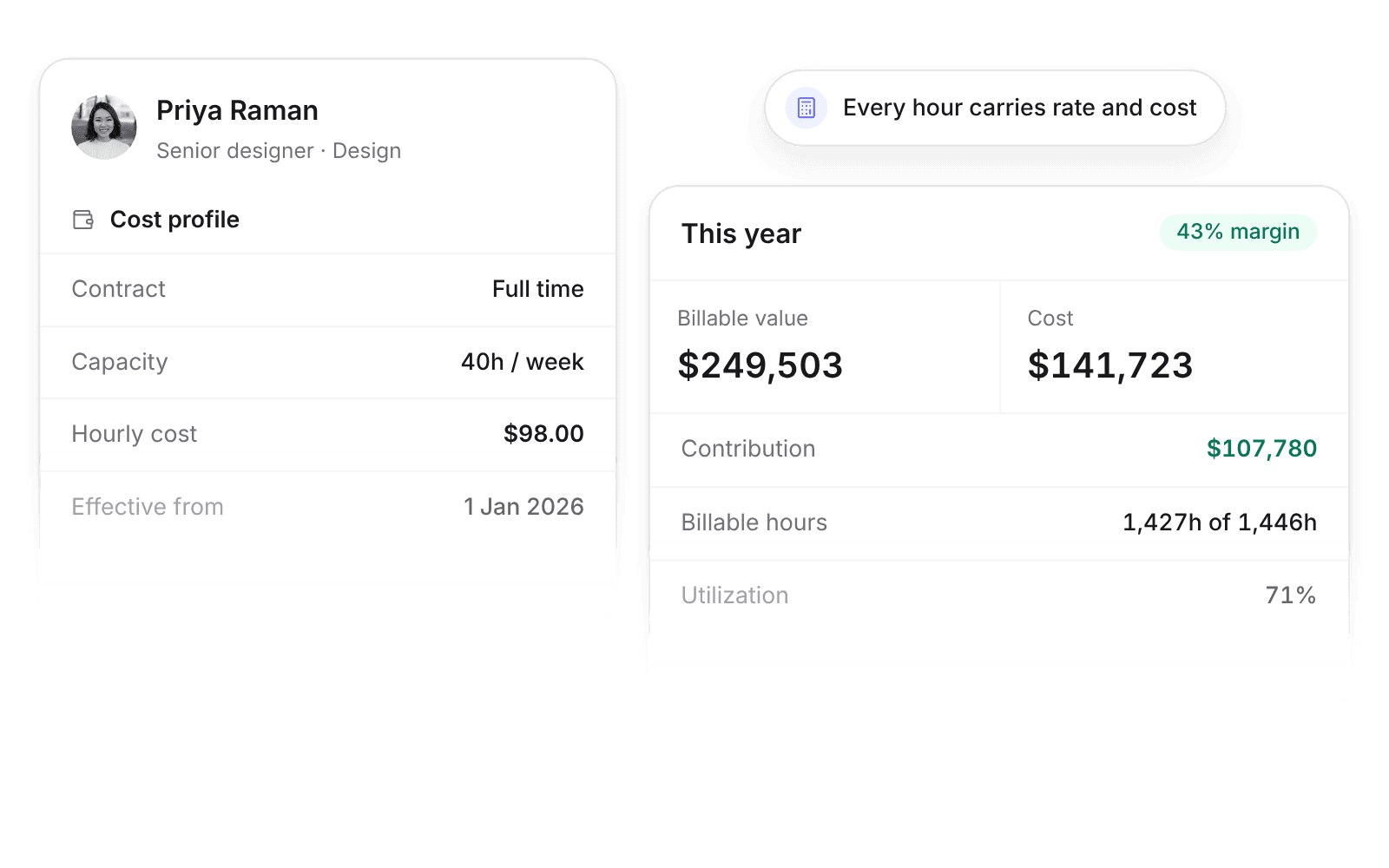
Billable rate calculator
The hourly rate your costs and margin target require.
Learn more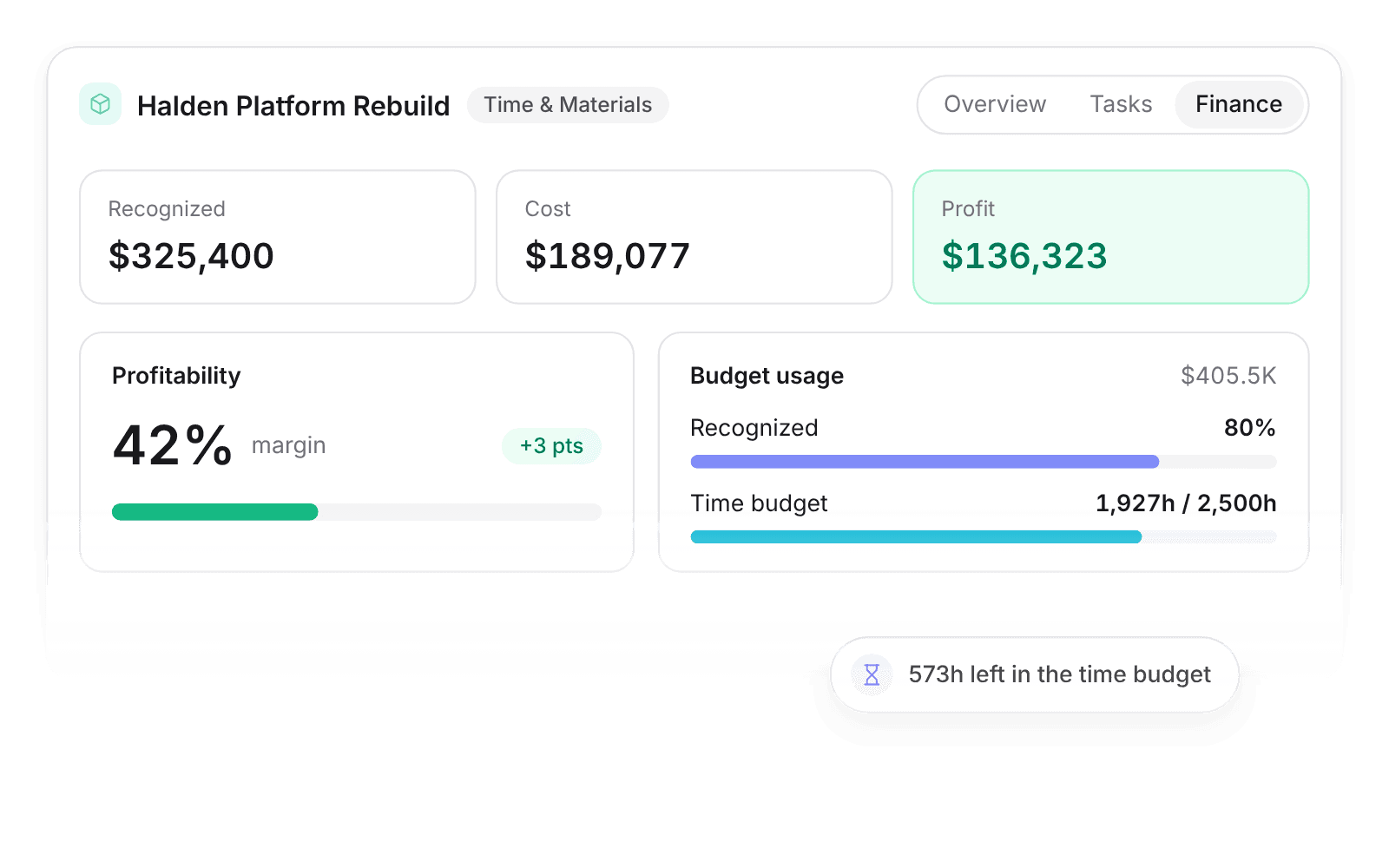
Project margin calculator
Margin so far and hours left on a live project.
Learn more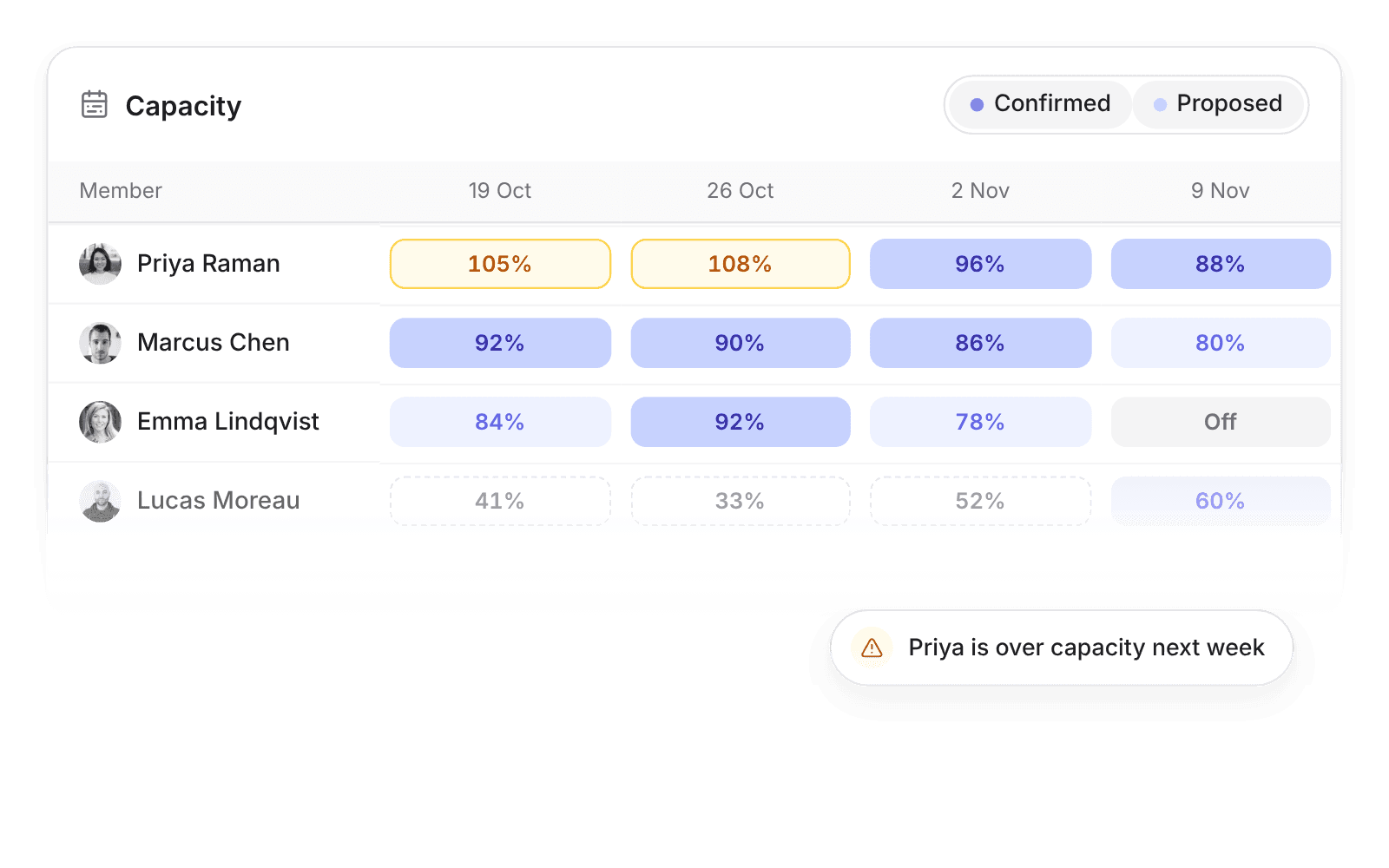
Capacity calculator
Free billable hours before you take on new work.
Learn more
Which calculator do you need?
| Question | Calculator | Main formula |
|---|---|---|
| Is the team billing enough of its time? | Utilization calculator | Billable hours ÷ available hours |
| What should we charge per hour? | Billable rate calculator | Fully loaded cost ÷ billable hours ÷ (1 − margin) |
| Is this project still profitable? | Project margin calculator | (Fee − labour − expenses) ÷ fee |
| Can we take on new work? | Capacity calculator | Net capacity × target utilization − allocated hours |
How the numbers connect
Rate, utilization, and margin depend on each other. Your billable rate assumes a utilization level; if the team bills fewer hours, every project needs a higher effective rate to keep its margin. Capacity decides whether new work fits without pushing utilization past what the team can sustain.
The calculators use the same definitions as the Pike glossary, so a figure in one tool means the same thing in another.
Questions about the calculators
Are the calculators free?
Yes. They run in your browser, need no signup, and do not store what you enter.
Which currency do the calculators use?
Pick USD, EUR, GBP, or DKK in each money calculator. The math is the same in any currency.
How is this different from tracking the numbers in Pike?
The calculators give a one-off answer from numbers you type in. Pike calculates the same metrics continuously from timesheets, allocations, rates, and costs, by person, project, and client.

Track these numbers live instead of in a calculator.
 ISO 27001
 GDPR
GDPR SOC 2 Type II
Built to keep sensitive client data secure and private.