

Free tool
Project margin calculator
Project gross margin is the fee minus labour and expenses, divided by the fee. See margin so far and the hours left before it drops below target.
Last updated · Read as Markdown

Project margin calculator
Fixed fee or expected billings
Salary plus employer costs, per hour
Gross margin so far
54.8%
$21,900 profit on a $40,000 fee
- Cost to date$15,600 labour
- $18,100
- Effective hourly rateFee ÷ hours logged
- $167 / h
- Budget hours used
- 80%
- Hours left before margin drops below target
- 29.2 h
- Break-even hoursHours at which profit reaches zero
- 576.9 h
Gross margin = (fee − labour cost − expenses) ÷ fee. Labour cost = hours logged × blended cost per hour.
The formula
- Gross margin
- (Fee − labour cost − expenses) ÷ fee × 100
- Labour cost
- Hours logged × blended cost per hour
- Effective hourly rate
- Fee ÷ hours logged
- Hours left at target margin
- (Fee × (1 − target margin) − expenses) ÷ cost per hour − hours logged
How to calculate project margin
- 1.Start with the fee. Use the fixed fee, or for time and materials the amount you expect to bill.
- 2.Cost the hours. Multiply hours logged by a blended cost per hour: salary plus employer costs, divided by working hours. Use cost, not billing rate.
- 3.Add expenses. Include pass-through costs, freelancers, and media you do not mark up.
- 4.Divide profit by fee. Fee minus all costs, divided by the fee, is gross margin.
Worked example
A fixed-fee project is sold at $40,000 with a 300-hour budget. The team has logged 240 hours at a blended cost of $65 an hour, plus $2,500 in expenses. Cost to date is $18,100, so gross margin is 54.8%.
The effective hourly rate is $167. With 80% of the budget used, the team has 29.2 hours left before margin falls below 50%, and 60 hours left in the budget. The budget allows more hours than the margin does: that gap is where fixed-fee projects lose money.
| Step | Calculation | Result |
|---|---|---|
| Labour cost | 240 h × $65 | $15,600 |
| Total cost | $15,600 + $2,500 | $18,100 |
| Gross margin | ($40,000 − $18,100) ÷ $40,000 | 54.8% |
| Hours at target margin | ($40,000 × 0.5 − $2,500) ÷ $65 | 269.2 h |
How to protect project margin
- Check margin weekly, not at the end. By month-end the hours are spent. A weekly check leaves time to raise a change order or rescope.
- Watch the gap between budget hours and margin hours. If the budget allows more hours than your margin target, the budget itself is the problem.
- Log out-of-scope work separately. Unlogged extra rounds are over-servicing you cannot see or bill.
- Staff to the price. A senior person on a junior-priced task raises cost per hour and cuts margin even when hours stay on budget.
In Pike
Project margin, live in Pike
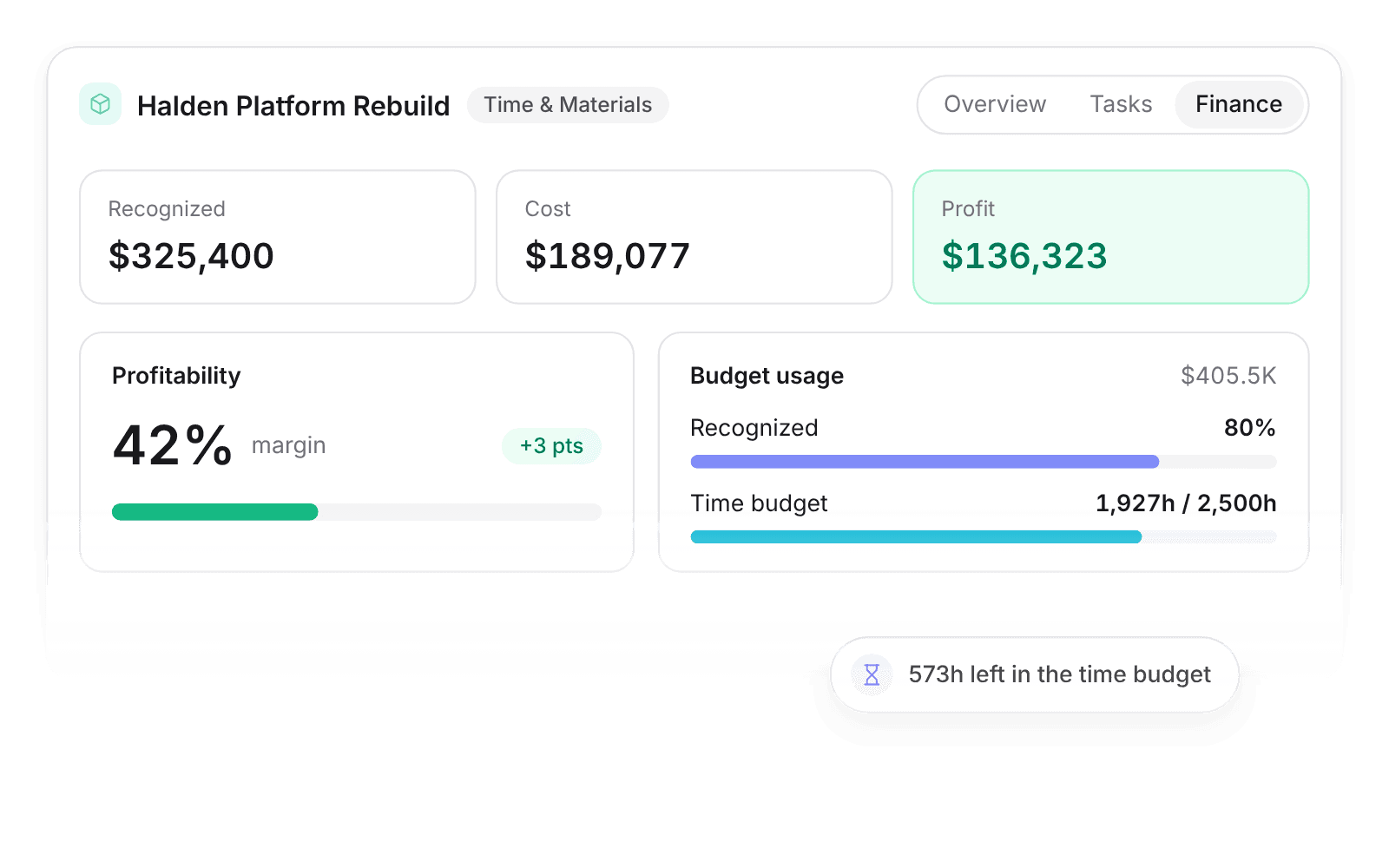
Watch margin and budget burn while the project runs.
Pike calculates margin per project and client from logged time, member costs, and expenses, so you can raise a change order while there is still budget to protect.
Project margin questions
How do I calculate project profit margin?
Subtract labour cost (hours × cost per hour) and expenses from the project fee, then divide by the fee. The result is gross margin.
Should I use billing rate or cost rate for labour?
Use cost rate: salary plus employer costs per hour. Billing rate is what the client pays. Using it as cost hides the margin you are trying to measure.
What is an effective hourly rate?
The effective hourly rate is the fee divided by hours actually worked. On fixed-fee work it falls with every extra hour, which makes it an early warning for overruns.
What is the difference between gross margin and net margin?
Gross margin subtracts only delivery costs: labour and project expenses. Net margin also subtracts overhead such as rent, software, and admin staff. Project margin is usually gross margin.

See project margin live, while there is still time to act.
 ISO 27001
 GDPR
GDPR SOC 2 Type II
Built to keep sensitive client data secure and private.