


Pike and
BambooHR
Sync employees and approved time off from BambooHR, and plan with accurate capacity.

At a glance
- Direction
- BambooHR to Pike, every 3 hours. On the Enterprise plan, changes sync in real time.
- Who sets it up
- A workspace admin, with your BambooHR subdomain and an API key.
- Source of truth
- BambooHR, for person fields.
- Plan
- All plans
- Documentation
- BambooHR docs
What syncs between BambooHR and Pike
| BambooHR | Pike | Notes |
|---|---|---|
| Name and work email | Member name and email | Matched by email |
| Job title | Position | |
| Department | Team | |
| Employment status | Member status | A terminated employee becomes a deactivated member. History is kept |
| Hire date | Hire date | |
| Approved time off | Time off | By mapped type |
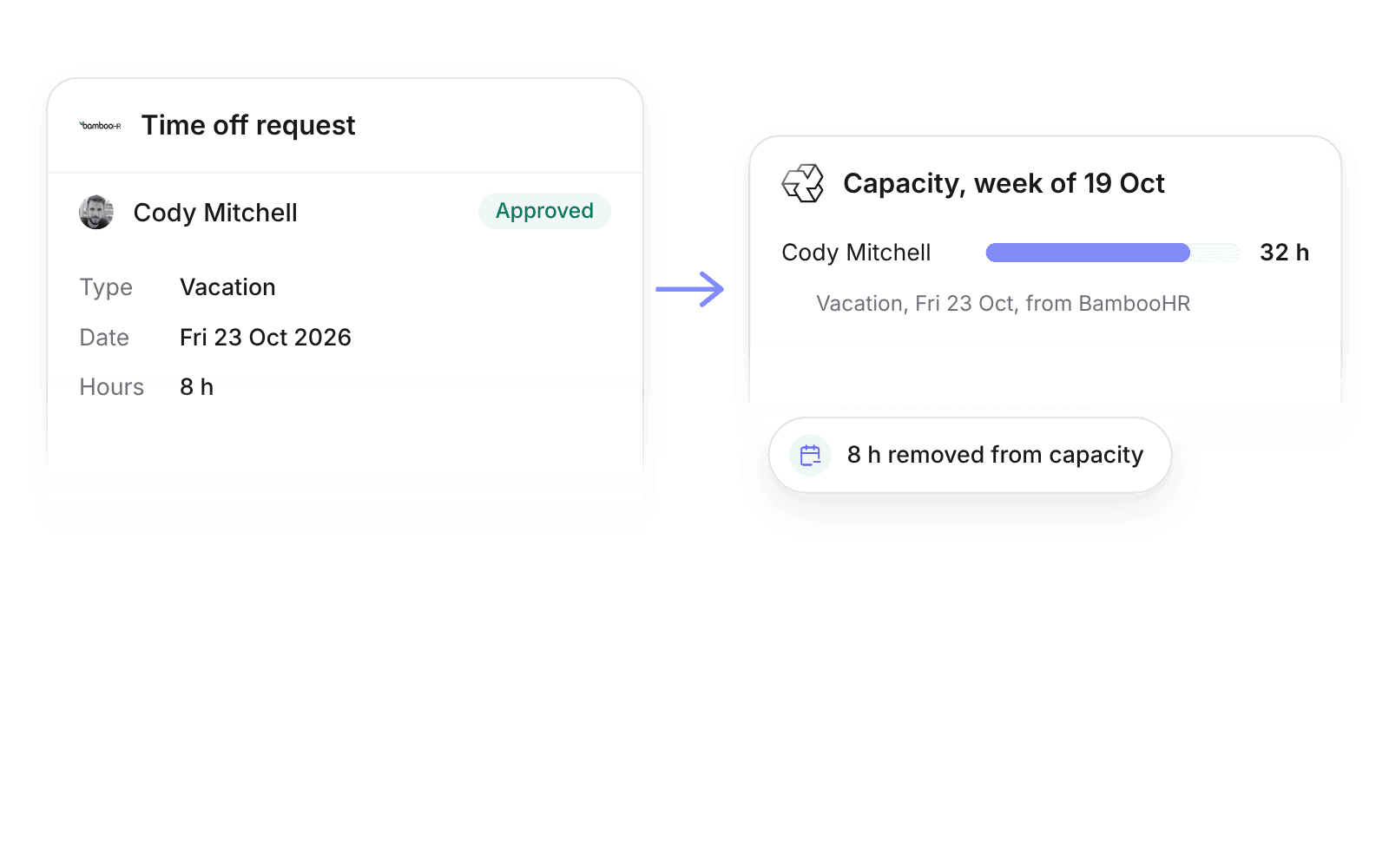
Approved time off creates Pike time off of the mapped type and comes off capacity. Pending or rejected requests do not sync.
Set up and use BambooHR
Connect
- 1.Go to Workspace settings → Integrations → BambooHR and click Add integration.
- 2.Enter your BambooHR subdomain and an API key.
- 3.Map time off types, then click Import data.
How to use it in your business
- Plan around real availability. Approved vacation comes off capacity on the next sync, so nobody books people who are out.
- Onboard without double entry. New hires get a Pike invite with the right role, team, and position.
Limits
- Pike does not write to BambooHR.
- Pending or rejected time off requests do not sync.
- Compensation sync is off until an admin or finance user turns it on.
Setup steps and field mappings: BambooHR docs.
BambooHR integration questions

See Pike and BambooHR working together on your data.
 ISO 27001
 GDPR
 SOC 2 Type II
Built to keep sensitive client data secure and private.