


Pike and
Mailchimp
Send Pike customers and contacts to a Mailchimp audience, tagged with client status and lifetime value, so new business and client marketing target real client value.

At a glance
- Direction
- Pike to Mailchimp. Pike does not import Mailchimp campaigns.
- Who sets it up
- Workspace admins.
- Sync
- Every 15 minutes, and on demand.
- Documentation
- Mailchimp docs
What syncs between Mailchimp and Pike
| Pike | Mailchimp | Direction |
|---|---|---|
| Customer contacts | Audience contacts | Pike to Mailchimp |
| Customer status (Active, Past, or Prospect) | Tag | Pike to Mailchimp |
| Lifetime value (invoiced revenue) | Merge field | Pike to Mailchimp |
| Projects won, projects lost, and services bought | Merge fields and tags | Pike to Mailchimp |
| Saved customer lists | Segments and tags | Pike to Mailchimp |
Pike derives each customer status from its projects and deals, so Active, Past, and Prospect update as work starts, finishes, or is won.
Unsubscribes in Mailchimp are respected. Pike never overwrites them.
Set up and use Mailchimp
Connect
- 1.Go to Workspace settings → Integrations → Mailchimp. Sign in to Mailchimp.
- 2.Choose the audience and map Pike fields to Mailchimp merge fields.
- 3.Click Import data for existing customers, then turn on Send to keep the audience current.
How to use it in your business
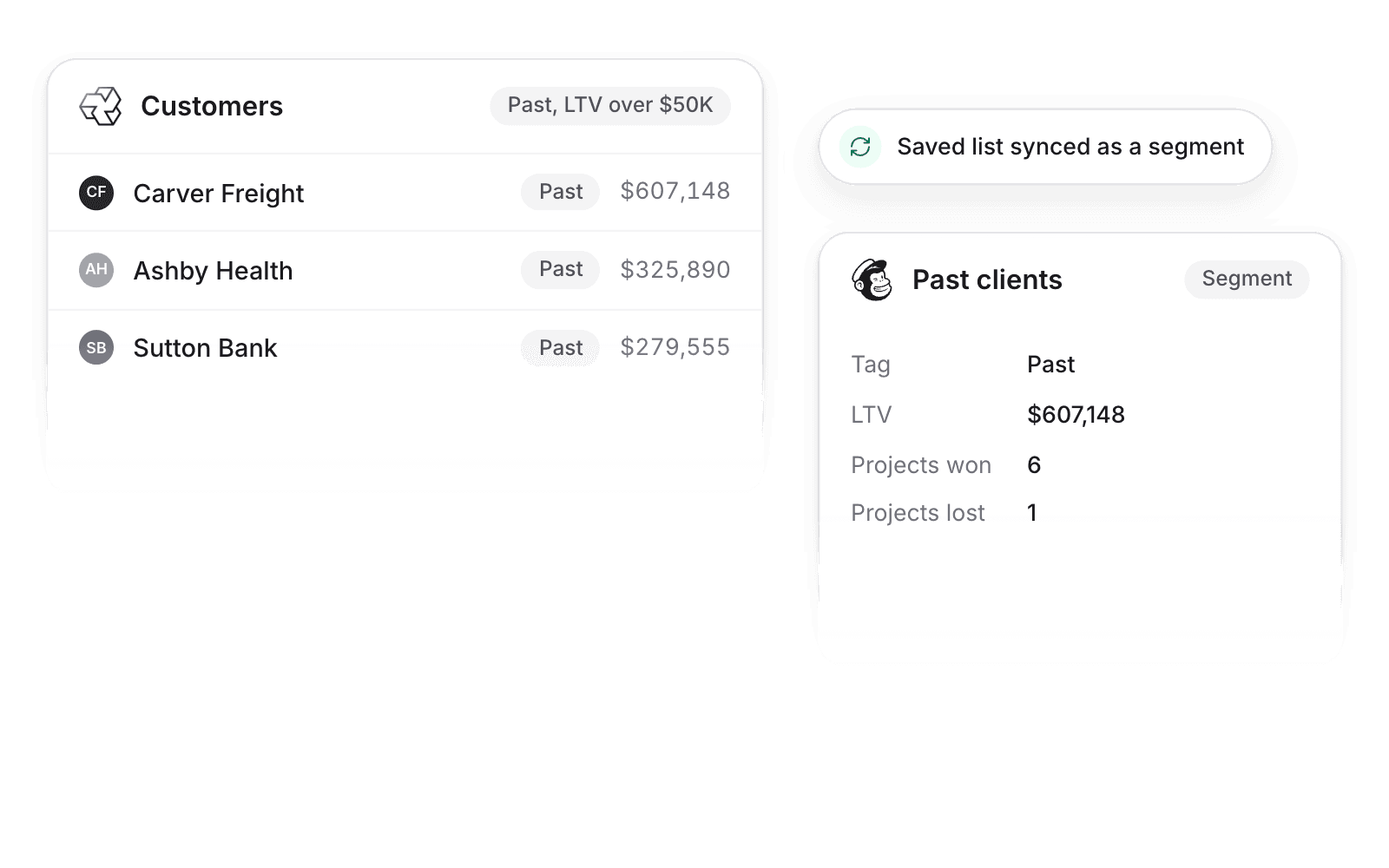
- Win back past clients. Save a customer list in Pike, such as past clients with lifetime value over $50,000, and it syncs as a Mailchimp segment ready for a campaign.
- Warm up prospects with real context. Prospect, Active, and Past tags come from your projects and deals, so nobody maintains a status column by hand.
- Market the services clients actually bought. Services bought sync as tags, so a campaign can target clients who hired you for one service and have not tried another.
Limits
- Pike does not import Mailchimp campaigns or campaign reports.
- Unsubscribes in Mailchimp are respected and not overwritten.
- Pike does not send emails itself. Campaigns are built and sent in Mailchimp.
Setup steps and field mappings: Mailchimp docs.
Mailchimp integration questions

See Pike and Mailchimp working together on your data.
 ISO 27001
 GDPR
 SOC 2 Type II
Built to keep sensitive client data secure and private.