

Expenses integration
Pike for Pleo
card spend on the right project
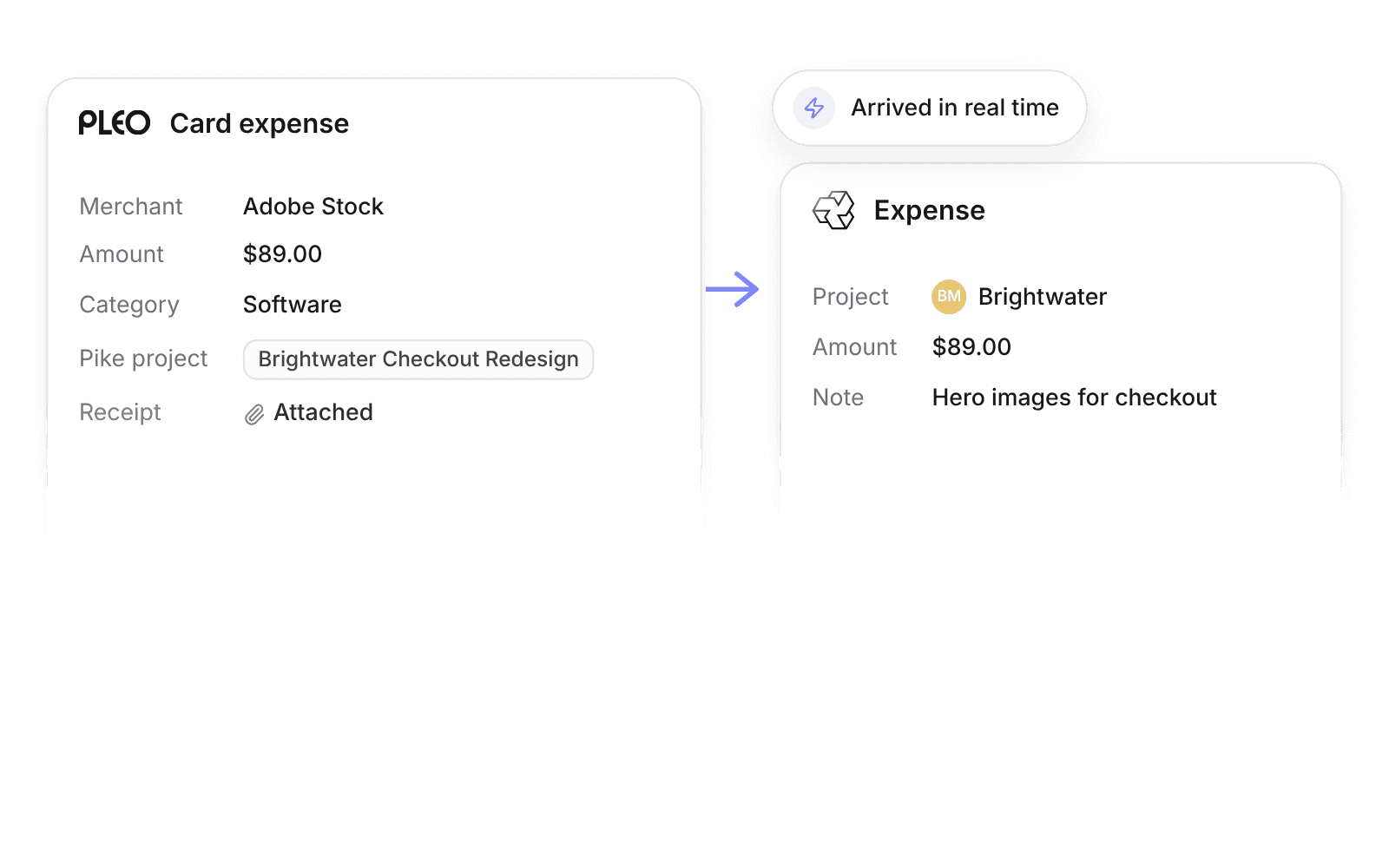
Pike integrates with Pleo: card and out-of-pocket expenses import into Pike in real time with amount, merchant, category, receipt link, and note, and land on the project chosen from a Pleo tag group that Pike keeps filled with active project names.
Last updated · Read as Markdown

At a glance
- Direction
- Pleo to Pike, in real time. Accounting export stays in Pleo.
- Who sets it up
- Workspace admins.
- Source of truth
- Pleo.
- Plan
- All plans
- Documentation
- Pleo docs
What syncs between Pleo and Pike
| Pleo | Pike expense |
|---|---|
| Amount, currency, and date | Amount, currency, and date |
| Merchant | Merchant |
| Pleo category | Expense category |
| Receipt | Receipt link |
| Note | Note |
| Tag in the "Pike project" tag group | Project |
Pike keeps a Pleo tag group named "Pike project" filled with active project names, so people pick the project in Pleo when they add the receipt.
How to connect Pleo
- 1.Go to Workspace settings → Integrations → Pleo, click Add integration, and authorize Pleo.
- 2.Pike creates the "Pike project" tag group in Pleo.
- 3.Map Pleo categories to Pike expense categories.
Full setup steps and field mappings are in the Pleo integration docs.
How agencies use Pike with Pleo
- Put card spend on projects as it happens. Expenses arrive in real time, so project margin reflects this week’s spend.
- Let staff tag the project at the till. The tag group lists active Pike projects, so people choose the project in Pleo and nobody re-assigns it later.
- Keep accounting in Pleo. Pleo still exports to your books, while Pike shows cost by project.
Limits to know before you connect
- The sync is one way, from Pleo to Pike.
- Accounting export stays in Pleo.
Pleo integration questions
Does Pike integrate with Pleo?
Yes. Pike imports Pleo card and out-of-pocket expenses in real time, with amount, currency, date, merchant, category, receipt link, and note.
How do Pleo expenses get a Pike project?
Pike keeps a Pleo tag group named Pike project filled with active project names, and the tag chosen in Pleo sets the project.
Does Pike export Pleo expenses to accounting?
No. Accounting export stays in Pleo. The Pleo integration only imports expenses into Pike.

See Pike and Pleo working together on your data.
 ISO 27001
 GDPR
GDPR SOC 2 Type II
Built to keep sensitive client data secure and private.