

Expenses integration
Pike for Expensify
out-of-pocket costs on projects
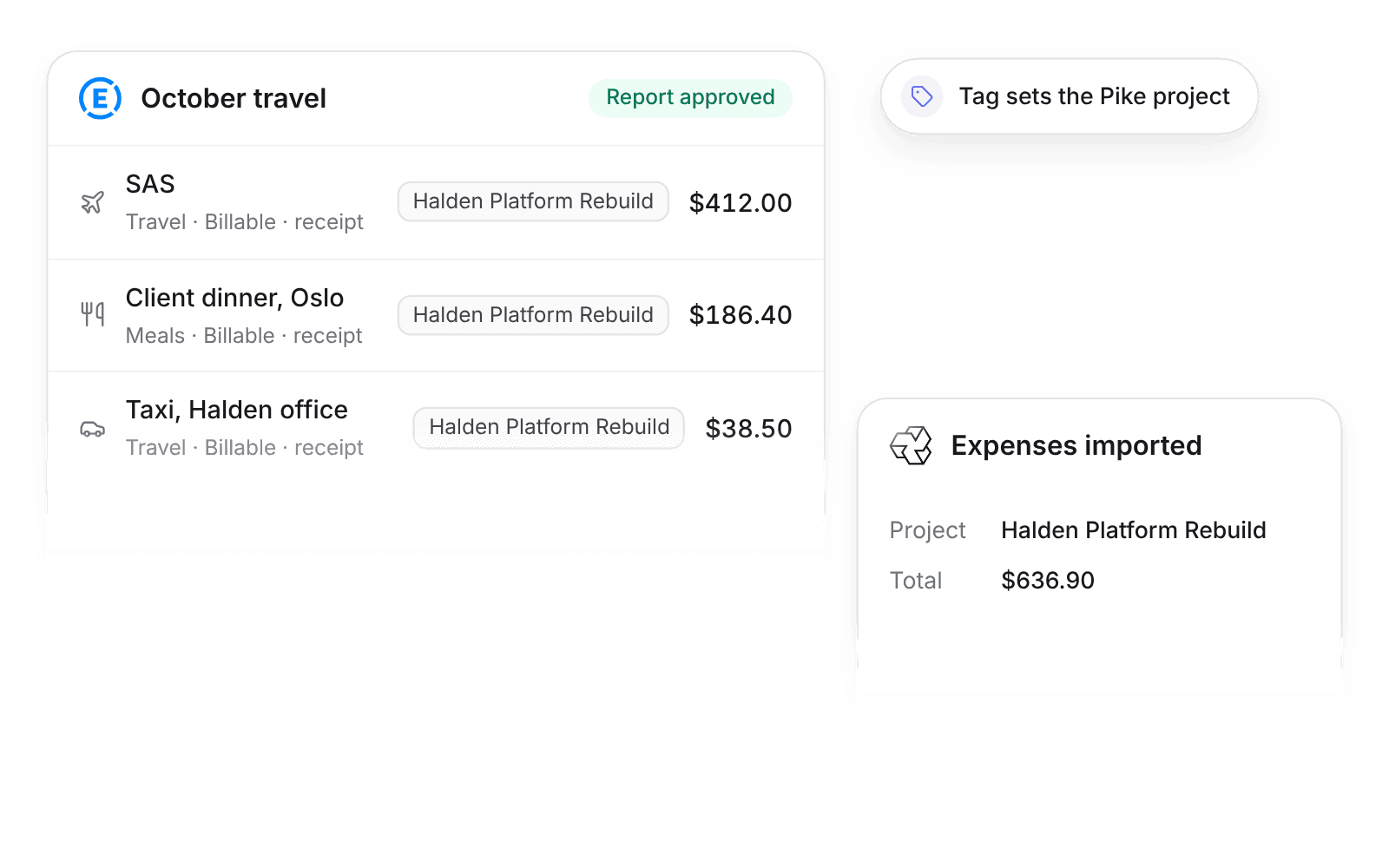
Pike integrates with Expensify: expenses from approved Expensify reports import into Pike every hour with amount, merchant, category, receipt link, and billable flag, and land on their project. Travel and client costs count against project margin.
Last updated · Read as Markdown

At a glance
- Direction
- Expensify to Pike, every hour. Reimbursement stays in Expensify.
- Who sets it up
- A workspace admin, with an Expensify partner user ID and secret.
- Source of truth
- Expensify.
- Plan
- All plans
- Documentation
- Expensify docs
What syncs between Expensify and Pike
| Expensify | Pike expense | Notes |
|---|---|---|
| Amount, currency, and date | Amount, currency, and date | |
| Merchant | Merchant | |
| Category | Expense category | Through the category mapping |
| Receipt image | Receipt link | |
| Billable flag | Billable flag | |
| Tag | Project | A tag named after the Pike project, or the tag mapping table |
Expenses without a project land in Log → Expenses for review.
How to connect Expensify
- 1.Go to Workspace settings → Integrations → Expensify and click Add integration.
- 2.Enter your Expensify partner user ID and secret.
- 3.Map Expensify categories and tags, then click Import data.
Full setup steps and field mappings are in the Expensify integration docs.
How agencies use Pike with Expensify
- Rebill client expenses. Billable expenses arrive with their flag and receipt link, so finance adds them to the next invoice instead of losing them.
- See travel cost on the project. Each expense lands on its project, so margin includes travel and client costs.
- Review the strays in one place. Expenses without a project wait in Log → Expenses, so nothing is missed.
Limits to know before you connect
- The sync is one way, from Expensify to Pike.
- Reimbursement stays in Expensify.
- Only expenses on approved reports import.
Expensify integration questions
Does Pike integrate with Expensify?
Yes. Pike imports expenses from approved Expensify reports every hour, with amount, currency, date, merchant, category, receipt link, and billable flag.
How does Pike know which project an Expensify expense belongs to?
Pike reads an Expensify tag named after the Pike project, or uses the tag mapping table. Expensify expenses without a project land in Log, Expenses for review.
Does Pike handle Expensify reimbursements?
No. Reimbursement stays in Expensify. The Expensify integration only imports expenses into Pike.

See Pike and Expensify working together on your data.
 ISO 27001
 GDPR
GDPR SOC 2 Type II
Built to keep sensitive client data secure and private.