


Pike and
SAP SuccessFactors
Sync employees, departments, and approved absences from SAP SuccessFactors, and plan with accurate capacity.

At a glance
- Direction
- SAP SuccessFactors to Pike, every 3 hours.
- Who sets it up
- A workspace admin, with the API key from an OAuth client application registered in Manage OAuth2 Client Applications.
- Source of truth
- SAP SuccessFactors, for person fields.
- Plan
- All plans
- Documentation
- SAP SuccessFactors docs
What syncs between SAP SuccessFactors and Pike
| SAP SuccessFactors | Pike | Notes |
|---|---|---|
| Employee | Member | Matched by email |
| Department | Team | |
| Job title | Position | |
| Employee status | Member status | A terminated employee becomes a deactivated member. History is kept |
| Standard weekly hours | Weekly capacity | |
| Approved absences | Time off | Each time type maps to a Pike type |
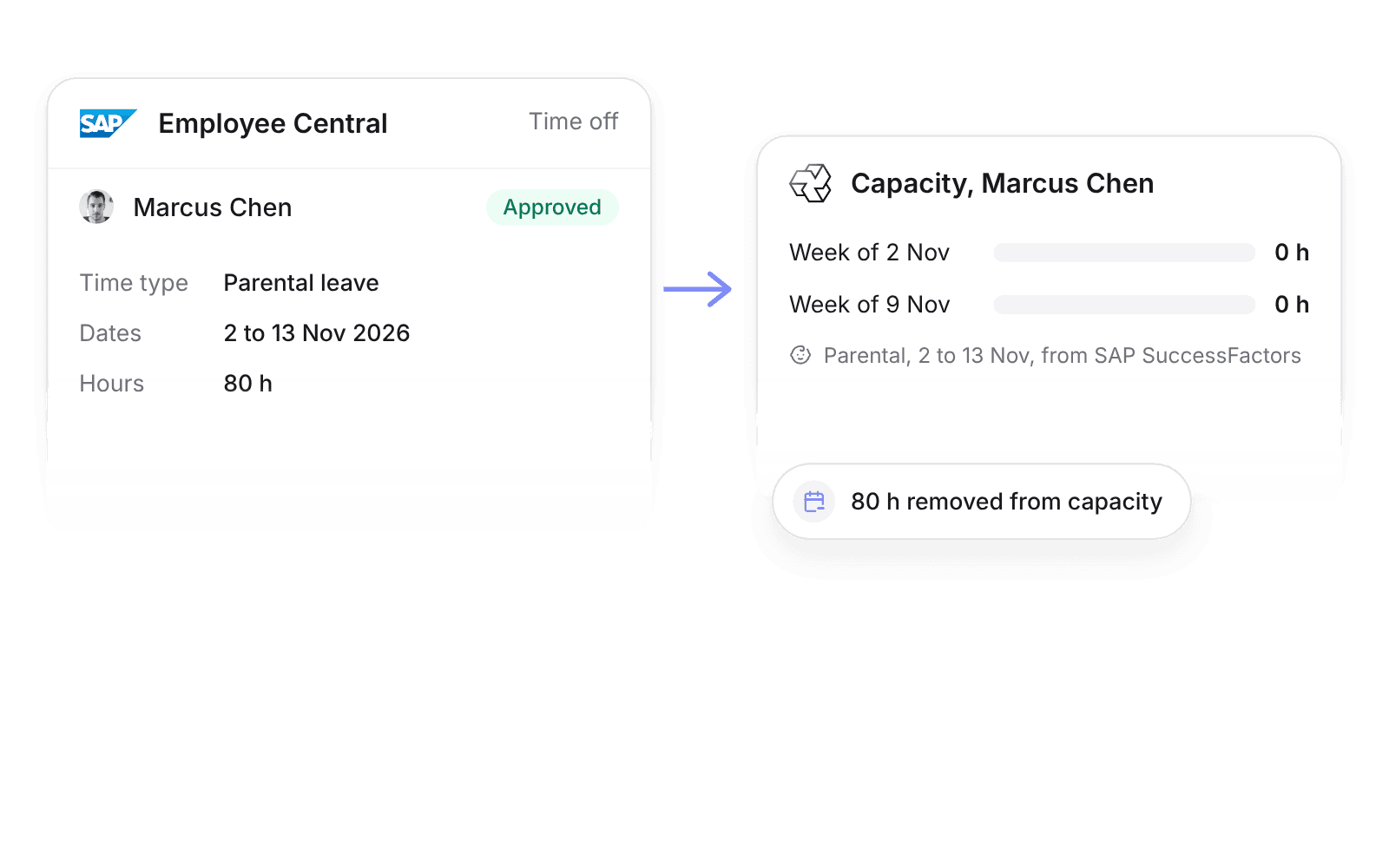
Approved time off creates Pike time off of the mapped type and comes off capacity. Pending or rejected requests do not sync.
Set up and use SAP SuccessFactors
Connect
- 1.Go to Workspace settings → Integrations → SAP SuccessFactors, click Add integration, and copy Pike’s certificate.
- 2.In Manage OAuth2 Client Applications, register Pike with the certificate, then enter the API key, company ID, and API user in Pike.
- 3.Map time types to Pike time off types, then click Import data.
How to use it in your business
- Staff projects around leave. Approved absences in Employee Central come off capacity, so allocations avoid people who are away.
- Measure utilization on contracted hours. Standard weekly hours set each member’s capacity, so part-timers are not counted as under-utilized.
Limits
- Pike does not write to SAP SuccessFactors.
- Pending or rejected absences do not sync.
- Compensation sync is off until an admin or finance user turns it on.
Setup steps and field mappings: SAP SuccessFactors docs.
SAP SuccessFactors integration questions
Does Pike integrate with SAP SuccessFactors?
Yes. Pike syncs Employee Central employees, departments, job titles, standard weekly hours, and approved absences into Pike every 3 hours.
How does Pike connect to SAP SuccessFactors?
With OAuth 2.0 SAML bearer. A SuccessFactors admin registers Pike in Manage OAuth2 Client Applications with Pike’s certificate, and you enter the API key in Pike.
Do SuccessFactors absences reduce capacity in Pike?
Yes. Approved absences remove those hours from capacity by mapped time type, so allocations and utilization stay correct.

See Pike and SAP SuccessFactors working together on your data.
 ISO 27001
 GDPR
 SOC 2 Type II
Built to keep sensitive client data secure and private.