


Pike and
Workday
Sync workers, schedules, and approved time off from Workday, and send approved hours to Workday Time Tracking.

At a glance
- Direction
- Workday to Pike for people and time off, every 3 hours. Pike to Workday Time Tracking for hours, when enabled.
- Who sets it up
- A workspace admin, with an API client and refresh token a Workday admin registers for an integration system user.
- Source of truth
- Workday, for person fields.
- Plan
- All plans
- Documentation
- Workday docs
What syncs between Workday and Pike
| Workday | Pike | Direction |
|---|---|---|
| Workers | Members, matched by work email | Workday to Pike |
| Supervisory organizations | Teams | Workday to Pike |
| Business title and job profile | Position | Workday to Pike |
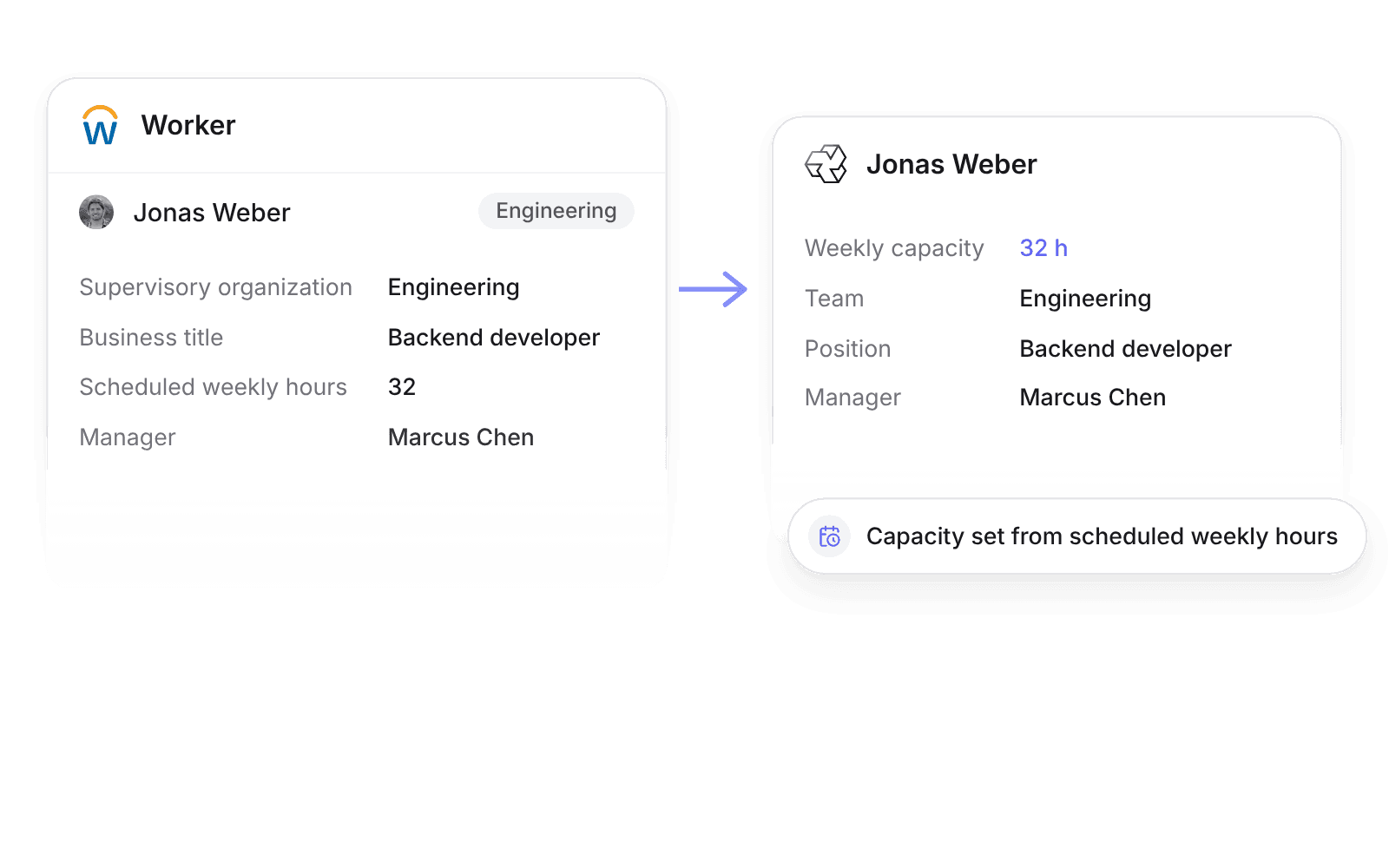
| Scheduled weekly hours | Weekly capacity | Workday to Pike |
| Approved time off and leave of absence | Time off | Workday to Pike |
| Reported time blocks | Approved hours from a closed Pike pay period | Pike to Workday, when Send hours to payroll is on |
Approved time off creates Pike time off of the mapped type and comes off capacity. Pending or rejected requests do not sync.
Send hours to payroll is off by default. When on, closing a pay period sends approved regular and overtime hours for hourly workers to Workday Time Tracking.
Set up and use Workday
Connect
- 1.In Workday, run Register API Client for Integrations and create a refresh token for your integration system user.
- 2.Go to Workspace settings → Integrations → Workday, click Add integration, and enter the client ID, secret, and refresh token.
- 3.Map time off and leave types, then click Import data.
How to use it in your business
- Plan on scheduled hours. A worker on 32 scheduled weekly hours in Workday has 32 hours of weekly capacity in Pike, so utilization uses the hours they actually work.
- Pay hourly workers from approved time. Closing a Pike pay period sends time blocks to Workday Time Tracking, so payroll and invoices use the same hours.
Limits
- Pike does not change workers or time off in Workday.
- Hours go to Workday Time Tracking for hourly workers only.
- Compensation sync is off until an admin or finance user turns it on.
Setup steps and field mappings: Workday docs.
Workday integration questions
Does Pike integrate with Workday?
Yes. Pike syncs Workday workers, supervisory organizations, scheduled weekly hours, and approved time off and leave every 3 hours, and can send approved hours to Workday Time Tracking.
Can Pike send hours to Workday Time Tracking?
Yes. With Send hours to payroll on, closing a Pike pay period sends approved hours for hourly workers as reported time blocks, with the time entry codes you map.
What does the Workday admin need to set up?
An integration system user in a security group with access to worker, time off, and leave data, and an API client registered with Register API Client for Integrations.

See Pike and Workday working together on your data.
 ISO 27001
 GDPR
 SOC 2 Type II
Built to keep sensitive client data secure and private.