

Automation integration
Pike automation
Zapier, Make, n8n, and Power Automate
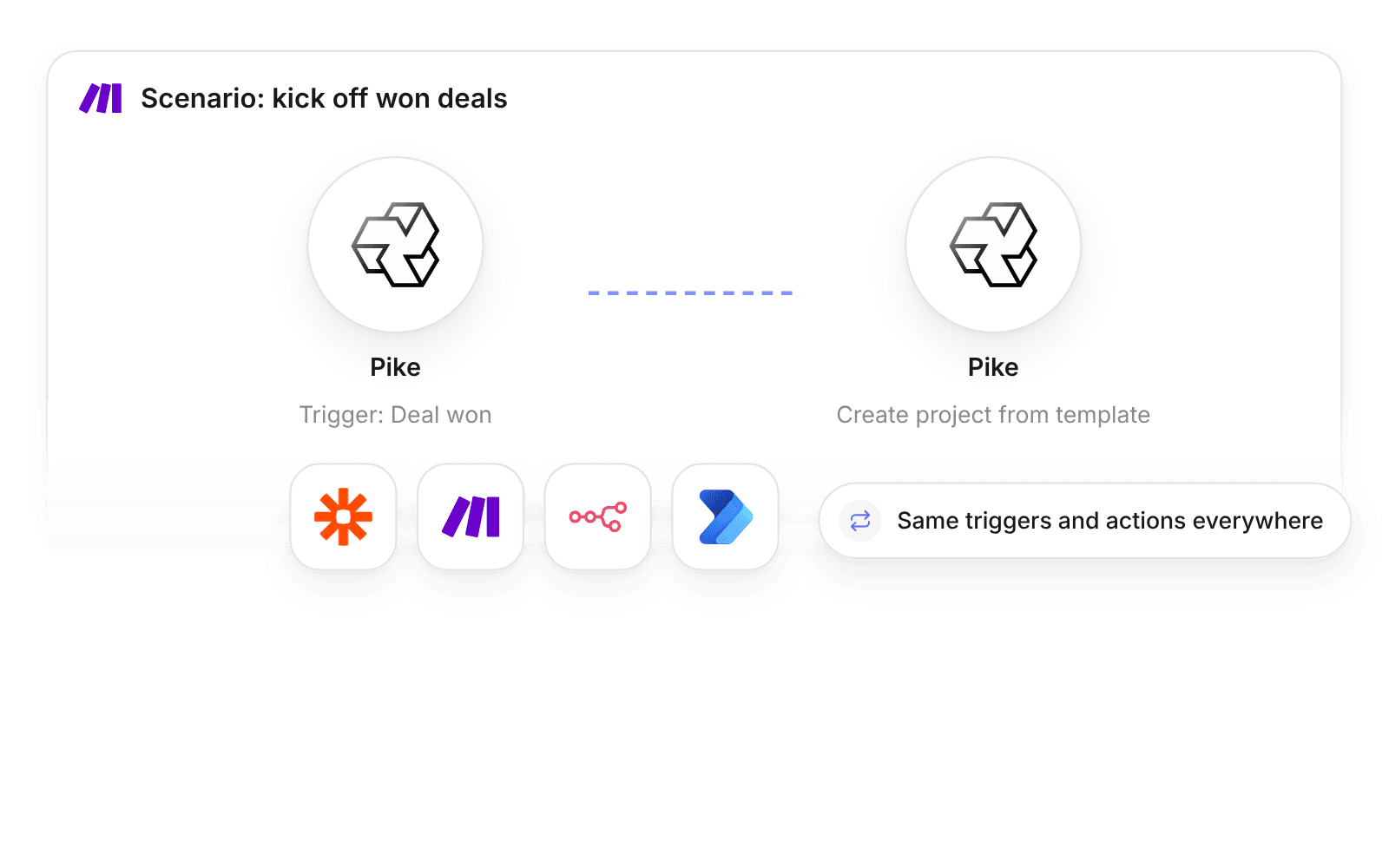
Pike integrates with Zapier, Make, n8n, and Microsoft Power Automate: each offers the same Pike triggers, such as deal won or invoice paid, and the same actions, such as create task or log time. Workflows authenticate with a Pike API secret, or OAuth where the platform supports it.
Last updated · Read as Markdown

At a glance
- Platforms
- Zapier, Make, n8n (a Pike community node), and Microsoft Power Automate (a certified connector).
- Authentication
- A Pike API secret, or OAuth where the platform supports it.
- Triggers and actions
- The same 12 triggers and 8 actions on every platform.
- Plan
- Growth, for Make, n8n, and Power Automate.
- Documentation
- Make docs, n8n docs, and Power Automate docs
What syncs between Zapier, Make, n8n, and Power Automate and Pike
| Type | Pike events and actions |
|---|---|
| Triggers: projects and tasks | New project, project status changed, new task, task status changed |
| Triggers: time | Time entry submitted, time entry approved, time off approved |
| Triggers: finance and sales | Invoice created, invoice paid, deal stage changed, deal won, new customer |
| Actions | Create task, update task status, create customer, create contact, create deal, create project from template, log time, request time off |
How to connect Zapier, Make, n8n, and Power Automate
- 1.Create a Pike API secret, or sign in with OAuth where the platform supports it.
- 2.In Zapier, Make, n8n, or Power Automate, add the Pike app, node, or connector and connect it.
- 3.Pick a Pike trigger or action and map the fields.
Full setup steps and field mappings are in the Make integration docs, n8n integration docs, and Power Automate integration docs.
How agencies use Pike with Zapier, Make, n8n, and Power Automate
- Start delivery when a deal is won. Deal won runs Create project from template, so the project, phases, and tasks exist before kickoff.
- Tell finance when invoices are paid. Invoice paid posts to a finance channel or updates a cash forecast sheet.
- Route approved time off to calendars. Time off approved adds the absence to shared calendars, so account leads see who is out.
Limits to know before you connect
- Triggers and actions are limited to the lists above.
- Workflows run in the automation platform. Pike does not host them.
Zapier, Make, n8n, and Power Automate integration questions
Does Pike integrate with Zapier?
Yes. Pike on Zapier offers the same triggers and actions as Make, n8n, and Power Automate, such as deal won, invoice paid, create task, and log time.
Does Pike integrate with Make?
Yes. Pike on Make starts scenarios from Pike events and runs Pike actions, authenticated with a Pike API secret or OAuth where Make supports it.
Is there an n8n node for Pike?
Yes. Pike offers a community node for n8n with the same triggers and actions as the other automation platforms.
Does Pike work with Microsoft Power Automate?
Yes. Pike offers a certified connector for Microsoft Power Automate with the same triggers and actions as Zapier, Make, and n8n.

See Pike and Zapier, Make, n8n, and Power Automate working together on your data.
 ISO 27001
 GDPR
GDPR SOC 2 Type II
Built to keep sensitive client data secure and private.