

Productivity integration
Pike for Slack
log time and create tasks from Slack
Get Pike notifications in Slack, preview task links, and log time or create tasks with /pike.
Last updated · Read as Markdown

At a glance
- Setup
- An admin connects the Slack workspace, then each member connects their own profile.
- Command
- /pike task [title] creates a task; /pike time logs time.
- Permissions
- Members act with the same permissions as in the Pike web app.
- Documentation
- Slack docs
What syncs between Slack and Pike
| Feature | What it does |
|---|---|
| Notifications | Task and project assignments, @mentions, and activity on items you follow |
| Link previews | Description, status, assignees, dates, project, and phase |
| /pike task | Opens the create task modal, with the title prefilled |
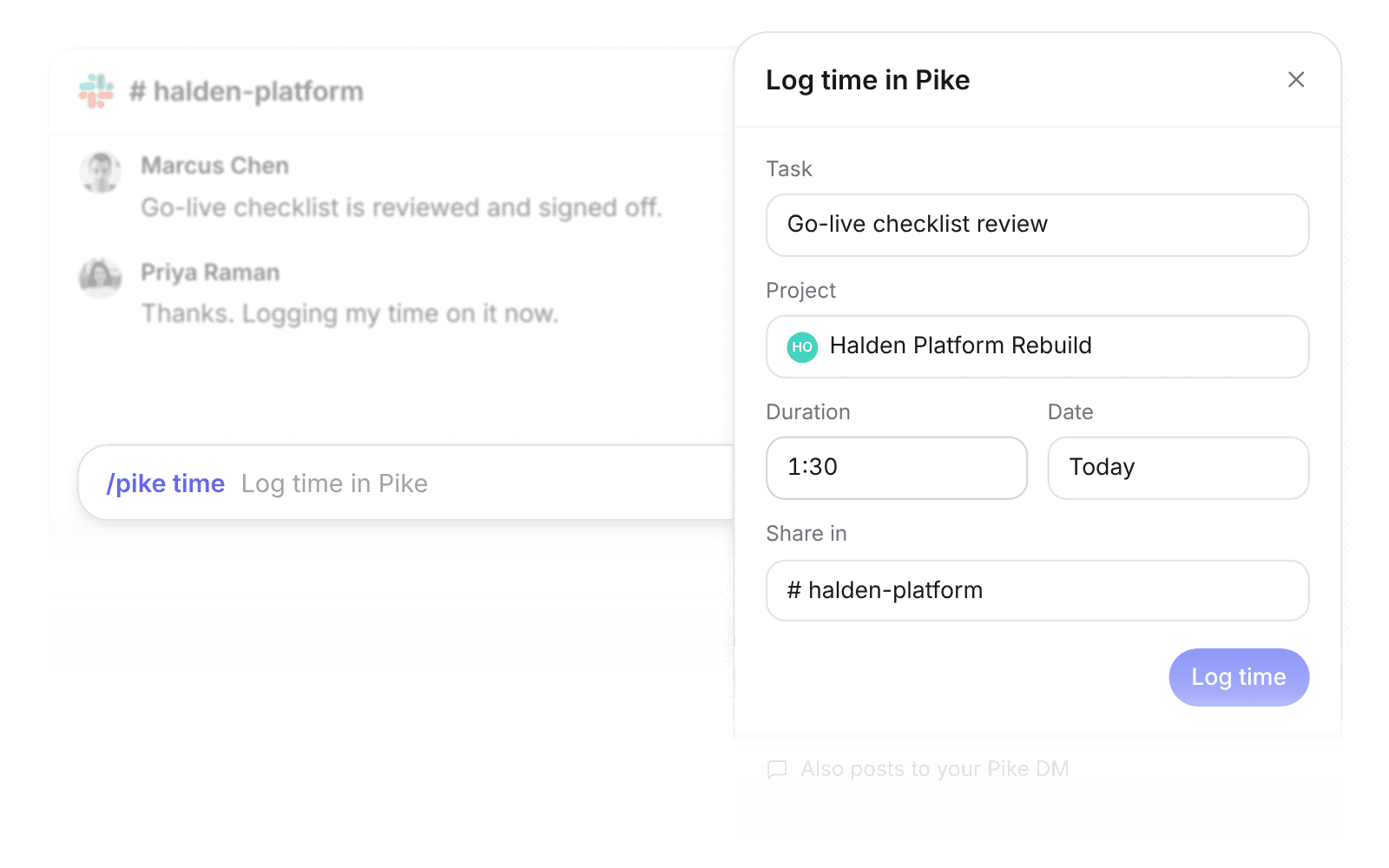
| /pike time | Opens the log time modal for one of your tasks |
| Message shortcut | Creates a task from a message, with a link back to it |
How to connect Slack
- 1.An admin goes to Workspace settings → Integrations → Slack, clicks Add integration, and selects the Slack workspace.
- 2.Each member goes to Settings → Connections and connects their Slack account.
- 3.Type `/pike` in any Slack message box to create a task or log time.
Full setup steps and field mappings are in the Slack integration docs.
How agencies use Pike with Slack
- Log time where the work is discussed. People log hours in the moment instead of rebuilding the week on Friday, which keeps billable time complete.
- Turn requests into tracked work. A client request in Slack becomes a Pike task with a link back, so out-of-scope work gets logged instead of lost.
- Cut status pings. Task links expand into previews, so people check status without opening Pike.
Limits to know before you connect
- Each member connects their own Slack profile before using /pike.
- Updating tasks from Slack, comment thread syncing, and project and customer previews are planned, not shipped.
Slack integration questions
Can I log time in Pike from Slack?
Yes. Type /pike time, or choose Log time in Pike from the shortcuts menu, to open the log time modal for one of your tasks.
Can I create a Pike task from a Slack message?
Yes. Use the Create Pike task shortcut on a message to create a task prefilled with the message text and a link back to it.
Which Slack notifications does Pike send?
Task assignments, project assignments, comment mentions, and activity on items you follow, depending on your notification preferences.

See Pike and Slack working together on your data.
 ISO 27001
 GDPR
GDPR SOC 2 Type II
Built to keep sensitive client data secure and private.