


Pike and
your own systems
Read projects, tasks, customers, and members from Pike with a REST API.

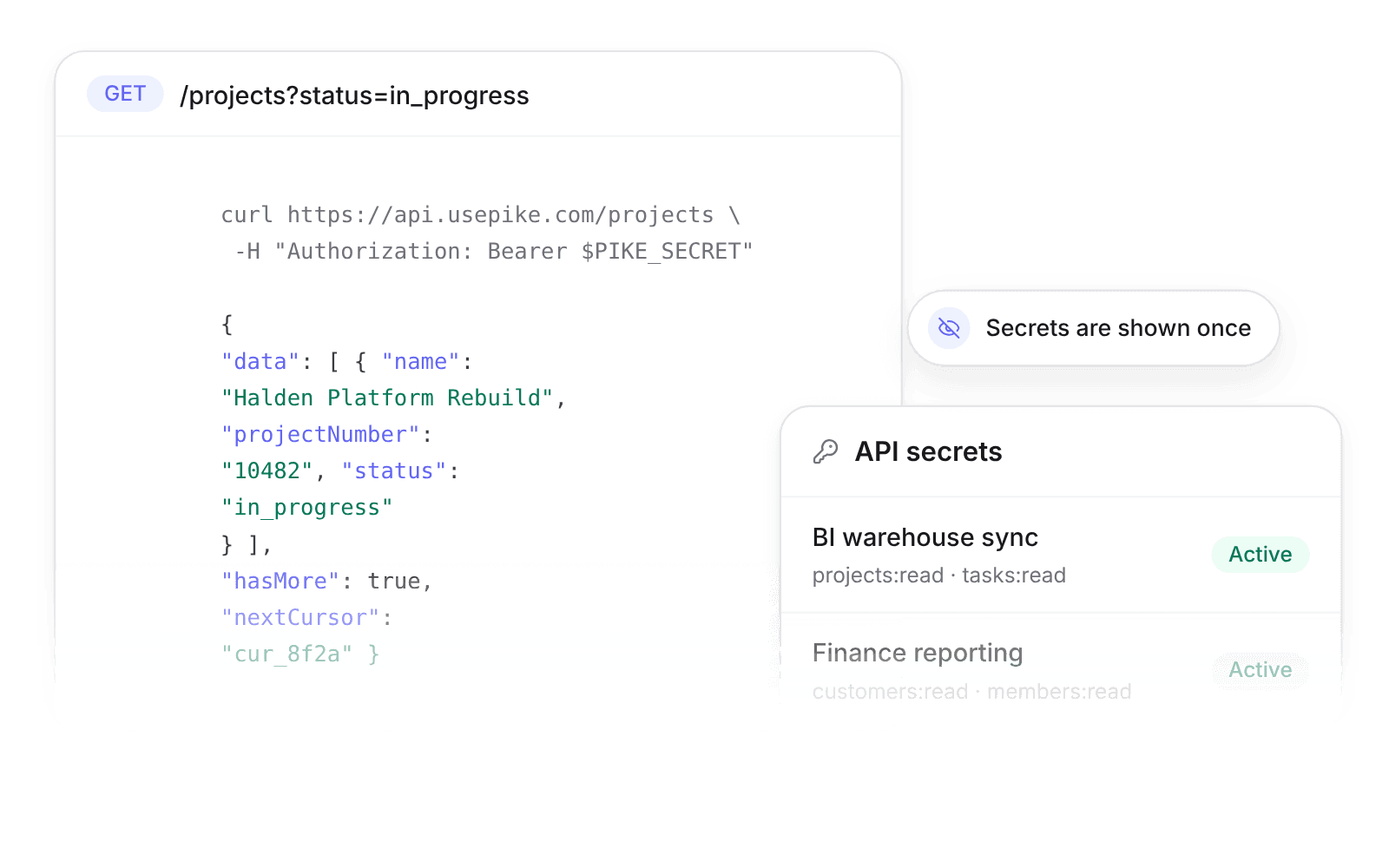
At a glance
- Base URL
- https://api.usepike.com
- Authentication
- Bearer token with a workspace API secret.
- Scopes
- projects:read, tasks:read, customers:read, members:read.
- Documentation
- Open API docs
What syncs between Open API and Pike
| Resource | Operations | Filters |
|---|---|---|
| Projects | List, retrieve | Status, team |
| Tasks | List, retrieve | Project, status, team |
| Customers | List, retrieve | Search |
| Members | List, retrieve | Status |
Lists use cursor pagination, 50 per page by default and 200 at most.
Set up and use Open API
Connect
- 1.A workspace admin creates an API secret, gives it a label, and picks its scopes.
- 2.Copy the secret when it is shown. Pike shows it once.
- 3.Send it as a Bearer token to https://api.usepike.com.
How to use it in your business
- Feed your BI tool. Pull projects and tasks into a warehouse or dashboard next to data from other systems.
- Automate handoffs. Read new projects and customers into internal tools without CSV exports.
Limits
- Scopes are read-only, so write changes go through Zapier, Make, n8n, Power Automate, or MCP.
- Secrets are scoped to one workspace and only admins can manage them.
- The OpenAPI specification is published at usepike.com/openapi.json.
Setup steps and field mappings: Open API docs.
Open API integration questions

See Pike and Open API working together on your data.
 ISO 27001
 GDPR
 SOC 2 Type II
Built to keep sensitive client data secure and private.