

Import and export integration
CSV import and export
move your data in and out of Pike
Import and export customers, projects, tasks, time entries, and deals as CSV, to migrate from any tool or hand finance a snapshot.
Last updated · Read as Markdown

At a glance
- Entities
- Customers, projects, tasks, members, teams, time entries, deals, products, and labels or phases where supported.
- Who can run it
- Workspace admins, or roles your workspace configures.
- Validation
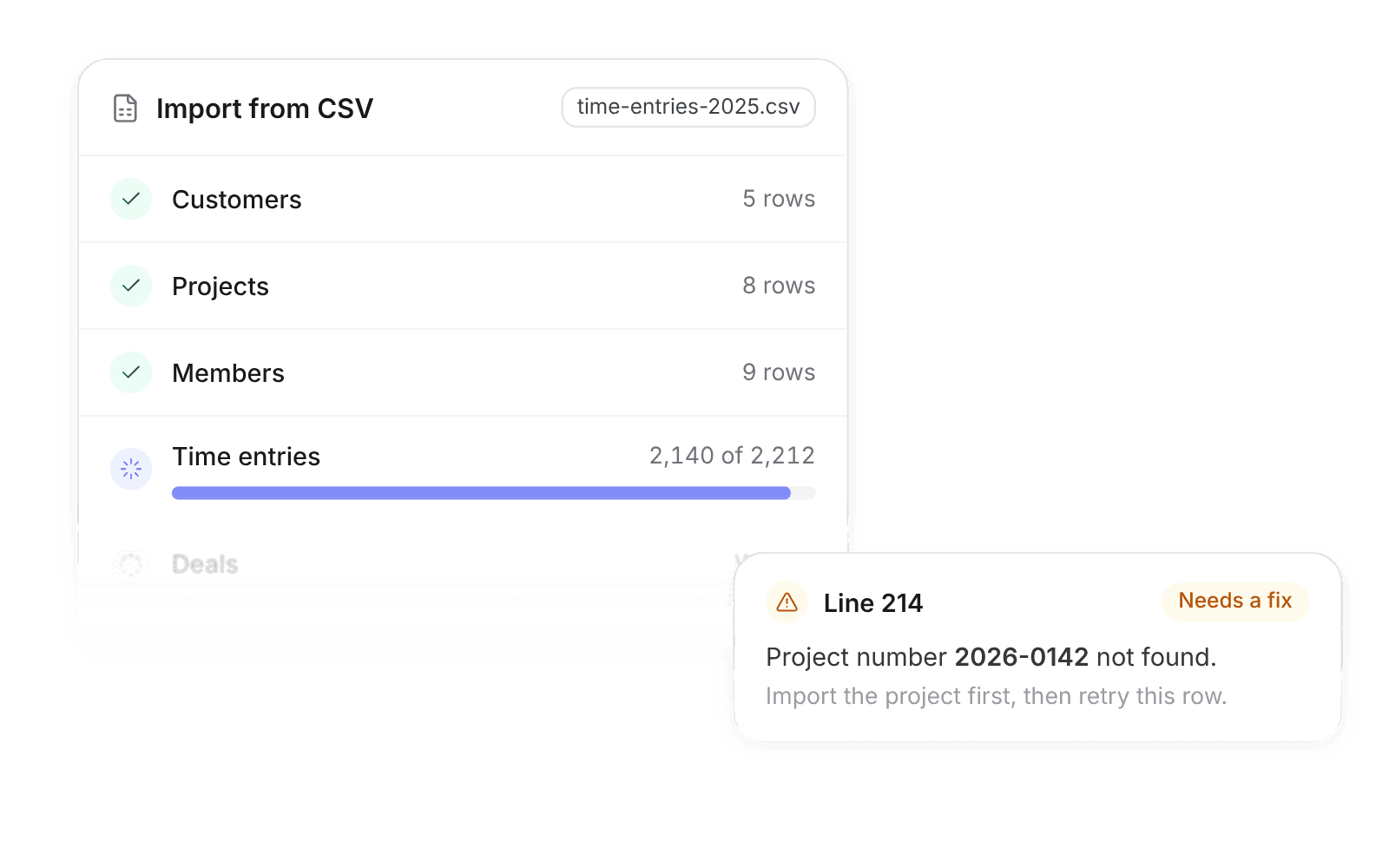
- Invalid rows are reported with line numbers before anything is lost.
- Documentation
- CSV docs
What syncs between CSV and Pike
| Step | Import first | Why |
|---|---|---|
| 1 | Customers, plus teams or products the template needs | Projects reference them |
| 2 | Projects and phases | Tasks and time reference them |
| 3 | Members | Tasks with assignees reference them |
| 4 | Tasks, time entries, and deals | They reference everything above |
Match records by Pike ID when round-tripping an export, or by business keys such as customer number, project number, or email on a first import.
How to connect CSV
- 1.Go to Workspace settings → Integrations → CSV.
- 2.Choose Import or Export and download the template for the entity.
- 3.Fill in the template and upload it, or run an export with filters such as a date range.
Full setup steps and field mappings are in the CSV integration docs.
How agencies use Pike with CSV
- Migrate without losing history. Bring historical timesheets with you, so utilization and margin reports start with real data.
- Pilot on one team first. Import one team’s projects and tasks, run the pilot, then import the rest.
- Hand finance a snapshot. Export time entries for a date range for payroll or a client audit.
Limits to know before you connect
- Exports include only data the person running them can see.
- Some entities support updates on re-import (upsert) and some are create-only. Check the template notes.
- Save files as UTF-8. In Excel, choose "CSV UTF-8".
CSV integration questions
Can I migrate to Pike from Asana, Jira, or Monday?
Yes. Export to CSV, map the columns to the Pike task template, then import customers and projects first and tasks after.
Can I import historical timesheets into Pike?
Yes. Time entries are a supported CSV entity, so history from another system can come with you.
Can I export my data from Pike?
Yes. Export any supported entity as CSV, with filters such as a date range for time entries.

See Pike and CSV working together on your data.
 ISO 27001
 GDPR
GDPR SOC 2 Type II
Built to keep sensitive client data secure and private.