

Reporting and data integration
Pike for Looker Studio
shareable agency reports
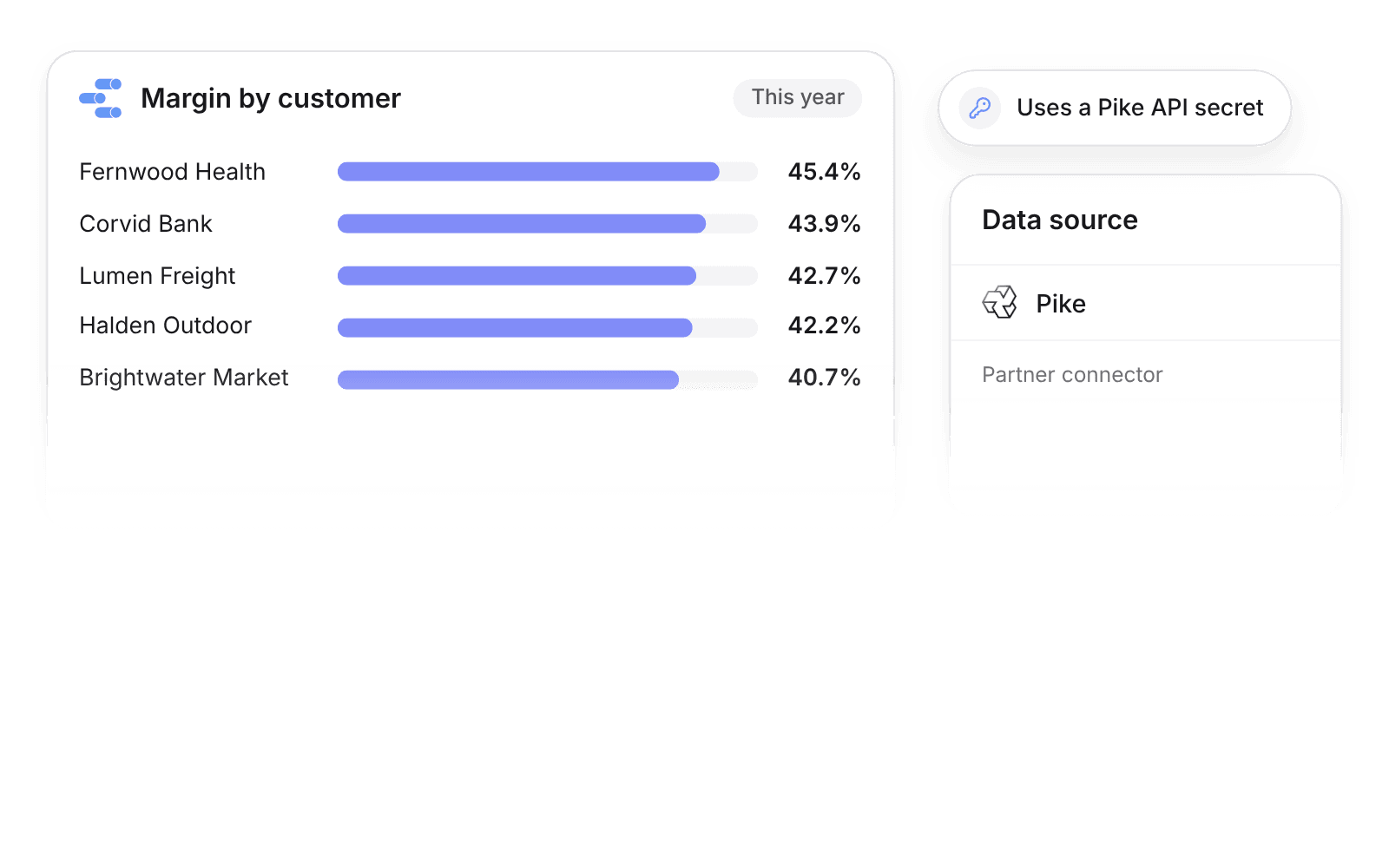
Pike integrates with Looker Studio: the Pike partner connector loads projects, phases, tasks, time entries, members, teams, customers, deals, invoices, expenses, allocations, and time off, authenticated with a Pike API secret, and includes a starter report template. Teams on Google Workspace build reports without a data warehouse.
Last updated · Read as Markdown

At a glance
- Direction
- Pike to Looker Studio, read only.
- Who sets it up
- Anyone with a Pike API secret. Workspace admins create API secrets.
- Tables
- The same tables as the Pike Power BI connector.
- Plan
- Growth
- Documentation
- Looker Studio docs
What syncs between Looker Studio and Pike
| Area | Pike tables |
|---|---|
| Delivery | Projects, phases, tasks, allocations |
| Time and people | Time entries, members, teams, time off |
| Revenue and cost | Customers, deals, invoices, expenses |
How to connect Looker Studio
- 1.A workspace admin creates a Pike API secret.
- 2.In Looker Studio, add a data source, choose the Pike partner connector, and paste the secret.
- 3.Start from the starter report template, or build your own.
Full setup steps and field mappings are in the Looker Studio integration docs.
How agencies use Pike with Looker Studio
- Share margin reports with partners. Looker Studio reports on Pike data share like any Google file, so partners see margin by client without a Pike seat.
- Blend with marketing data. Combine Pike time and invoices with ad spend in one report to see real margin per client.
- Skip the warehouse. The connector reads Pike directly, so small teams get BI reports without running BigQuery.
Limits to know before you connect
- The connector reads from Pike. It does not write.
Looker Studio integration questions
Does Pike integrate with Looker Studio?
Yes. The Pike partner connector for Looker Studio loads projects, phases, tasks, time entries, members, teams, customers, deals, invoices, expenses, allocations, and time off.
How does the Looker Studio connector authenticate with Pike?
The Pike Looker Studio connector authenticates with a Pike API secret, which a workspace admin creates.
Is there a Looker Studio template for Pike?
Yes. The Pike Looker Studio connector includes a starter report template.

See Pike and Looker Studio working together on your data.
 ISO 27001
 GDPR
GDPR SOC 2 Type II
Built to keep sensitive client data secure and private.