

Reporting and data integration
Pike for Power BI
agency data in your BI reports
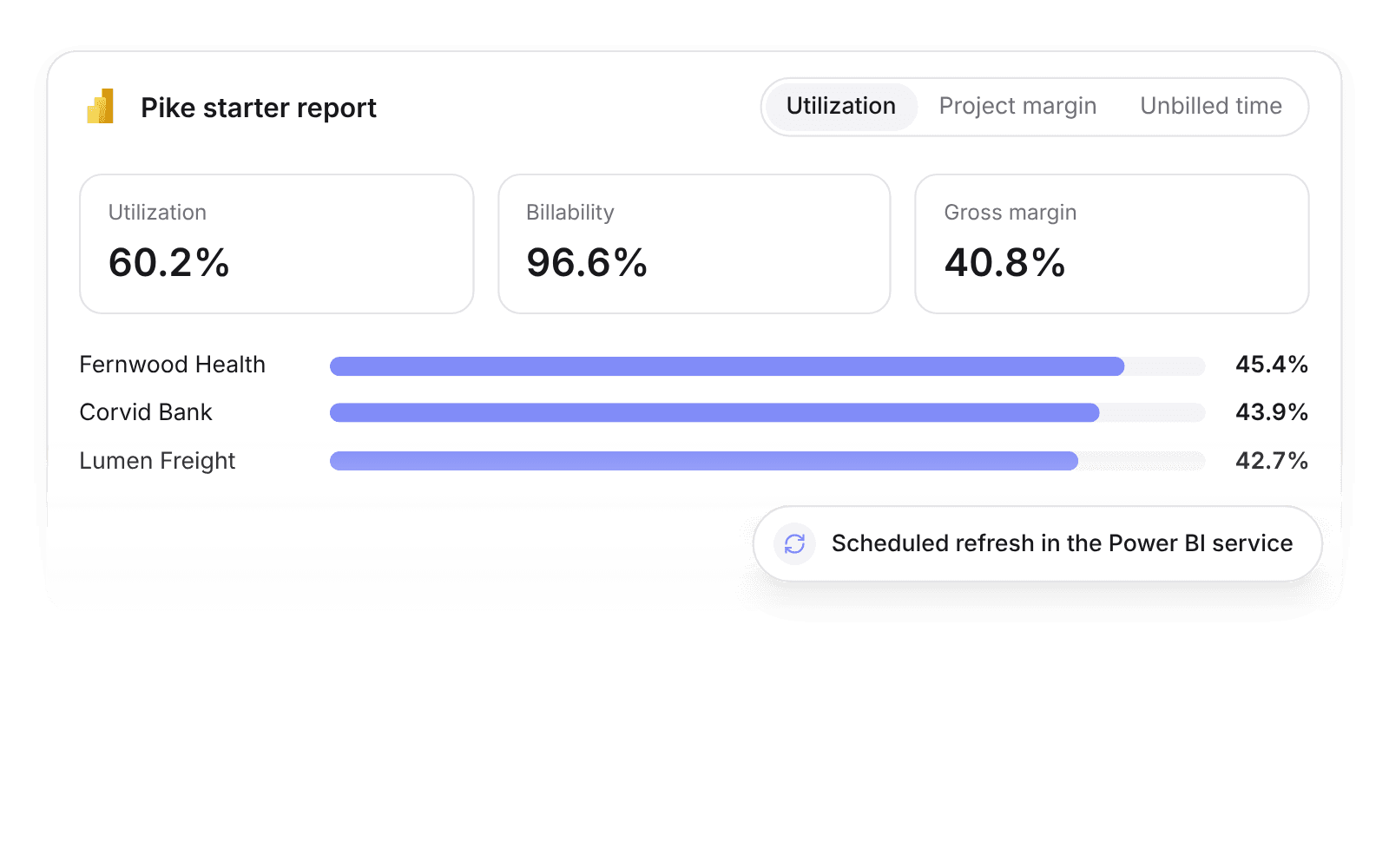
Pike integrates with Power BI: the Pike connector for Power BI Desktop and the Power BI service loads projects, phases, tasks, time entries, members, teams, customers, deals, invoices, expenses, allocations, and time off, authenticated with a Pike API secret. A starter report includes utilization, project margin, and unbilled time pages.
Last updated · Read as Markdown

At a glance
- Direction
- Pike to Power BI, read only.
- Who sets it up
- Anyone with a Pike API secret. Workspace admins create API secrets.
- Refresh
- Scheduled refresh through the Power BI service.
- Plan
- Growth
- Documentation
- Power BI docs
What syncs between Power BI and Pike
| Area | Pike tables |
|---|---|
| Delivery | Projects, phases, tasks, allocations |
| Time and people | Time entries, members, teams, time off |
| Revenue and cost | Customers, deals, invoices, expenses |
A starter report includes utilization, project margin, and unbilled time pages.
How to connect Power BI
- 1.A workspace admin creates a Pike API secret.
- 2.In Power BI Desktop, choose Get data, select the Pike connector, and paste the secret.
- 3.Publish to the Power BI service and set up scheduled refresh.
Full setup steps and field mappings are in the Power BI integration docs.
How agencies use Pike with Power BI
- Report Pike next to finance data. Join Pike time and invoices with ERP and CRM data in one Power BI model, so leadership sees utilization and margin beside revenue.
- Start from the starter report. Utilization, project margin, and unbilled time pages work on day one, and analysts extend them.
- Chase unbilled time. The unbilled time page shows billable hours not yet invoiced, so finance bills them before month-end.
Limits to know before you connect
- The connector reads from Pike. It does not write.
- Refresh runs on the schedule you set in the Power BI service.
Power BI integration questions
Does Pike integrate with Power BI?
Yes. The Pike connector for Power BI Desktop and the Power BI service loads projects, phases, tasks, time entries, members, teams, customers, deals, invoices, expenses, allocations, and time off.
Can Power BI refresh Pike data on a schedule?
Yes. Scheduled refresh of the Pike connector works through the Power BI service.
Is there a Power BI template for Pike?
Yes. The Pike Power BI starter report includes utilization, project margin, and unbilled time pages.

See Pike and Power BI working together on your data.
 ISO 27001
 GDPR
GDPR SOC 2 Type II
Built to keep sensitive client data secure and private.