



Pike and
your data warehouse
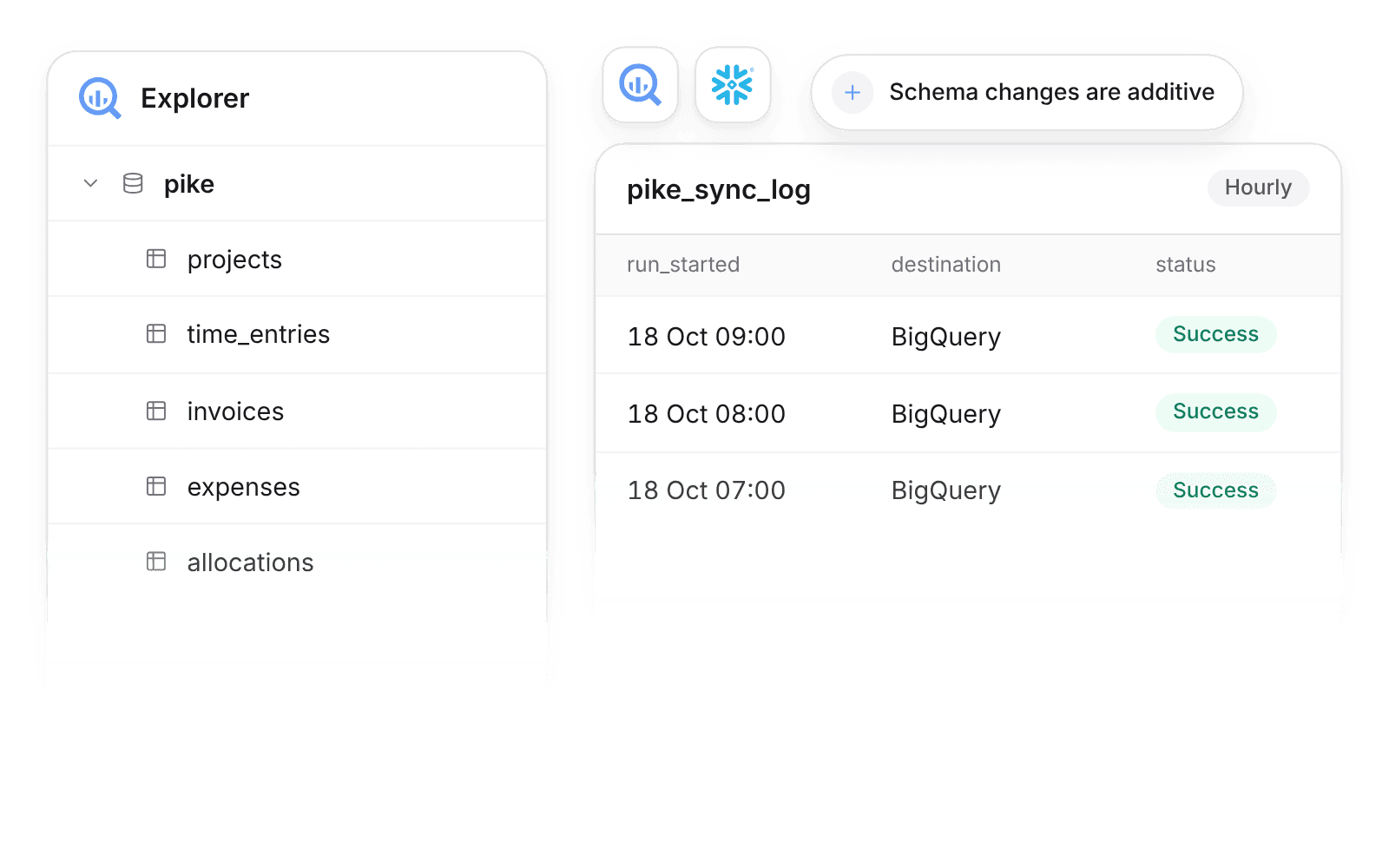
Sync projects, time, and invoices to BigQuery or Snowflake every hour.

At a glance
- Destinations
- BigQuery with a service account, Snowflake with a key-pair user.
- Who sets it up
- Workspace admins.
- Schedule
- Every hour, into a schema named `pike`.
- Plan
- Scale
- Documentation
- Data warehouse sync docs
What syncs between Data warehouse sync and Pike
| Area | Tables in the pike schema |
|---|---|
| Delivery | Projects, phases, tasks, allocations |
| Time and people | Time entries, members, teams, time off |
| Revenue and cost | Customers, deals, invoices, expenses |
| Sync history | `pike_sync_log`, one row per run |
Schema changes are additive: Pike adds tables and columns and does not drop them.
Set up and use Data warehouse sync
Connect
- 1.Go to Workspace settings → Integrations → Data warehouse sync and click Add integration.
- 2.Choose BigQuery and connect a service account, or Snowflake and connect a key-pair user.
- 3.Pike creates the `pike` schema and syncs every hour.
How to use it in your business
- Model margin in SQL. Join Pike time, cost, and invoices with your ERP and CRM tables to build one margin model.
- Monitor freshness. The `pike_sync_log` table records each run, so data teams alert on a missed sync.
Limits
- Destinations are Google BigQuery and Snowflake.
- The sync runs every hour.
- Pike writes to the `pike` schema only.
Setup steps and field mappings: Data warehouse sync docs.
Data warehouse sync integration questions

See Pike and Data warehouse sync working together on your data.
 ISO 27001
 GDPR
 SOC 2 Type II
Built to keep sensitive client data secure and private.