


Pike and
Loom
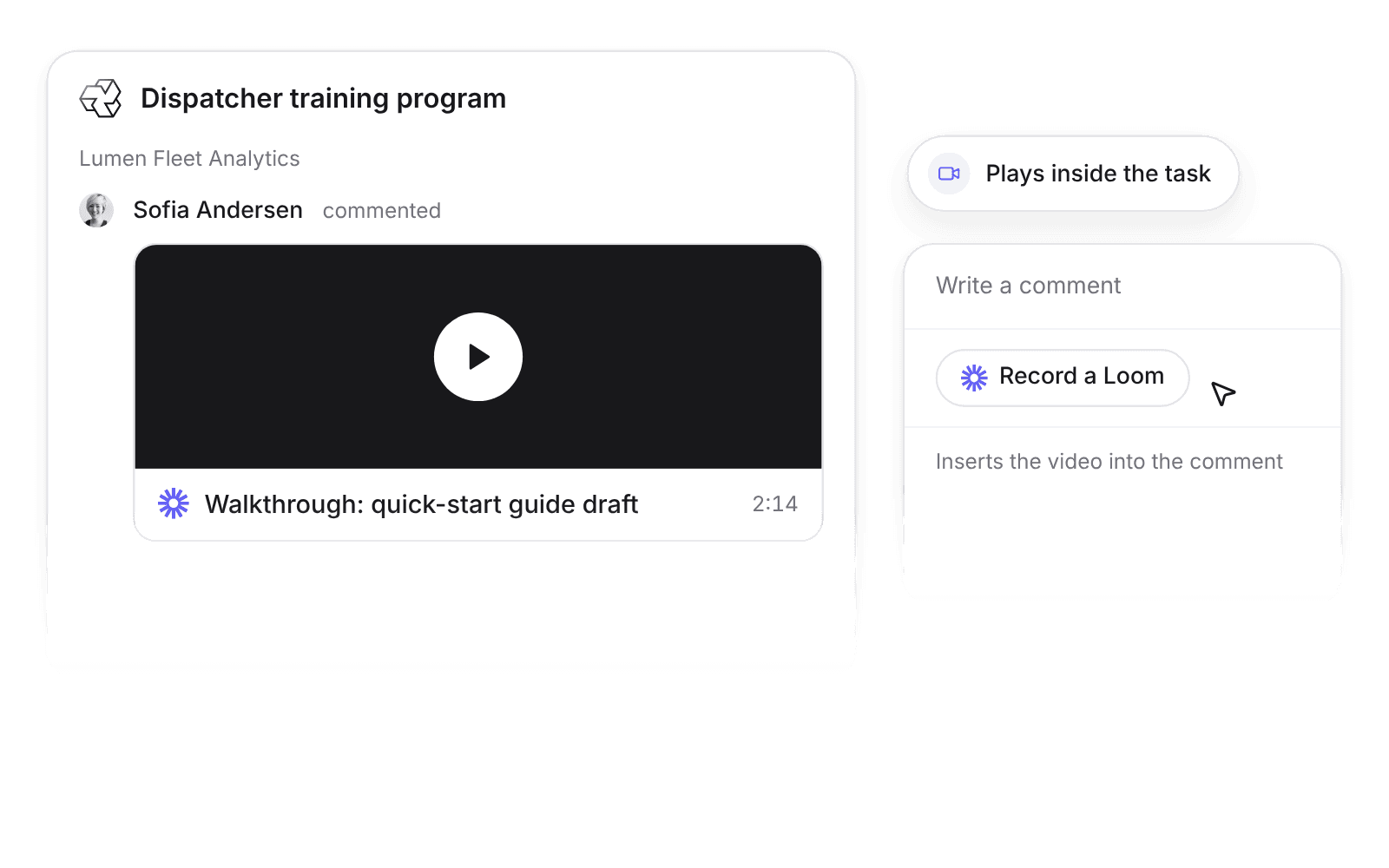
Watch Loom videos on the task, and record new ones from the comment box.

At a glance
- Direction
- Loom to Pike, as embeds.
- Who sets it up
- An admin connects Loom. Members who record connect their own account.
- Permissions
- Playback respects the Loom video's sharing settings.
- Plan
- All plans
- Documentation
- Loom docs
What syncs between Loom and Pike
| Loom | Pike |
|---|---|
| Loom link | Playable video with title and duration |
| Record a Loom | Records from the comment box and inserts the video |
Set up and use Loom
Connect
- 1.Go to Workspace settings → Integrations → Loom and click Add integration.
- 2.To record, each member connects their Loom account under Settings → Connections.
- 3.Paste a Loom link into a task, or click Record a Loom in the comment box.
How to use it in your business
- Explain work in fewer meetings. A two-minute Loom on the task replaces a status call, which keeps non-billable meeting time down.
- Keep client feedback with the work. Client walkthroughs play on the task, so the team acts on feedback without hunting for links.
Limits
- Playback respects the Loom video's sharing settings.
- Recording needs the member’s personal Loom connection.
Setup steps and field mappings: Loom docs.
Loom integration questions

See Pike and Loom working together on your data.
 ISO 27001
 GDPR
 SOC 2 Type II
Built to keep sensitive client data secure and private.