


Pike and
Microsoft Teams
Get Pike notifications in Teams, turn messages into tasks, and log time.

At a glance
- Setup
- Admin connects the tenant. Each member connects a profile.
- Works in
- Chats and channels, on desktop, web, and mobile.
- Documentation
- Microsoft Teams docs
What syncs between Microsoft Teams and Pike
| In Teams | What it does |
|---|---|
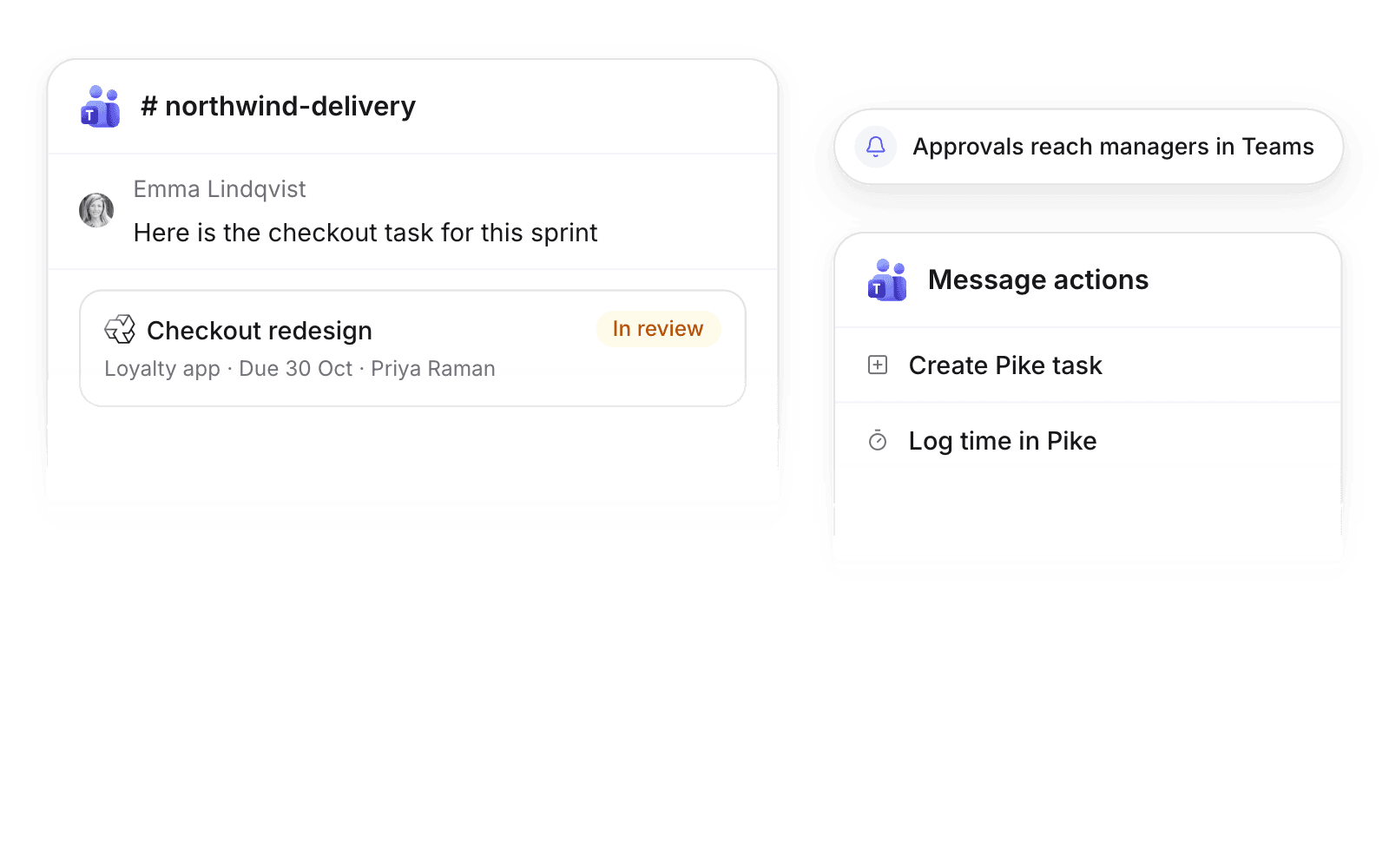
| Pike app chat | Notifications for assignments, mentions, approvals, and followed work |
| Task link in a chat or channel | Card with status, assignees, dates, and actions |
| Create Pike task on a message | Task prefilled from the message |
| Log time in the message box | Time entry on one of your tasks |
Set up and use Microsoft Teams
Connect
- 1.Go to Workspace settings → Integrations → Microsoft Teams. Grant consent for your tenant.
- 2.Each member connects their profile under Settings → Connections.
How to use it in your business
- Turn requests into tasks. A client request in a channel becomes a Pike task in one action.
- Log time where the work happens. Timesheets fill during the week, not on Friday afternoon.
Limits
- One Pike workspace connects to one Microsoft 365 tenant.
- Members act with their own Pike permissions only.
Setup steps and field mappings: Microsoft Teams docs.
Microsoft Teams integration questions
Does Pike integrate with Microsoft Teams?
Yes. The Pike app for Teams sends notifications, expands task links into cards, and creates tasks and logs time from Teams.
Can I create a Pike task from a Teams message?
Yes. Use Create Pike task in the message actions. The task is prefilled from the message.

See Pike and Microsoft Teams working together on your data.
 ISO 27001
 GDPR
 SOC 2 Type II
Built to keep sensitive client data secure and private.