

HR and payroll integration
Pike for Rippling
provisioning and payroll hours
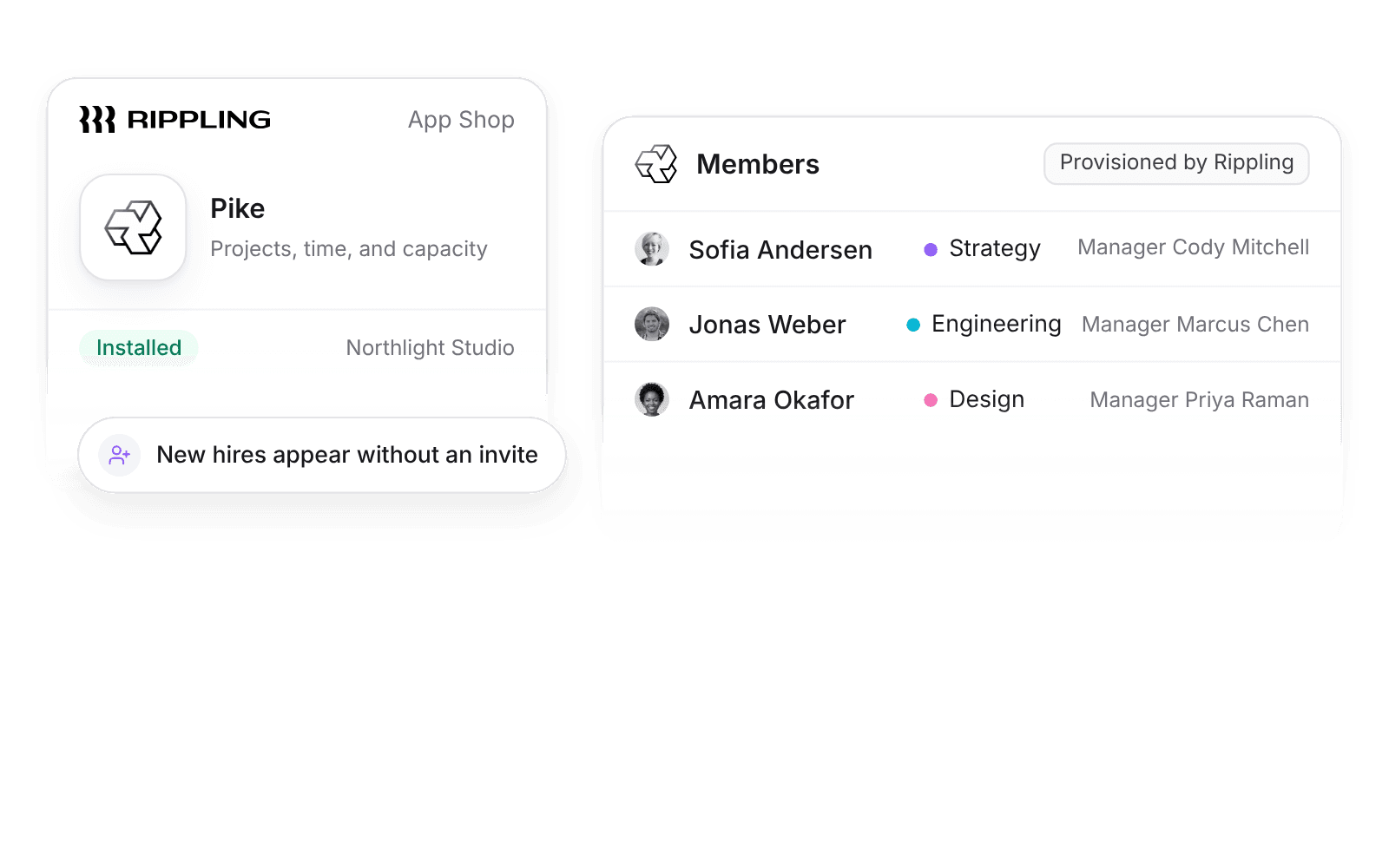
Pike integrates with Rippling: Rippling creates, updates, and deactivates Pike members, syncs departments, managers, and approved leave, and approved Pike hours for hourly employees can post to Rippling payroll. New hires appear in Pike without a manual invite.
Last updated · Read as Markdown

At a glance
- Direction
- Rippling to Pike for people and leave. Pike to Rippling for hourly employees’ hours, when Send hours to payroll is on.
- Who sets it up
- A Rippling admin installs the Pike app from the Rippling App Shop.
- Source of truth
- Rippling, for person fields.
- Plan
- All plans
- Documentation
- Rippling docs
What syncs between Rippling and Pike
| Rippling | Pike | Direction |
|---|---|---|
| Employees | Members, created, updated, and deactivated | Rippling to Pike |
| Departments and groups | Teams | Rippling to Pike |
| Managers | Managers | Rippling to Pike |
| Approved leave | Time off | Rippling to Pike |
| Payroll hours | Approved time for hourly employees | Pike to Rippling, when Send hours to payroll is on |
Approved time off creates Pike time off of the mapped type (defaults: vacation to Vacation, sick to Sick, parental to Parental, others to Vacation). That removes those hours from capacity, so allocations and utilization stay correct. Pending or rejected requests do not sync.
Sync compensation to cost profiles is off by default, and only admins and finance users can turn it on. When on, salary and pay period set the member’s cost profile, with the effective date from the HR system.
How to connect Rippling
- 1.In Rippling, open the App Shop and find Pike.
- 2.Install the Pike app and follow the prompts to connect your Pike workspace.
- 3.Turn on Send hours to payroll in Pike when you want approved hours sent.
Full setup steps and field mappings are in the Rippling integration docs.
How agencies use Pike with Rippling
- Onboard and offboard in one place. Rippling creates and deactivates Pike members, so leavers are deactivated in Pike when HR offboards them, and their history stays.
- Keep teams and managers current. Groups map to Pike teams, so utilization by team follows the org chart without admin work.
- Pay hourly staff from approved time. Approved Pike hours post to Rippling payroll, so payroll and billing use the same hours.
Limits to know before you connect
- Salaried employees' hours are not sent.
- Pike does not run payroll.
- Rippling connects from the Rippling App Shop, not from Pike.
Rippling integration questions
Does Pike integrate with Rippling?
Yes. Install the Pike app from the Rippling App Shop, and Rippling provisions Pike members and syncs departments, managers, and approved leave.
Can Rippling deactivate Pike users?
Yes. Rippling creates, updates, and deactivates Pike members, and a deactivated member keeps their history.
Can I send Pike hours to Rippling payroll?
Yes. With Send hours to payroll on, approved Pike hours for hourly employees post to Rippling payroll.

See Pike and Rippling working together on your data.
 ISO 27001
 GDPR
GDPR SOC 2 Type II
Built to keep sensitive client data secure and private.