

Identity and access integration
Pike single sign-on and SCIM
access from your identity provider
Pike integrates with your identity provider: single sign-on with SAML 2.0 or OpenID Connect works with Okta, Microsoft Entra ID, Google Workspace, OneLogin, JumpCloud, and any SAML or OIDC provider, and SCIM 2.0 creates, updates, and deactivates Pike members and teams. Both are on the Enterprise plan.
Last updated · Read as Markdown

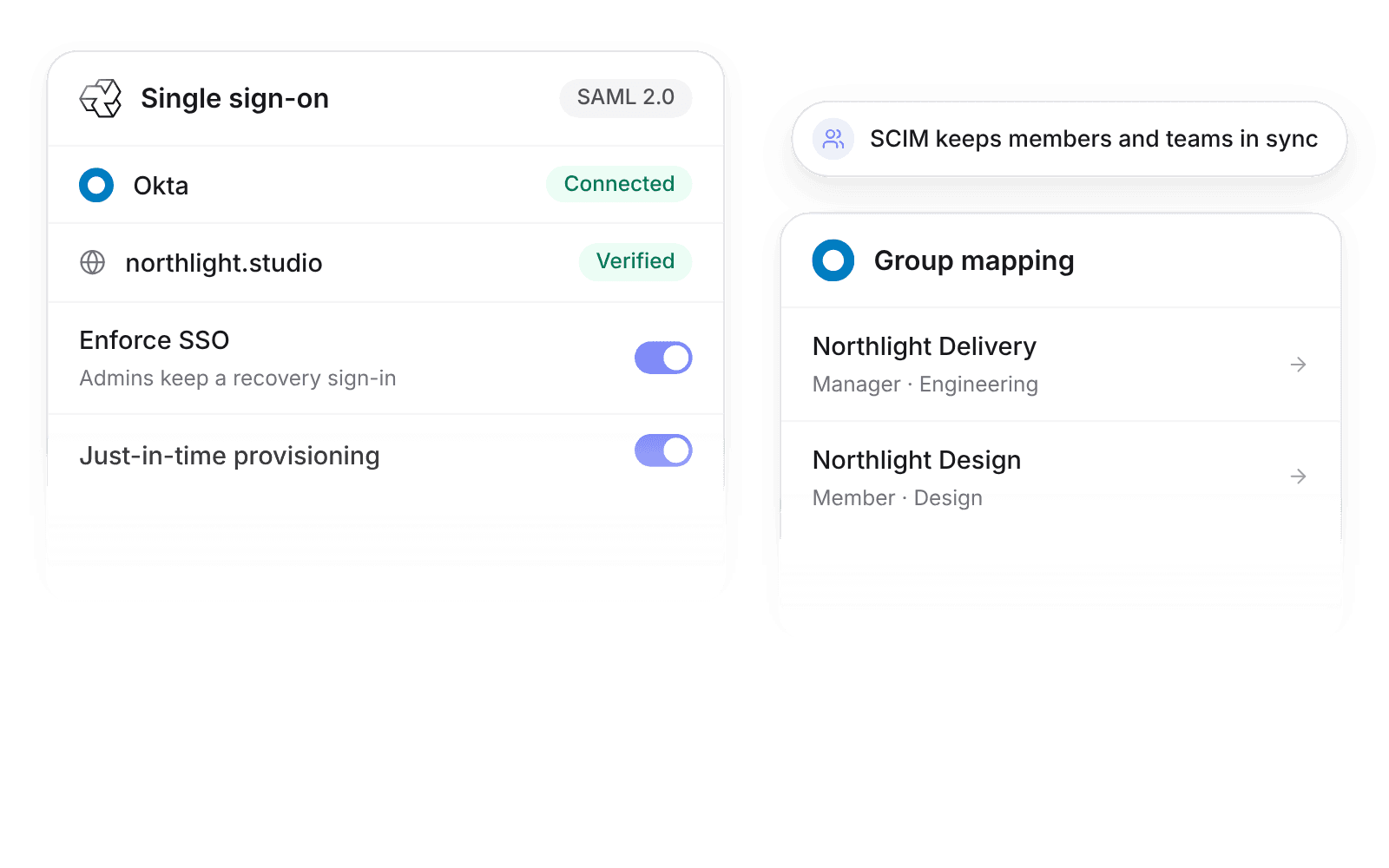
At a glance
- Identity providers
- Okta, Microsoft Entra ID, Google Workspace, OneLogin, JumpCloud, and any SAML 2.0 or OIDC provider. SCIM works with Okta, Entra ID, OneLogin, and JumpCloud.
- Who sets it up
- Workspace admins.
- Source of truth
- Your identity provider, for sign-in and for provisioned name, email, and title.
- Plan
- Enterprise
- Documentation
- Single sign-on docs and SCIM docs
What syncs between Single sign-on and SCIM and Pike
| Capability | What it does |
|---|---|
| Single sign-on | SAML 2.0 or OpenID Connect. SP-initiated and IdP-initiated sign-in |
| Domains | Verify one or more email domains by DNS TXT record |
| Enforce SSO | Members with a verified domain must sign in through the identity provider. Workspace admins keep a recovery sign-in |
| Just-in-time provisioning | Creates a member on first sign-in, with the default role the admin sets |
| Group mapping | Identity provider groups map to Pike roles and teams |
| SCIM users | Create, update (name, email, title to position), and deactivate members. Deactivation keeps history |
| SCIM groups | Groups become Pike teams, with optional group-to-role mapping |
The SCIM token is created under Workspace settings → Security and shown once.
How to connect Single sign-on and SCIM
- 1.Go to Workspace settings → Integrations → Single sign-on and choose SAML 2.0 or OpenID Connect.
- 2.Verify your email domains with a DNS TXT record, and set up the Pike app in your identity provider.
- 3.For SCIM, create a token under Workspace settings → Security and paste it into your identity provider.
Full setup steps and field mappings are in the Single sign-on integration docs and SCIM integration docs.
How agencies use Pike with Single sign-on and SCIM
- Offboard in one step. Deactivating someone in the identity provider deactivates them in Pike through SCIM, and their logged time and history stay for reporting.
- Give new staff the right access on day one. Group mapping sets the Pike role and team, so a new project manager sees the right projects without an admin ticket.
- Pass security reviews. Enforce SSO for every verified domain, so client security questionnaires get a clear yes on centralized sign-in.
Limits to know before you connect
- Single sign-on and SCIM are available on the Enterprise plan.
- SCIM works with Okta, Microsoft Entra ID, OneLogin, and JumpCloud.
- Pike shows the SCIM token once. Create a new token if you lose it.
Single sign-on and SCIM integration questions
Does Pike support SAML single sign-on?
Yes. Pike single sign-on supports SAML 2.0 and OpenID Connect with Okta, Microsoft Entra ID, Google Workspace, OneLogin, JumpCloud, and any SAML or OIDC provider.
Does Pike support SCIM provisioning?
Yes. Pike SCIM 2.0 provisioning works with Okta, Microsoft Entra ID, OneLogin, and JumpCloud, and creates, updates, and deactivates members and teams.
Can I enforce SSO for everyone in Pike?
Yes. With Enforce SSO on, members with a verified domain must sign in through the identity provider, and workspace admins keep a recovery sign-in.
Which Pike plan includes SSO and SCIM?
Pike single sign-on and SCIM provisioning are available on the Enterprise plan.

See Pike and Single sign-on and SCIM working together on your data.
 ISO 27001
 GDPR
GDPR SOC 2 Type II
Built to keep sensitive client data secure and private.