

Time tracker migration integration
Pike for Toggl Track
bring your hours with you
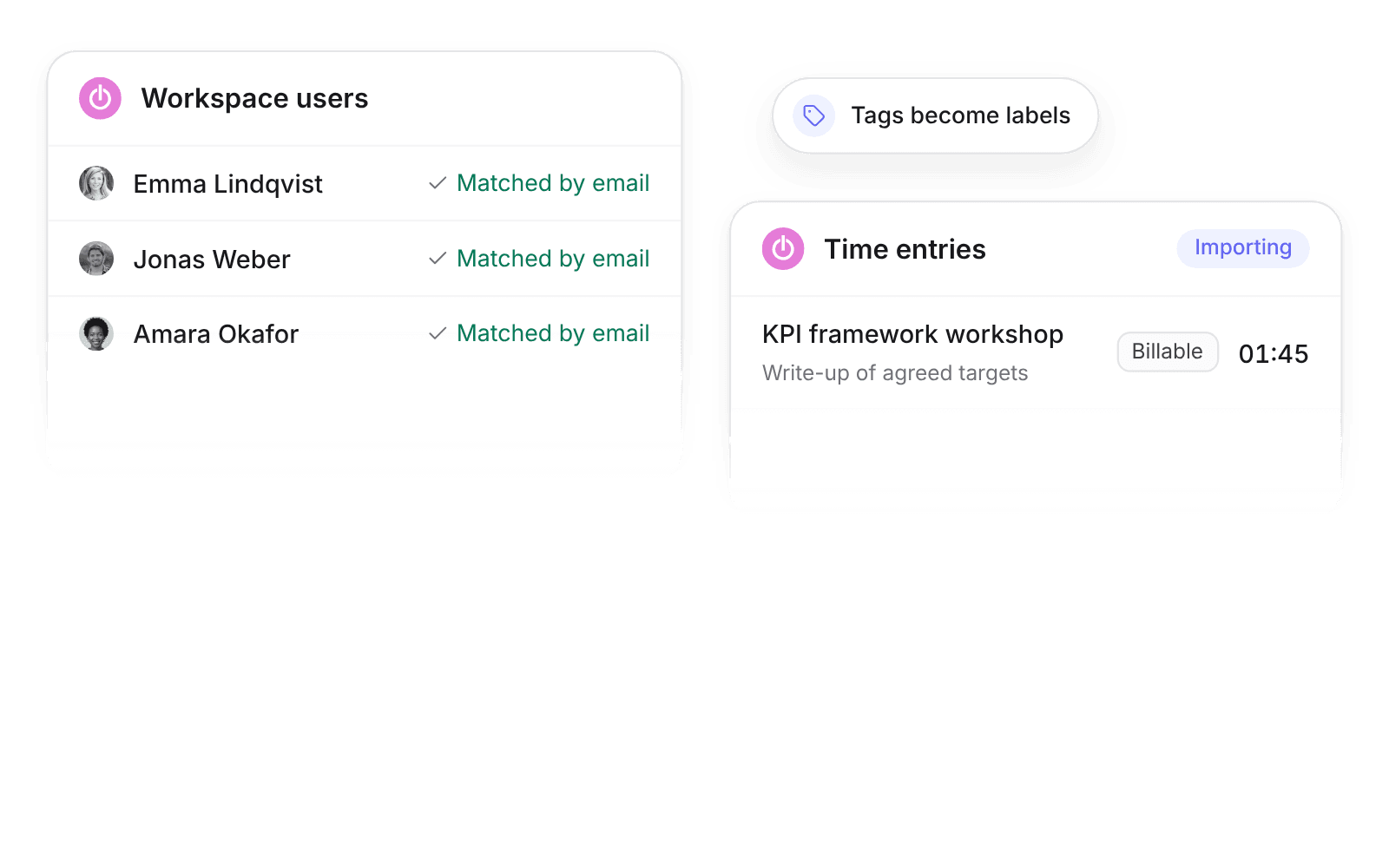
Pike integrates with Toggl Track: clients, projects, tags, workspace users, and time entries with description and billable flag import into Pike, with optional daily sync while your team switches over. Historical hours come with you, so utilization reports start with real data.
Last updated · Read as Markdown

At a glance
- Direction
- Toggl Track to Pike. Pike does not write to Toggl Track.
- Who sets it up
- A workspace admin, with a Toggl Track API token.
- Daily sync
- Optional.
- Plan
- All plans
- Documentation
- Toggl Track docs
What syncs between Toggl Track and Pike
| Toggl Track | Pike | Notes |
|---|---|---|
| Clients | Customers | |
| Projects | Projects | |
| Tags | Labels | |
| Workspace users | Members | Matched by email |
| Time entries | Time entries | With description and billable flag |
How to connect Toggl Track
- 1.Go to Workspace settings → Integrations → Toggl Track and click Add integration.
- 2.Enter your Toggl Track API token.
- 3.Click Import data, and turn on Daily sync if you want new time imported each day.
Full setup steps and field mappings are in the Toggl Track integration docs.
How agencies use Pike with Toggl Track
- Keep your utilization history. Past time entries with billable flags import, so utilization trends do not reset when you switch.
- Move tags into labels. Toggl tags become Pike labels, so existing reporting cuts still work.
- Add what Toggl Track does not track. After import, set budgets, rates, and allocations in Pike to see margin and capacity on the same hours.
Limits to know before you connect
- Pike does not write to Toggl Track.
- Rates and budgets do not import. Set them in Pike.
Toggl Track integration questions
Can I import Toggl Track data into Pike?
Yes. The Toggl Track integration imports clients, projects, tags, workspace users, and time entries with description and billable flag.
How do I connect Toggl Track to Pike?
Connect Toggl Track under Workspace settings, Integrations, with your Toggl Track API token.
Does Pike keep syncing Toggl Track after the import?
Pike keeps syncing Toggl Track only when Daily sync is on. With Daily sync on, Pike imports new Toggl Track time entries every day.
See Pike and Toggl Track working together on your data.
 ISO 27001
 GDPR
GDPR SOC 2 Type II
Built to keep sensitive client data secure and private.