


Pike and
GoCardless
Set up direct debit with GoCardless, and collect retainer invoices on the due date.

At a glance
- Direction
- GoCardless to Pike for payment status, in real time.
- Who sets it up
- Workspace admins.
- Best for
- Retainers and recurring invoices.
- Plan
- All plans
- Documentation
- GoCardless docs
What syncs between GoCardless and Pike
| GoCardless | Pike |
|---|---|
| Mandate | Active mandate shown on the customer |
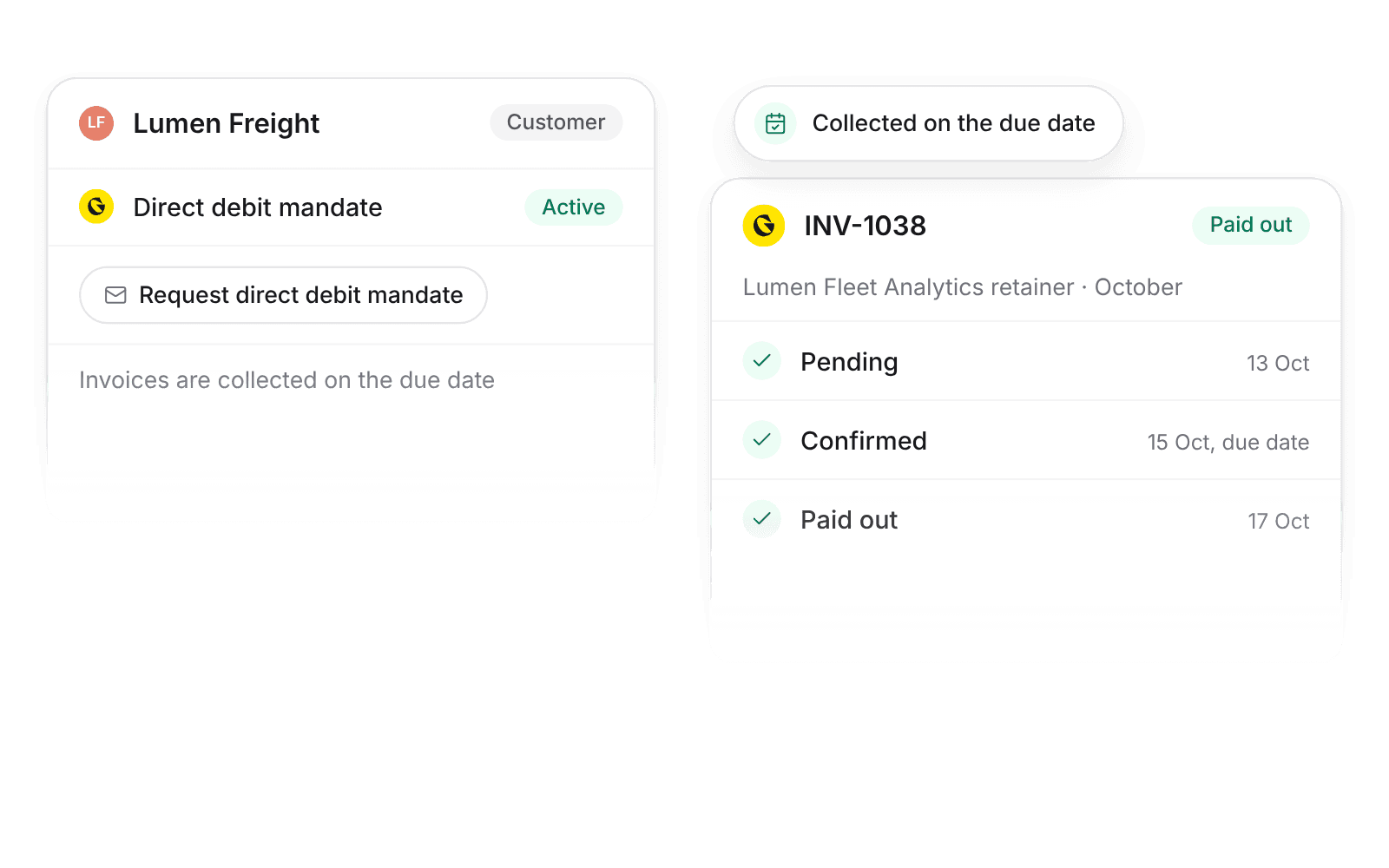
| Pending, confirmed, paid out | Invoice payment status |
| Failed payment | Invoice flagged, and the invoice owner notified |
Request direct debit mandate on a customer page emails them a GoCardless mandate link. Active mandates collect invoices on the due date.
Set up and use GoCardless
Connect
- 1.Go to Workspace settings → Integrations → GoCardless, click Add integration, and authorize your GoCardless account.
- 2.Open a customer and click Request direct debit mandate.
- 3.Once the mandate is active, send invoices as usual. Pike collects them on the due date.
How to use it in your business
- Collect retainers without reminders. Monthly retainer invoices are collected on the due date, so cash arrives on schedule.
- Catch failed payments the same day. A failed collection flags the invoice and notifies its owner, so follow-up starts early.
Limits
- One GoCardless account per workspace.
- Only currencies and schemes that GoCardless supports.
Setup steps and field mappings: GoCardless docs.
GoCardless integration questions

See Pike and GoCardless working together on your data.
 ISO 27001
 GDPR
 SOC 2 Type II
Built to keep sensitive client data secure and private.