

Best resource utilization software
 Rebecca Shaw
By Rebecca Shaw
Content Writer at Pike
Share

"Our creative agency uses five different tools for projects, time tracking, and billing. What all-in-one platforms can consolidate everything and give us immediate profit insights per project?" That question comes up constantly once a design or branding shop grows past the point where a shared drive and a project tracker can hold the work together. Project management software for a creative agency has a harder job than for most professional services firms: it has to track a deliverable through draft, internal critique, and client review rounds without losing which version is current, staff designers, writers, and developers across overlapping client work by discipline rather than just by name, and still show whether the project made money once it ships.
This guide compares the nine tools creative agencies shortlist most often in 2026. For each one: how it handles review-heavy creative work, how it staffs a mixed-discipline team, and what it costs.
See your projects, staffing by discipline, and margin in one place. Book a 15-minute walkthrough.
Creative agency work does not move through a tool the way a generic task list assumes. A logo concept, a website build, or a video edit is not one task marked done or not done, it is a sequence of drafts, internal critique, and client-facing review rounds, and losing track of which round is current is how a launch date slips or a client approves the wrong file. A generic board tool treats a deliverable as a single card; creative work needs the card to carry its version history and review status without someone reconstructing it from an email thread.
The second gap is staffing. A marketing agency mostly needs to know who is free; a creative agency needs to know who is free and qualified, because a senior designer and a junior developer are not interchangeable on a brief that needs both. Software built around named allocation rather than skill and discipline hides that mismatch until the wrong person is already booked. For the broader category this sits inside, see our PSA software guide.
If your shop runs mostly recurring content or paid-media retainers rather than project-based creative briefs, the split of needs looks different, our guide to project management software for marketing agencies covers that case.
Review tracking that survives more than one round. A deliverable should carry its version and review status in the tool itself, not in a separate file-sharing link pasted into a comment. If "which file is current" is a daily question, the tool is not doing this job.
Staffing by discipline and skill, not just by name. A brief needing a designer, a copywriter, and a developer should show who's free in each of those roles, not just who's free in general. Our guide to resource scheduling software covers this need in more depth for agencies scheduling by role across concurrent client work.
Project cost and margin visible by discipline. A rebrand with heavy senior-design hours costs differently than one leaning on junior production time. Software that only shows an aggregate project cost hides which type of work is actually profitable.
Client-facing review that doesn't require a separate tool. Account and project leads lose real hours chasing feedback across email and file-sharing links. A client who can leave a comment on the deliverable directly, inside the same system tracking the project, removes a manual relay step.
Billing that fits a mixed roster. Creative agencies commonly run a mix of fixed-fee projects, time-and-materials work, and ongoing design retainers. A tool built around one billing model forces the other two into a workaround.
Prices are each vendor's published list price in 2026. Kantata and Accelo quote through their sales teams, so the table says contact sales for those two.
| Tool | Best for | Starting price | Core PM feature for creative agencies |
|---|---|---|---|
| Pike | Agencies mixing fixed-fee, T&M, and retainer creative work | From $29/user/month | Projects staged by concept/draft/revision/delivery, tied to margin by discipline |
| Kantata | Agencies staffing briefs by role and skill | Contact sales | Role and skill-based staffing tied to project accounting |
| Teamwork | Client-facing review and approval | $10.99/user/month | Client project portal for reviewing deliverables directly |
| Asana | Structured brief intake and review stages | $10.99/person/month annually | Intake forms plus custom fields and rules for review stages |
| Productive | Agencies under 100 people | $10/user/month | Design engagement converts to an invoice with minimal setup |
| Scoro | Quote-scoped creative projects | $19.90/user/month | Project cost tracked line by line against the original quote |
| Accelo | Retainer-heavy design shops | Contact sales | Quote-to-cash workflow with native retainer invoicing |
| BigTime | Finance-first shops tracking cost by role | $20/person/month | Staffing tied to billable-hour heatmaps and real per-role cost rates |
| Rocketlane | Large rebrand or campaign-launch engagements | $69/user/month | AI drafts a project kickoff plan from the signed SOW |
Best for: creative agencies mixing fixed-fee projects, time-and-materials work, and design retainers who need discipline-level cost visible alongside delivery.
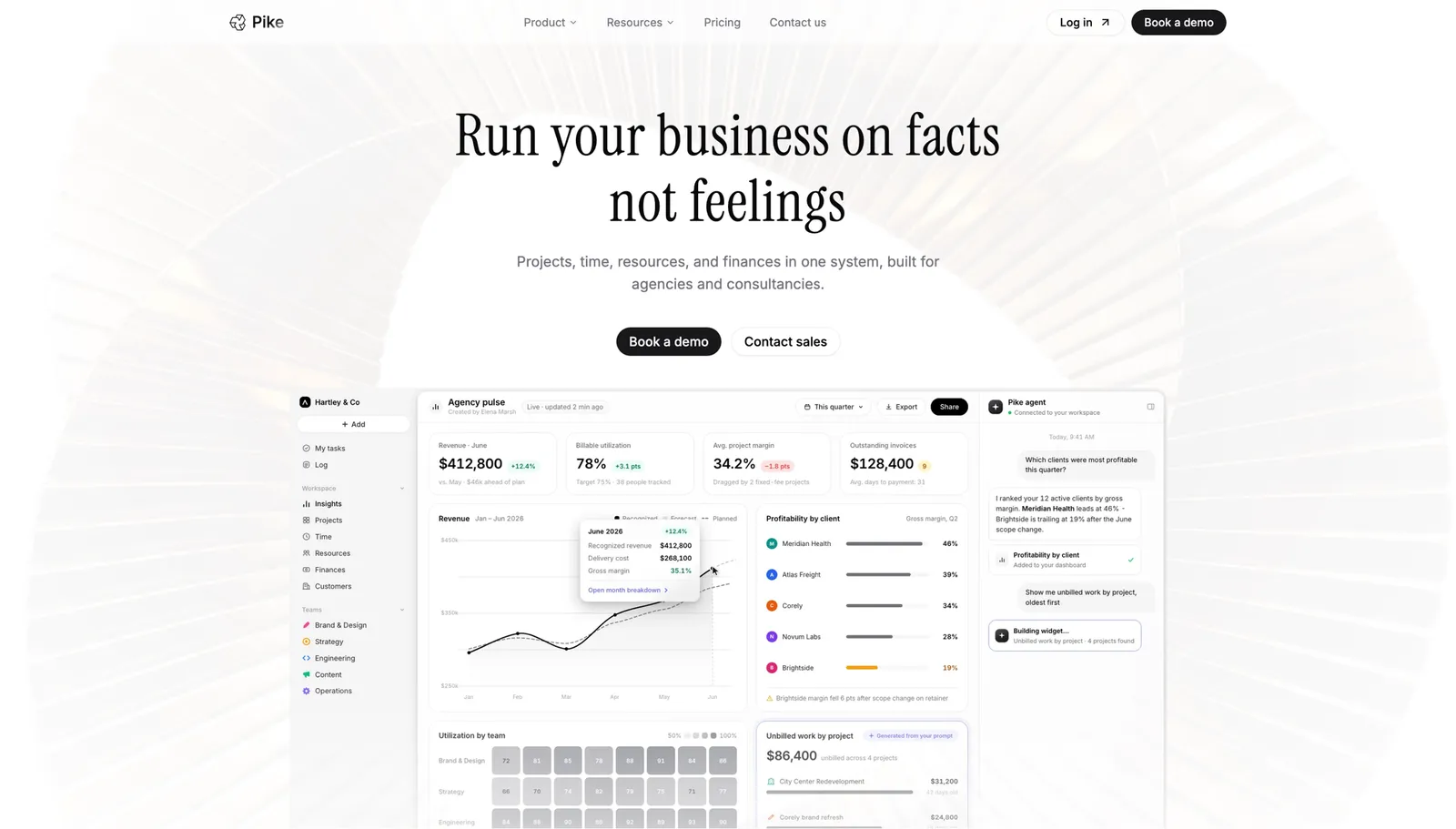
Pike structures a creative engagement as a project with milestones and phases (concept, draft, revision, delivery), shown as a board, list, or timeline depending on who's looking at it. Comments and mentions stay attached to the specific task or deliverable, so a round of client feedback doesn't end up scattered across email. Because logged time flows straight into the project budget, a lead can see whether a brief's senior-design hours are eating the margin before the invoice goes out. Pike runs 4 billing models (fixed-price, time-and-materials, capped T&M, and retainer) natively, which fits a client roster that mixes project work and ongoing retainers. It's in production at teams including Outerkind, McElroy Architecture, e&enterprise, WPP, and Veolia.
Pros
Cons
Pricing: Pike publishes plans starting at $29 per user per month (Core, billed annually; $35 monthly), with Growth at $49 and Scale at $99 per user per month, plus a custom Enterprise tier. See pricing or book a walkthrough.
Best for: larger creative agencies that need to staff a brief by role and skill, not just by who happens to be free.
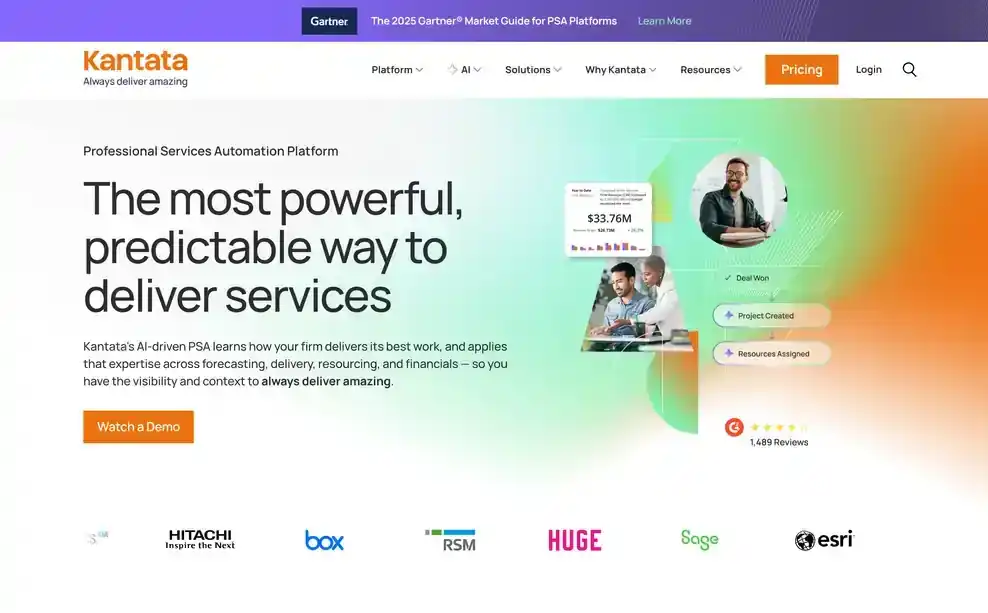
Kantata matches people to a brief using role and skill data rather than name-based scheduling, then ties the resulting staffing plan to project accounting so a staffing decision shows its budget impact immediately. That matters more for a creative shop than most: a brief needing a senior designer, a copywriter, and a front-end developer is a skill-matching problem before it's a scheduling one, and Kantata is built around exactly that distinction.
Pros
Cons
Pricing: Kantata does not publish standard pricing. Contact its sales team for a custom quote. See Kantata vs Pike.
Best for: creative agencies where client review and approval on deliverables is the daily bottleneck.
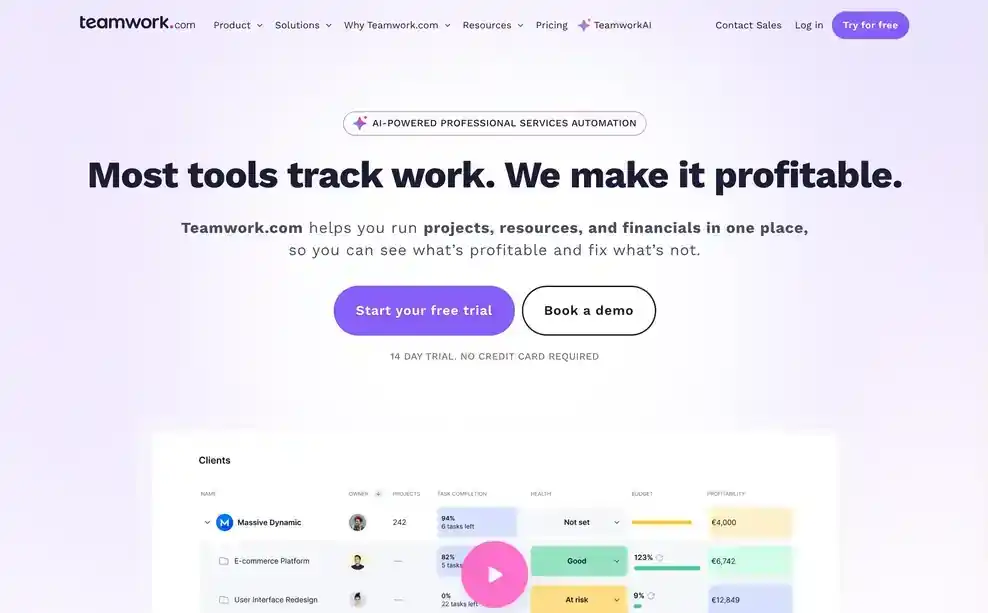
Teamwork's client-facing project portal solves the specific problem creative work runs into constantly: a client needs to see and comment on a deliverable without a separate file-sharing tool or an email chain that loses track of which draft is current. More than 150 integrations connect Teamwork to the rest of an agency's stack, so review status doesn't live only inside one tool.
Pros
Cons
Pricing: Contact Teamwork for pricing that includes the client portal features. See Teamwork vs Pike.
Best for: creative agencies that want a structured brief-intake process feeding directly into review stages.
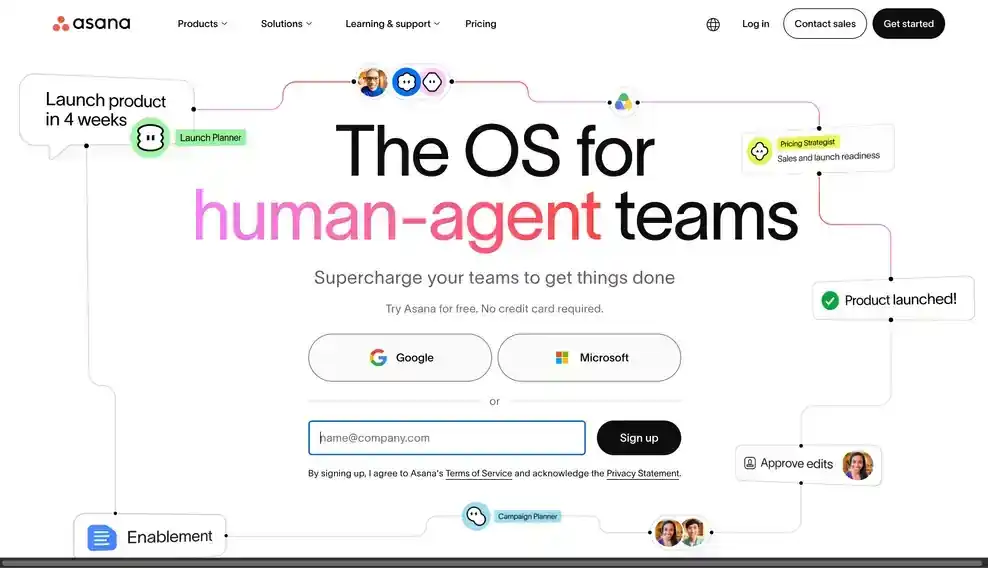
Asana's forms turn a creative brief request into a structured intake instead of an email with an attachment, and custom fields can carry a deliverable's review stage (draft, internal review, client review, approved) so a busy team can see where a file sits without asking. It's a familiar starting point for a small creative team that hasn't outgrown a generic board tool yet.
Pros
Cons
Pricing: Plans with basic reporting start at $10.99 per person per month billed annually. See Asana vs Pike.
Best for: creative shops under 100 people that want a design engagement to become an invoice without a heavy rollout.
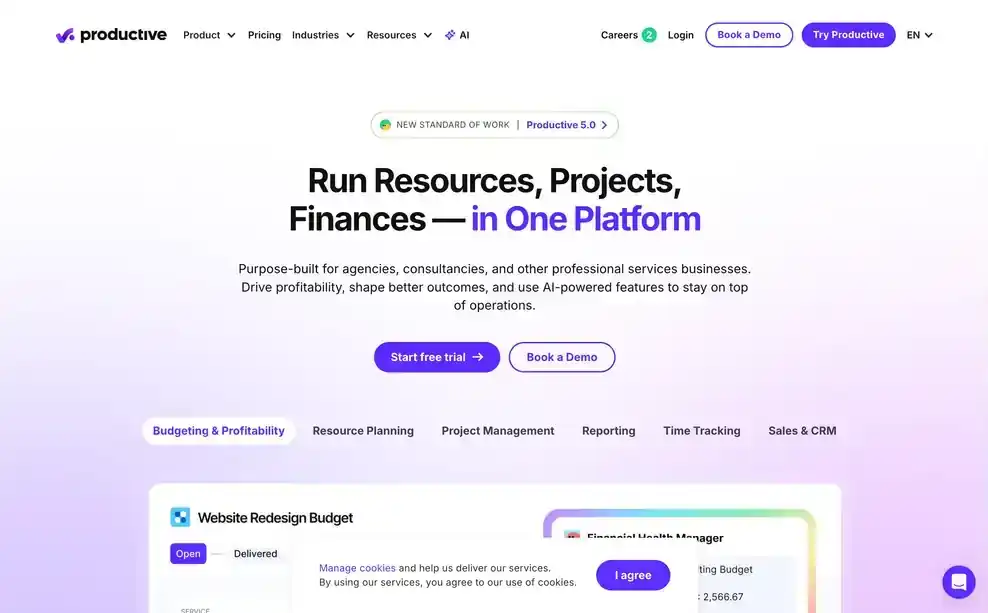
Productive keeps the path from a logged design hour to an invoice short, which matters for a small studio where the creative director, not a dedicated finance team, is often the one sending the bill. Scheduling accounts for booked time off automatically, so a project plan doesn't silently assume a designer is available when they're on leave.
Pros
Cons
Pricing: from $10 per user per month. See Productive vs Pike.
Best for: creative agencies that scope a project against a fixed quote and want every cost traced back to it.
Scoro ties a project to the quote it was sold against, then checks logged time and expenses against those original line items as the work happens. For a shop that scopes work as fixed packages (a brand identity project at a set fee, for example), that traceability means the client invoice maps directly to what was agreed rather than an aggregate number that needs explaining.
Pros
Cons
Pricing: from $19.90 per user per month. See Scoro vs Pike.
Best for: design shops running ongoing creative retainers that want quote-to-cash billing without a separate recurring-billing workaround.

Accelo runs the full cycle from proposal to invoice in one workflow, and its retainer handling fits a creative shop with ongoing design-retainer clients specifically: usage against a monthly allowance, automatic overage billing, and renewal invoicing all happen inside the platform. For a studio where retainer clients make up a meaningful share of revenue, that removes a monthly billing scramble.
Pros
Cons
Pricing: Accelo does not publish pricing. Contact its sales team for a quote. See Accelo vs Pike.
Best for: finance-first creative agencies that want staffing tied directly to real per-role cost rates.
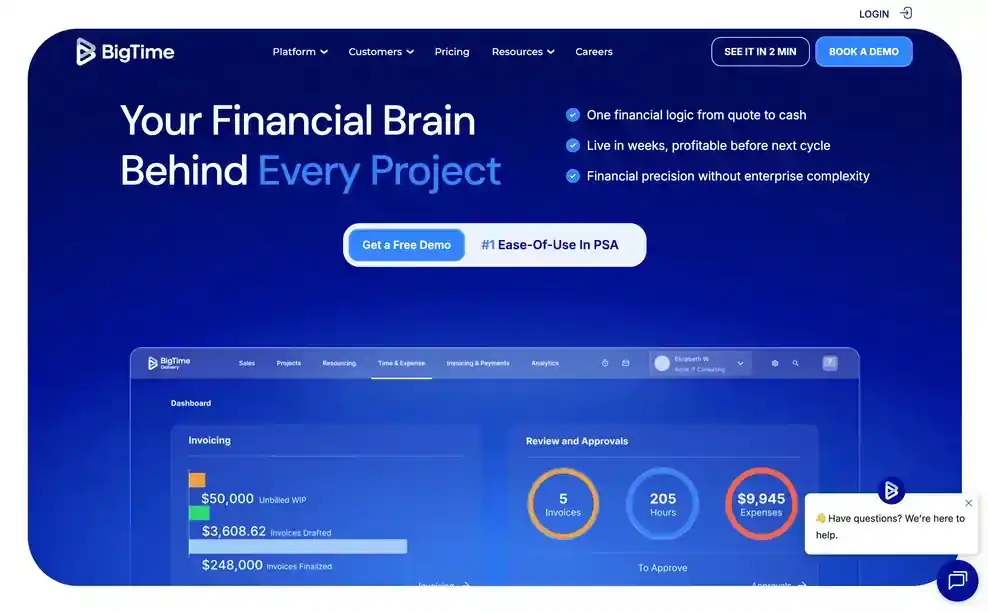
BigTime's colour-coded heatmaps show scheduled and booked hours side by side, so an overbooked week is visible at a glance. Each time entry carries the person's real cost rate, which matters when a project mixes senior creative direction and junior production time, since an average rate would misstate the true cost of the mix.
Pros
Cons
Pricing: BigTime starts at $20 per person per month. Check which tier carries the heatmaps before you buy.
Best for: creative agencies running large, formally scoped engagements like a full rebrand or a multi-phase campaign launch.
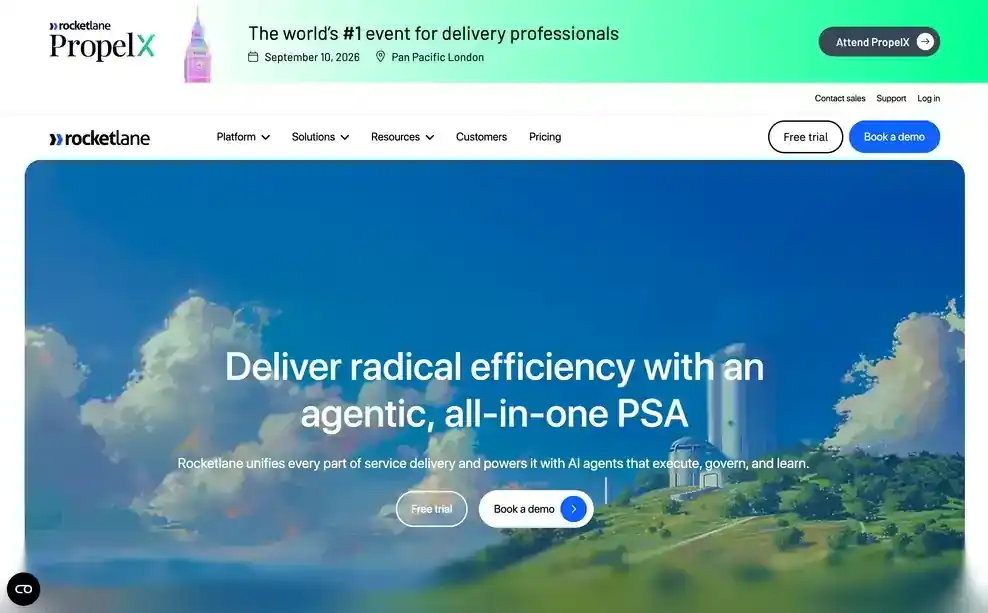
Rocketlane's AI reads a signed statement of work and builds a kickoff plan and billing baseline directly from it, which suits an agency running the same large-engagement motion repeatedly (a rebrand, a website relaunch) and wanting each one set up the same way. It's a narrower fit for smaller, ongoing creative work without a formal SOW behind each project.
Pros
Cons
Pricing: from $69 per user per month.
Creative agencies choose Pike because a project's structure, the people staffed to it, and its margin sit in one system instead of three. A brief runs as a project with whichever view a team wants (board, list, or timeline), and because projects, resourcing, and finance sit in that same system, a lead can see whether a brief's senior-design hours are running ahead of budget while the work is still live, not after the invoice goes out. For the broader agency-software category this sits inside, see our PSA software guide.
See your projects, staffing by discipline, and margin in one place. Book a 15-minute walkthrough.
We assessed each platform against the five areas above: review-round tracking, discipline and skill-based staffing, project cost and margin visibility, client-facing review, and billing flexibility, along with fit for creative agencies and design studios specifically.
Feature and pricing details come from each vendor's public pages, and unpublished prices are marked contact sales. Every write-up includes at least one limitation that matters to a creative team.
Share
More in the same topic
 ISO 27001
 GDPR
 SOC 2 Type II
Built to keep sensitive client data secure and private.